Tree-sitter, all the way down
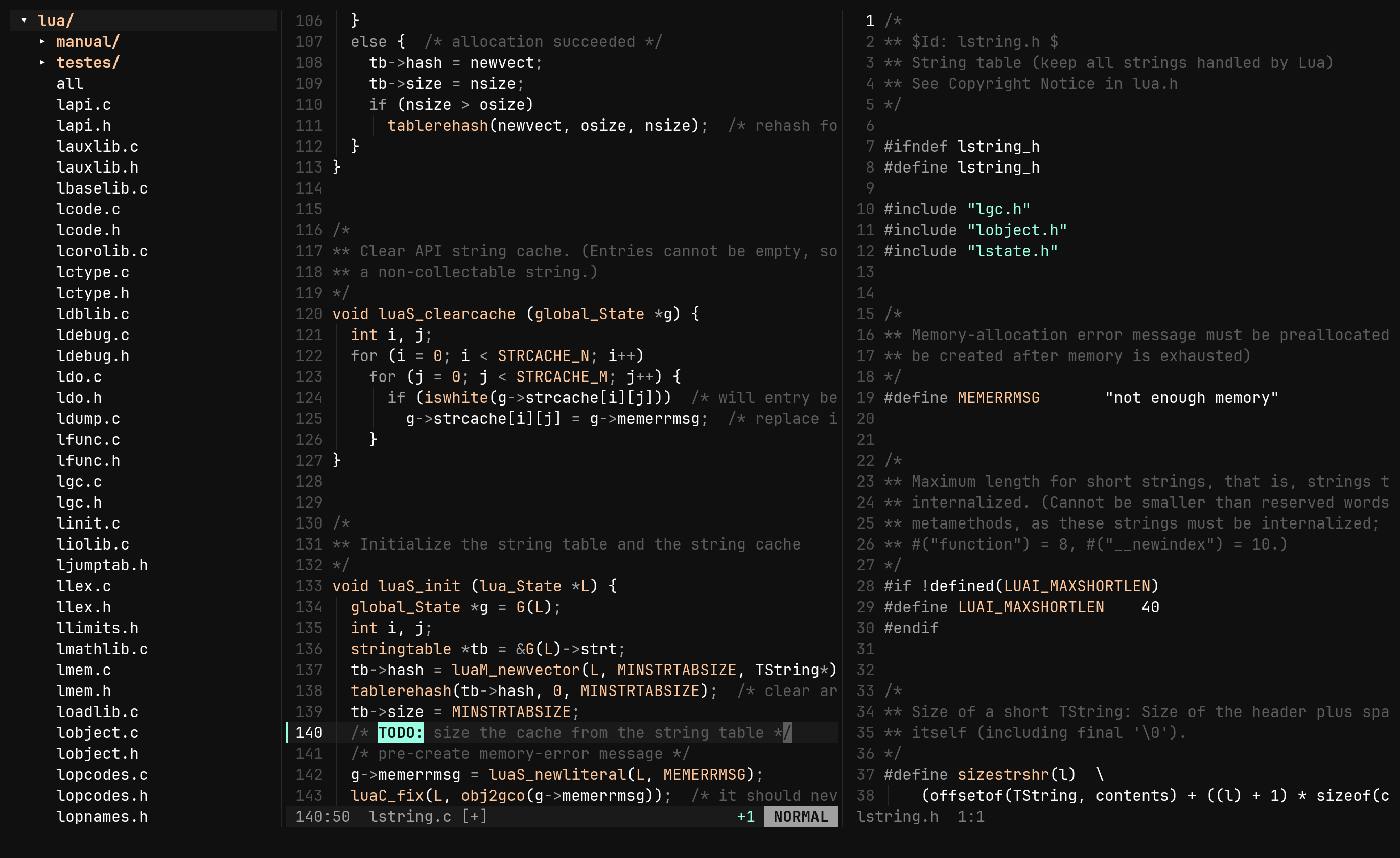
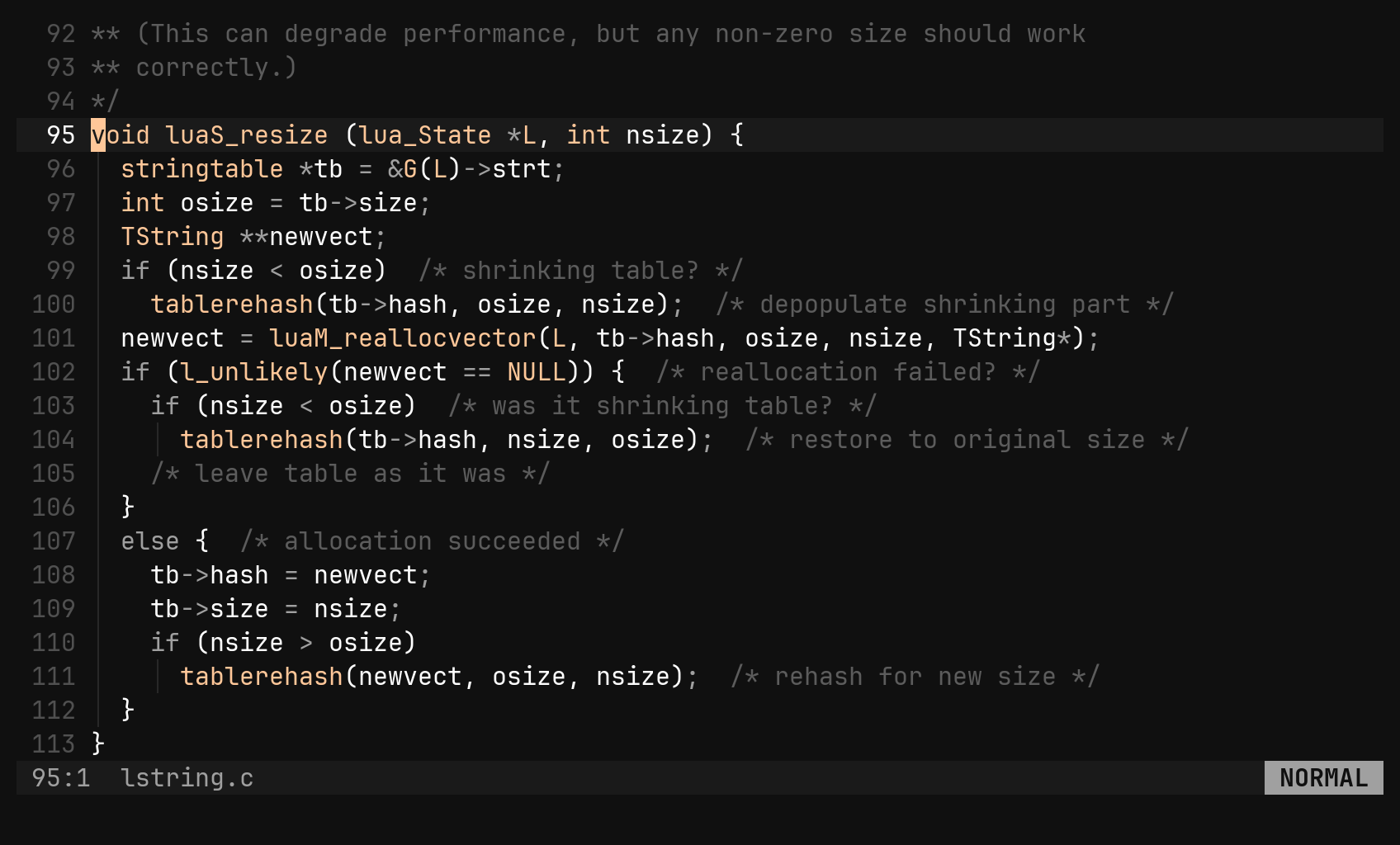
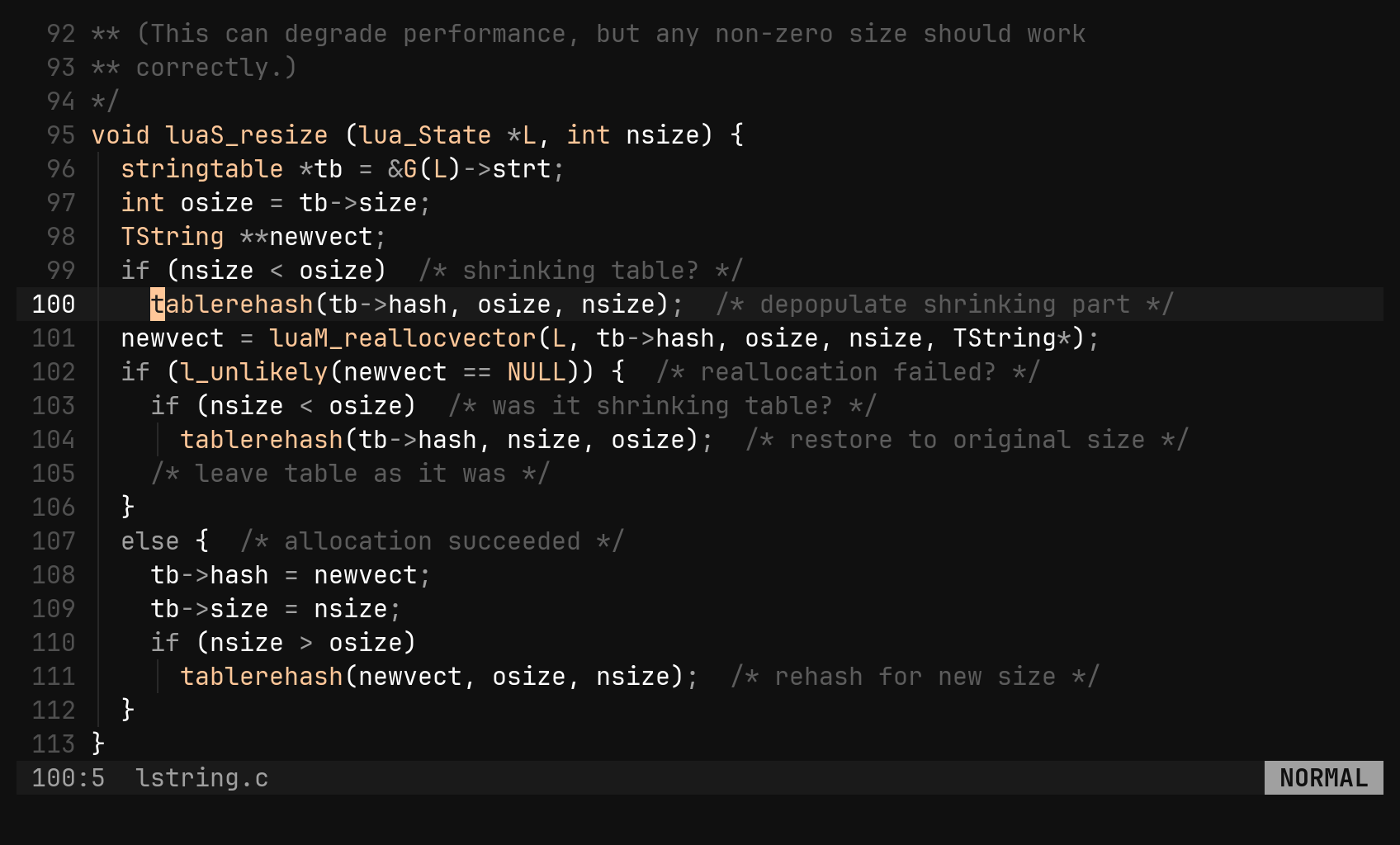
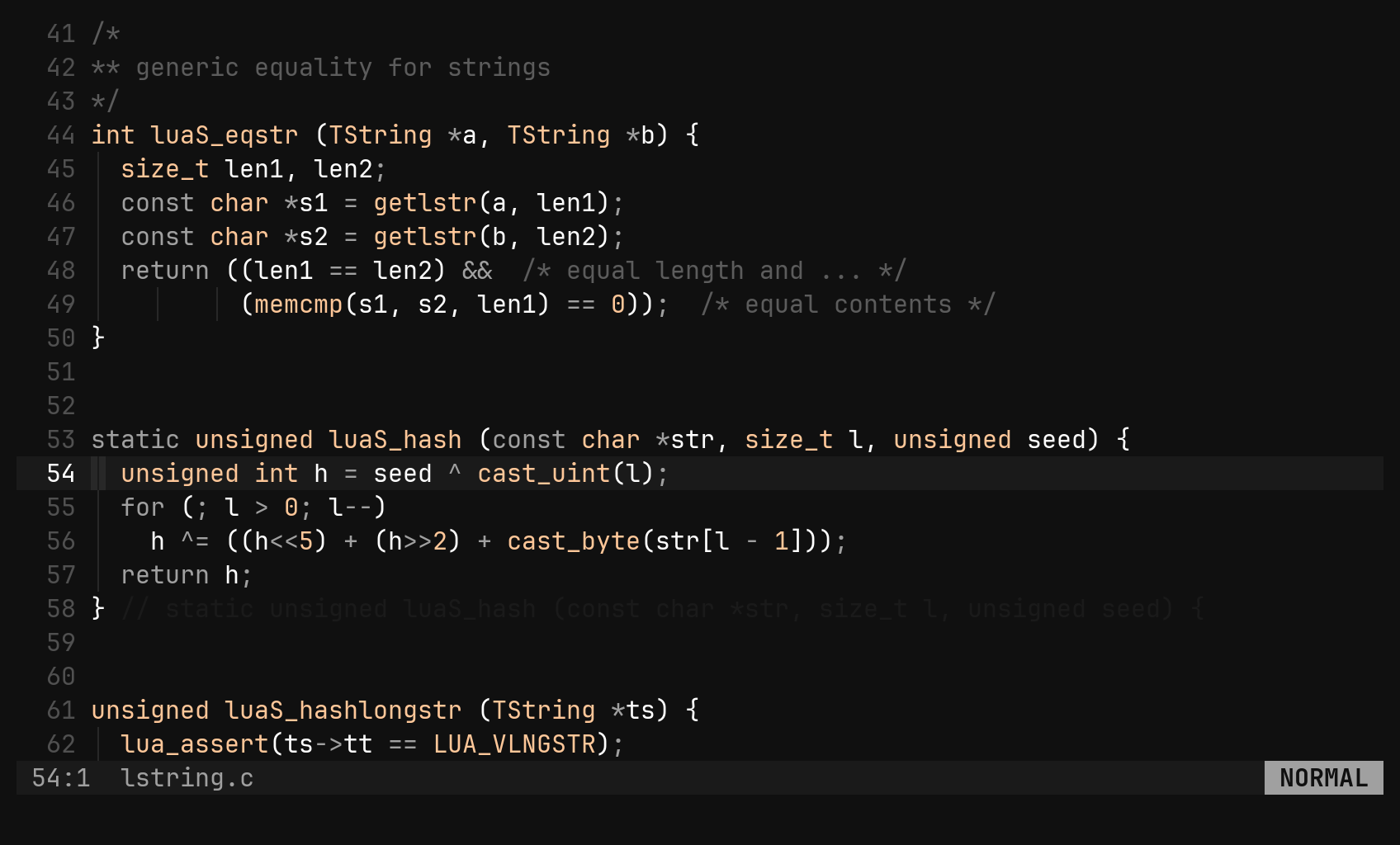
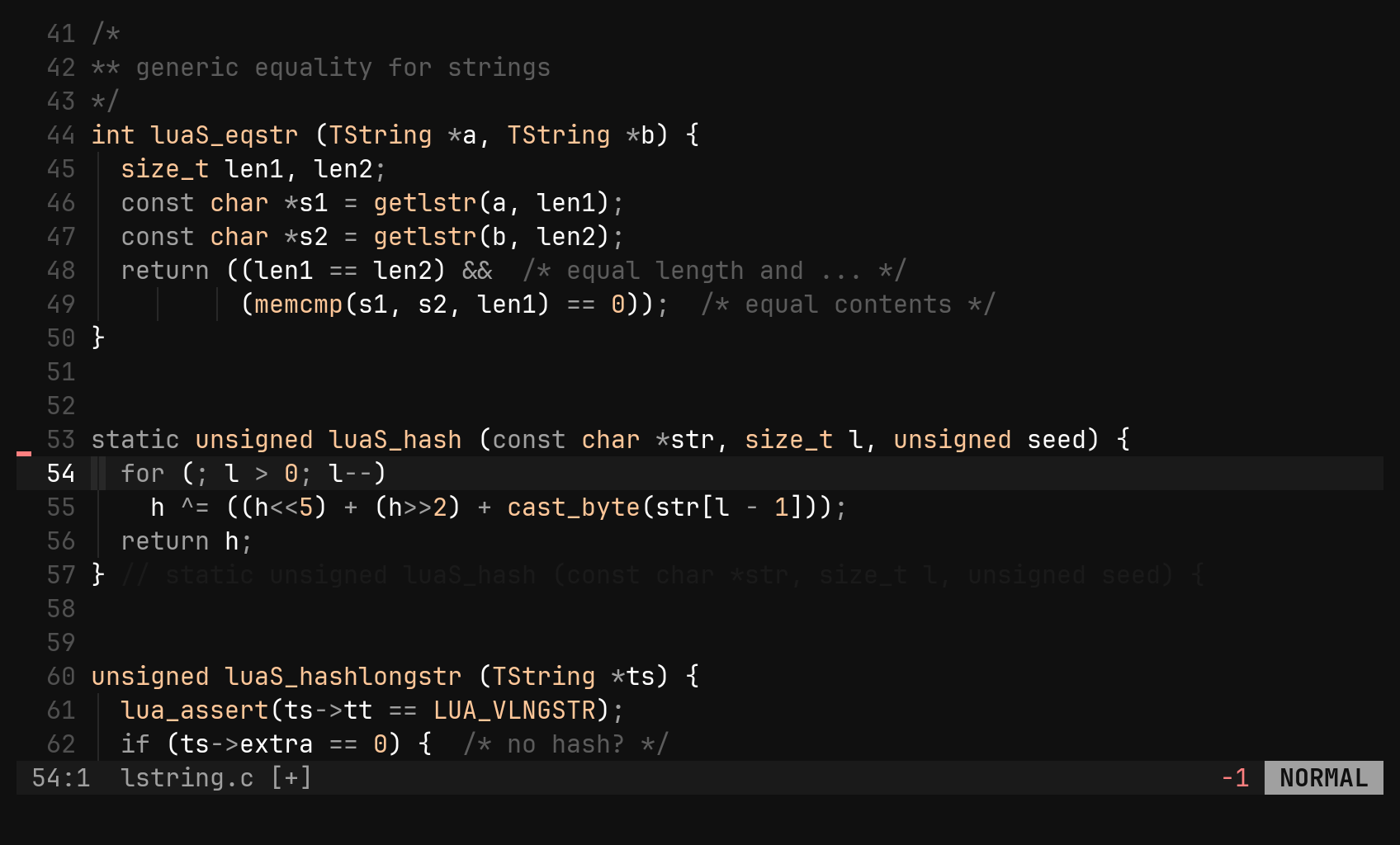
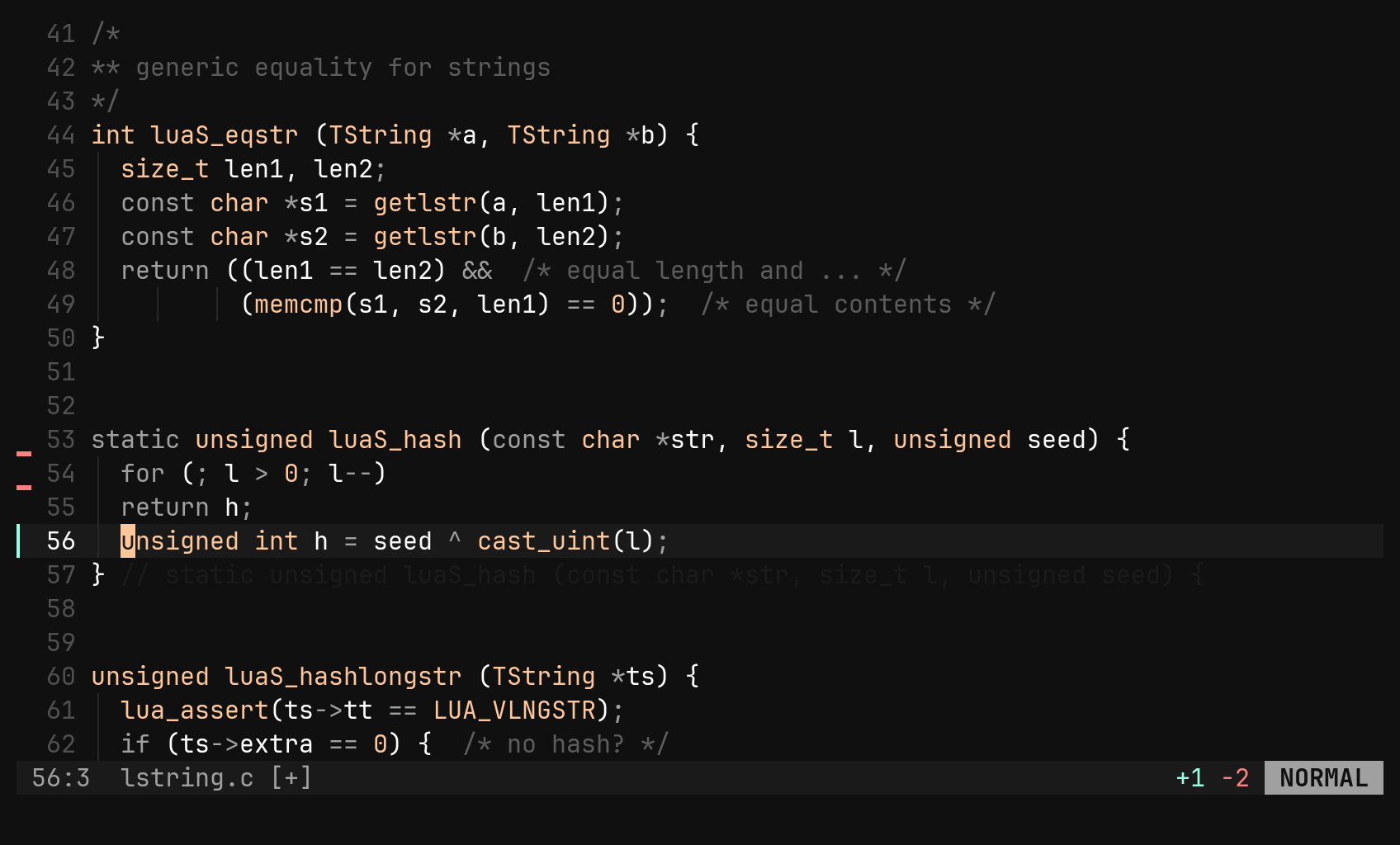
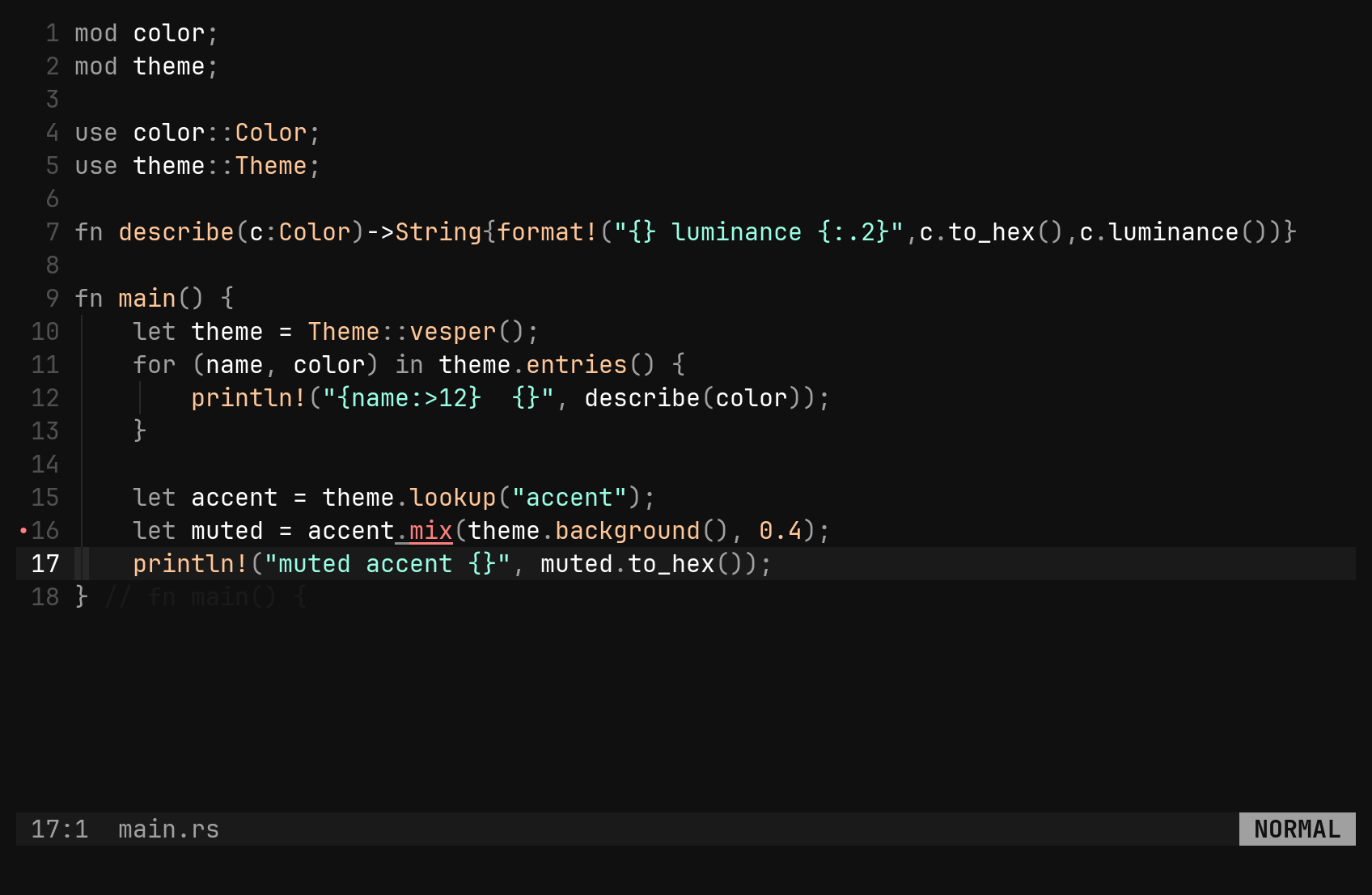
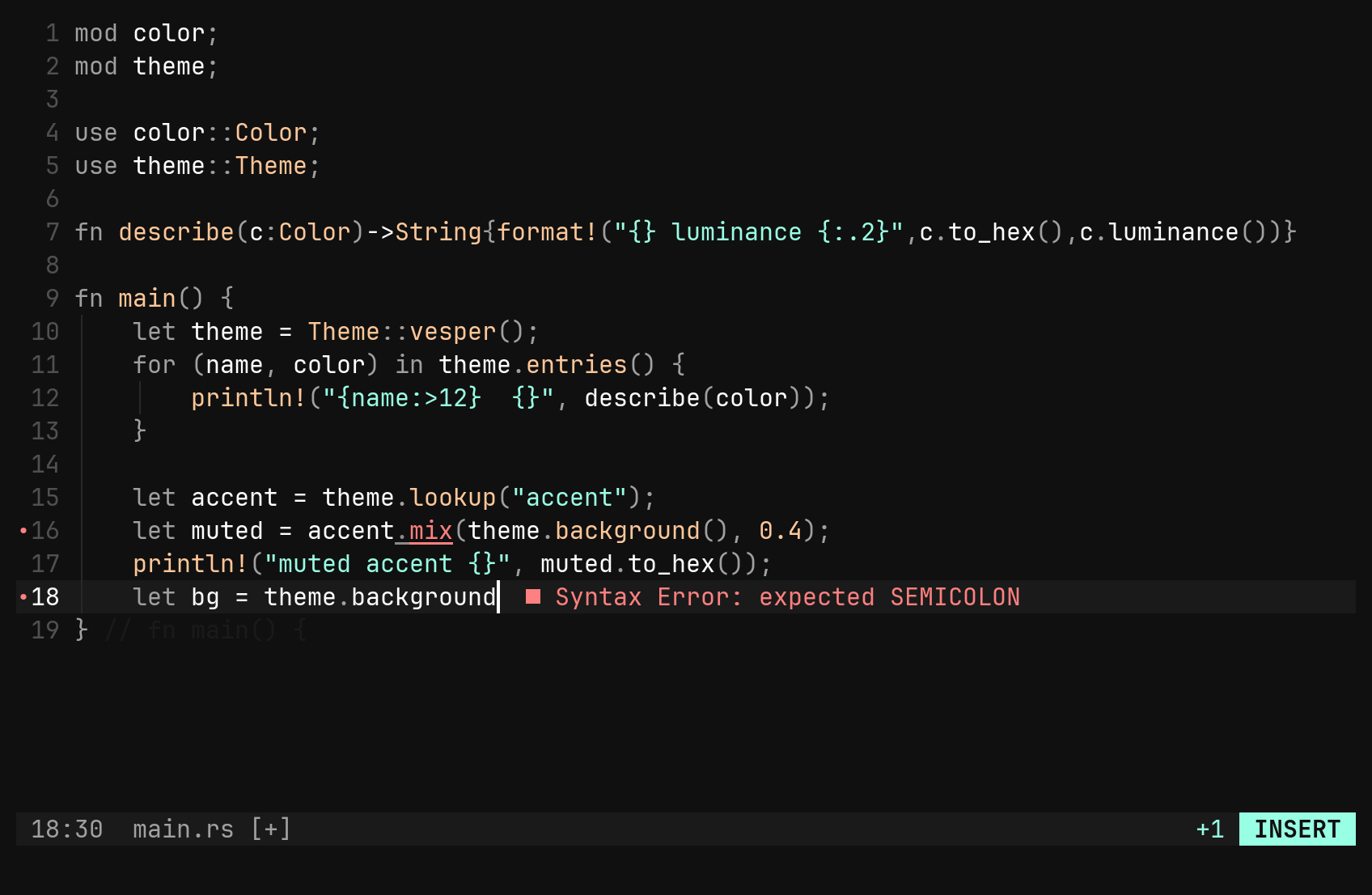
Twenty grammars compiled in. Highlighting is only the start: S selects by structure, ]] walks the parse tree, :symbols lists what is declared, and a closing brace tells you what it closes.
Tree-sitter, a language server client, git signs, multiple cursors and a file tree are built in, not plugins you assemble. One binary, defaults that are the product, and an update that never breaks your setup.

Twenty grammars compiled in. Highlighting is only the start: S selects by structure, ]] walks the parse tree, :symbols lists what is declared, and a closing brace tells you what it closes.
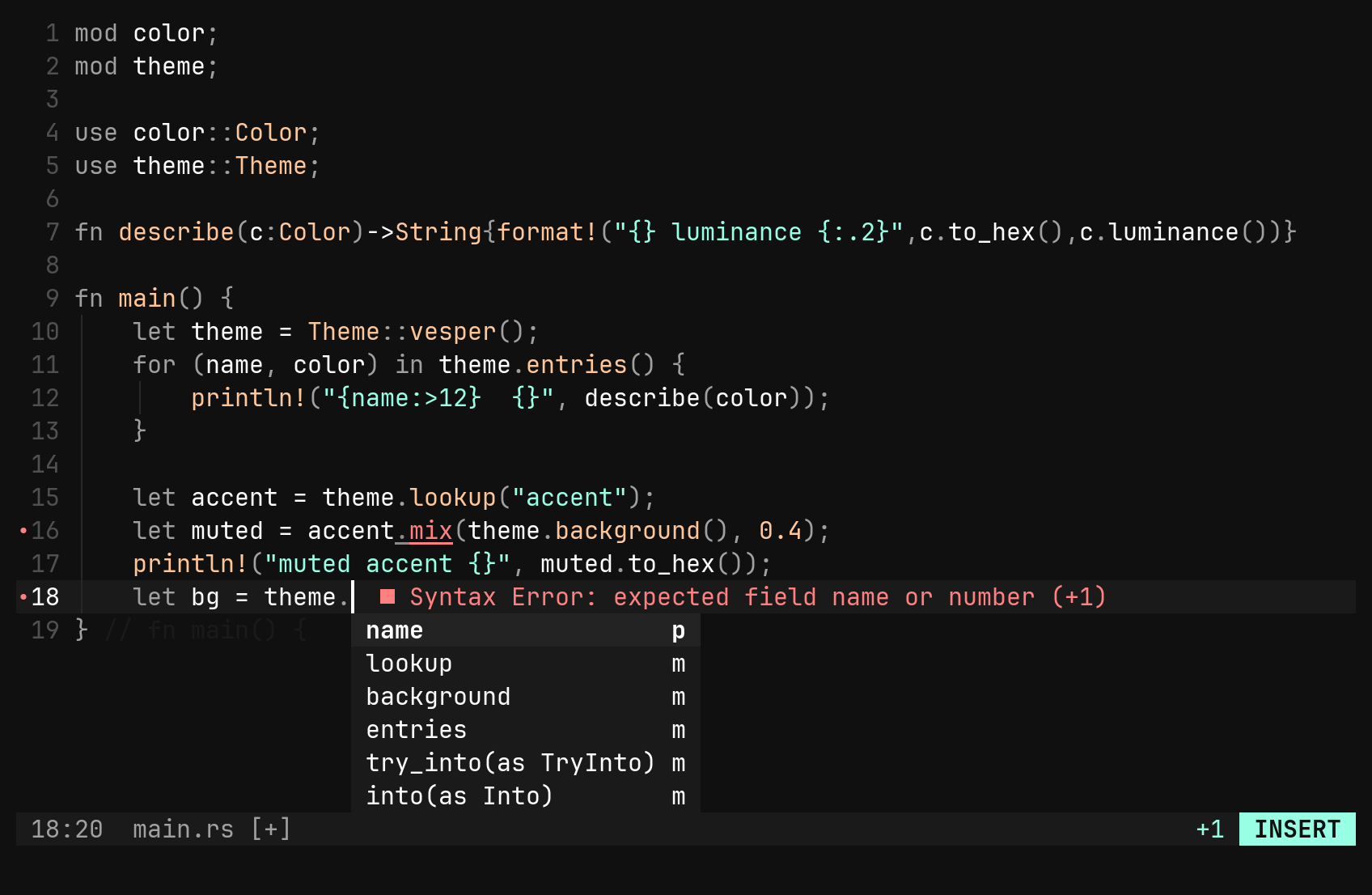
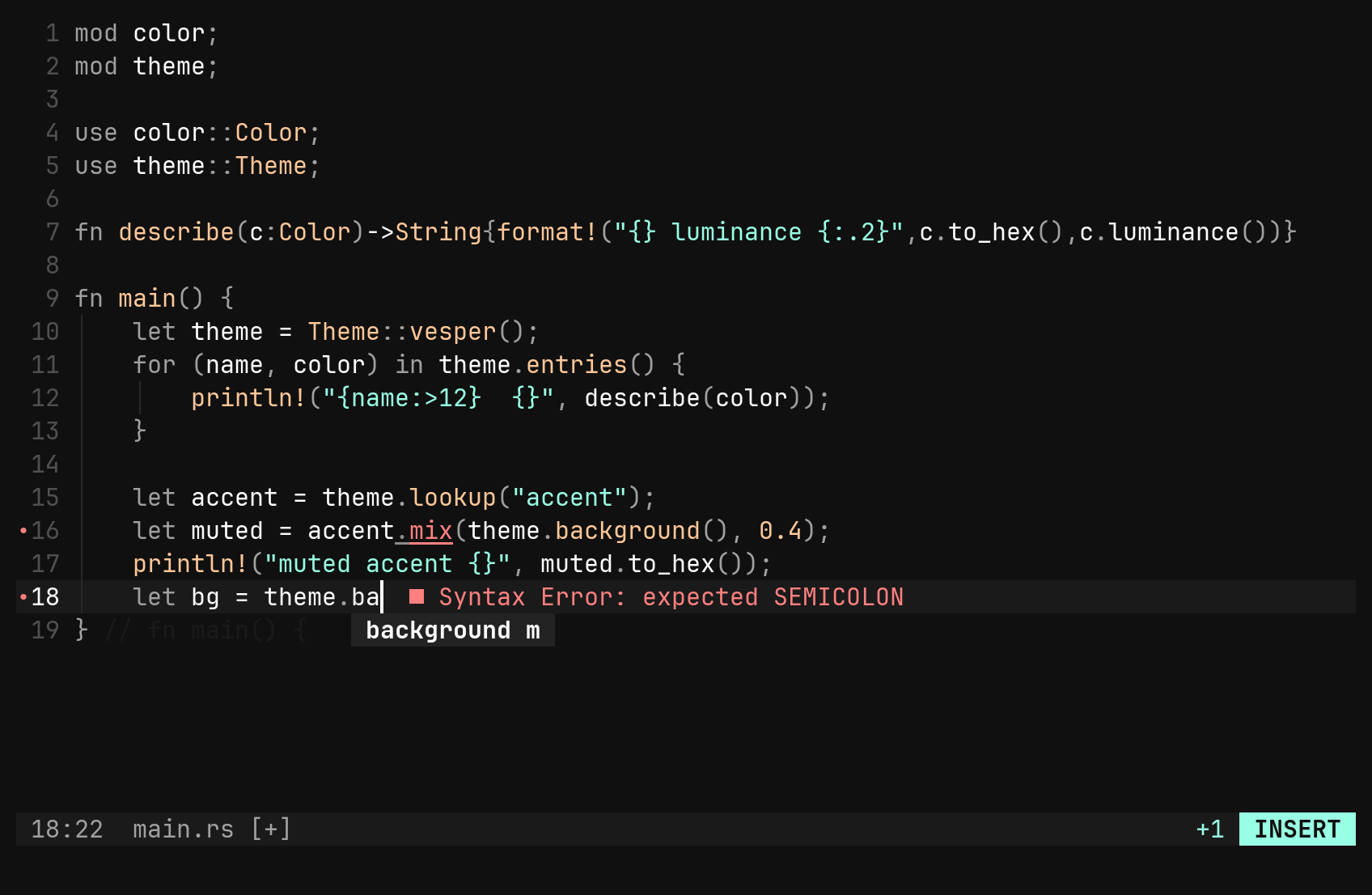
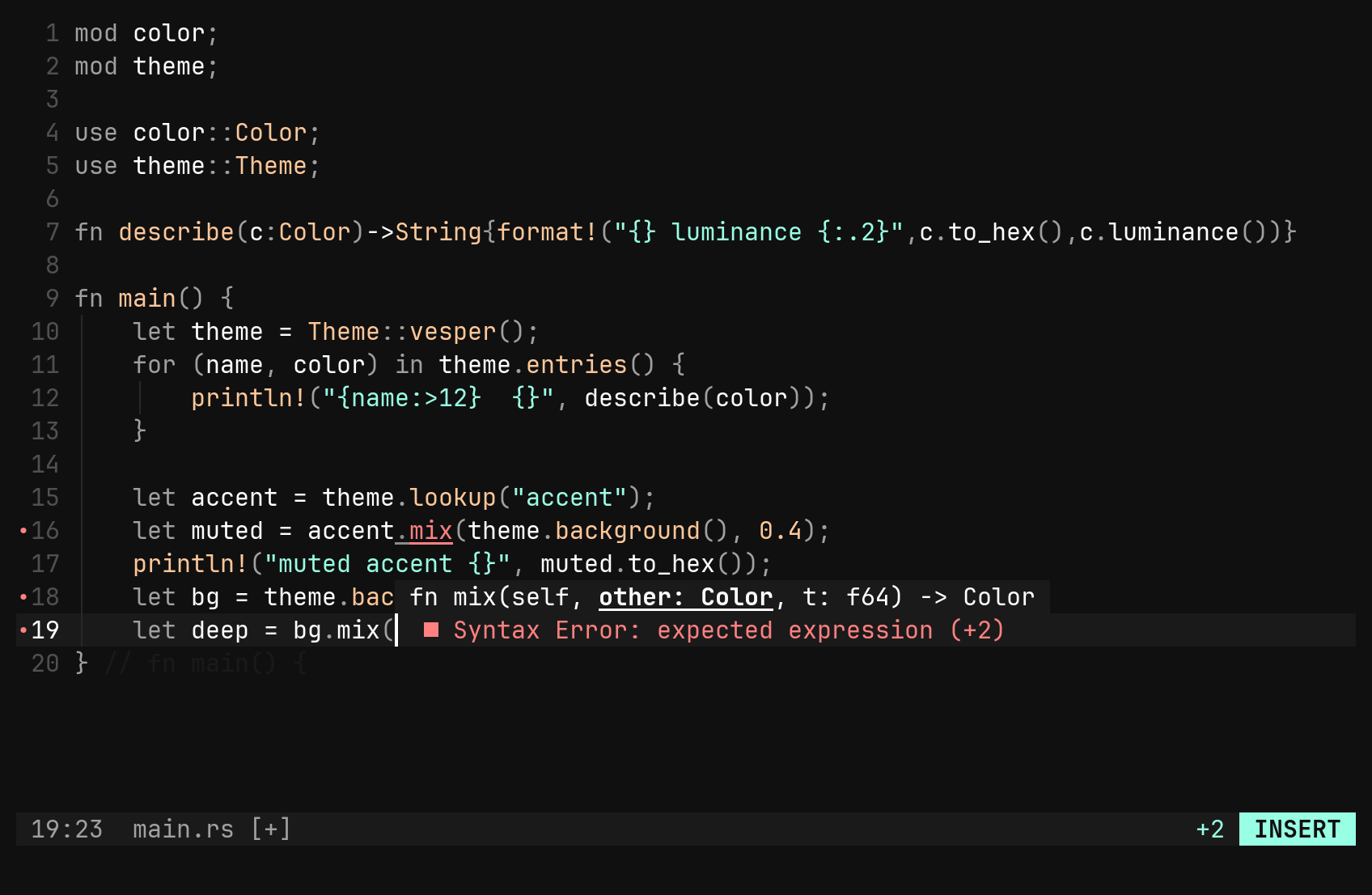
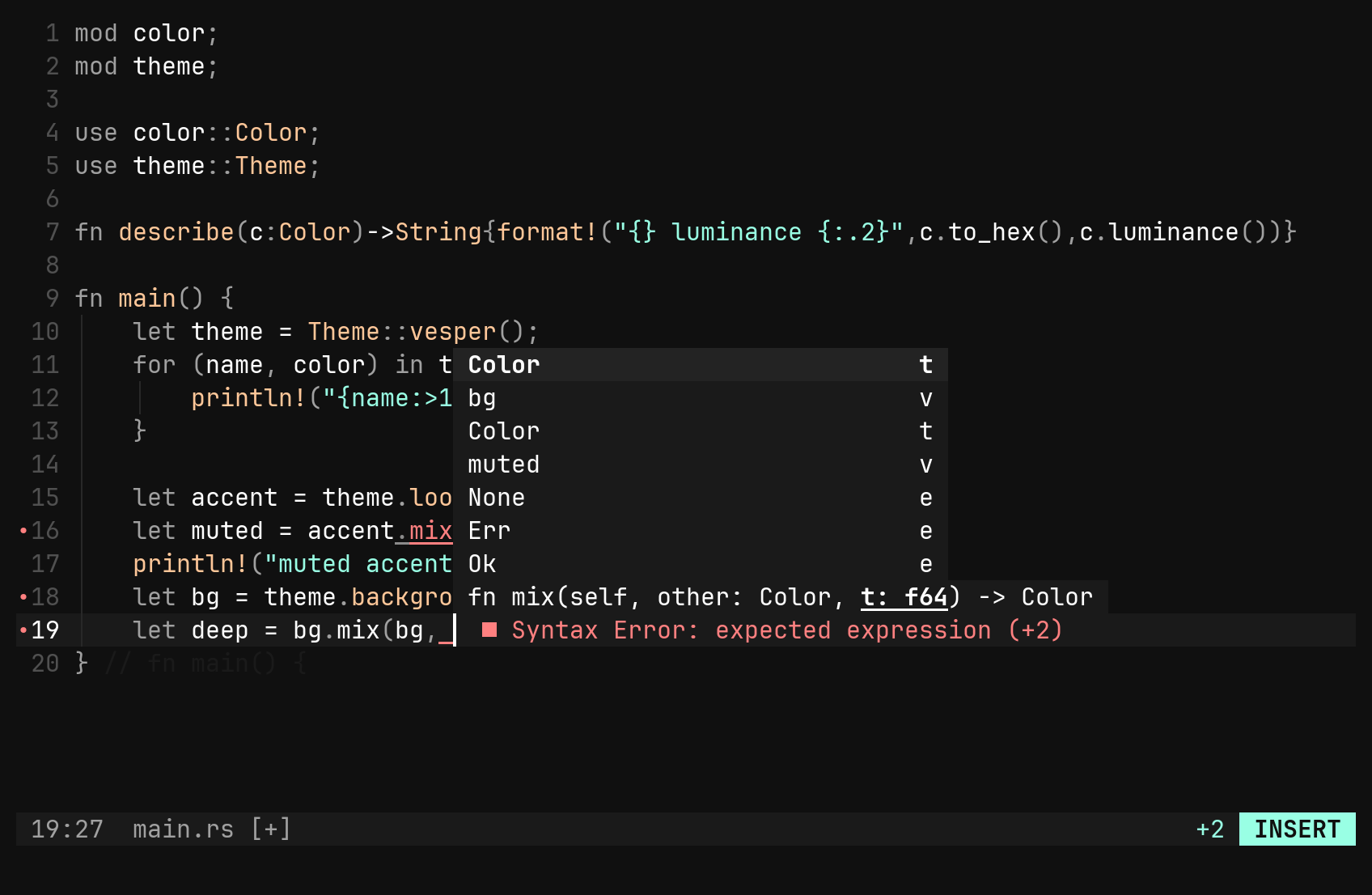
Diagnostics on the text, completion as you type, hover, go to definition, references in a pane, code actions and formatting. rust-analyzer, gopls, clangd, pyright and friends are already configured.
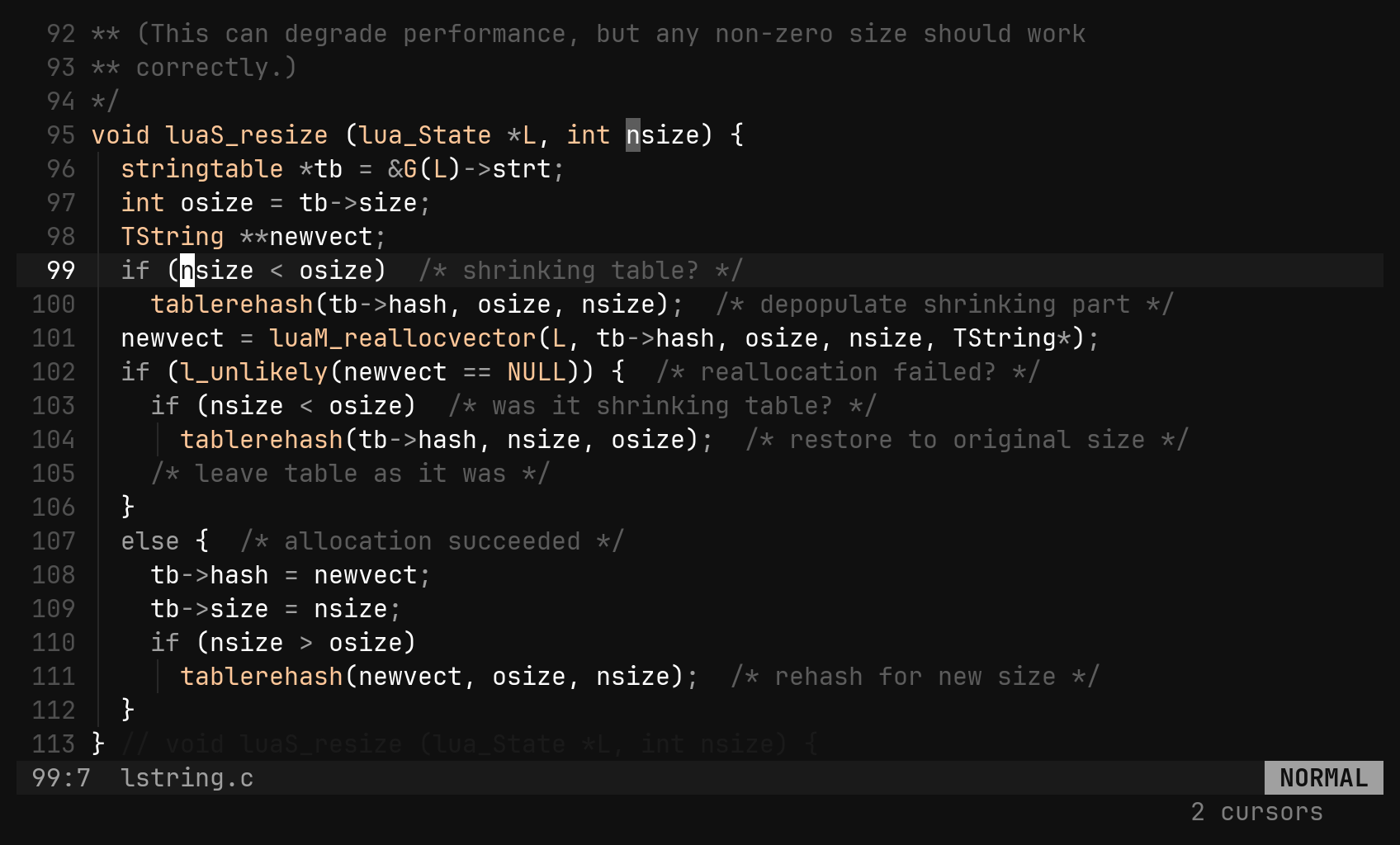
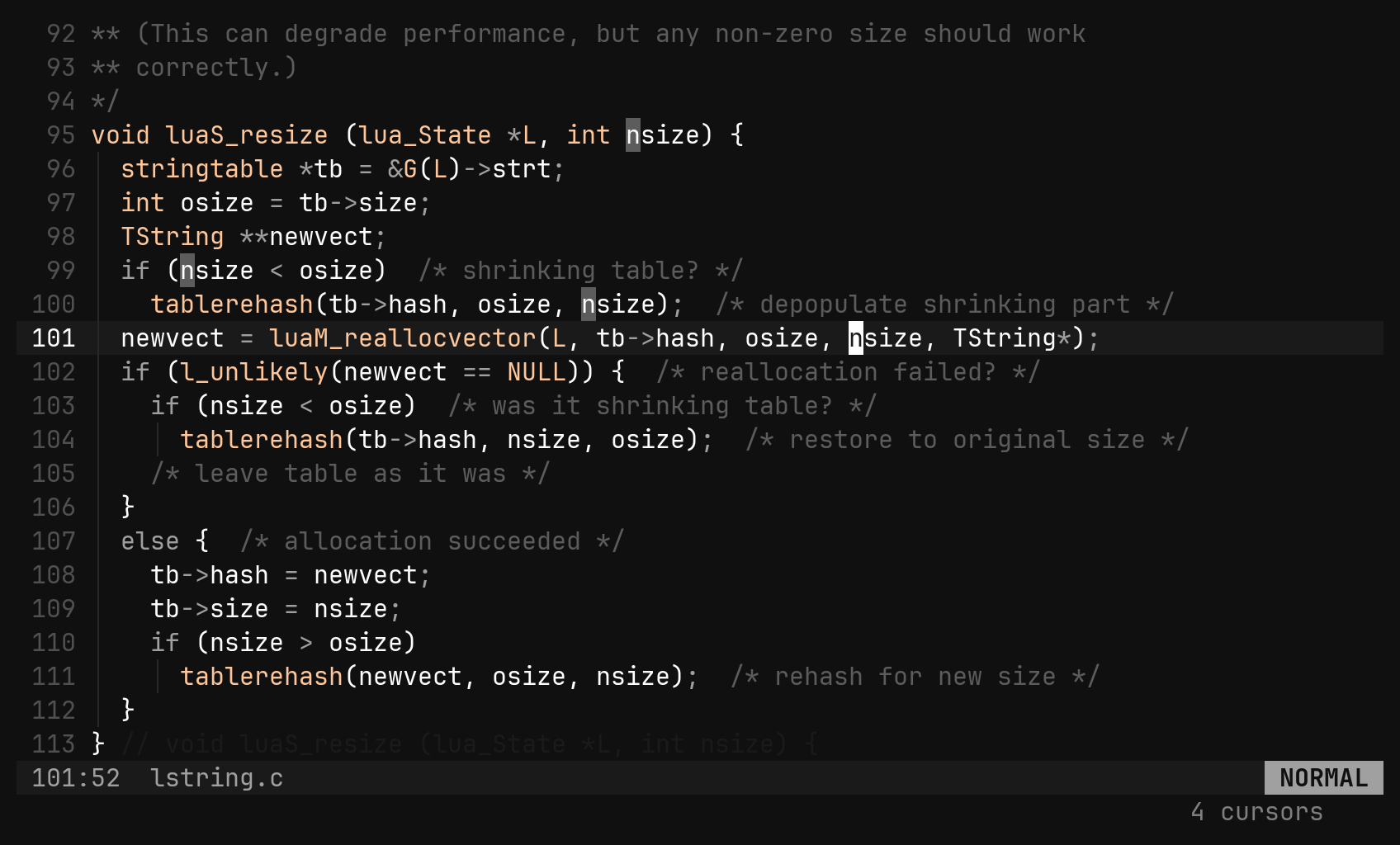
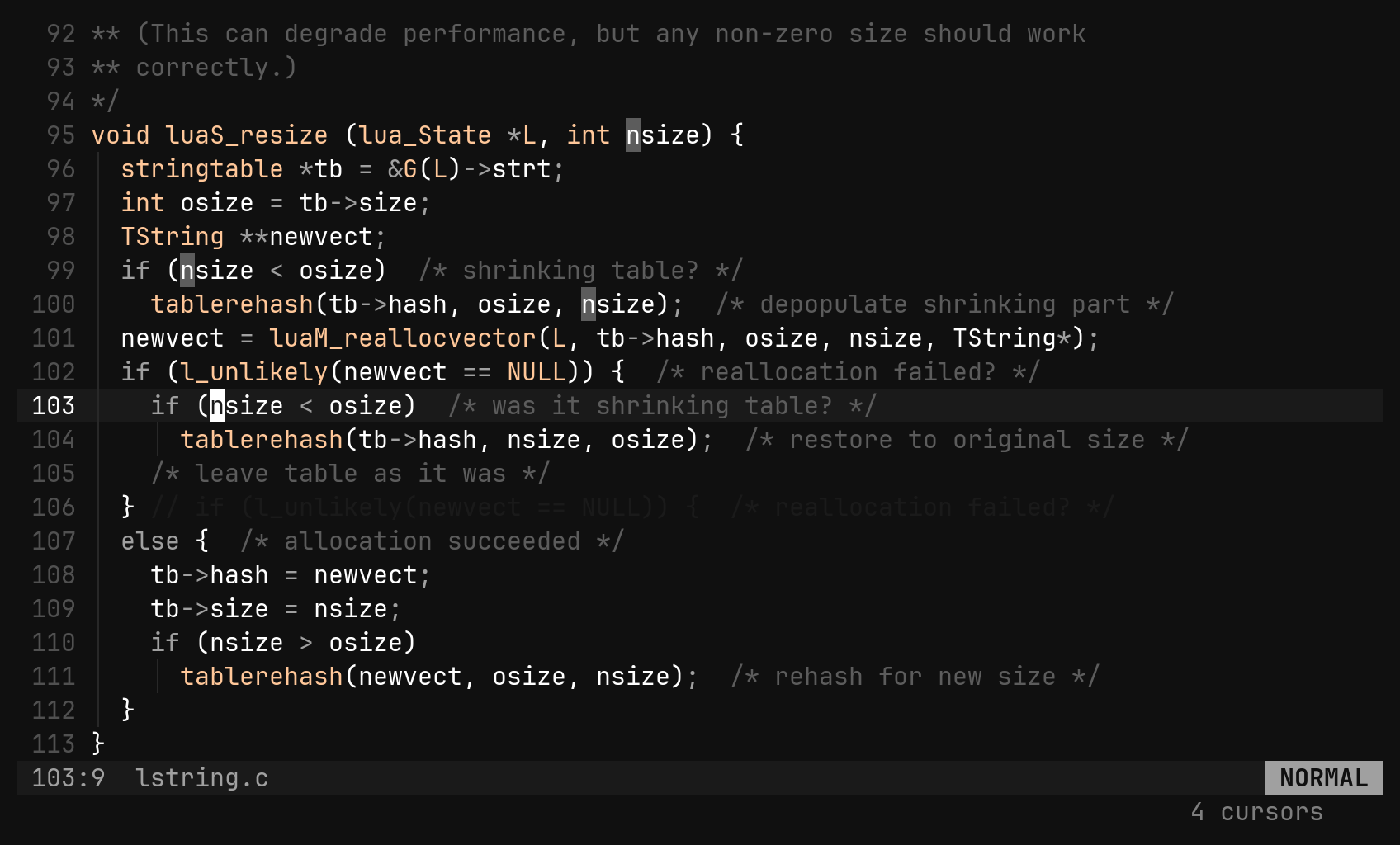
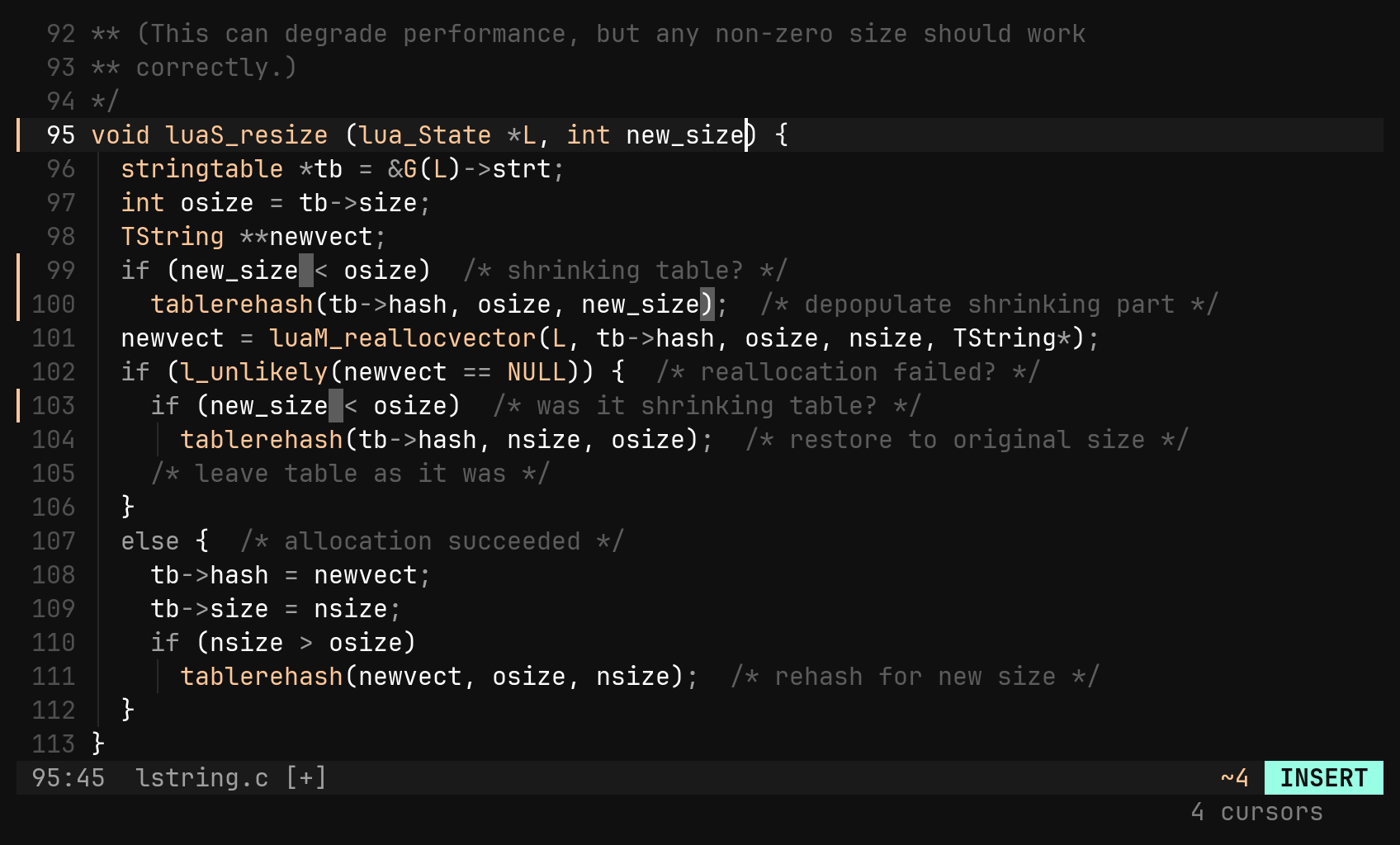
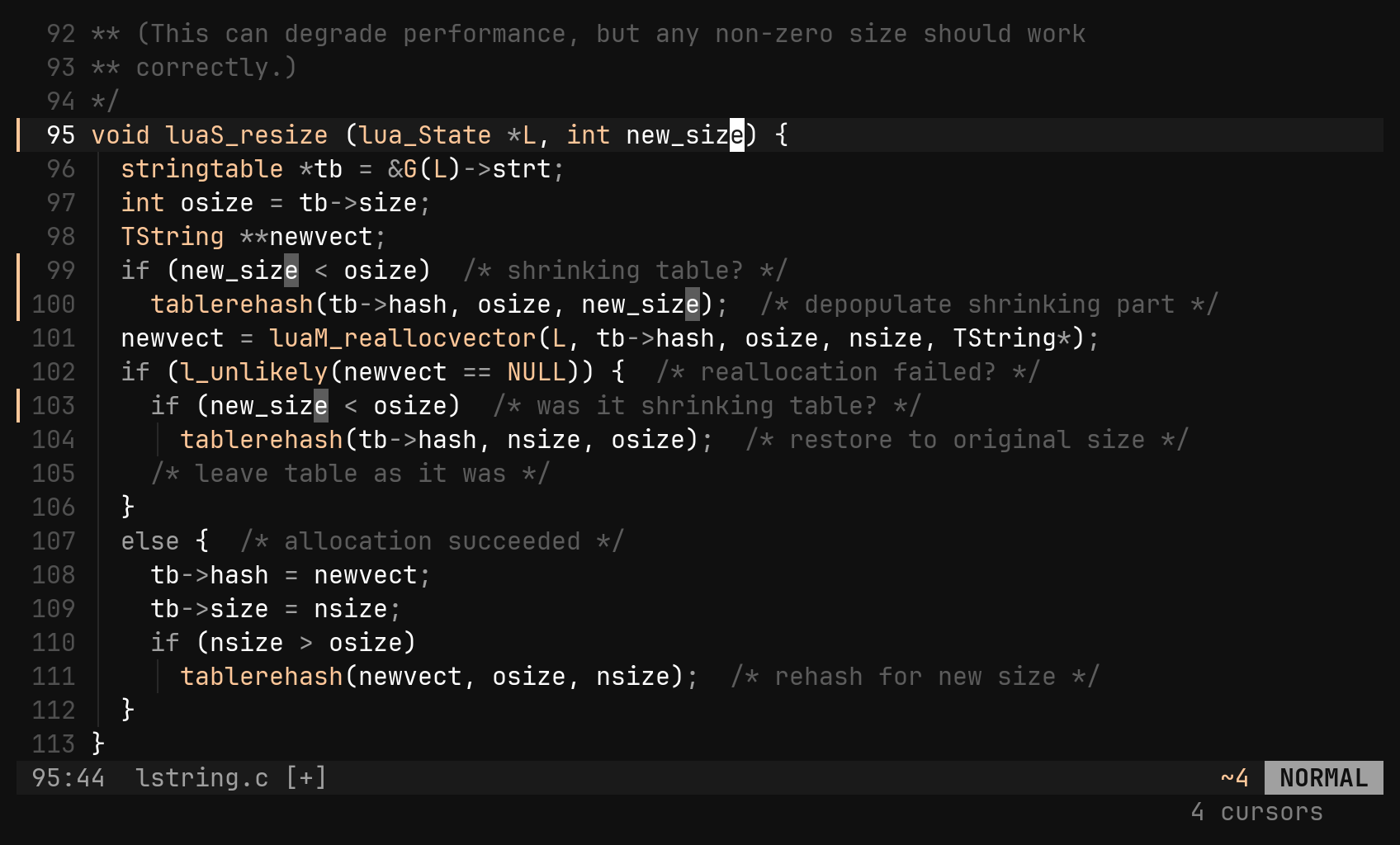
Vim has none, so the keys are bi’s own. Every command runs at every cursor — motions, operators, . — and the whole edit is one undo step.
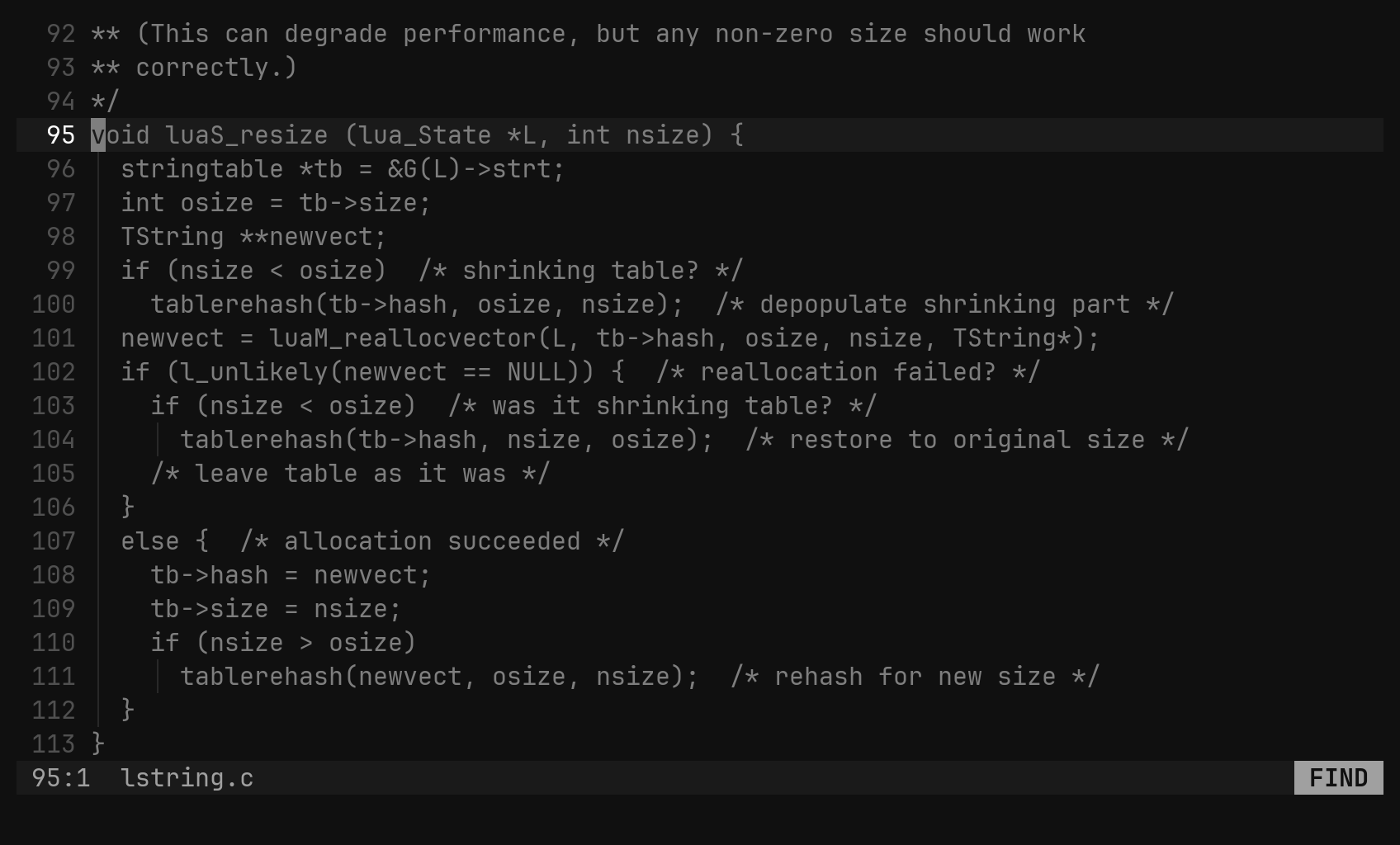
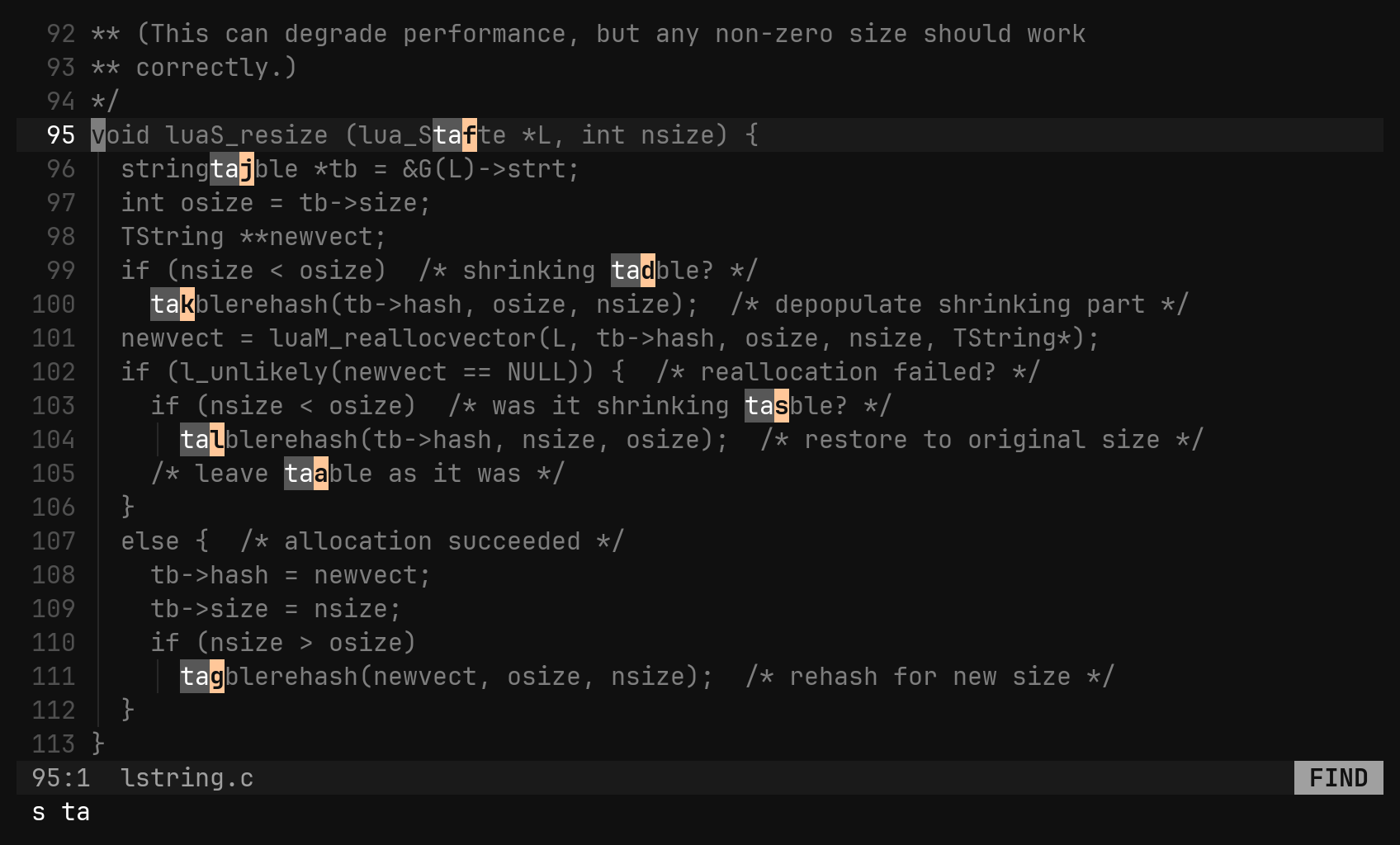
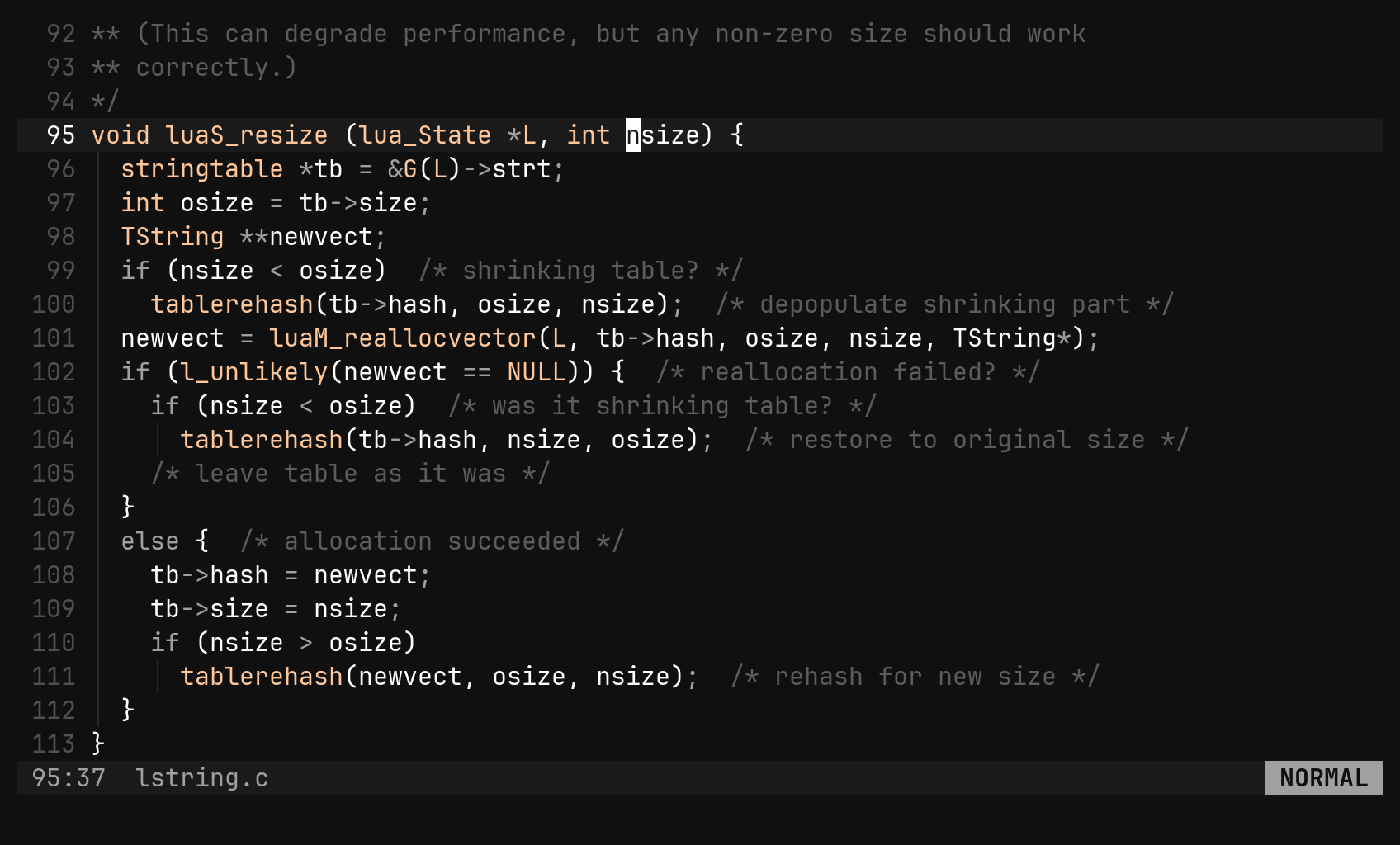
s, a few characters, a letter: you are there. The labels sit between the characters instead of over them, so nothing you aim at is hidden.
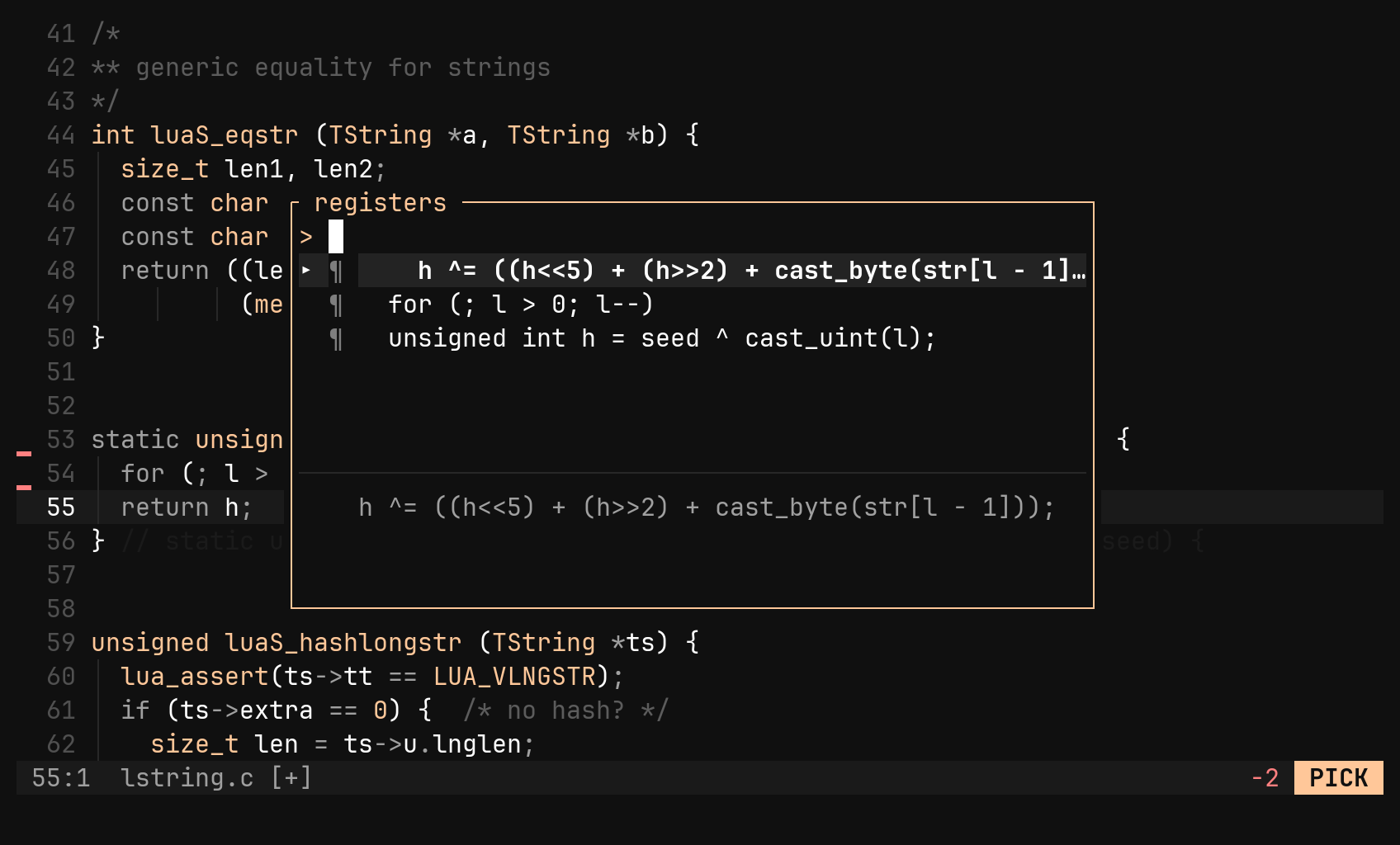
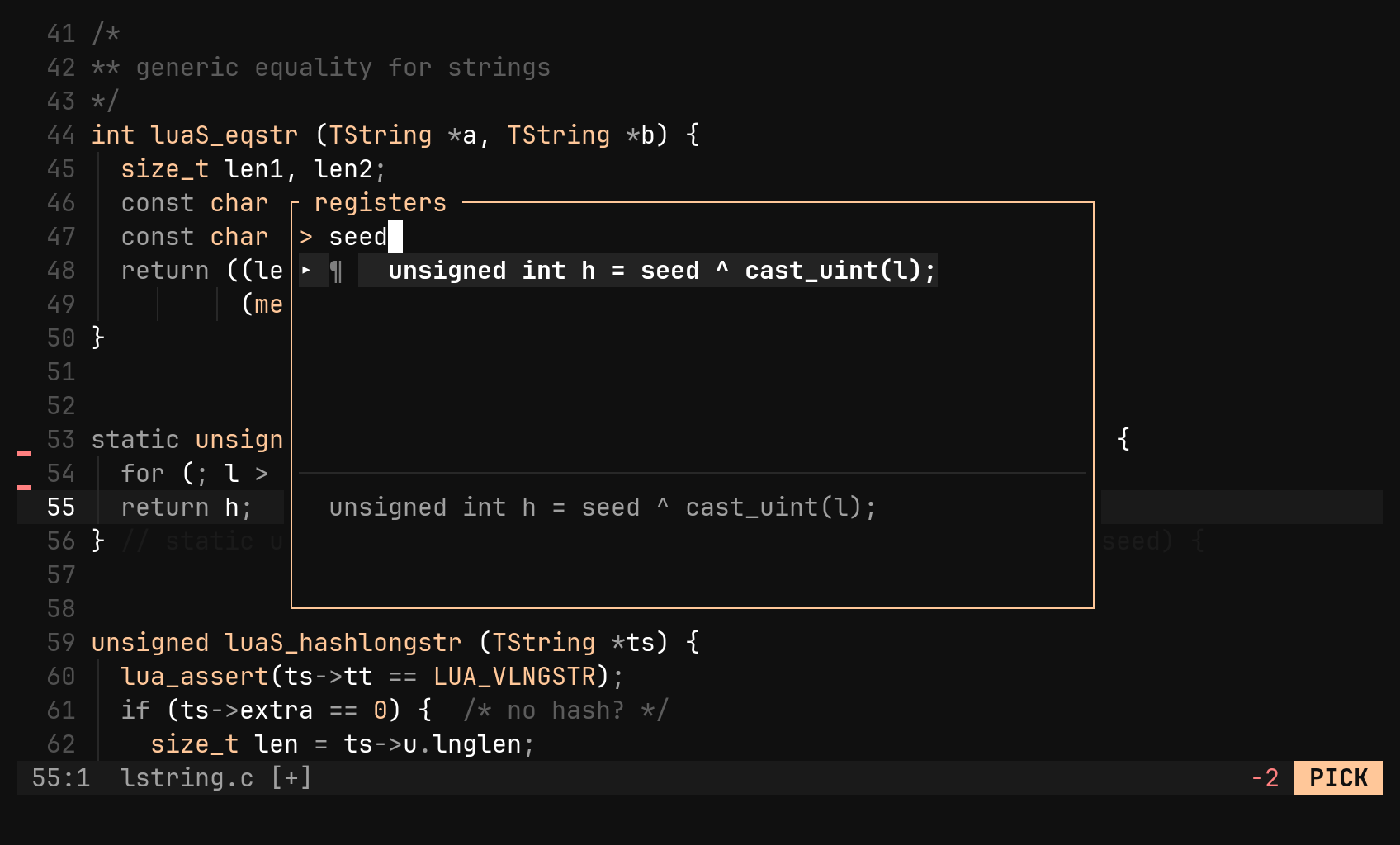
Every yank, delete and change lands in a 4096-deep ring. The decision moves to paste time, where "p opens a picker with a preview.
:find searches the project into a pane you can prune. :replace shows every rewrite before any happens, and applies into buffers, never straight to disk.
A file tree that is a pane, a fuzzy file picker, a buffer switcher, and ga to hop between lstring.c and lstring.h — or a test and its implementation.
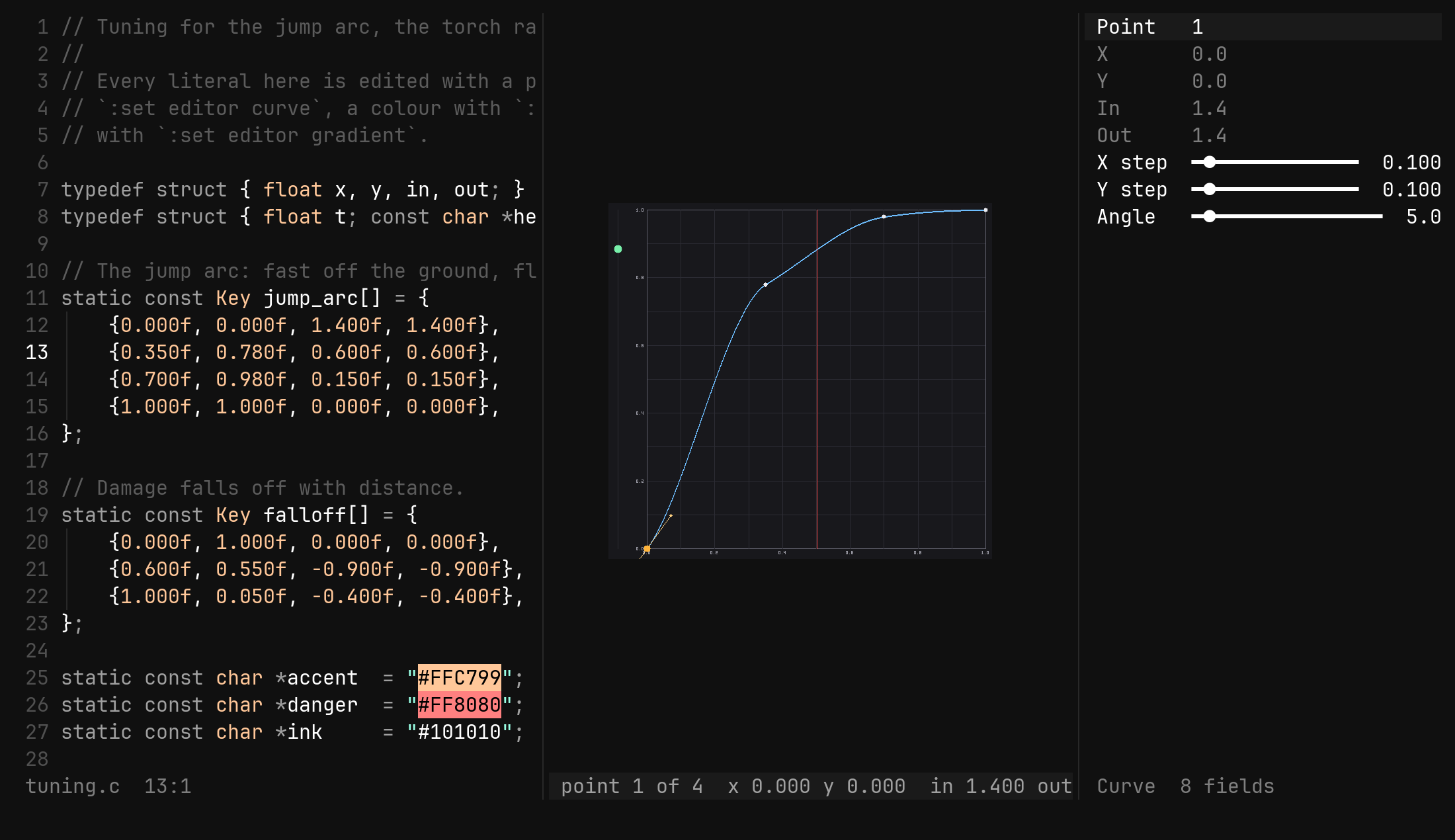
:sort, :align, :case, base64, JSON and uuids as : commands on a selection or range. :! runs a job into a buffer while you keep editing; a range makes it a filter.
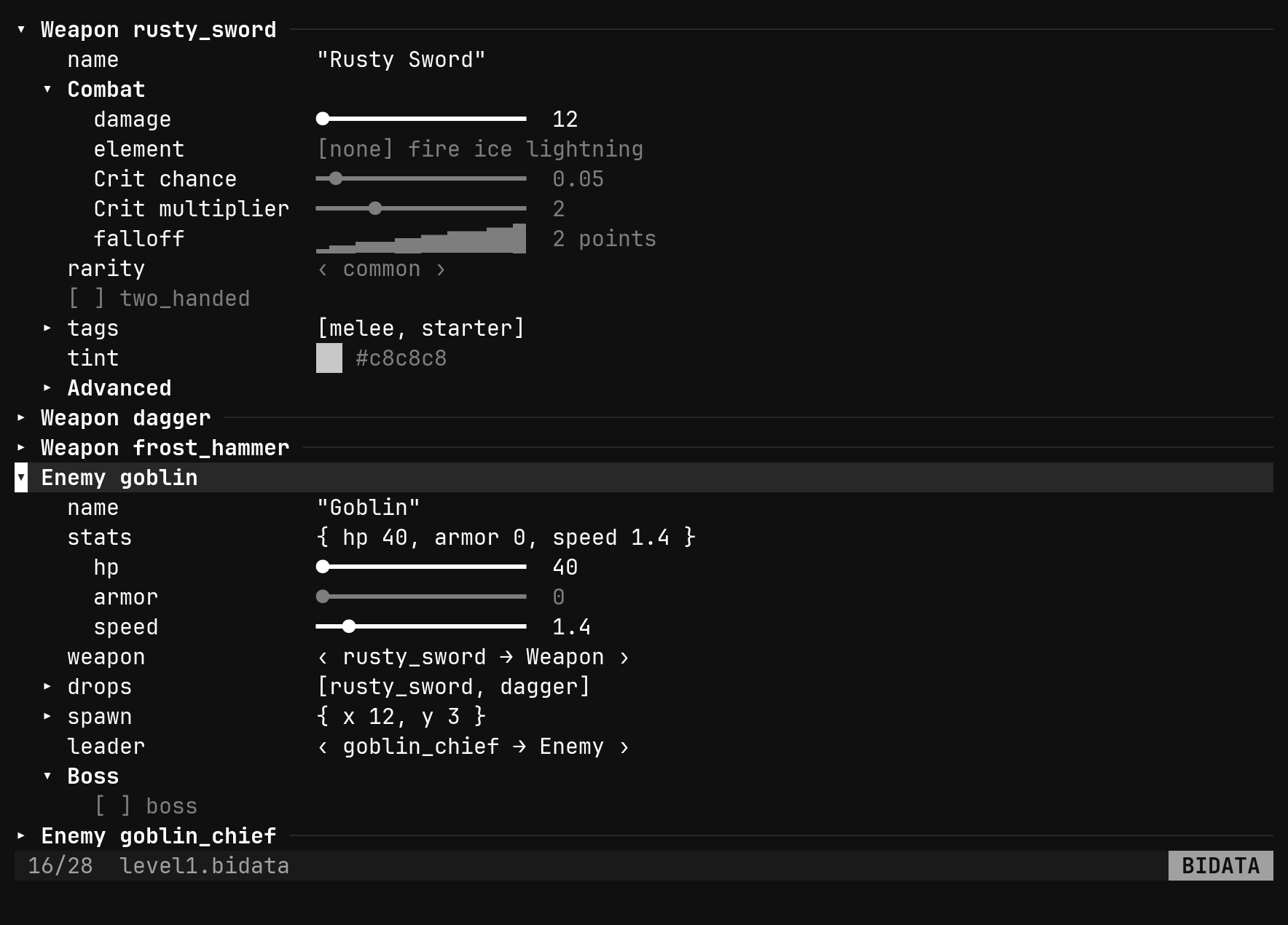
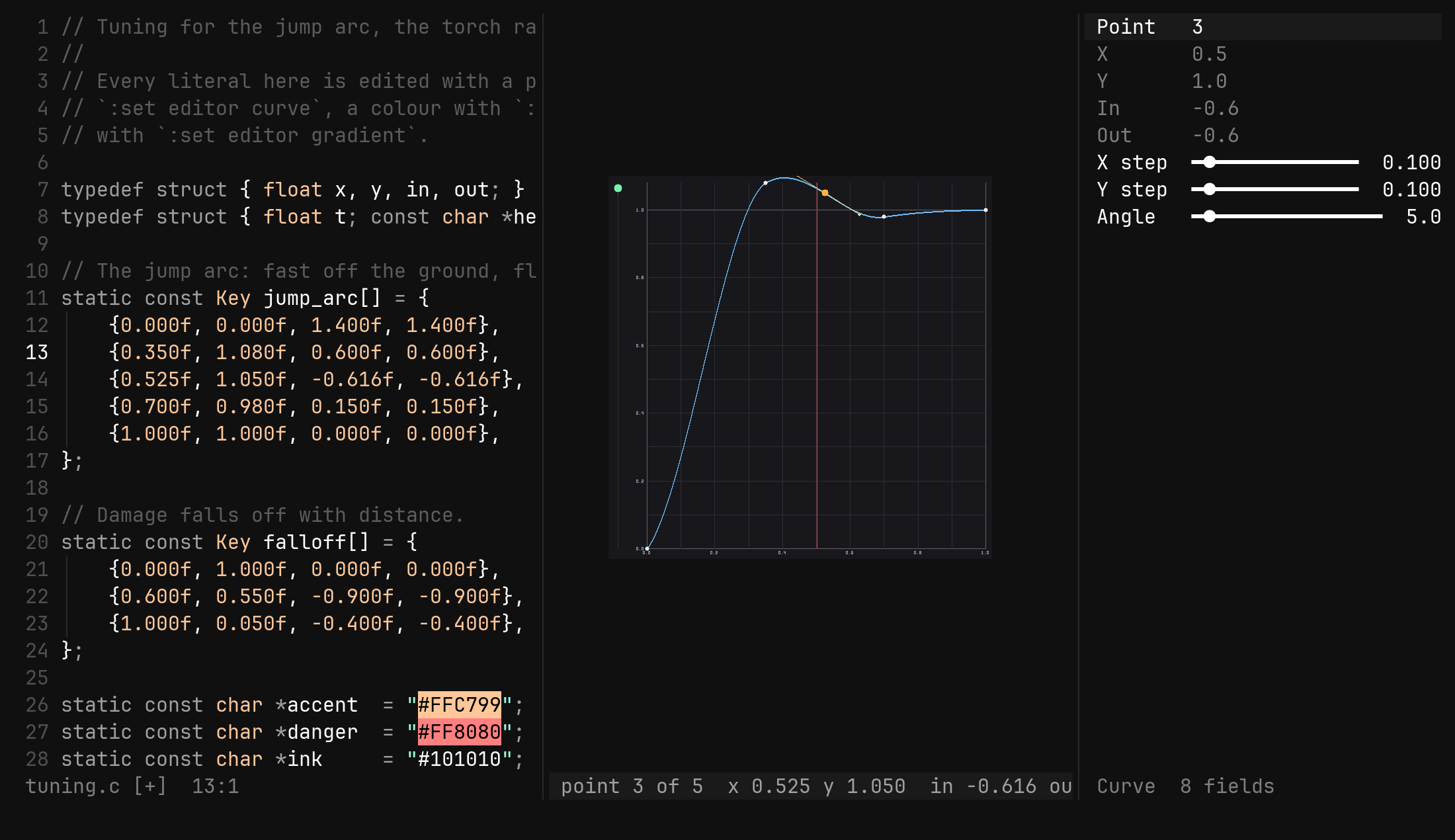
One TOML file laid over compiled-in defaults, so new defaults keep arriving. :reload without restarting, sixteen themes, and .bi.toml per project.
Everything below is a plugin you would choose, install, configure and keep compatible in Neovim. In bi it ships in the binary and is on by default.
Good defaults stayed — counts, operators, text objects, ., :s, :g. A few keys were spent better.
s Scl and cc, spelled shorters jumps to a match on screen; S selects a tree-sitter scoperegisters"pga gAgf gb:sp :vsTabCtrl-Ih j k lleft, down, up, right — j k keep a goal columnw b e genext / previous word start, next / previous word endW B E gEthe same over WORDs — foo.bar is onef F t Tonto / just before a character, within the line; ,repeat the last find, or reverse it0 ^ g_ $column zero, first non-blank, last non-blank, end of line%the bracket matching the one at or after the cursor{ }previous / next blank linegg Gfirst line, last line — or line {n}Ctrl-D Ctrl-Uhalf a window down / up, cursor alongCtrl-E Ctrl-Ythe window one line down / upCtrl-O Ctrl-Iback / forward through the jump list, across files'' ``toggle to the position before the latest jumps{chars}{label}every match on screen gets a letter; press it to go thereS{label}a letter at both ends of every scope around the cursor; press one to select it]] [[next / previous tree-sitter boundary — blocks and arguments:tsshow every boundary until :ts againCtrl-W fa letter in the middle of every windowd c ydelete, change, yank over a motion — dd cc yy for lines> < =indent, outdent, reindent by bracketsgc gcccomment / uncomment, language-awaregq gqqreflow to textwidth, comment leaders keptD C Yd$, c$, yyx Xdelete the character under / before the cursorr{c} ~ Joverwrite, flip case, join linesi a I A o Oenter insert mode before, after, at line start, end, below, aboveRreplace mode — Backspace restores what was overwrittenShift-↓ Shift-↑move the line or selected block one row.repeat the last change — at every cursoru Ctrl-Rundo, redo — one command is one stepiw aw iW aWword, WORDi" i' i`inside quotes; a" takes them tooi( i[ i{ i<inside brackets; b B alias ( {ip apparagraphys{motion}{c}wrap what the motion covers — ysiw"yss{c}wrap the whole lineds{c}delete the nearest paircs{old}{new}change one pair into anotherS{c}in visual mode: wrap the selectionCtrl-Na cursor at the next occurrence of the word — or of the selection, in visualCtrl-Xskip: move the newest cursor on to the next occurrenceCtrl-Alt-↓ Ctrl-Alt-↑a cursor on the line below / aboveEscback to one cursorv V Ctrl-Vcharwise, linewise, blockwiseo Oswap the ends; in a block, swap the columnsI A $block: insert at the left / right edge of every row, ragged right edgep Preplace the selection; p rings what it displaced, P does not:prefills 'v — the selection itself, whatever its shapep Ppaste the newest capture after / before"p "Ppick from everything captured, then paste"nnamed space: "nyy then :yname x; "np picks among names"_black hole — delete without capturing"+y "+psystem clipboard over OSC 52, so it works over SSH/ ? n Nsearch, smartcase, with a [3/17] counter in the footer* #whole word under the cursor:hls :nohhighlight every match / stop:s/a/b/gsubstitute — & repeats it with its flags, g& over the file:g/pat/cmd :vrun d, s, m, case, normal… on matching / other lines:find :find~search the project into a results pane; ~ for regex:replace /a/b/preview every rewrite; a applies one, A allgd gidefinition, implementationsgrreferences in a pane — :replace //new/ over it renamesKwhat the server knows, floated]d [dnext / previous diagnostic<leader><leader>code actions:peek :decldefinition in a split, declaration:format :diags :lspformat the file, every diagnostic, server statusCtrl-N Ctrl-P Tabinsert mode: walk and accept completion-into the file treeCtrl-W ethe tree beside this file, or away againgf gbfile picker, buffer switcherga gAthe alternate file, or it in a vertical splitCtrl-^the alternate bufferCtrl-W s vsplit below / rightCtrl-W h j k lfocus a neighbourCtrl-W + - < > =resize, equalise — :resize 1:2 for ratios:zenhide gutter, numbers and status rows:w :q :wa :qa :bdwrite, close window, all, quit, delete bufferl h Enteropen, close, toggles Ctrl-Vopen in a vertical split- +re-root at the parent / herea r ddcreate, rename, deletec x pmark to copy, to move, put hereyyank the pathgh Rdotfiles, re-readgf /find any path, or the rows on screenbiAn empty buffer.bi <file>Open a file. Encoding, BOM and line endings are detected and kept.bi .A directory opens the file tree, rooted there for the whole session.bi config initWrite ~/.config/bi/config.toml with every default commented out. Never overwrites.bi config editOpen the config directory as a tree.BI_CONFIG=<dir>Use another config directory instead of $XDG_CONFIG_HOME/bi or ~/.config/bi.# from https://github.com/qbart/bi/releases/latest $ tar xzf bi-*.tar.gz $ sudo mv bi-*/bi /usr/local/bin/bi
# needs Rust and a C compiler (grammars are C) $ git clone https://github.com/qbart/bi $ cd bi && cargo build --release
# let Gatekeeper run the downloaded binary $ xattr -dr com.apple.quarantine /usr/local/bin/bi
$ bi config init # defaults, commented out $ bi config edit # opens the directory