First steps
Open a file or a whole project, tell the modes apart by the status row, and get out again. Nothing to install first — tree-sitter, the file tree and the picker are already there.
What bi is
bi — Bart’s IDE — is a modal editor in the vim family. The things neovim gets from plugins are built in: tree-sitter highlighting for twenty grammars, a file tree, a fuzzy picker, git signs, LSP. There is no plugin system to feed and no config you have to write before it looks right.
Your vim fingers mostly work. Where bi does something differently it says so, and so do these lessons — look for the vs vim boxes.
Opening files and directories
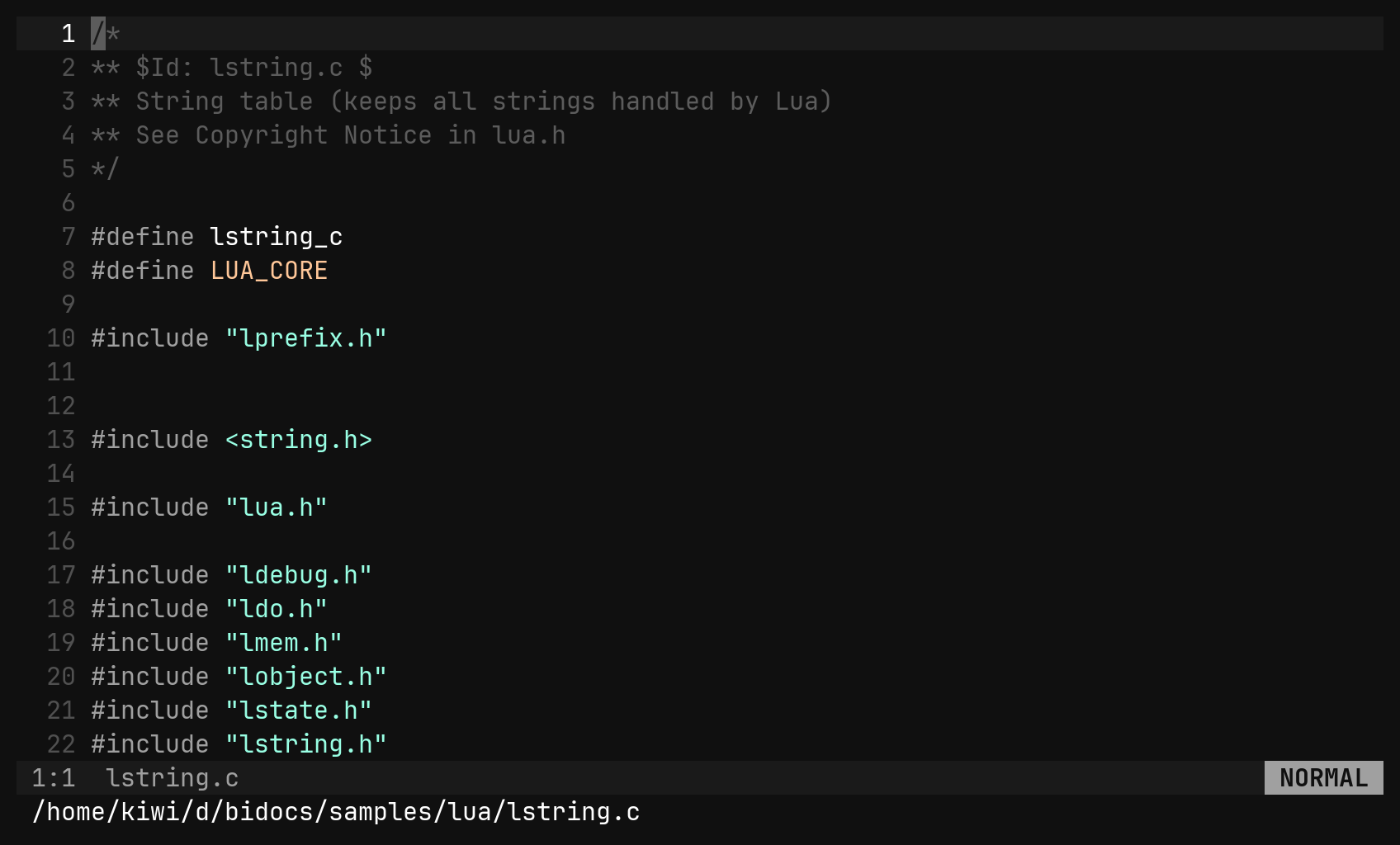
bi lstring.c      # a file
bi .              # a directory opens the file tree
A path is a path: :e, :sp and :vs take a directory too. Whatever
directory you open becomes the session’s root — every tree and every file
picker starts there.
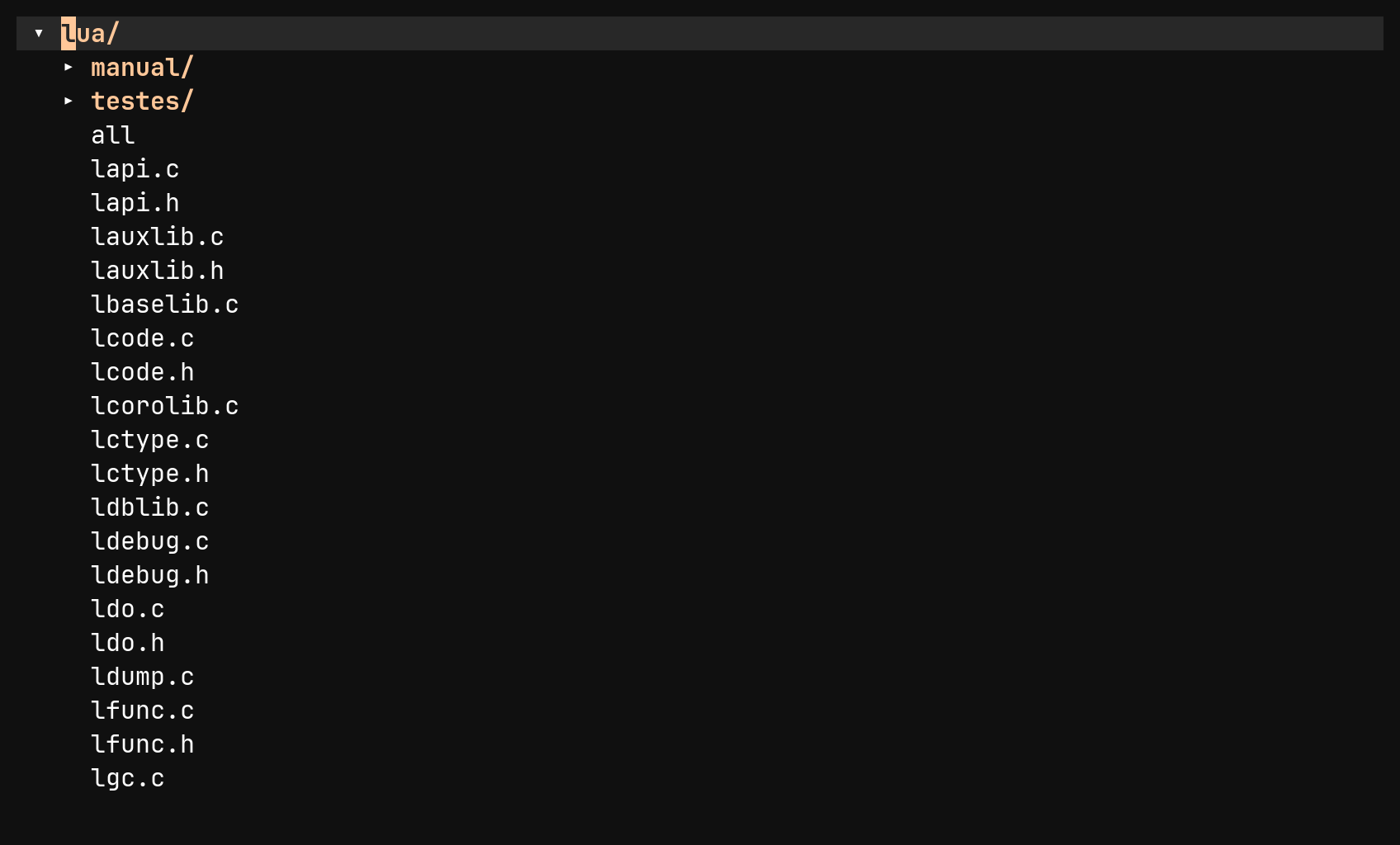
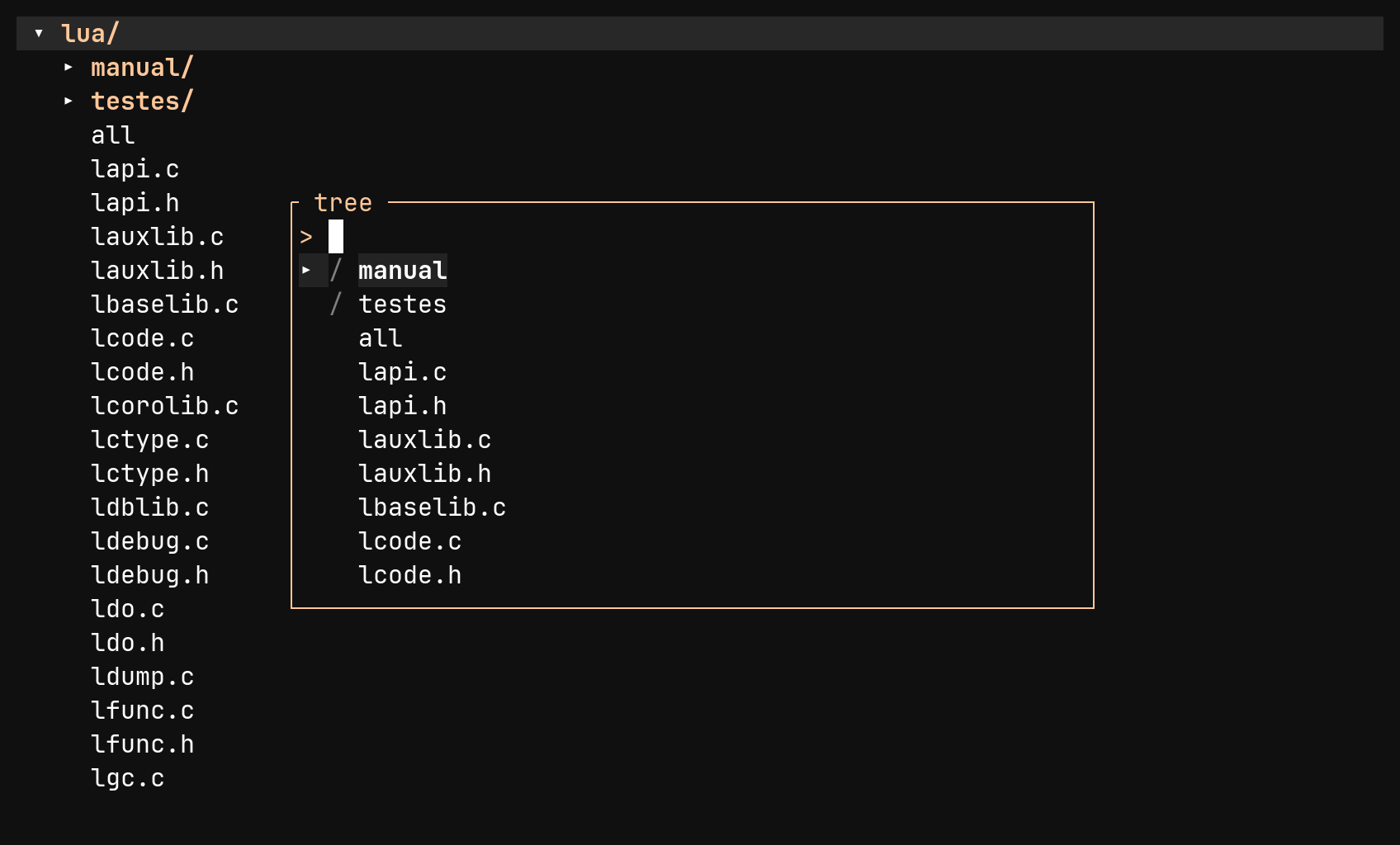
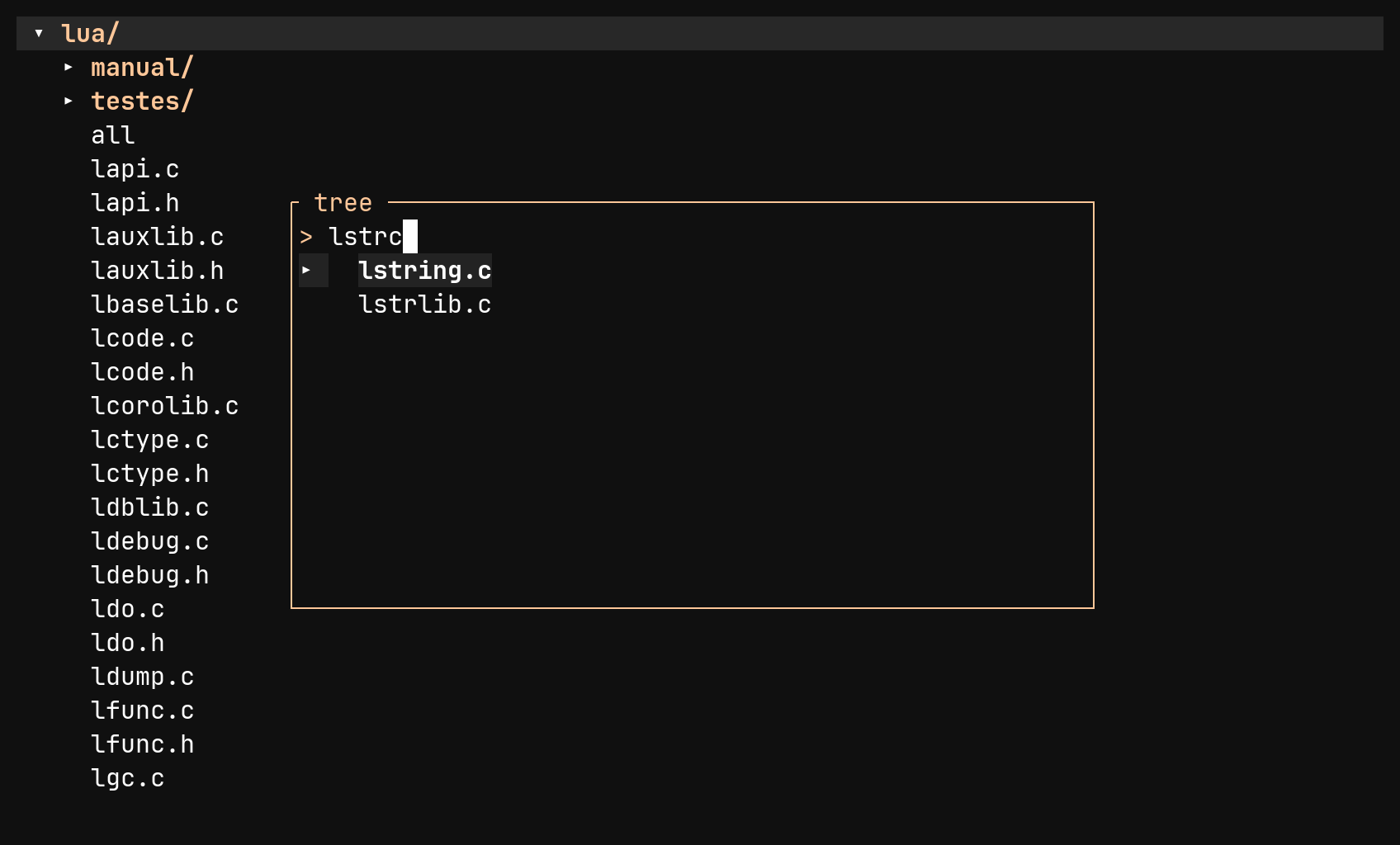
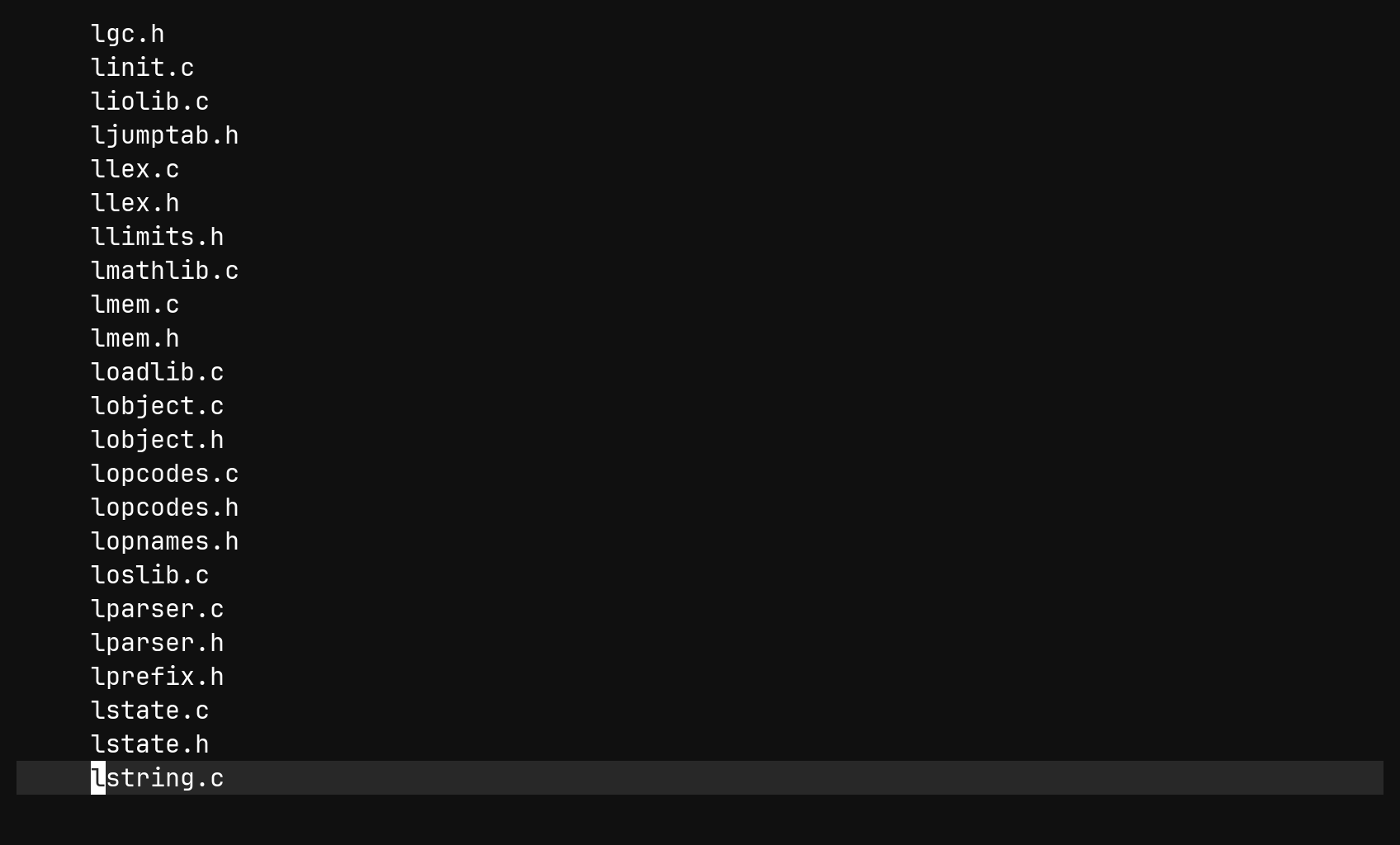
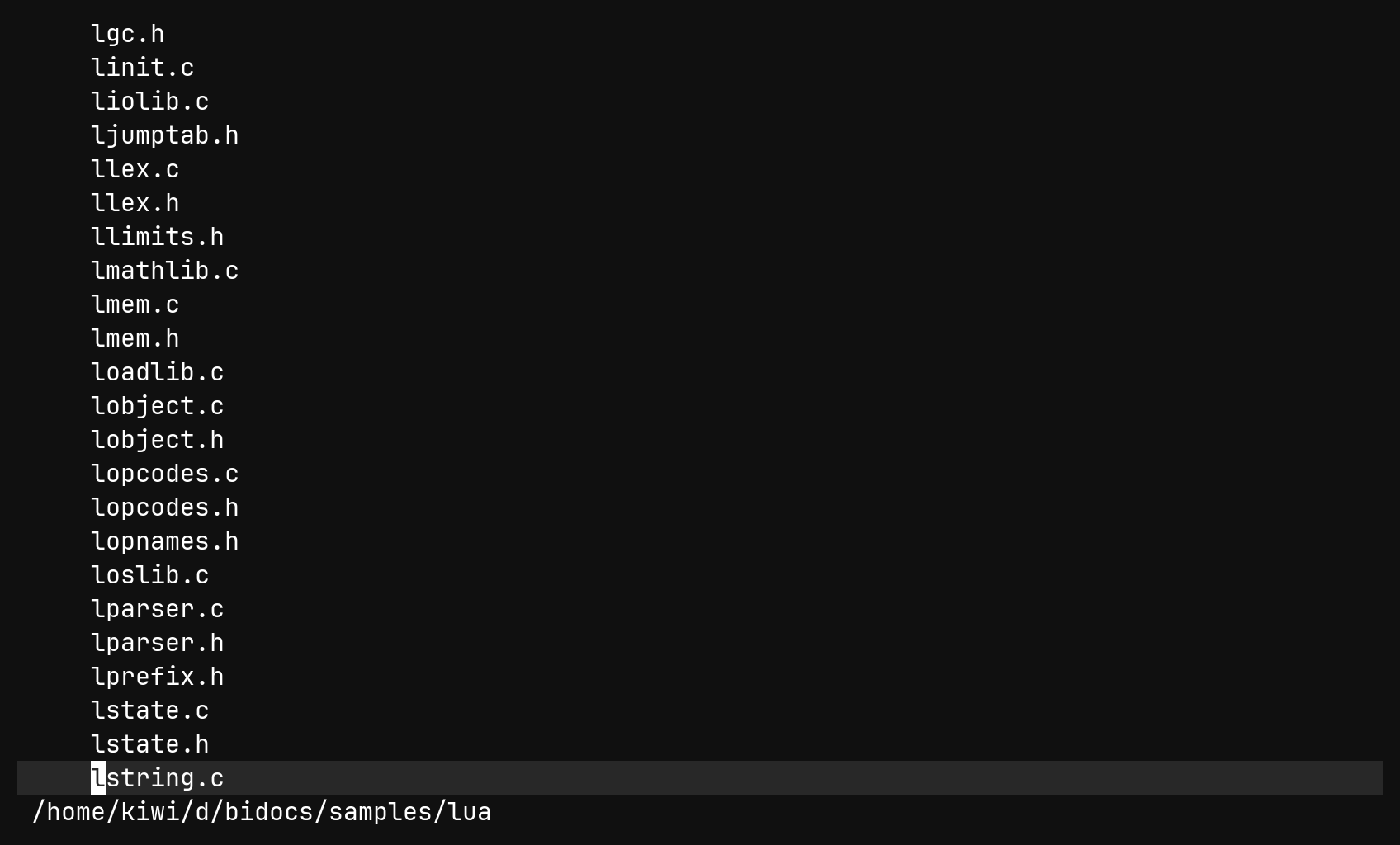
| Key | In the tree |
|---|---|
j k gg G | move, with a count |
l / → | open a directory, or the file under the cursor |
h / ← | close a directory, or step to the parent row |
Enter | a directory toggles, a file opens |
- | from a file: back to the tree. In the tree: re-root at the parent |
gf | find any path under the root by name |
gh | show or hide dotfiles |
The tree is a real pane, not a buffer of text — it can create (a), rename
(r), delete (dd), copy and move files. Lesson 7 covers it in full.
Modes and the status row
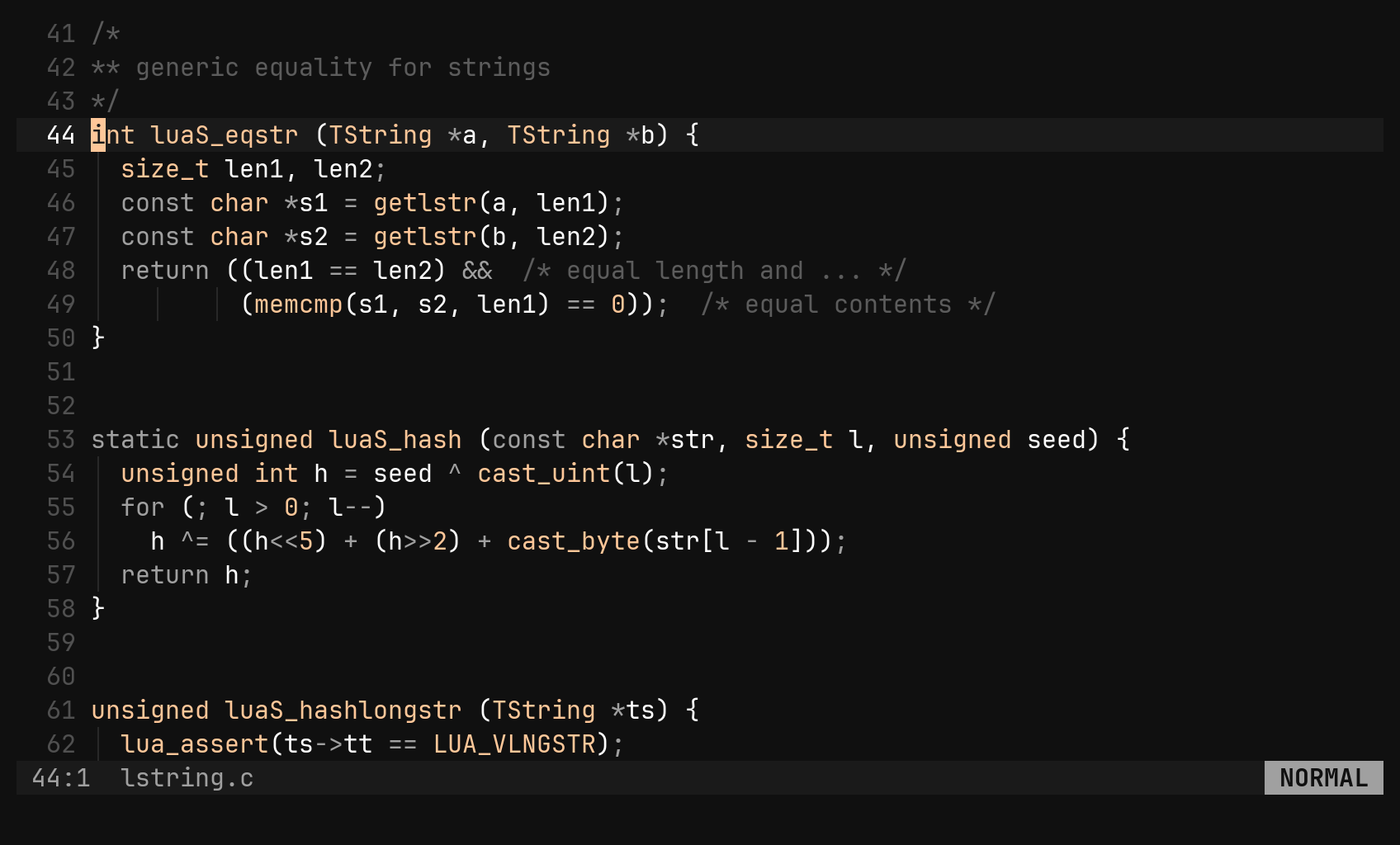
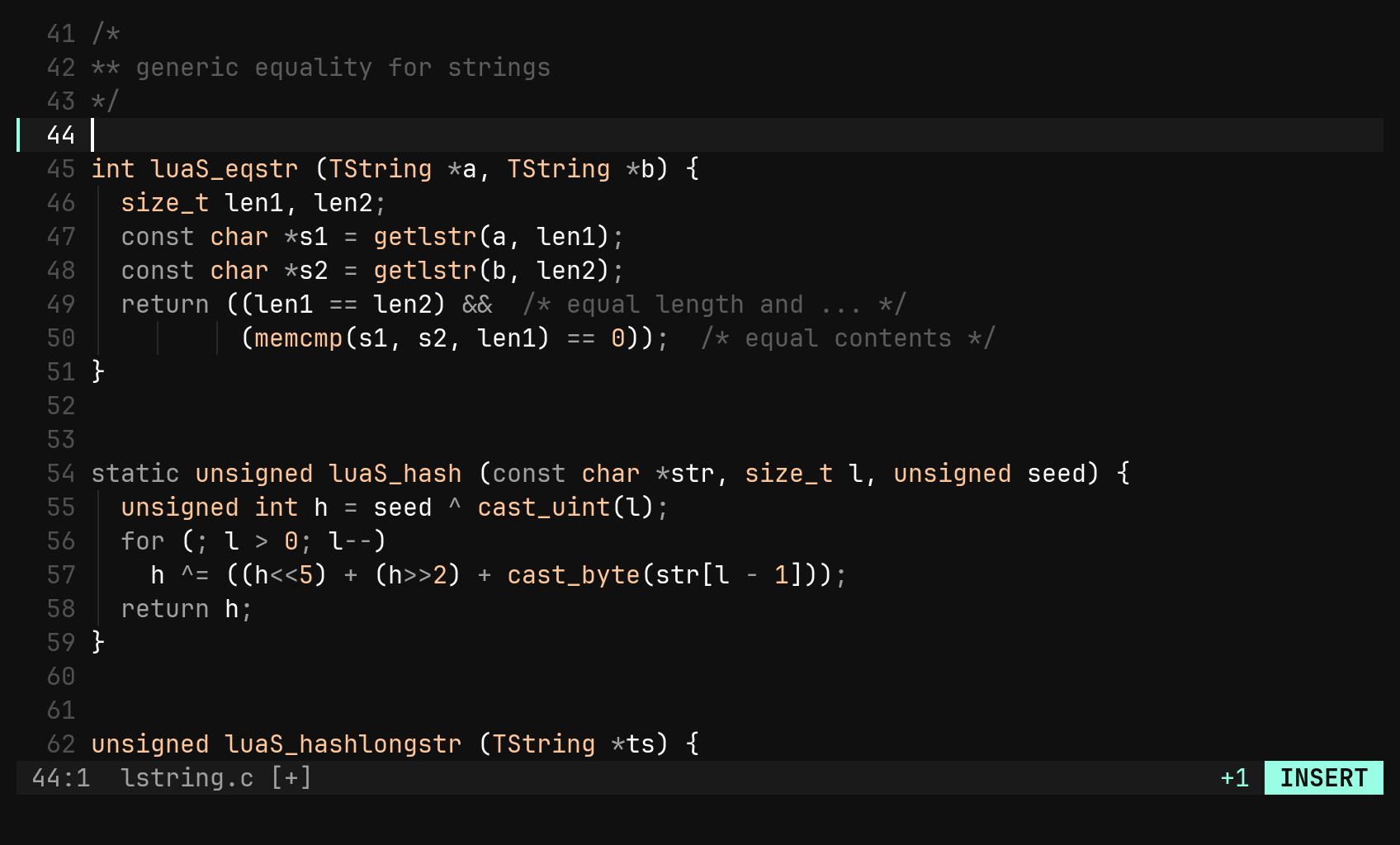
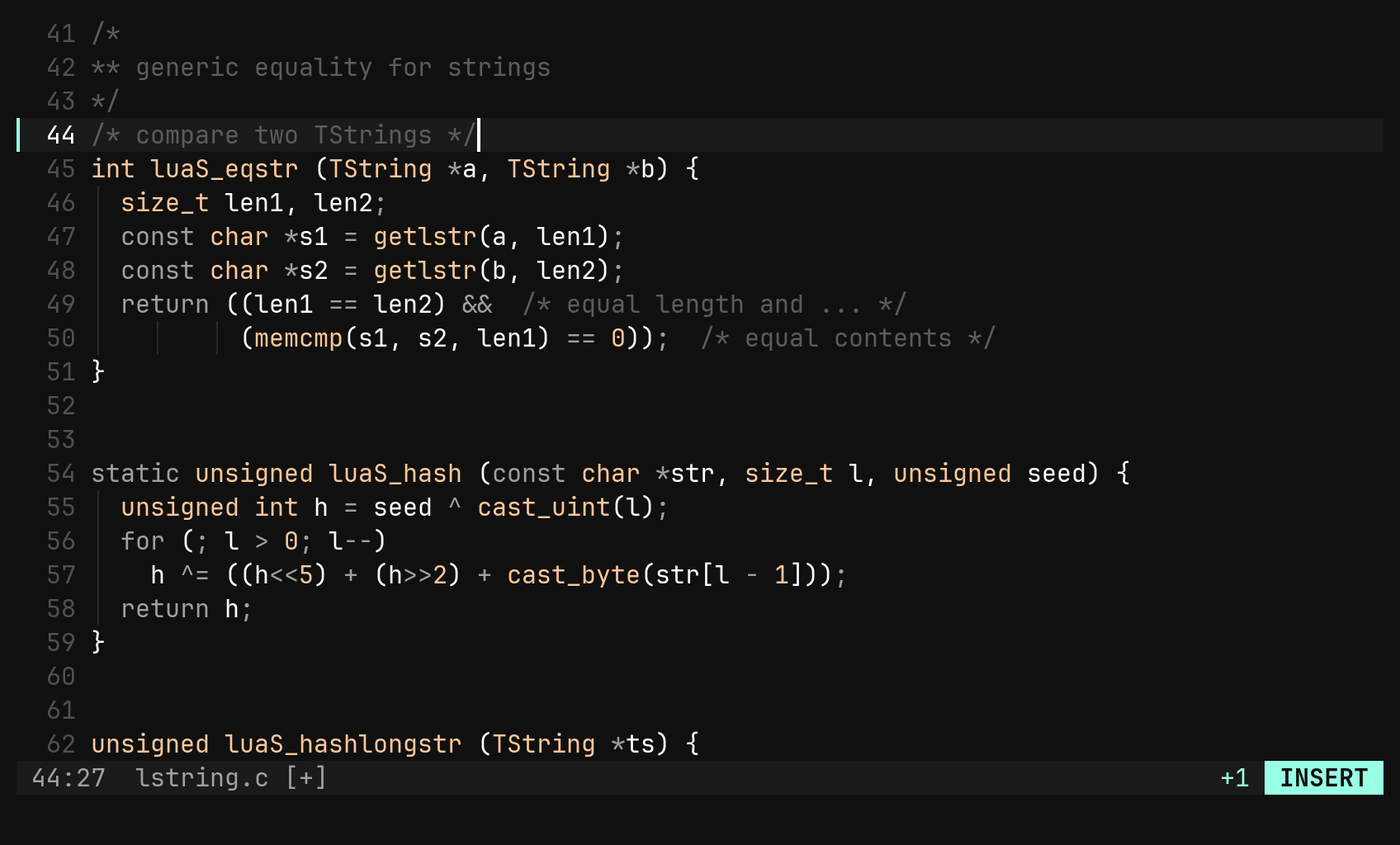
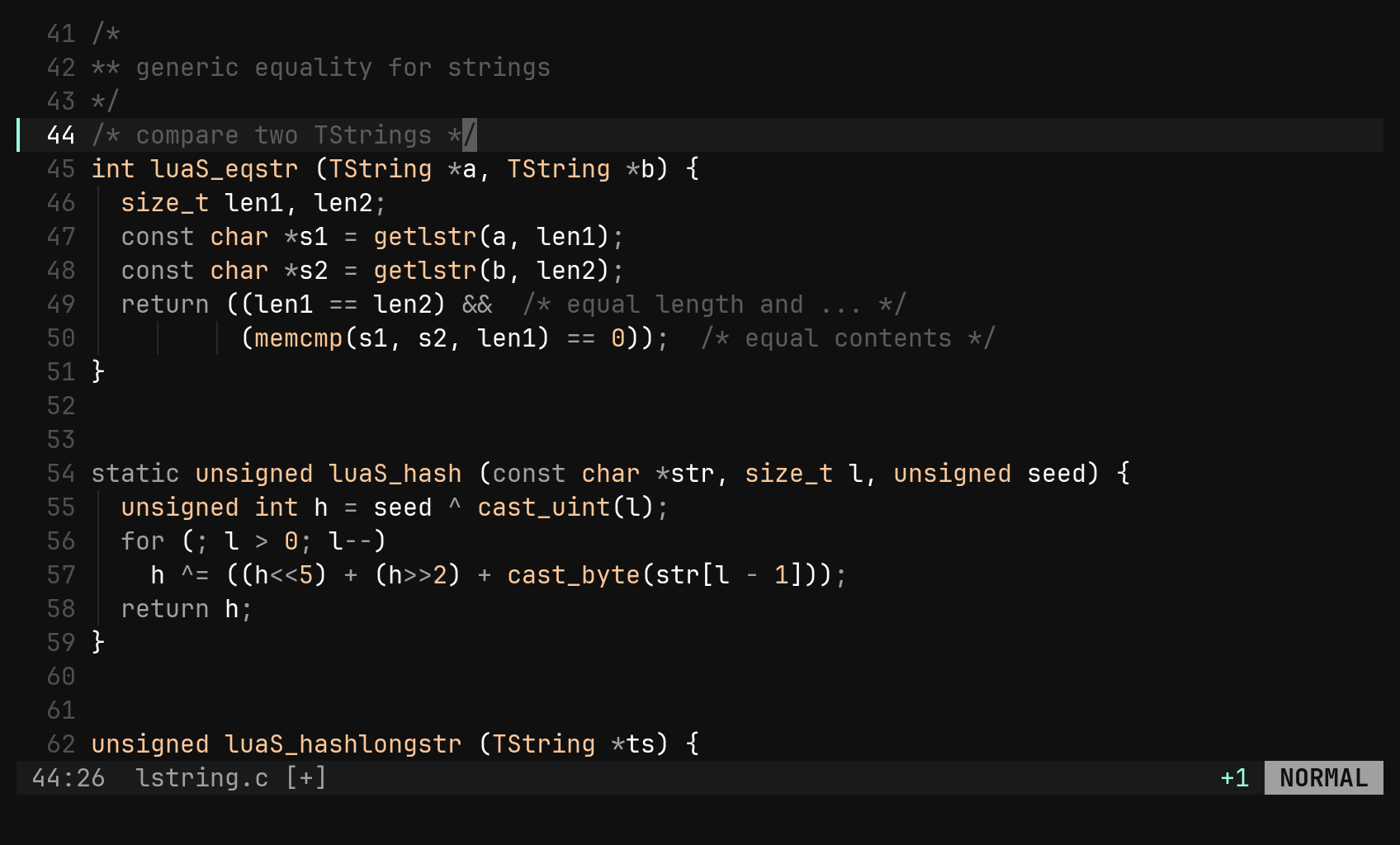
bi is modal. Normal mode is for moving and operating on text, Insert
is for typing, Visual is for selecting. Each window has its own status
row: the focused one leads with line:col and ends with the mode, so what you
are typing and where you are typing it read as one line.
| Key | Does |
|---|---|
i a | insert before / after the cursor |
I A | insert at the start / end of the line |
o O | open a line below / above |
v V Ctrl-V | charwise / linewise / blockwise visual |
R | replace mode |
Esc, Ctrl-C | back to Normal, or cancel a half-typed command |
: | the command line |
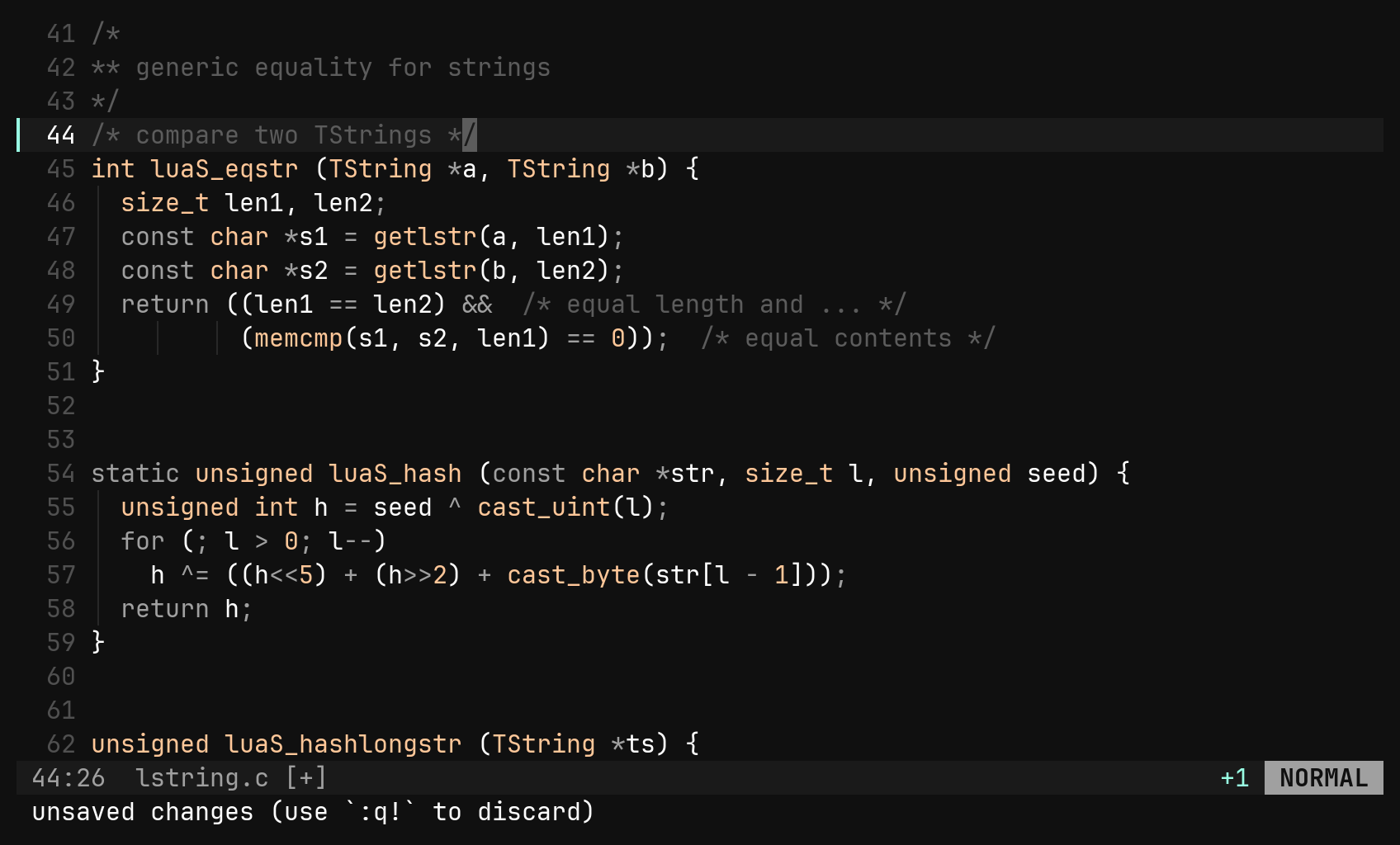
The row keeps its shape: [+] rides with the name when the buffer is
modified, and badges like [crlf] or [windows-1250] appear only when a
file is not plain UTF-8 with \n. Under it, the footer belongs to the whole
session — messages, half-typed keys, the cursor count, the : and / lines.
:sp, right for :vs) with
focus moving there, so you can see that you moved.Saving and quitting
| Command | Does |
|---|---|
:w :w <path> | write |
:q | close this window; from the last one, quit — refusing unsaved changes |
:q! | the same, discarding changes |
:wq :x | write and quit |
:wa :qa :qa! | every buffer, including ones no window shows |
:w tidies on the way out: trailing whitespace, blank lines at either end of
the file, and a missing final newline. The tidy is its own undo step, so u
right after :w puts the whitespace back and nothing else.
:bd, does.A config, when you want one
bi runs on its defaults. When you want to change something:
bi config init   # writes ~/.config/bi/config.toml, every default commented out
bi config edit   # opens the config directory in bi
The file is a patch over the built-in defaults, so an option you never
mention keeps doing what bi does — including whatever a later version adds.
:reload re-reads it without restarting, and a mistake in it is reported on
the status line rather than stopping bi from starting.
[options]
theme  = "vesper"   # these docs are shot in vesper
number = -1         # relative line numbers
Every [options] key is also a :set: :set theme gruvbox tries a theme for
this session, :set number 5 numbers every fifth line.