Editing: operators, objects, structure
An operator plus a motion is one edit. bi keeps vim’s grammar, adds the parse tree as a way to say what, and makes surroundings and moving lines built-in commands.
Operators take a motion
d, c and y wait for a motion, and double the key for whole lines. Counts
go where vim puts them: 3dd, d3w, and 2d3w multiplies to six words.
| Key | Does |
|---|---|
d{motion} | delete over the motion: dw d$ d0 dG |
c{motion} | change: delete, then insert mode |
y{motion} | yank |
>{motion} <{motion} | indent / outdent the lines it covers |
={motion} | reindent by bracket depth; gg=G the whole file |
gq{motion} | reflow prose to textwidth, comment leaders kept |
dd cc yy >> << | the whole line, {n} of them when counted |
D C Y | d$, c$, yy |
x X | delete the char under / before the cursor |
e is inclusive and w is exclusive: de takes the word, dw takes the
word and the space after it. cw behaves like ce, as in vim.
Text objects
A text object names the thing the cursor is inside instead of a direction to
move in. i is the object itself; a includes its surroundings.
| Key | Selects |
|---|---|
iw aw | word; aw includes the whitespace after it |
iW aW | WORD, whitespace-delimited, so foo.bar is one |
i" i' i` | the contents of the quotes |
i( i[ i{ i< | inside the brackets; b and B alias ( and { |
a( a{ … | including the brackets |
ip ap | paragraph, a run of non-blank lines |
. repeats, u undoes
. repeats the last thing that changed text. A whole insert session counts
as one change, so ci( plus what you typed is a single repeatable unit.
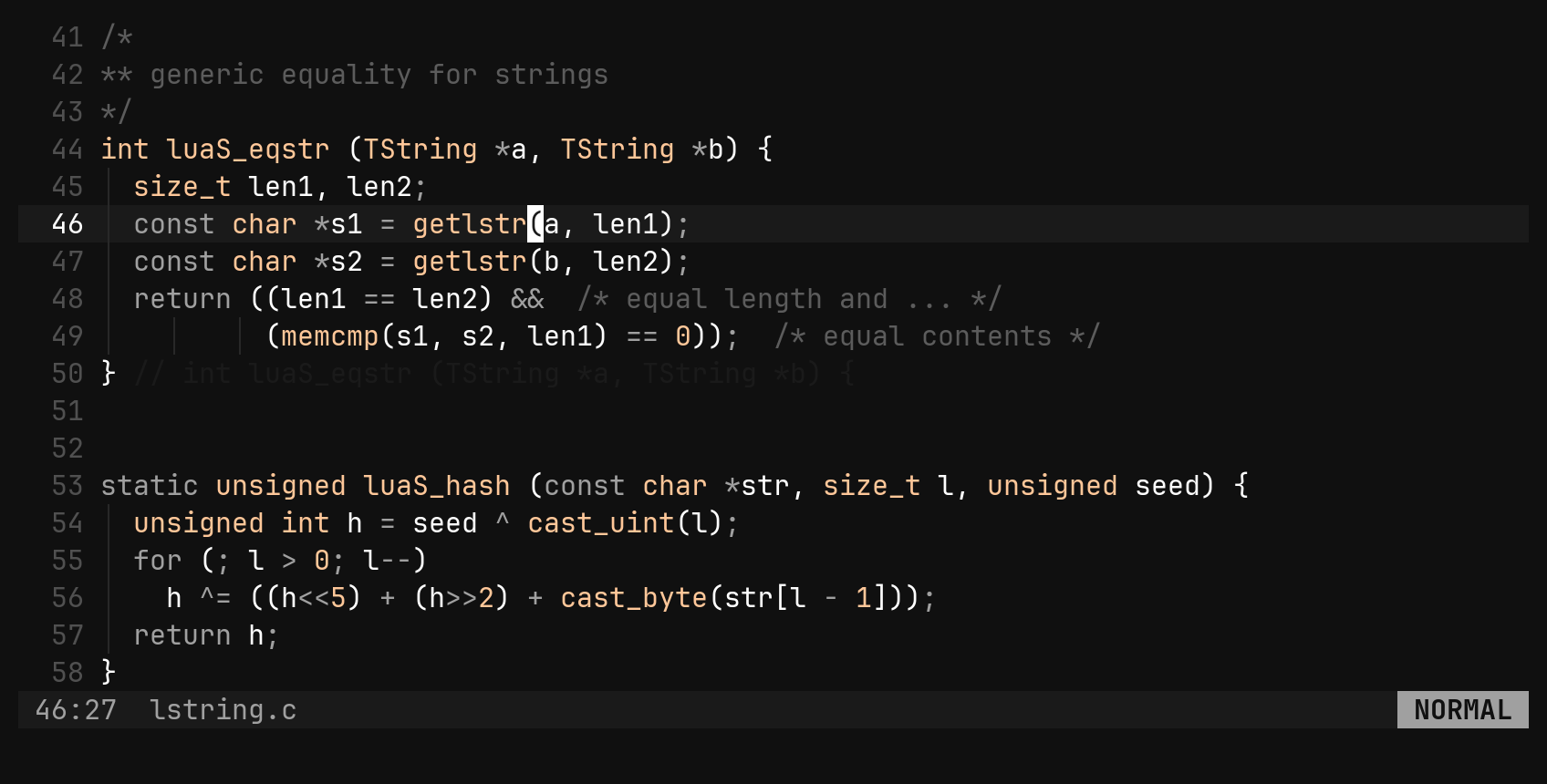
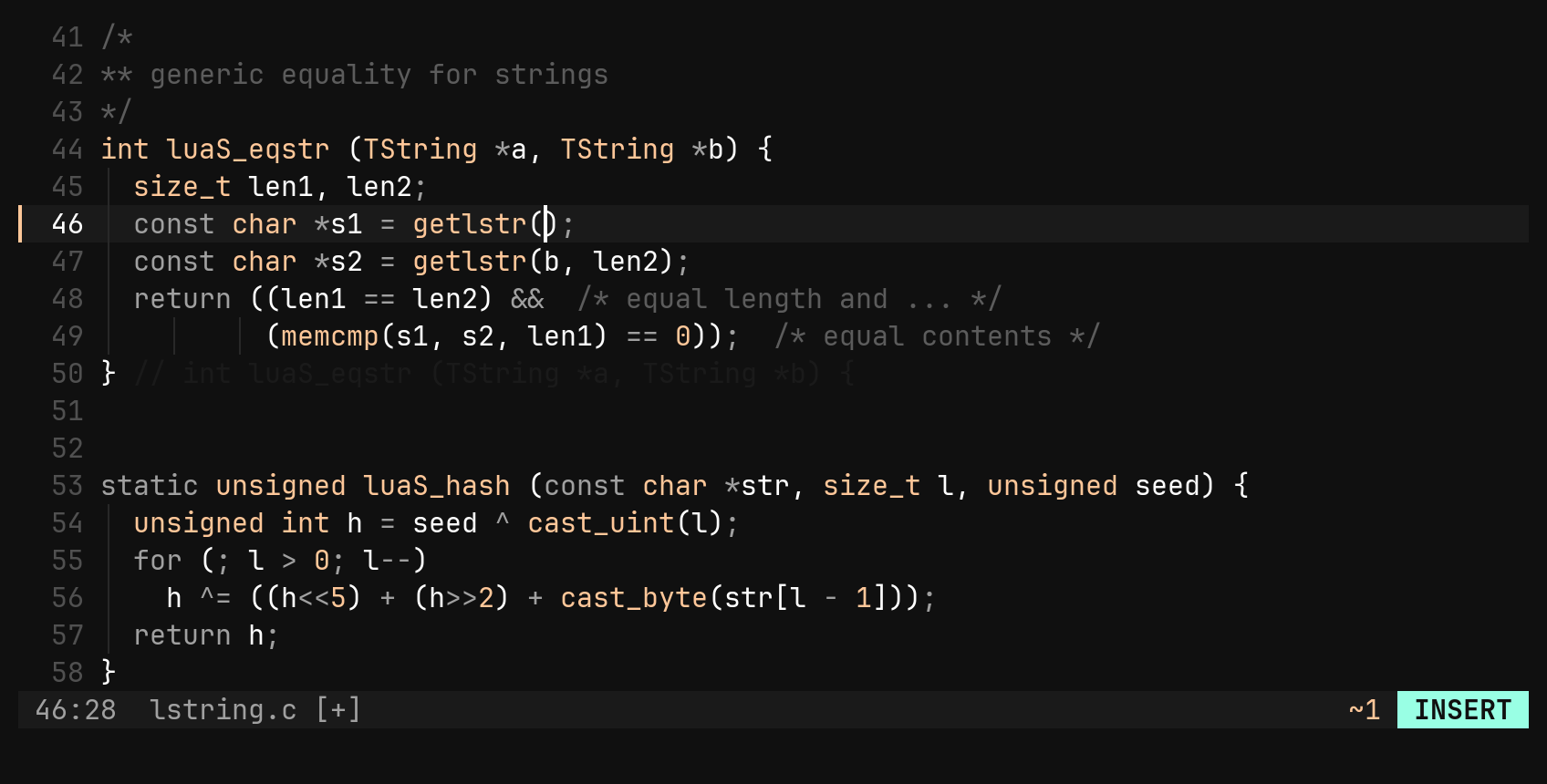
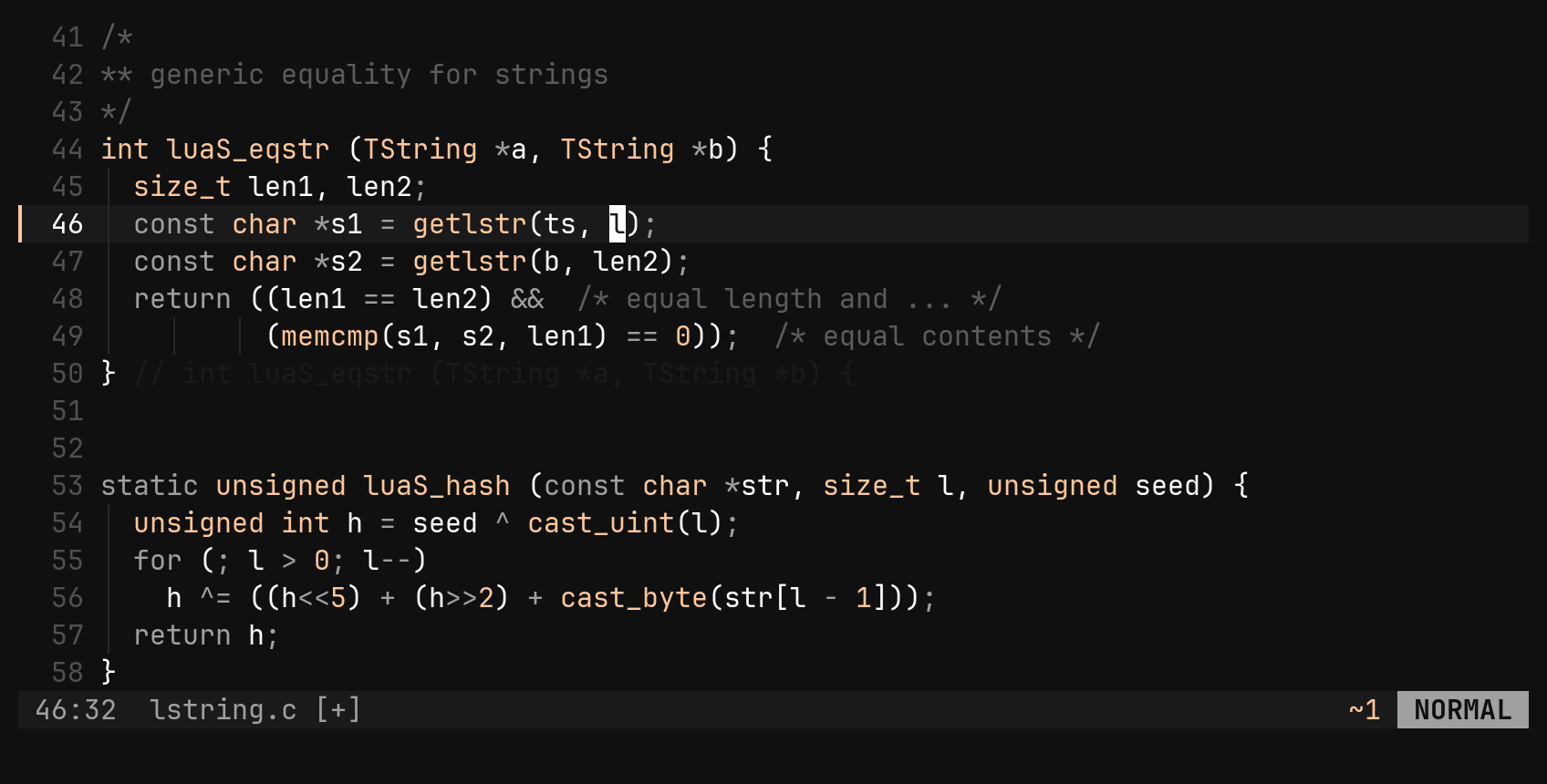
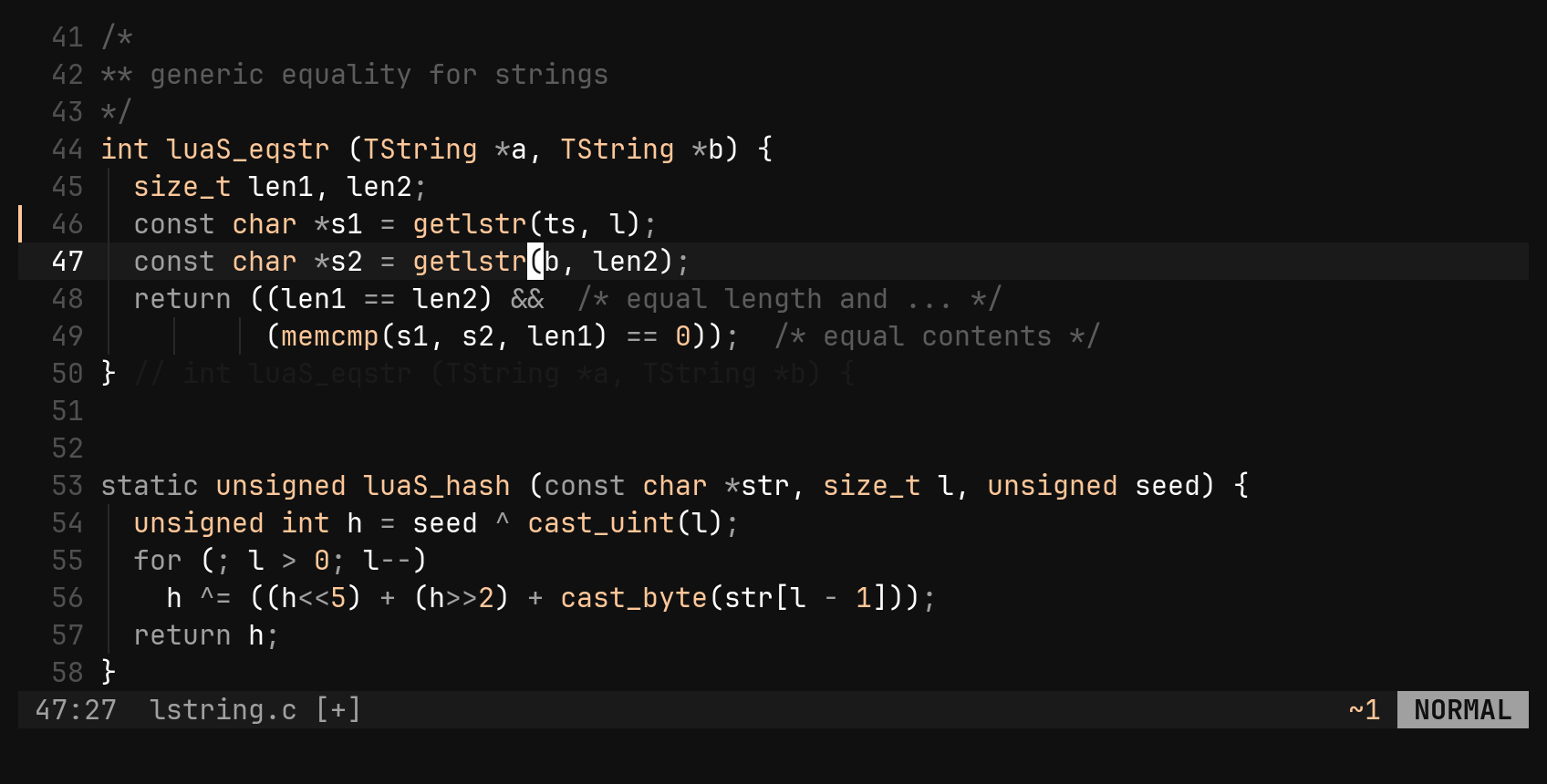
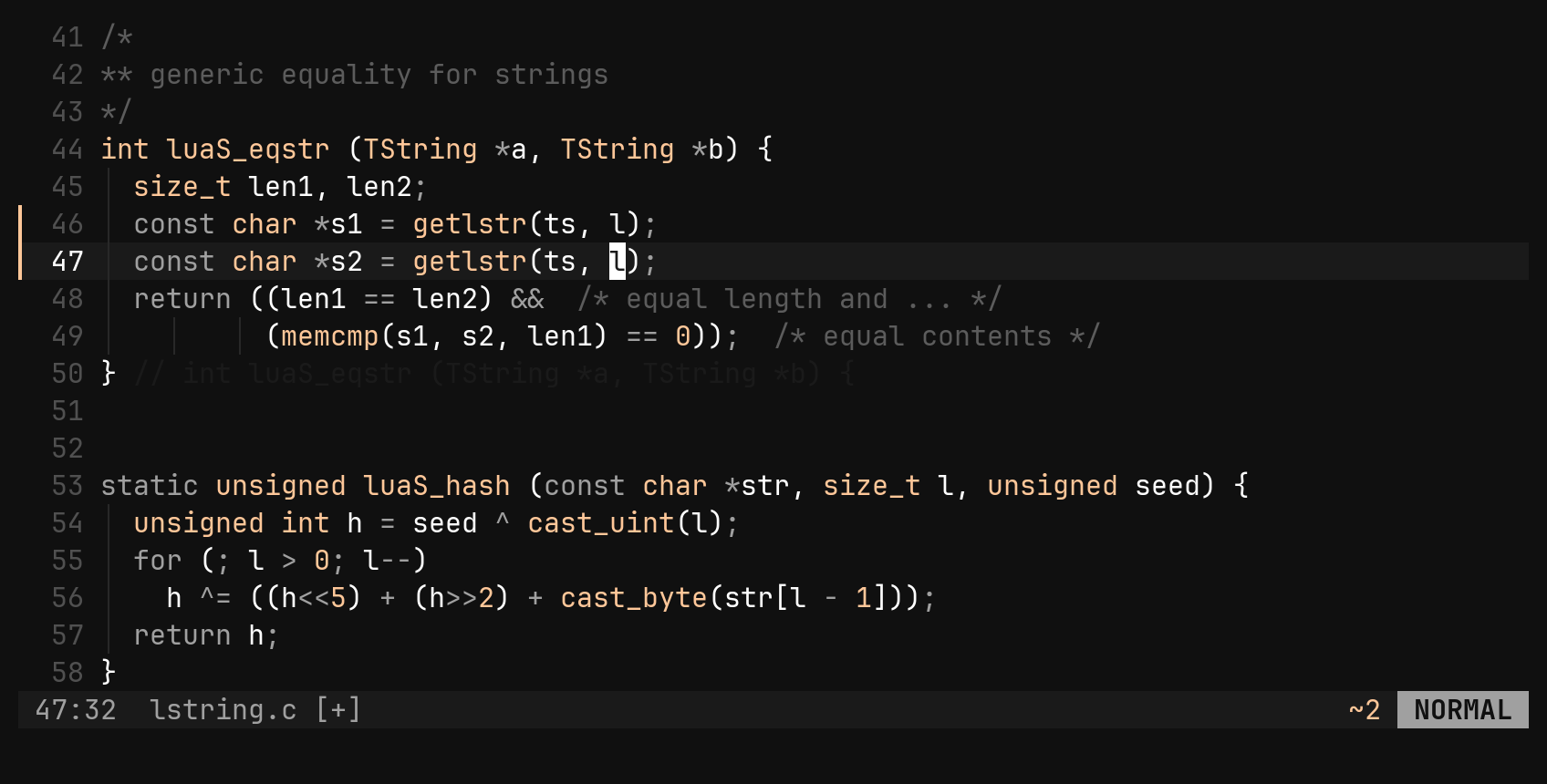
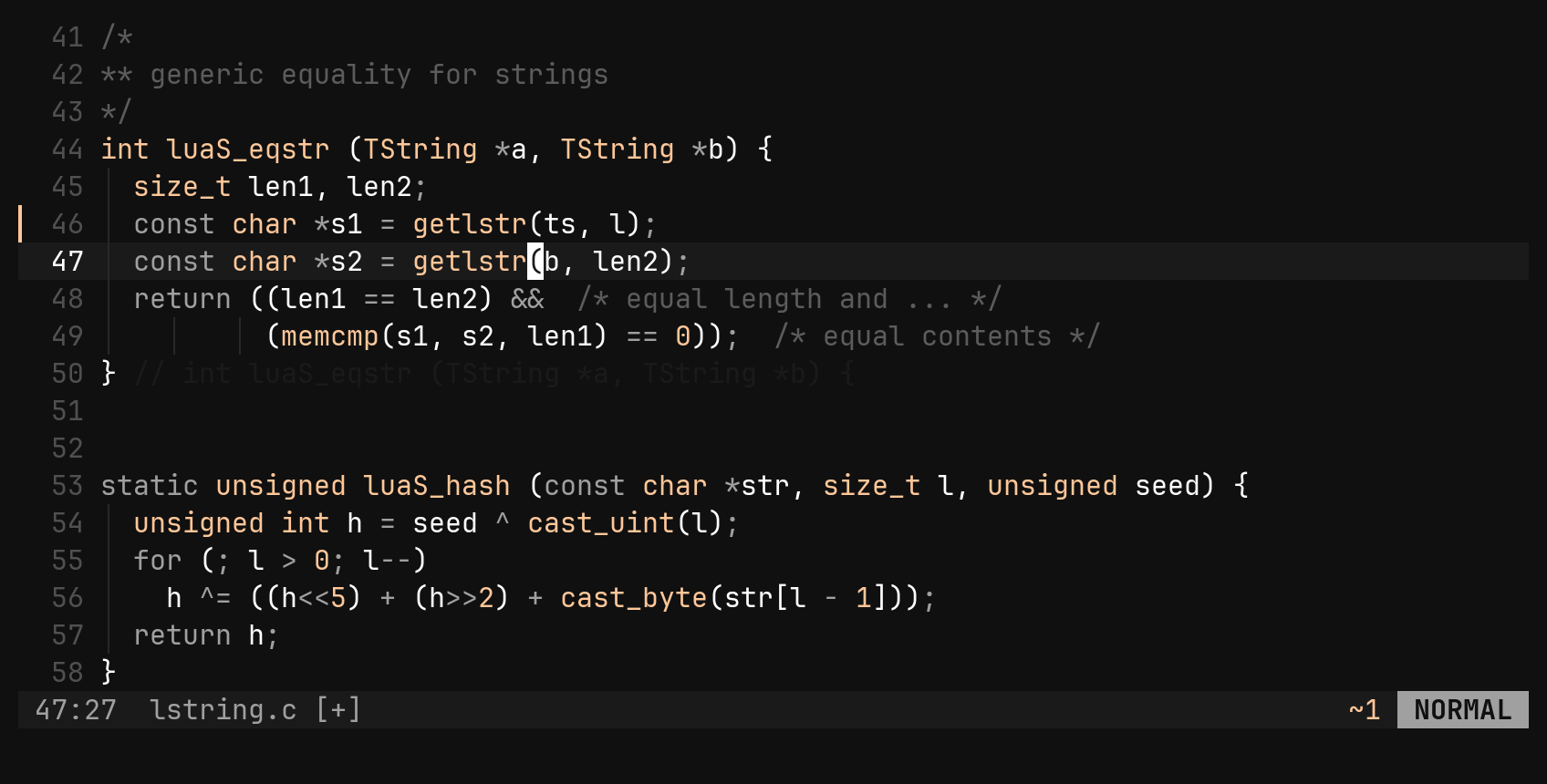
One command is one undo step: 5x comes back with a single u, and so does a
whole insert. Undo is a tree, not a stack: undoing and then typing starts a new
branch and keeps the old one.
| Key | Does |
|---|---|
. | repeat the last change; {n}. repeats it with a new count |
u | undo, {n} steps when counted |
Ctrl-R | redo |
S: select by structure
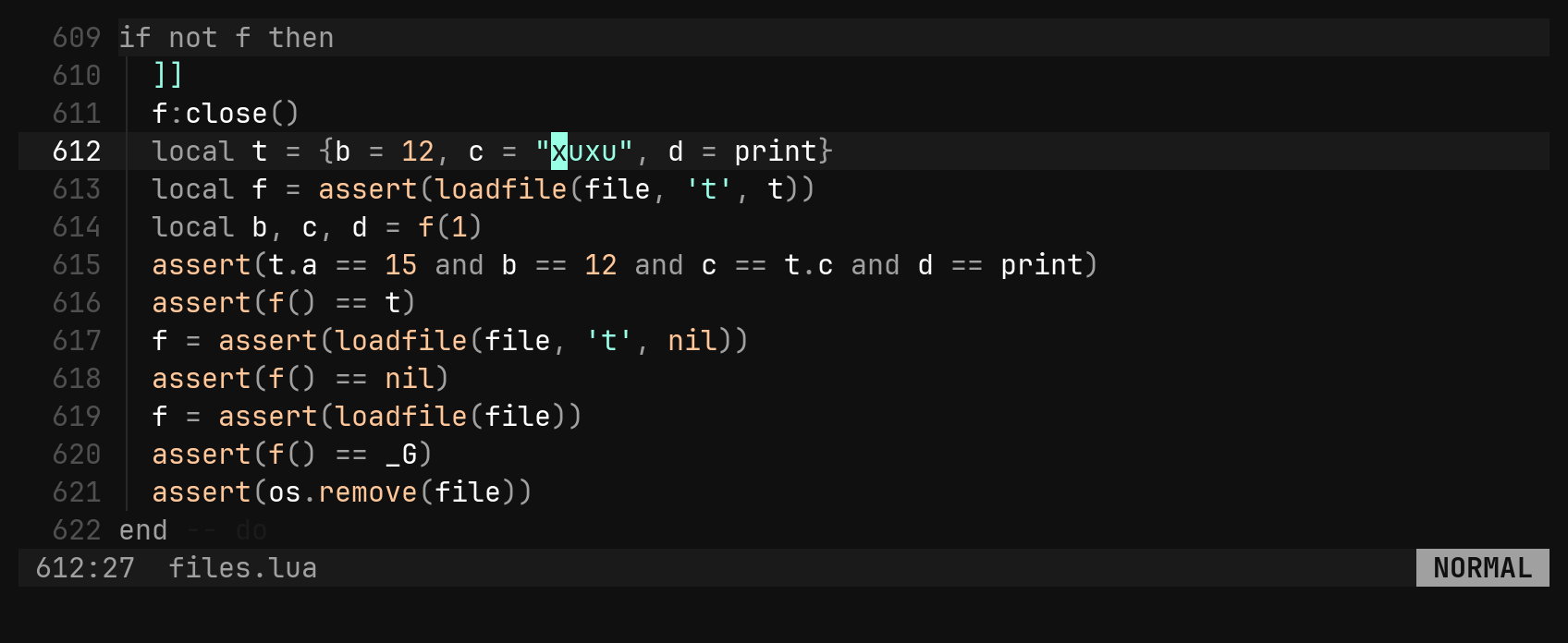
vi(, va{ and vi" make you decide which bracket, and inside or around,
before you press anything. The parse tree already knows every scope around the
cursor. S labels them a, b, c… from the tightest outwards and puts each
letter at both ends of its scope, so you can see exactly what you will get.
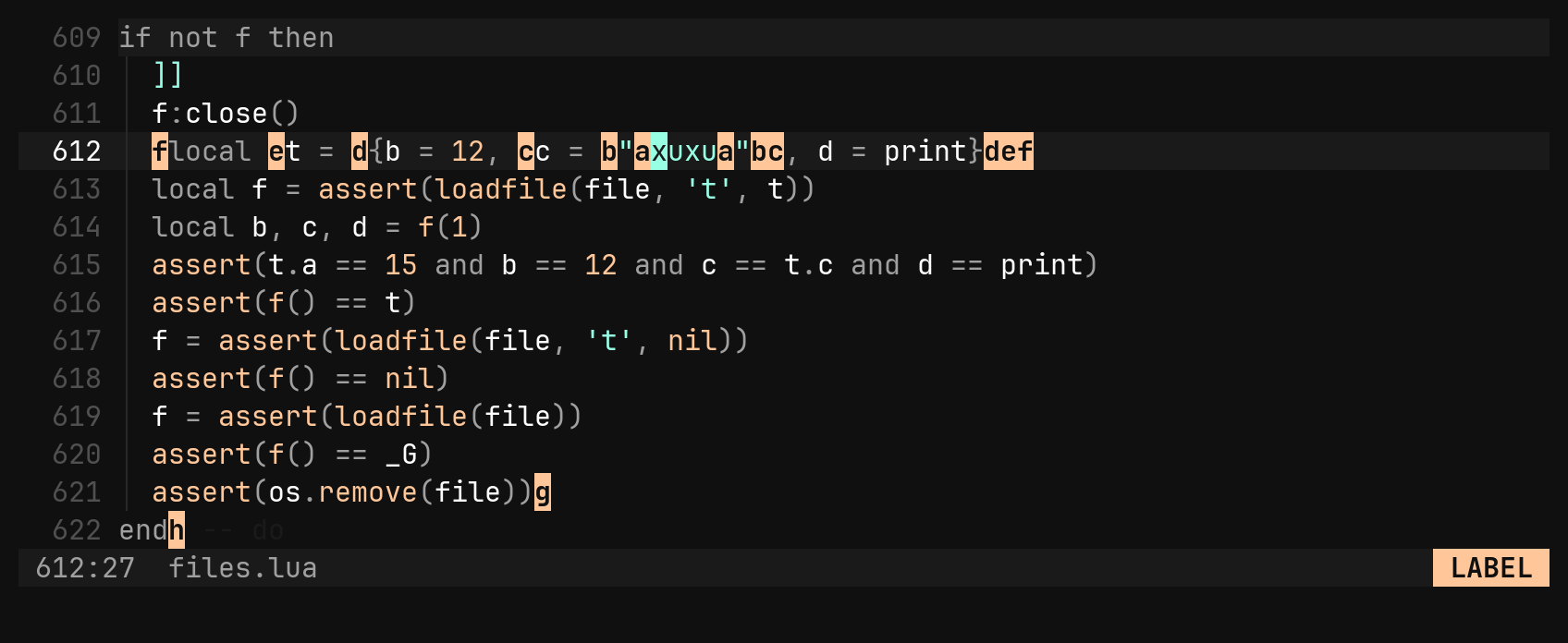
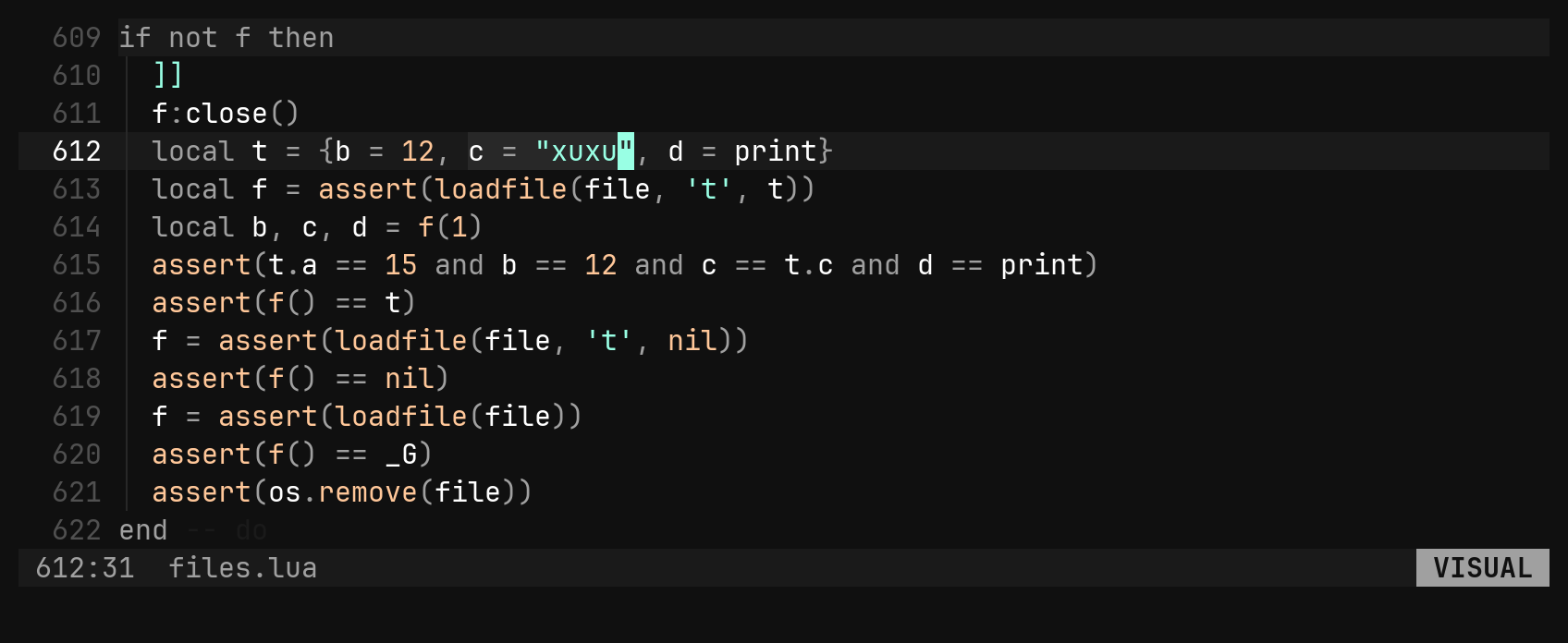
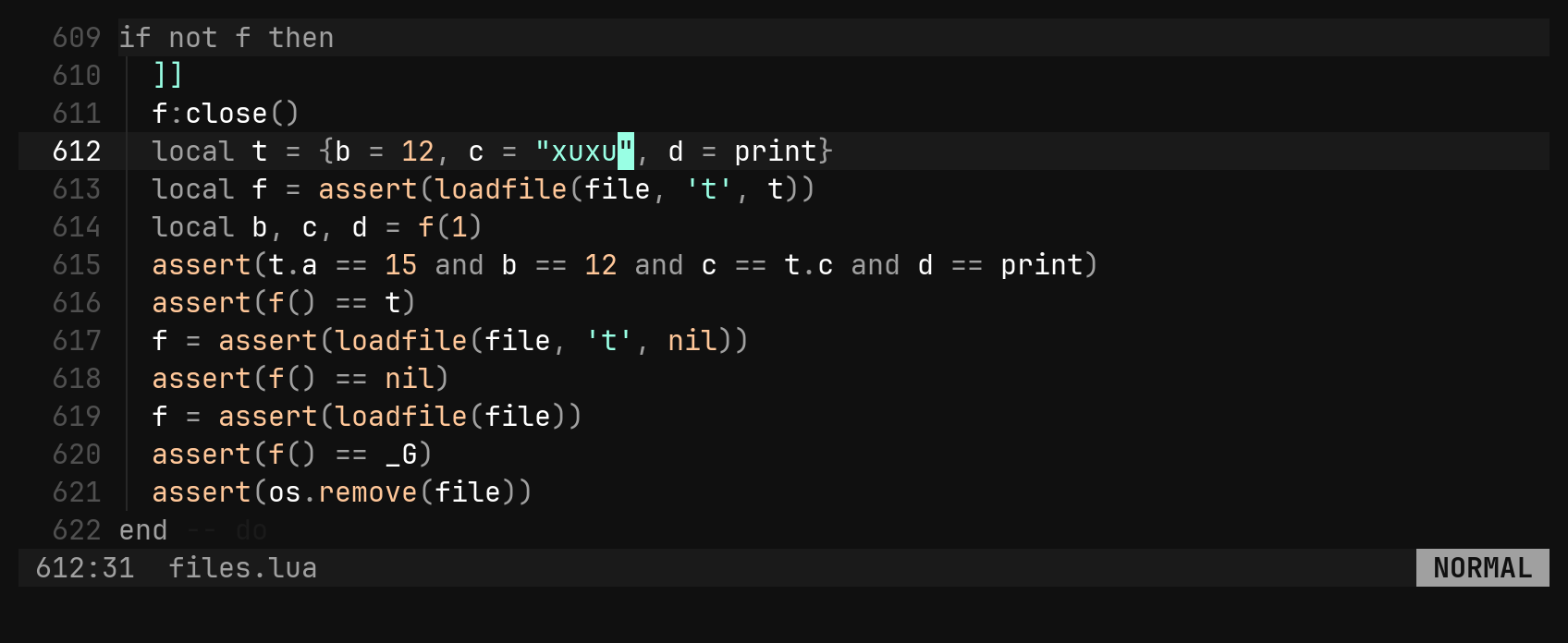
The letters are inserted between characters, not drawn over them, so nothing
on the line is hidden. The list follows the tree-sitter grammar, so strings,
fields, tables and blocks all work without special cases. A file with no
grammar has no scopes, and S tells you so.
S is cc spelled shorter, and cc still works. In
visual mode S wraps the selection instead (see below).Surroundings
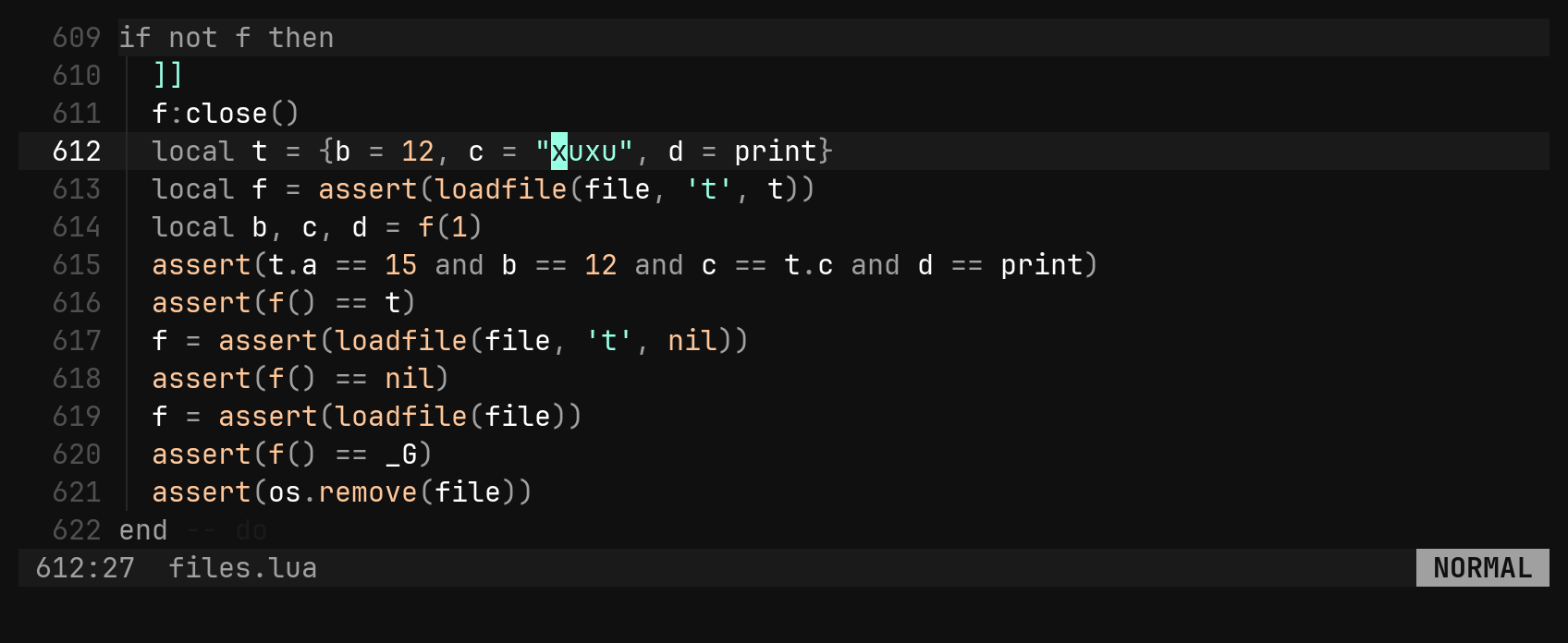
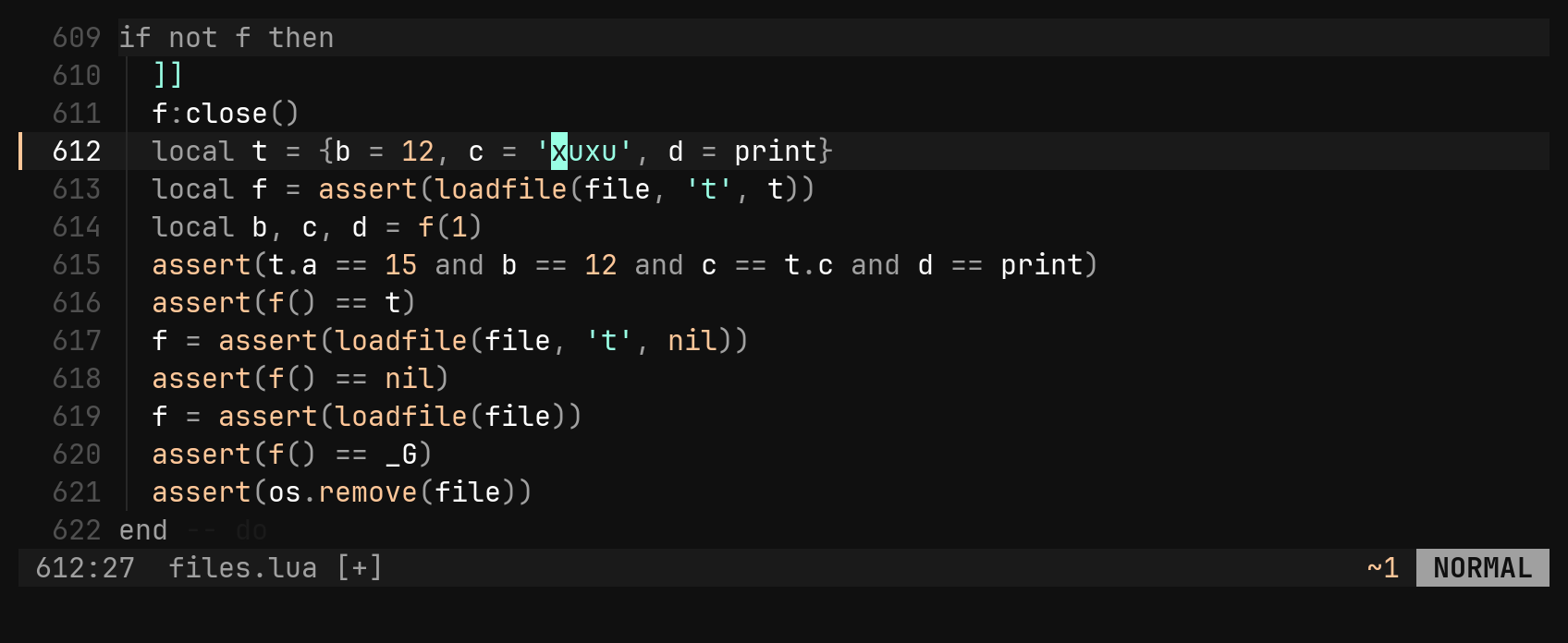
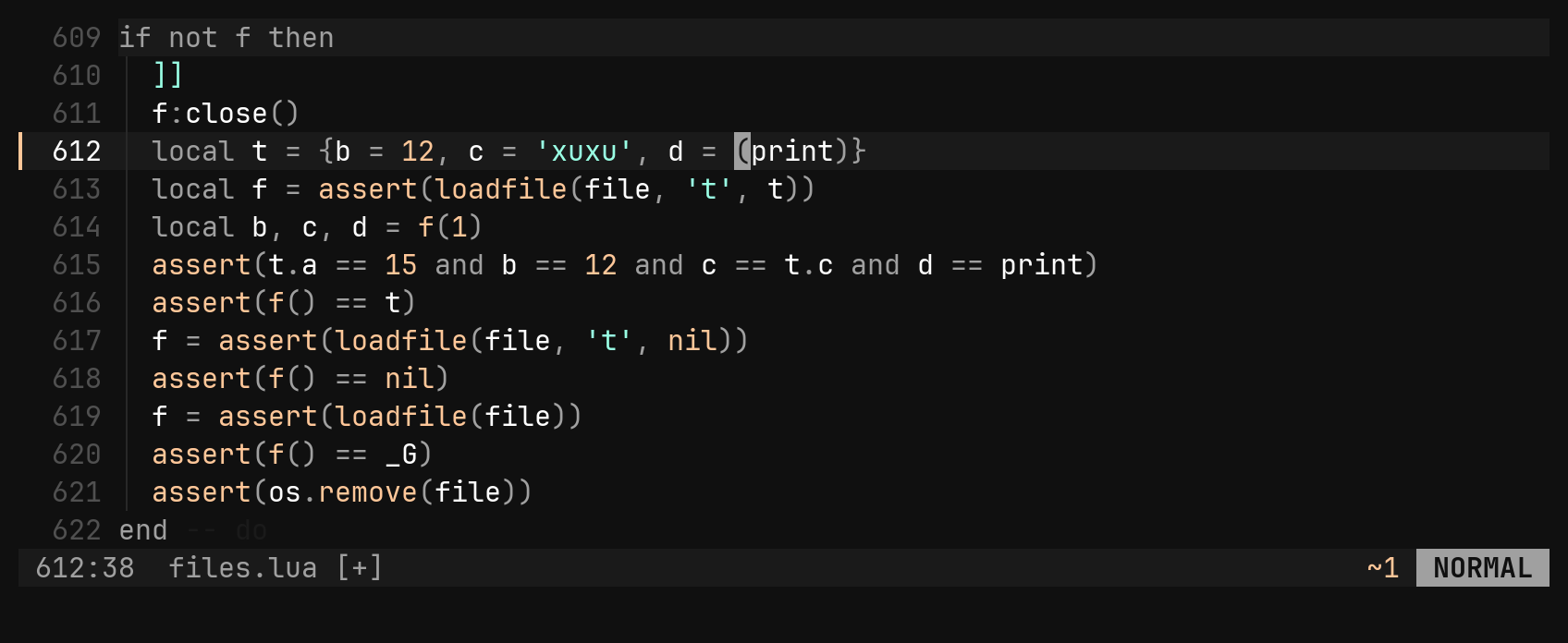
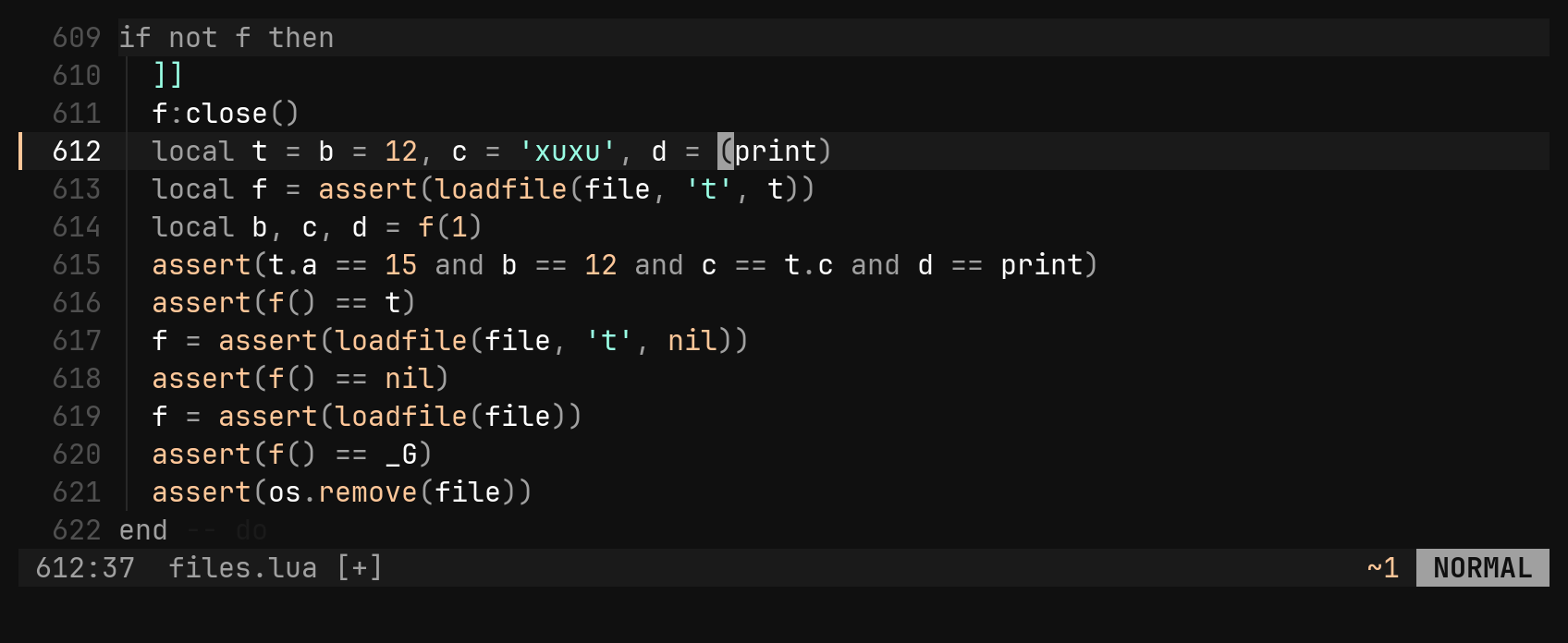
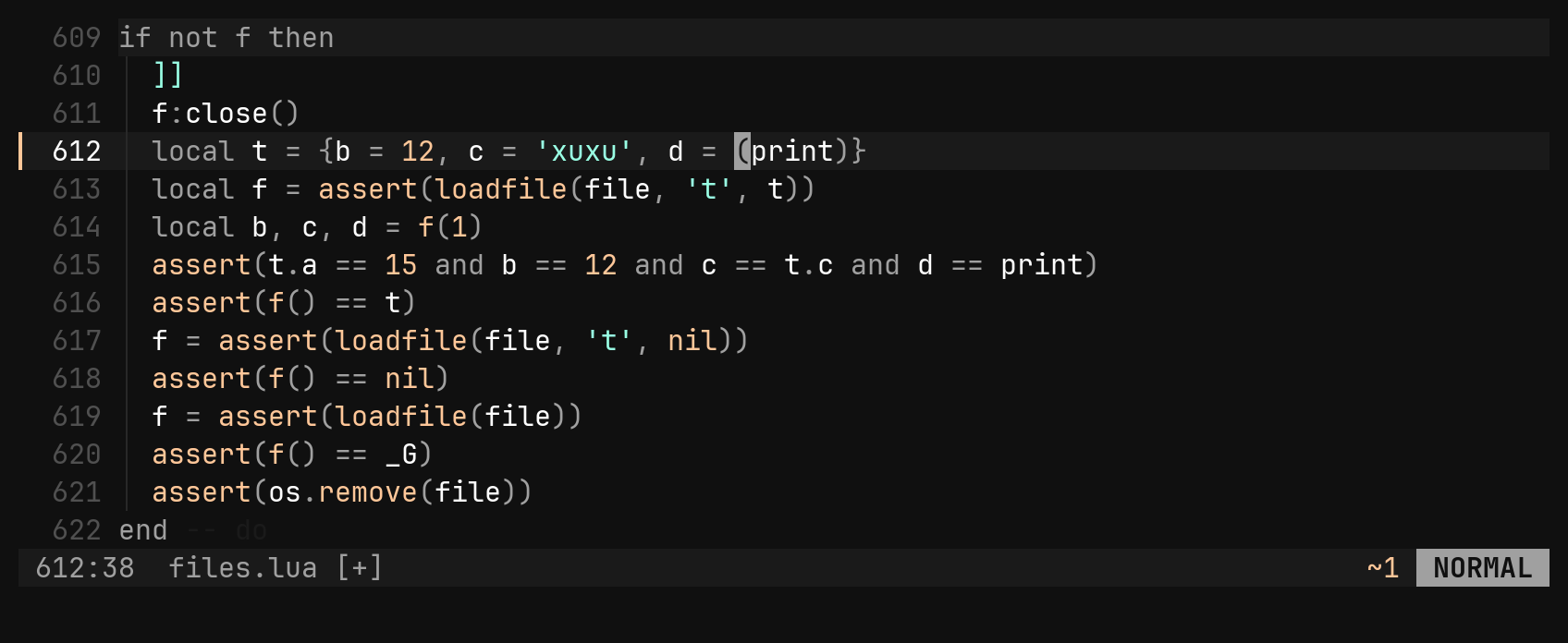
vim-surround’s commands are built in, with the same spelling.
| Key | Does |
|---|---|
ys{motion}{char} | wrap what the motion covers: ysiw", ys2w), ysip{ |
yss{char} | wrap the whole line |
ds{char} | delete the innermost pair around the cursor |
cs{old}{new} | change one pair into another, in place |
S{char} (visual) | wrap the selection |
An opening bracket ( { [ < puts a space inside, giving { x }. The
closing ones ) } ] > and b B do not. Any of them finds the same
pair, so ds(, ds) and dsb all delete the nearest parentheses. Each command
keeps the cursor where it is, is one undo step, and repeats with .. Tags
(dst) are not supported.
Comments
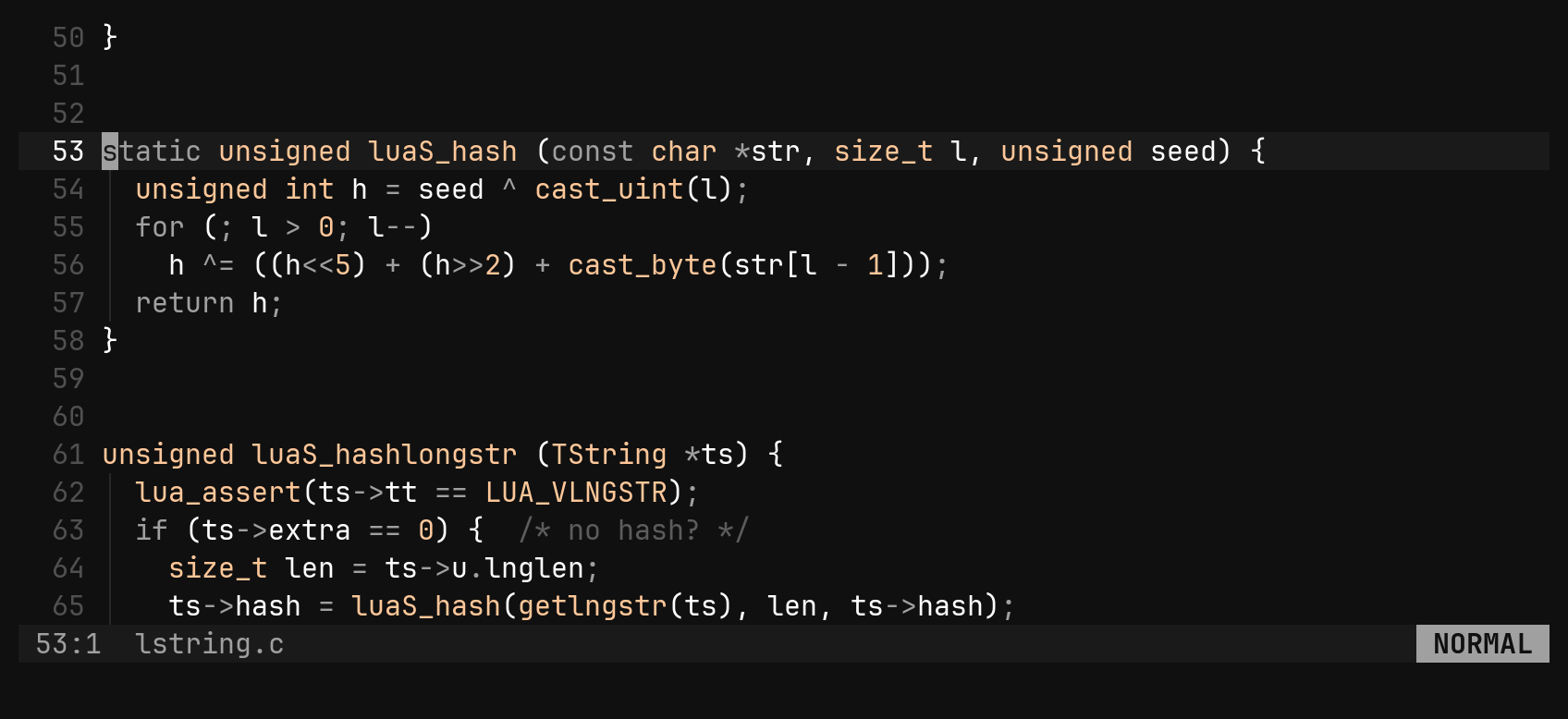
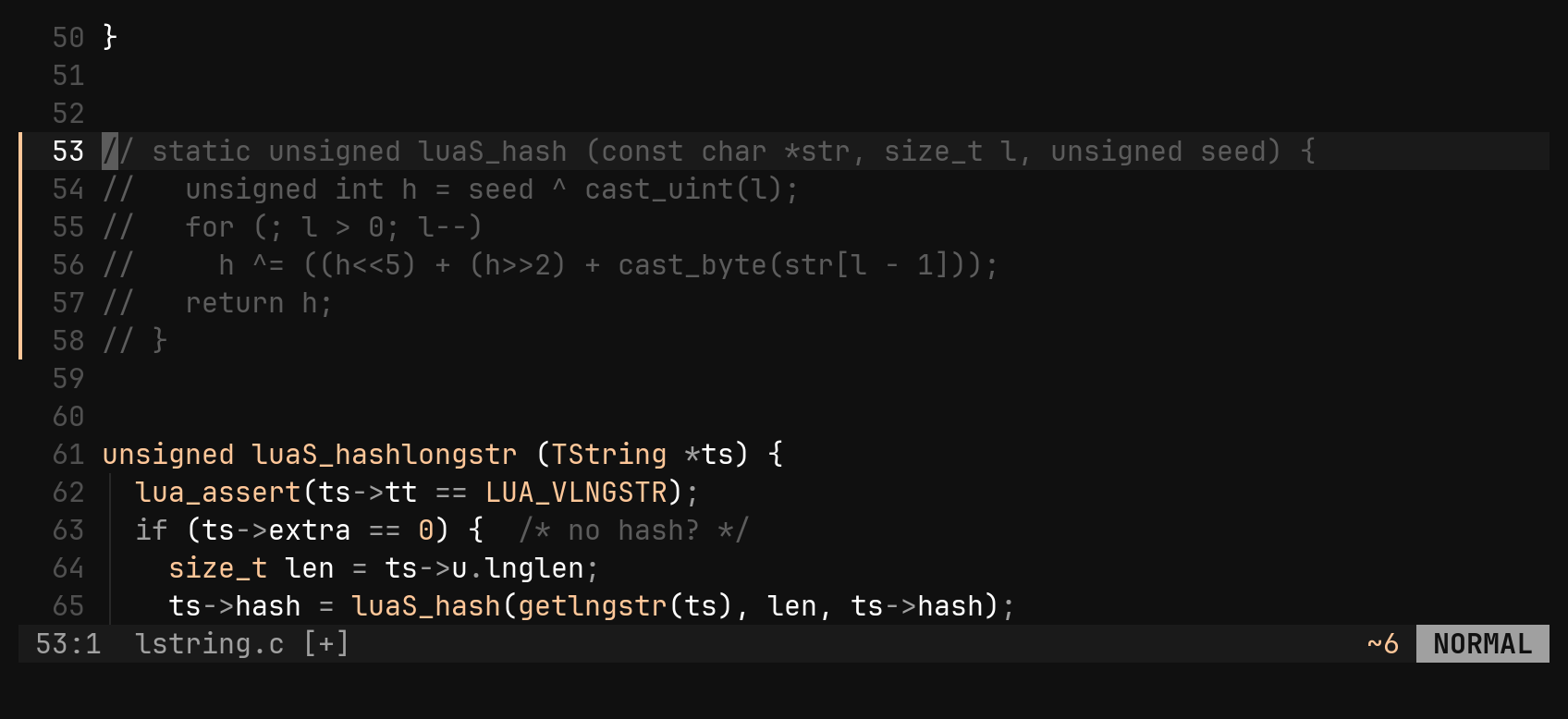
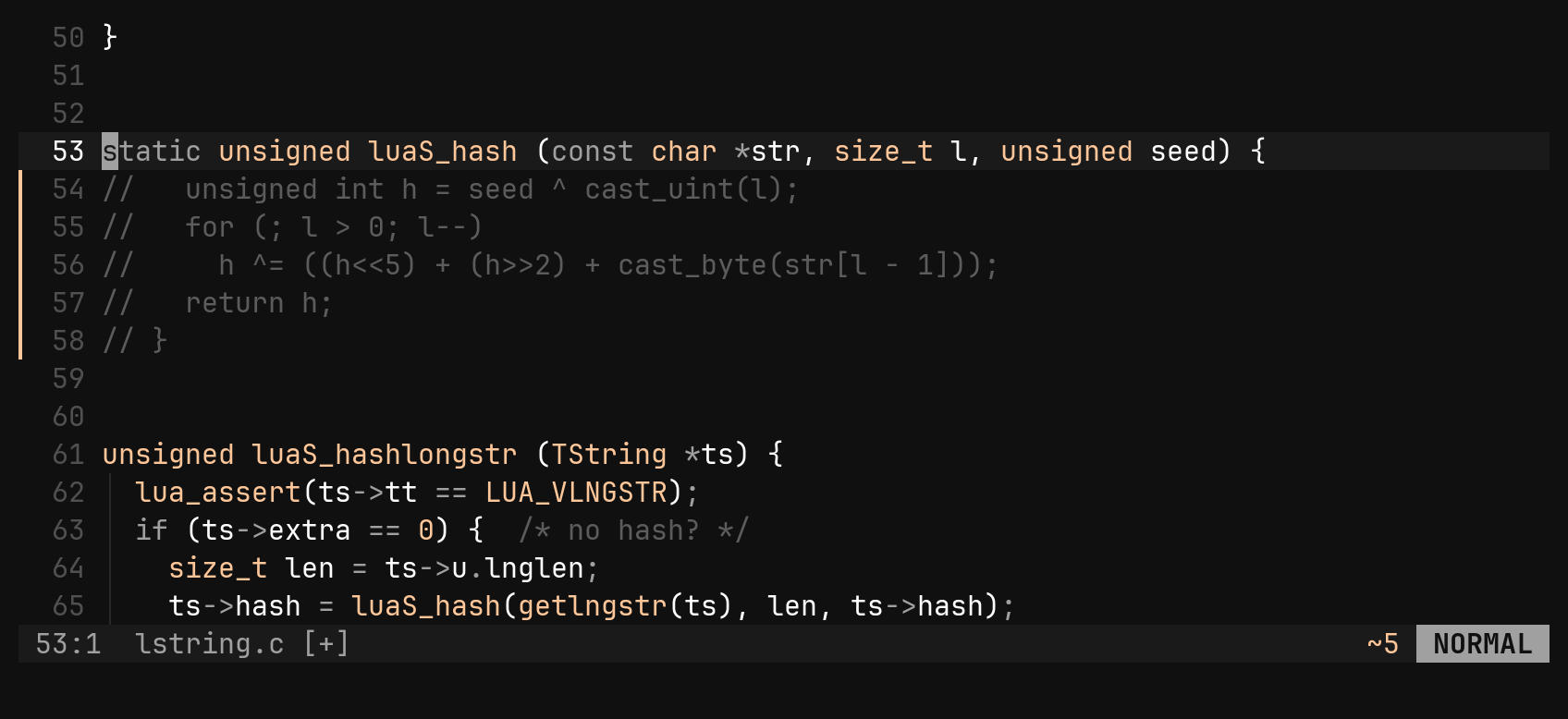
gc takes a motion and uses the language’s comment syntax. gcc toggles the
current line, and gc in visual mode toggles the selected lines.
Moving lines
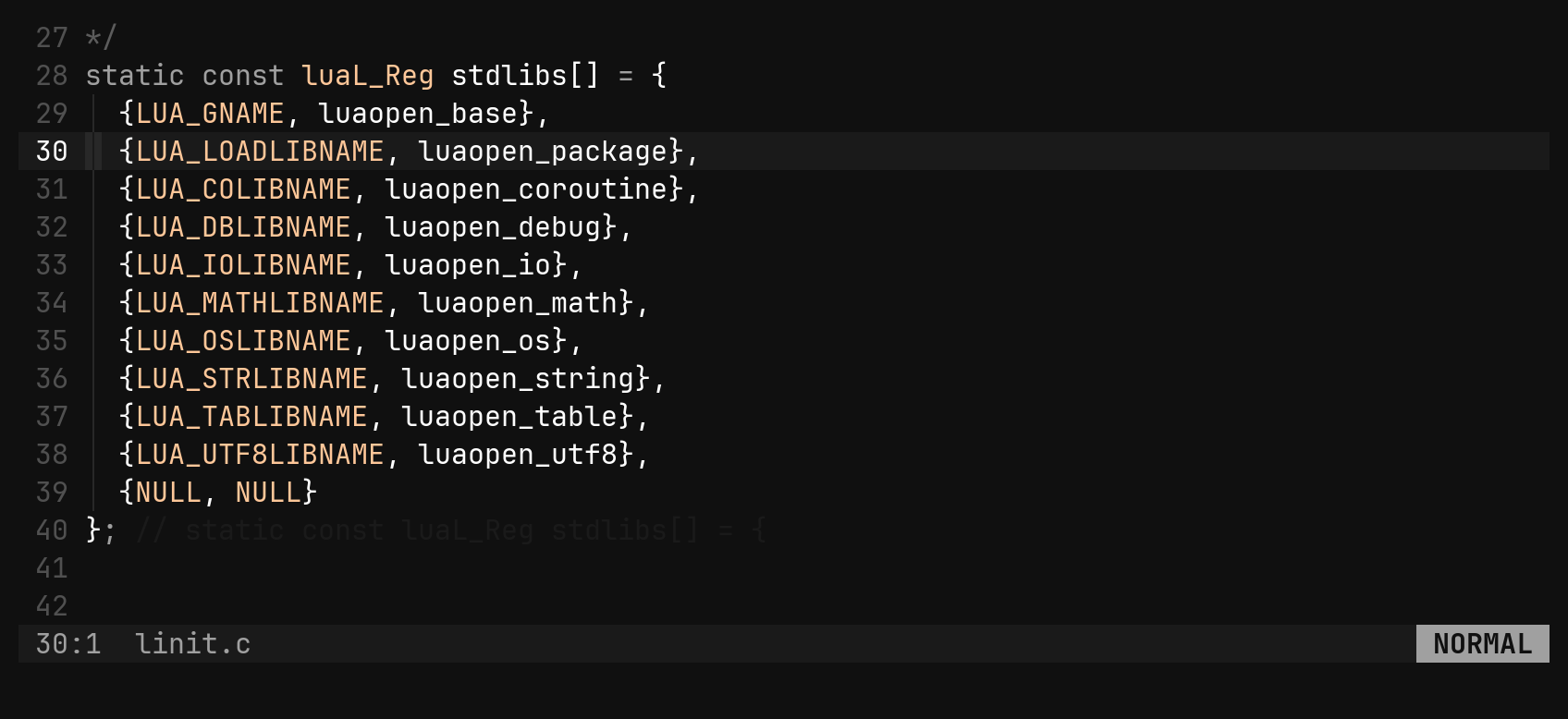
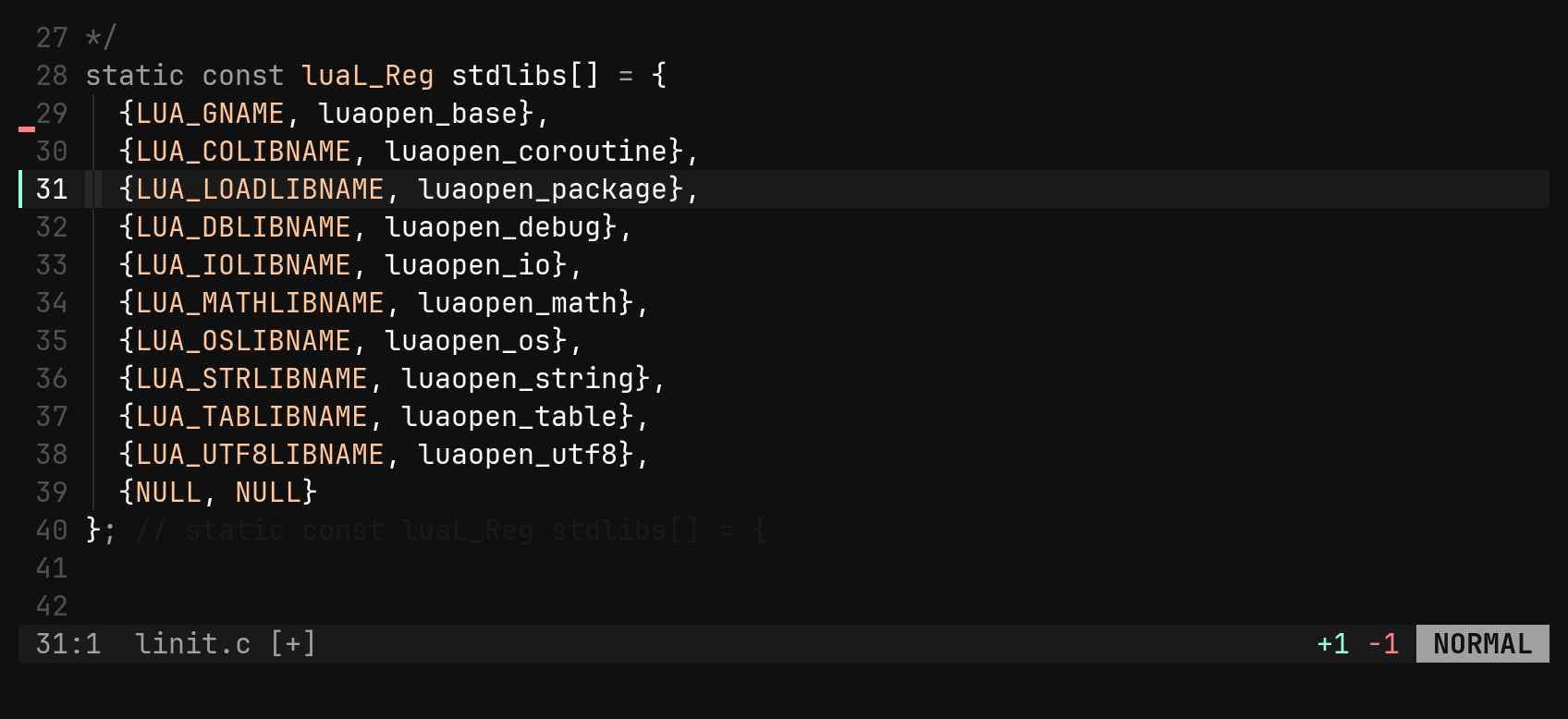
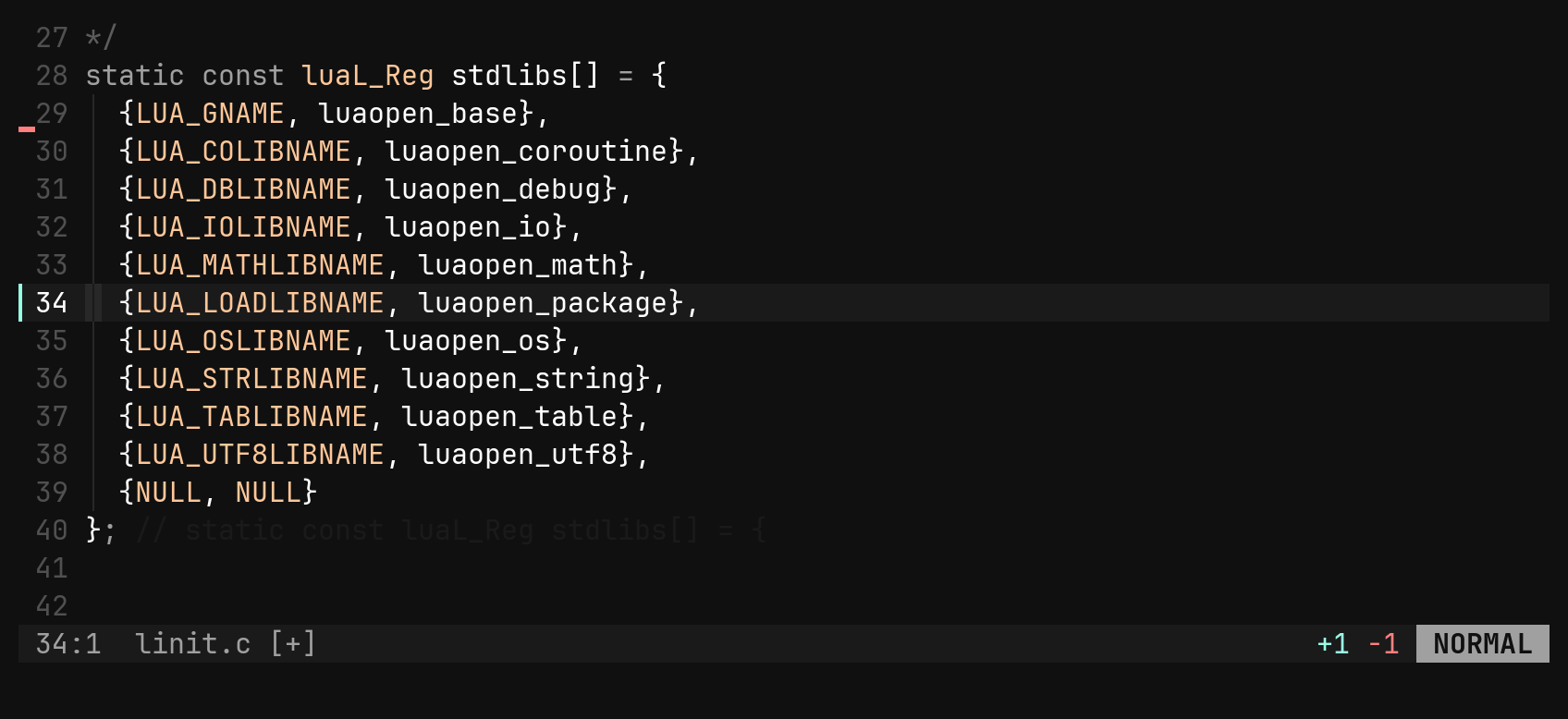
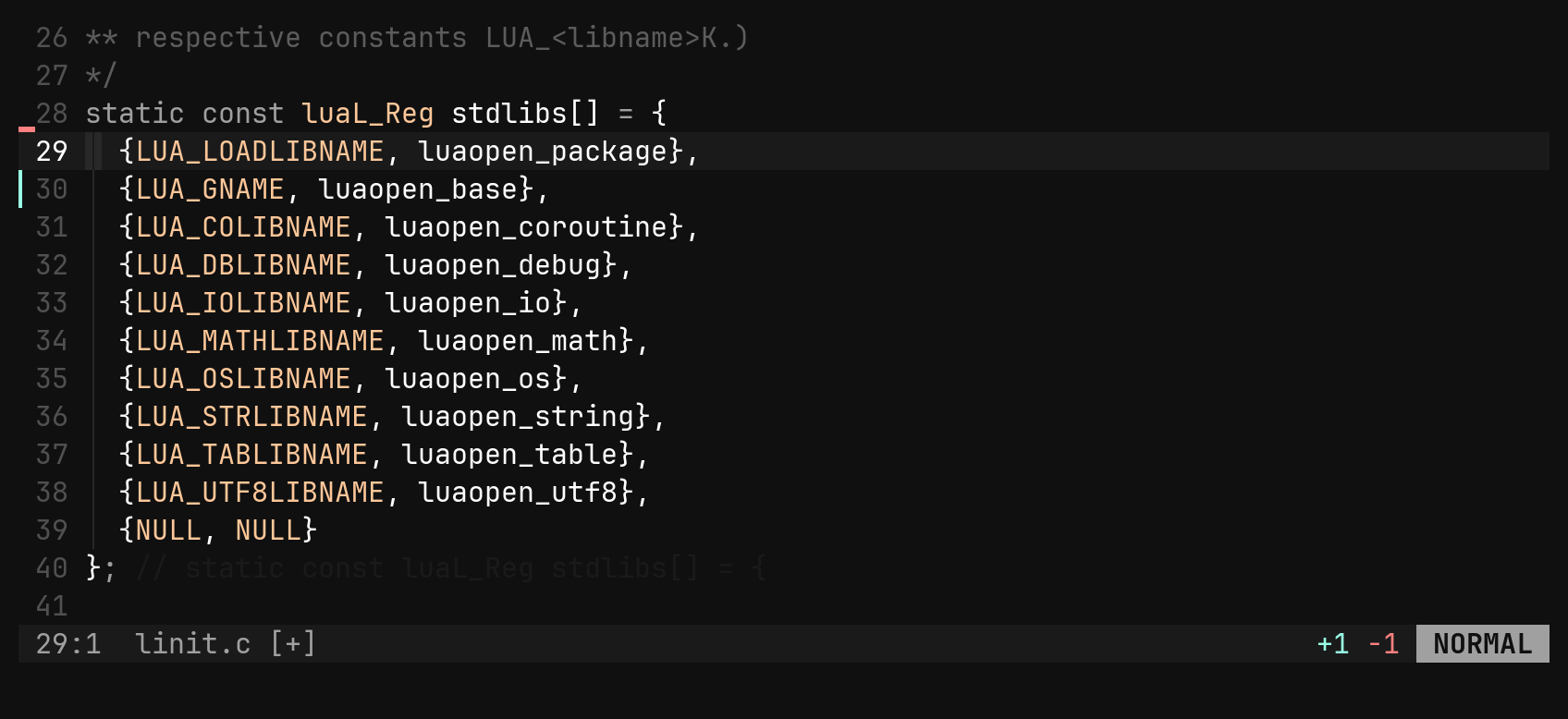
Shift-Down and Shift-Up move the current line, or the selected block, one
row at a time. A count moves it that many rows. In visual mode the block stays
selected, so you can keep pressing the key.
:m is vim’s :move, and its argument is an address: the line to land
after, not a distance.
| Command | Moves the line |
|---|---|
:m 12 | after line 12 |
:m 0 :m $ | to the top / the bottom |
:m +3 :m -2 | after .+3 / after .-2, which is one row up |
:m .+1 :m+1 | the same addresses, written out or without the space |
:2,5m 0 :'<,'>m $ | a range says which lines; with none, the selection does |
Use :m when you know the target line and the arrows when you know how far to
move. An address past either end of the file is refused rather than clamped.
Shift-Up/Down are bi’s own. m in normal mode is left
free for marks, which bi does not have yet.Changing text in place
| Key | Does |
|---|---|
{n}r{char} | overwrite {n} chars with {char}, refusing if the line is too short |
{n}~ | flip the case under the cursor and step right |
{n}J | join lines, collapsing the indent to one space |
R | replace mode: type over the text until Esc |
In replace mode Backspace restores what was overwritten, and typing past the
end of a line appends instead of joining the next line. The whole session is one
undo step.