Registers: a ring, not slots
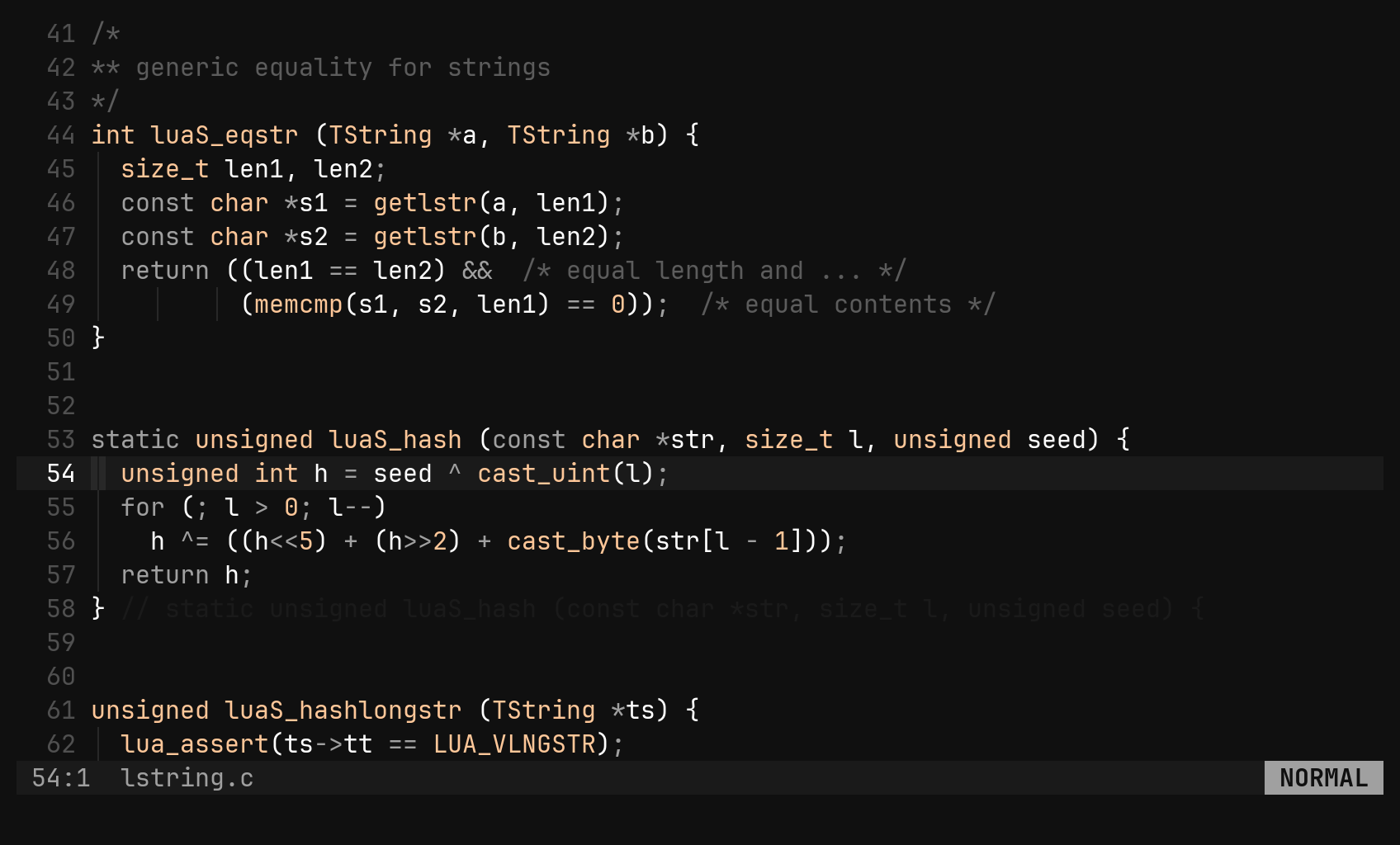
Vim makes you pick one of 36 slots when you yank, which is the wrong moment. bi saves everything automatically and lets you choose when you paste, from a picker you can search.
Everything is captured
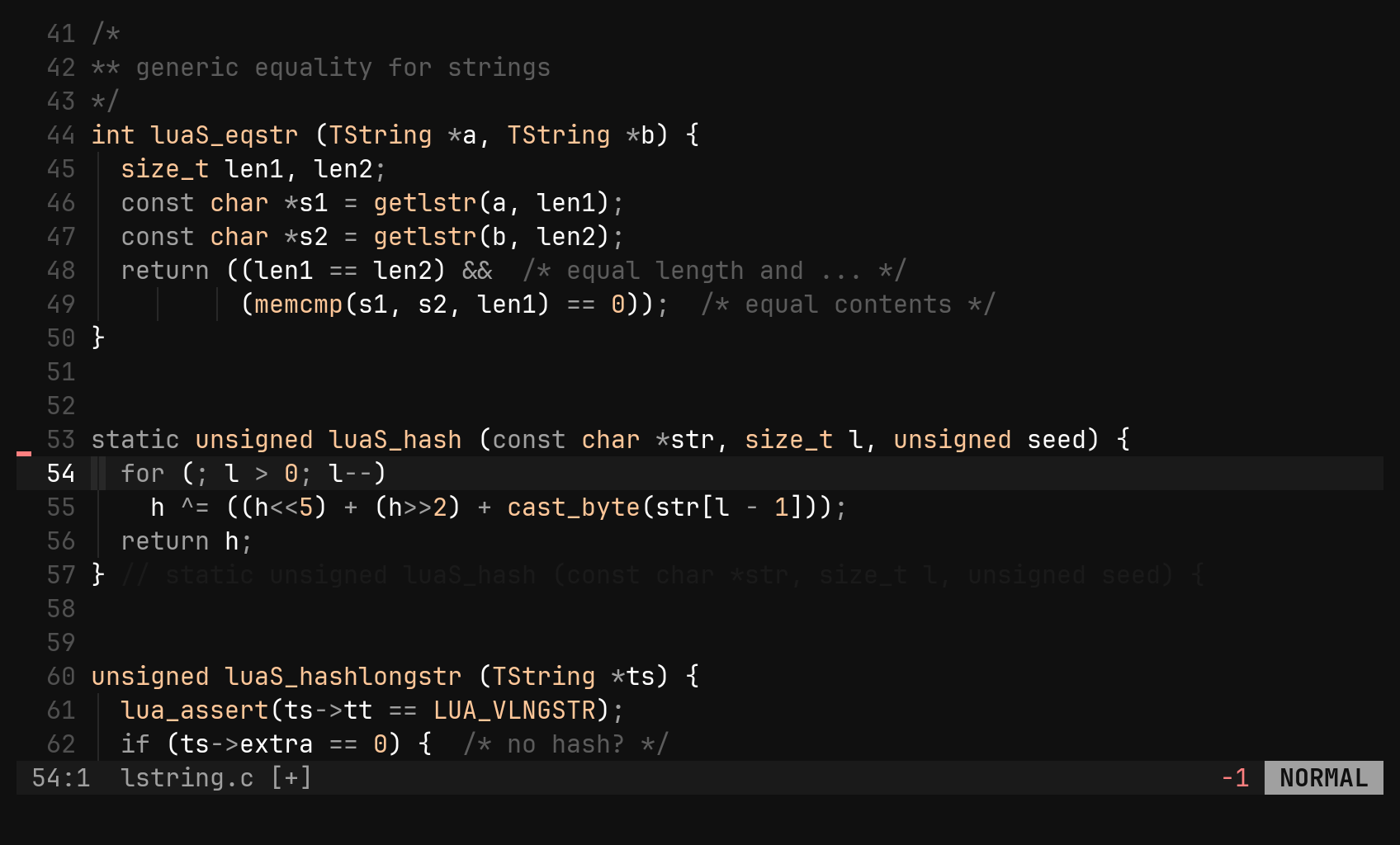
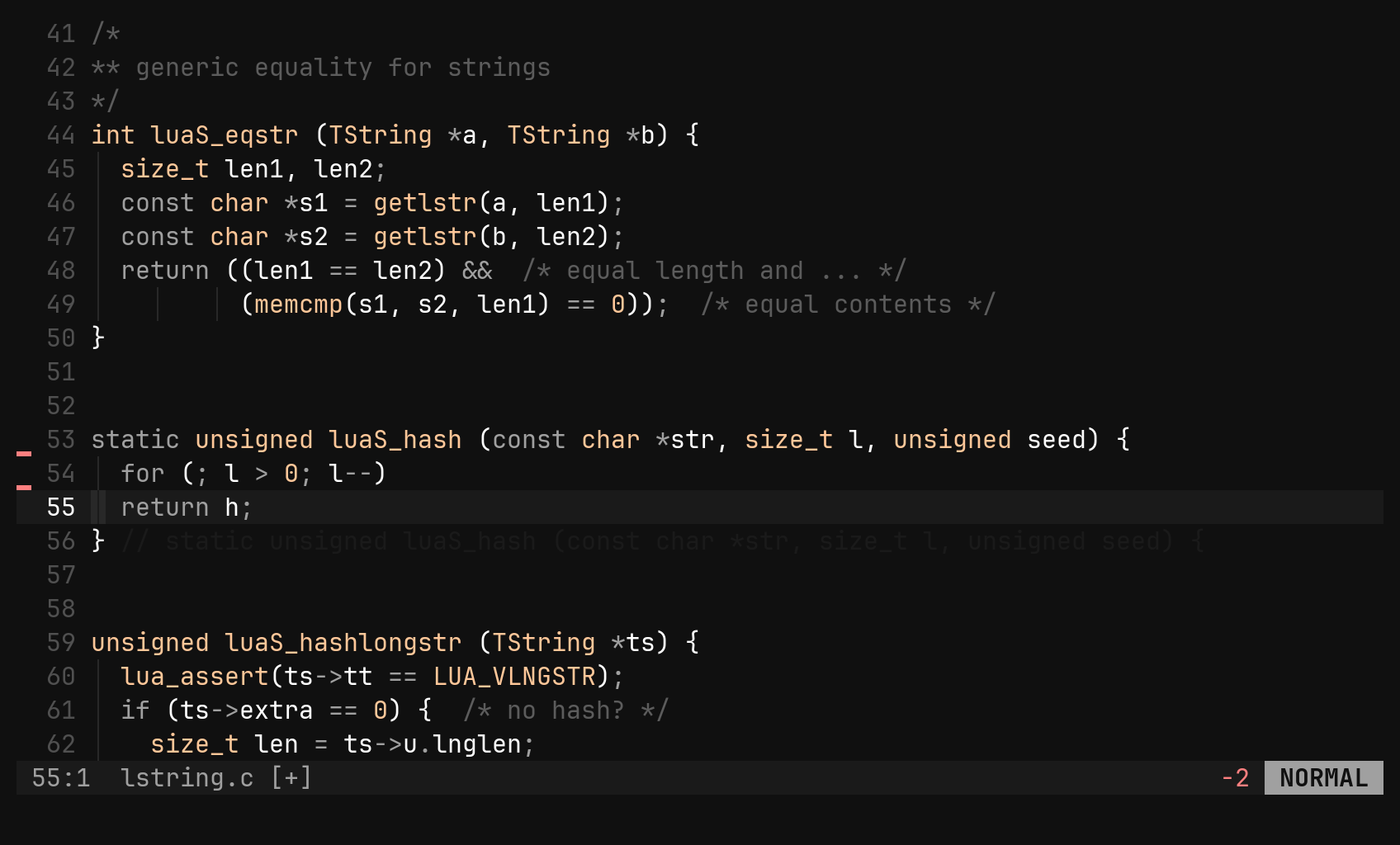
Every y, d, c and x goes onto a ring that holds 4096 entries, so there
is nothing to decide when you yank. p and P paste the newest entry, exactly
like vim’s unnamed register. Anything older is one picker away.
| Key | Does |
|---|---|
p P | paste the newest entry after / before; a linewise entry opens a line below / above |
"p "P | open the picker over the ring, then paste the one you choose |
"_ | black hole: "_dd deletes without capturing |
3"p | a count goes before the quote |
One command is one entry: 3dd pushes a single three-line entry. Pushing text
the ring already has moves it to the front instead of storing it twice.
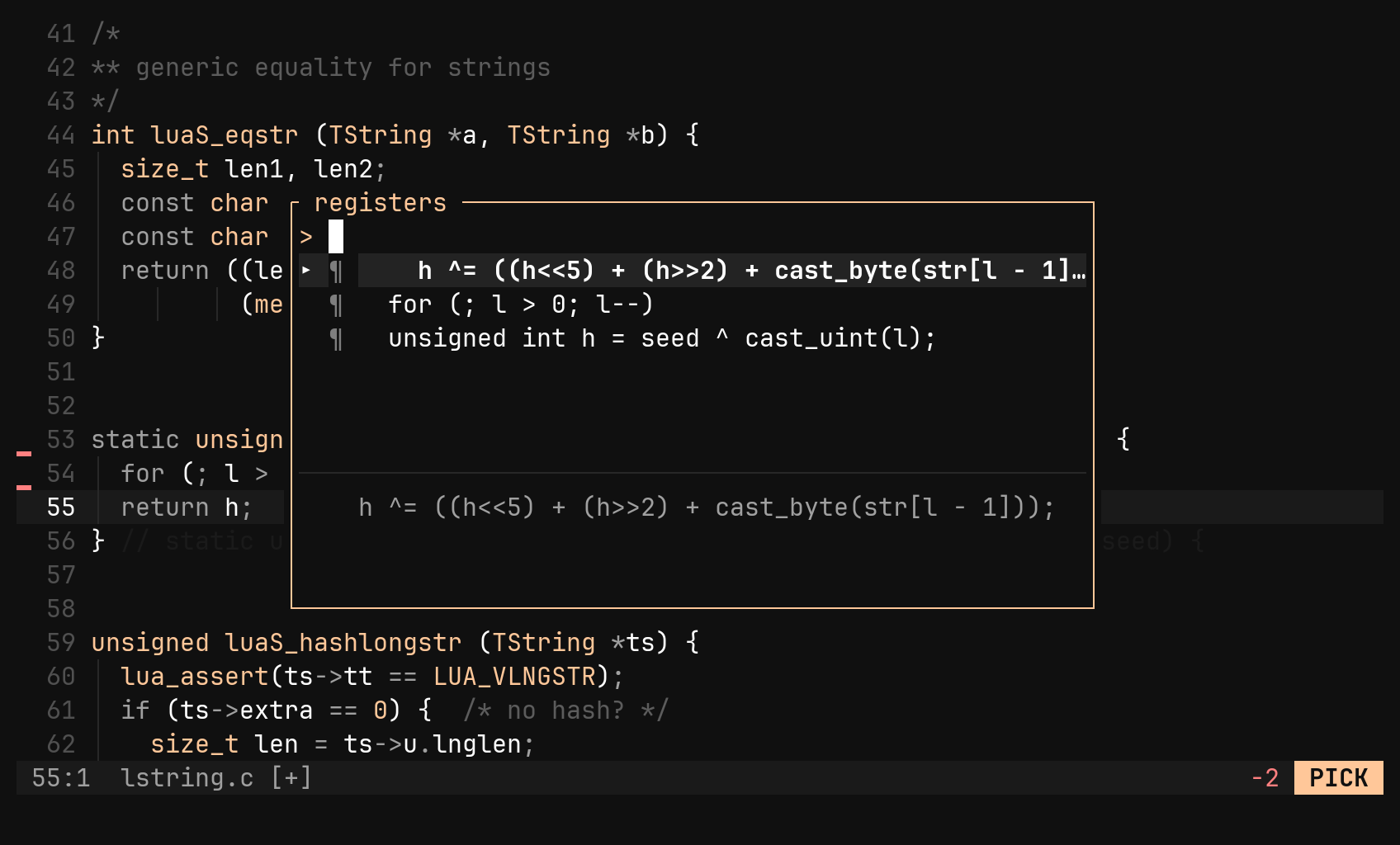
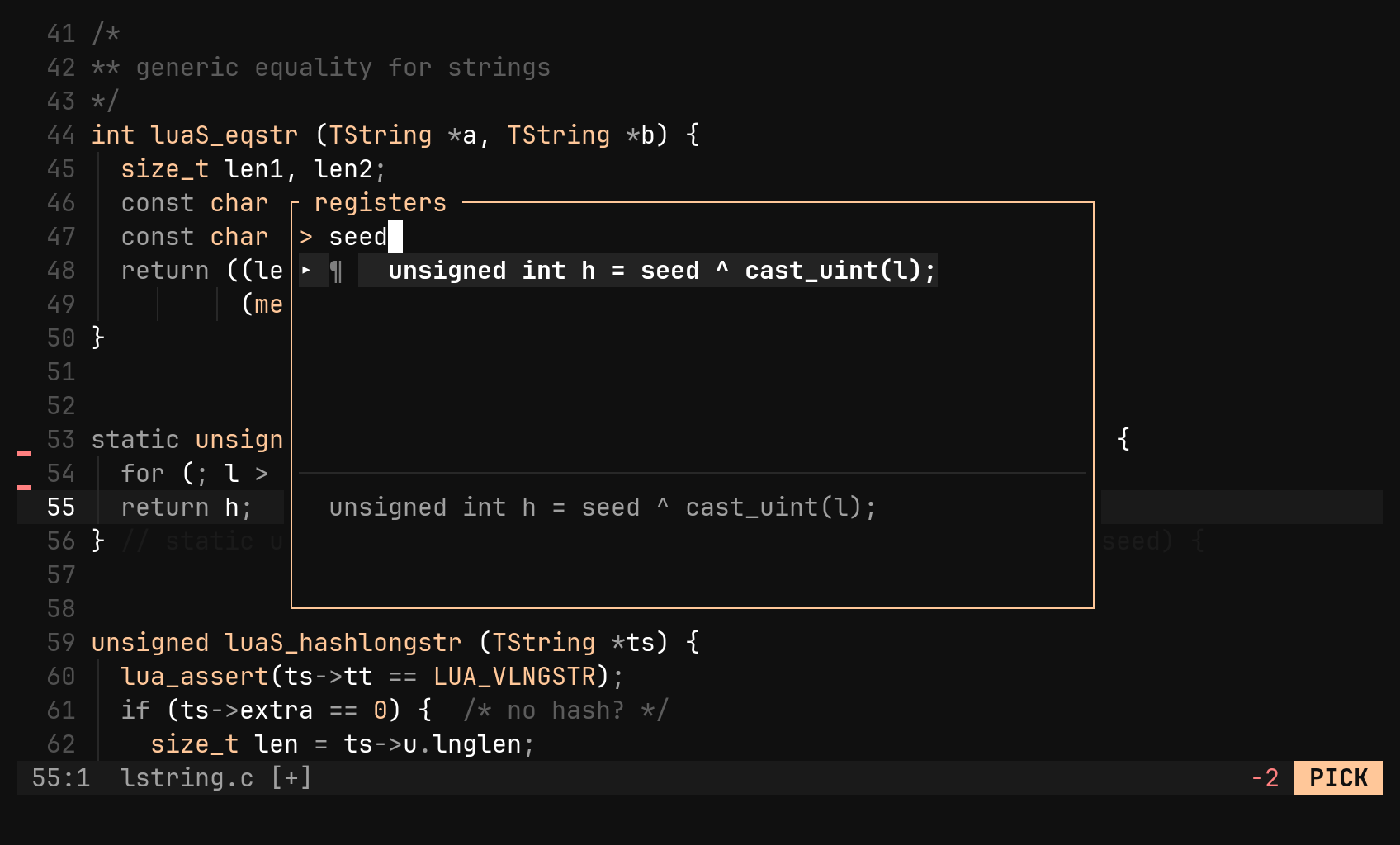
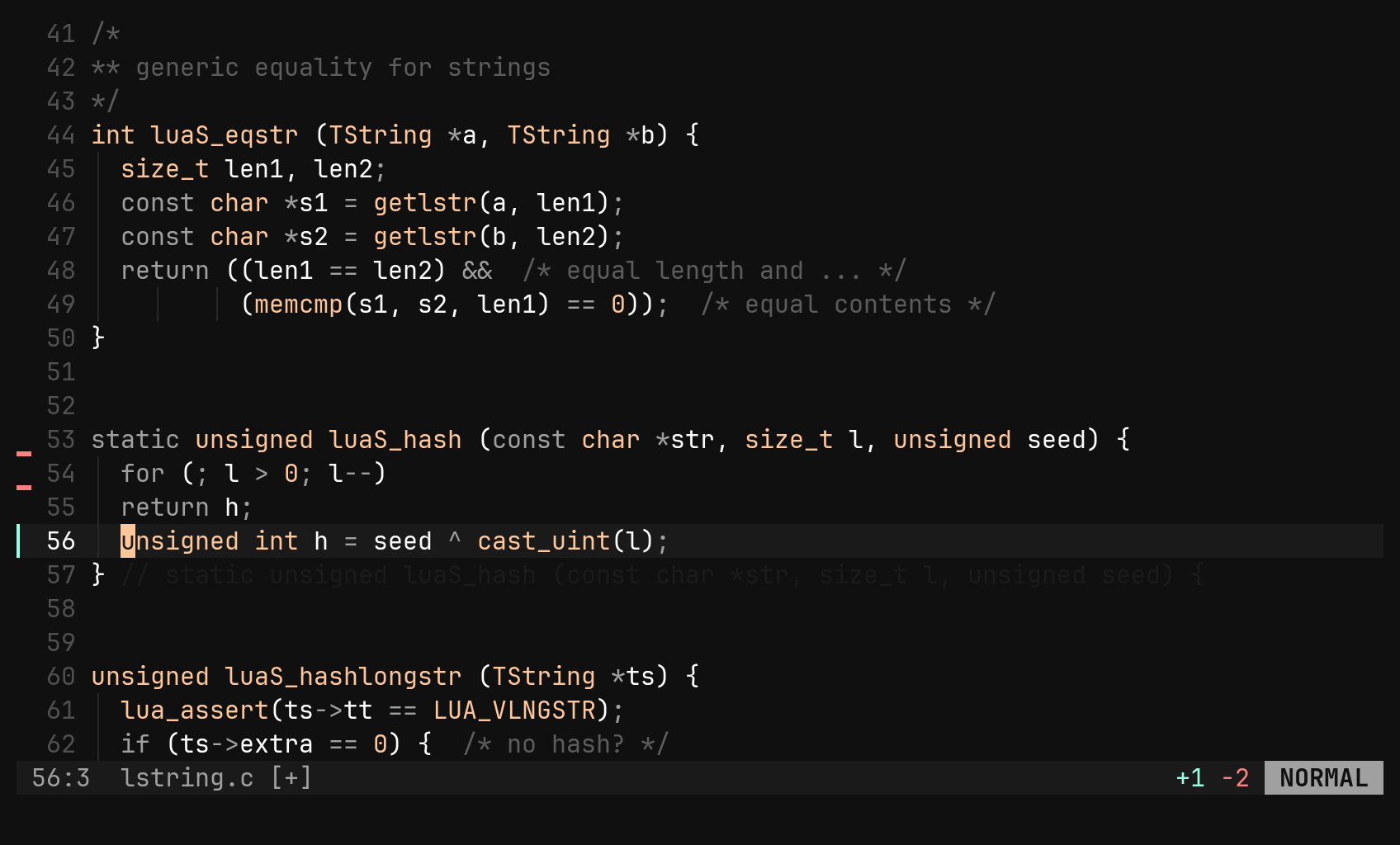
In the picker, typing filters by substring: every word you type must appear
somewhere in the entry, in any order, ignoring case. Matches stay newest first.
¶ marks a linewise entry, ▚ a rectangle. Ctrl-A shows the one-character
entries (a lone x), which are hidden by default. The entry you choose moves to
the front of the ring, so a plain p or . afterwards pastes it again.
| Key in the picker | Does |
|---|---|
| typing | filter |
Ctrl-N Ctrl-P, ↓ ↑ | move |
Enter | paste the highlighted entry |
Ctrl-A | show / hide one-character entries |
Esc | cancel |
"ap and "5p
do not exist, and "3p is rejected rather than read as a count. The picker
replaces vim’s "0 idiom for “the thing I yanked before that delete”.Named registers: capture first, name after
For text you will paste many times, use the named space. "n in front of an
operator runs it as usual, then opens the command line with :yname prefilled, waiting for a name.
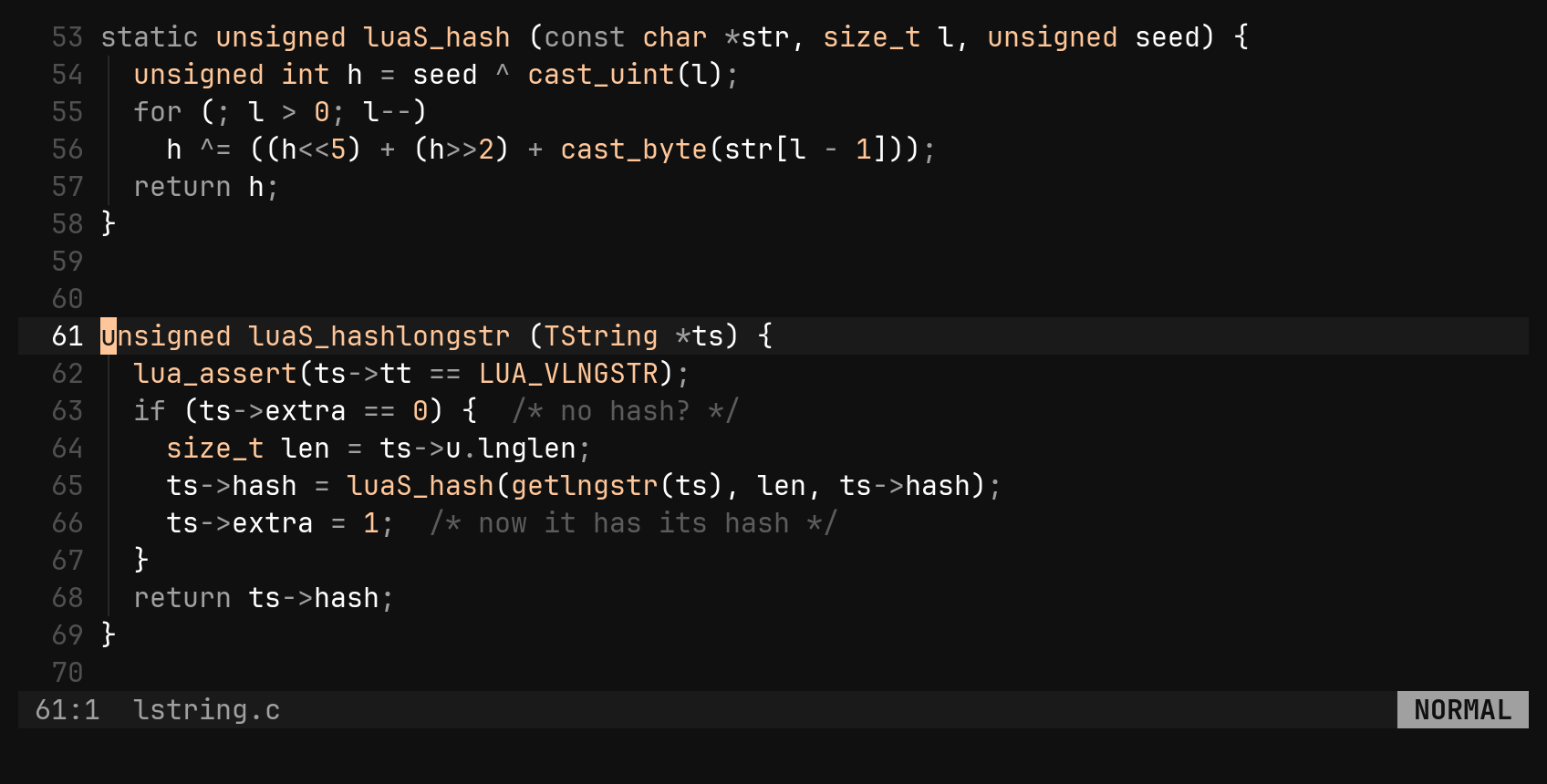
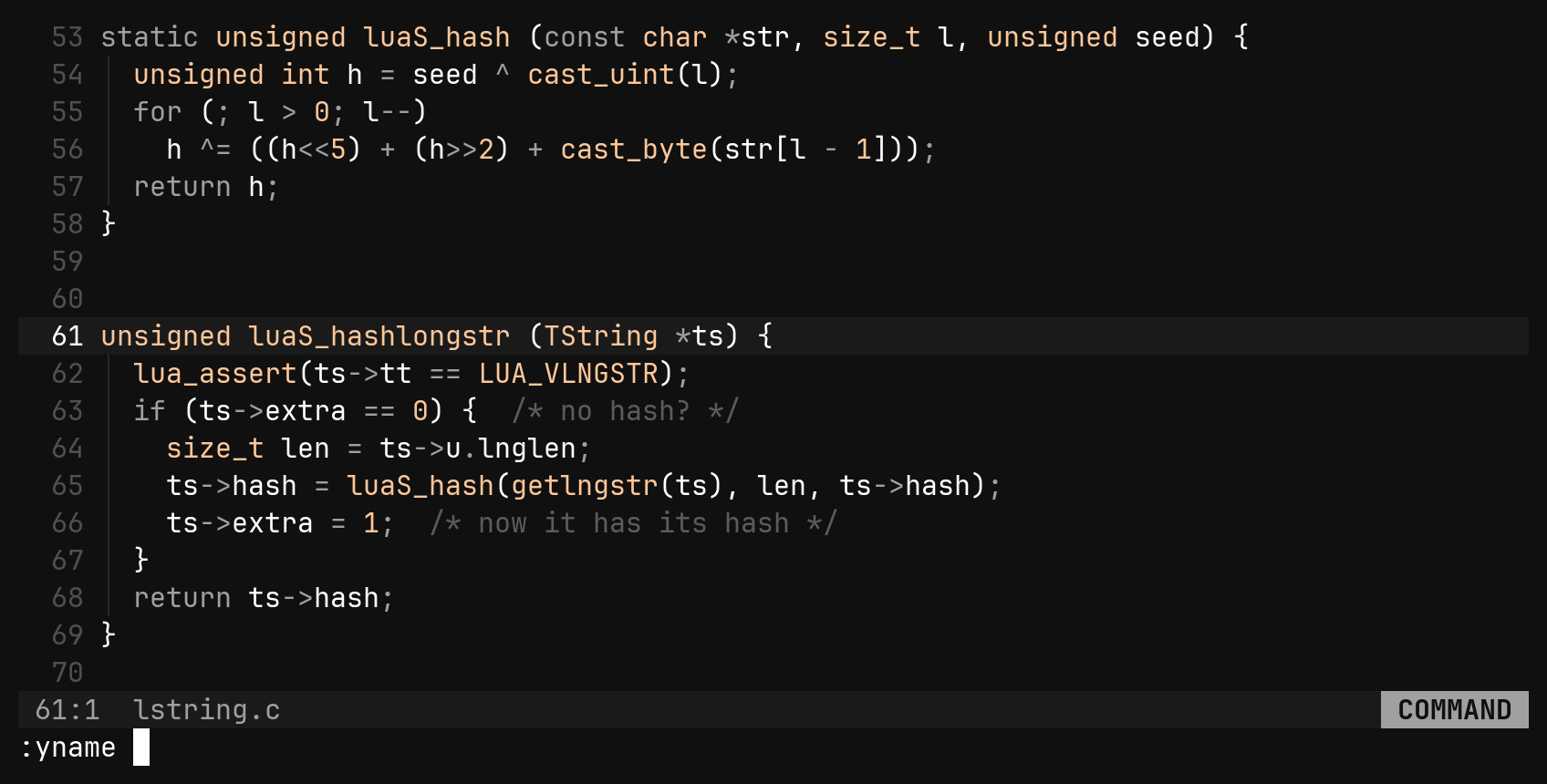
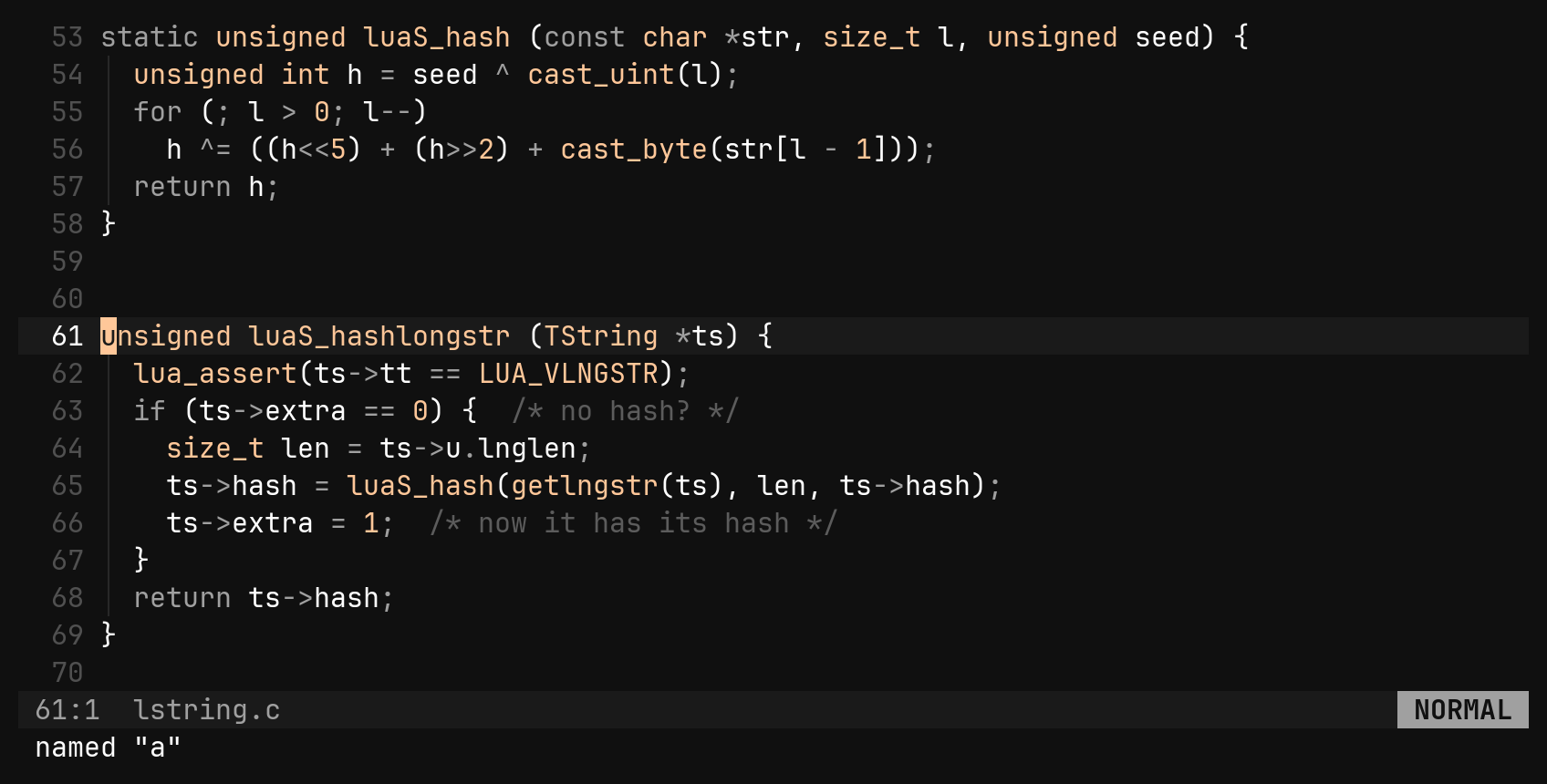
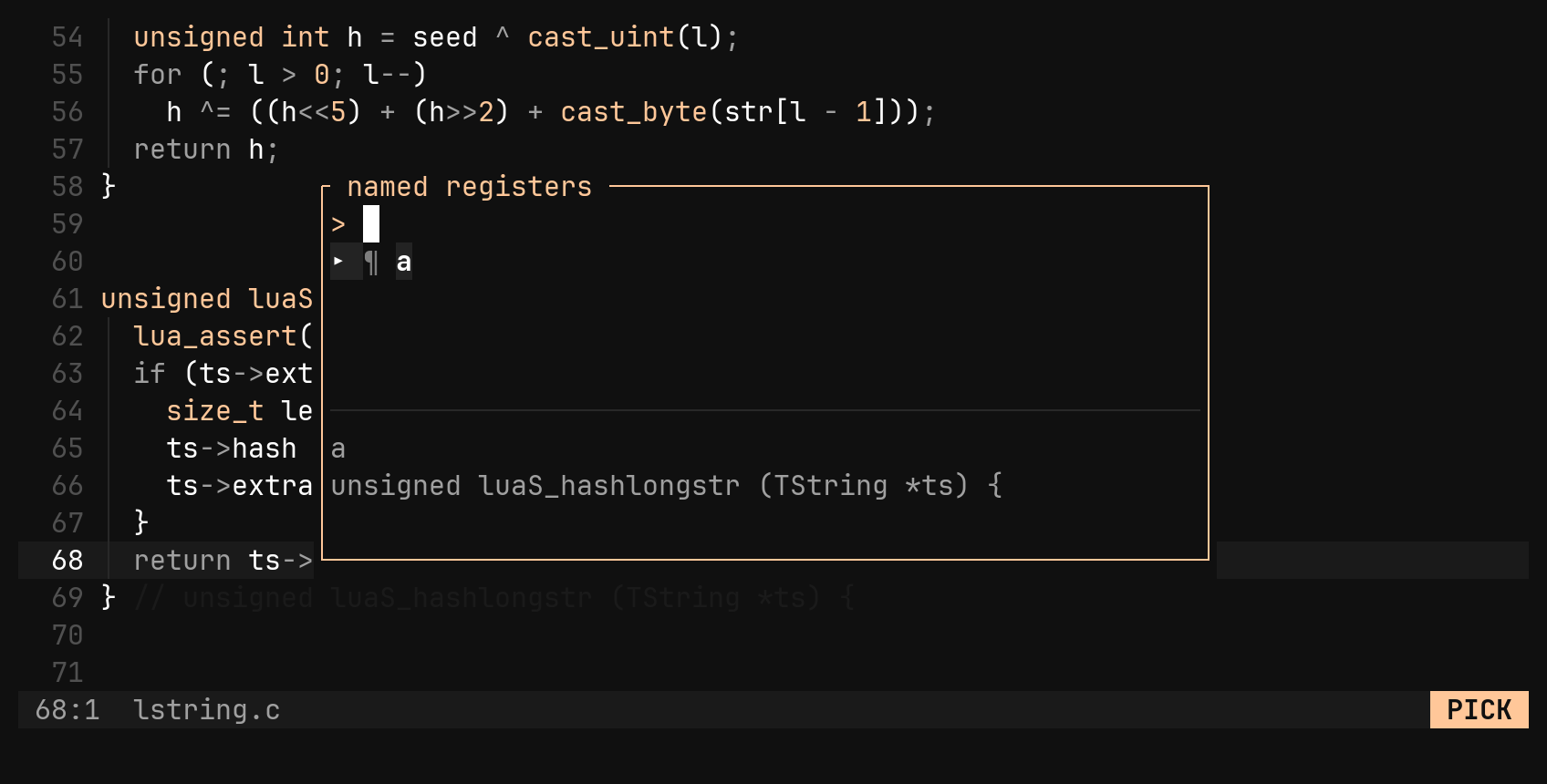
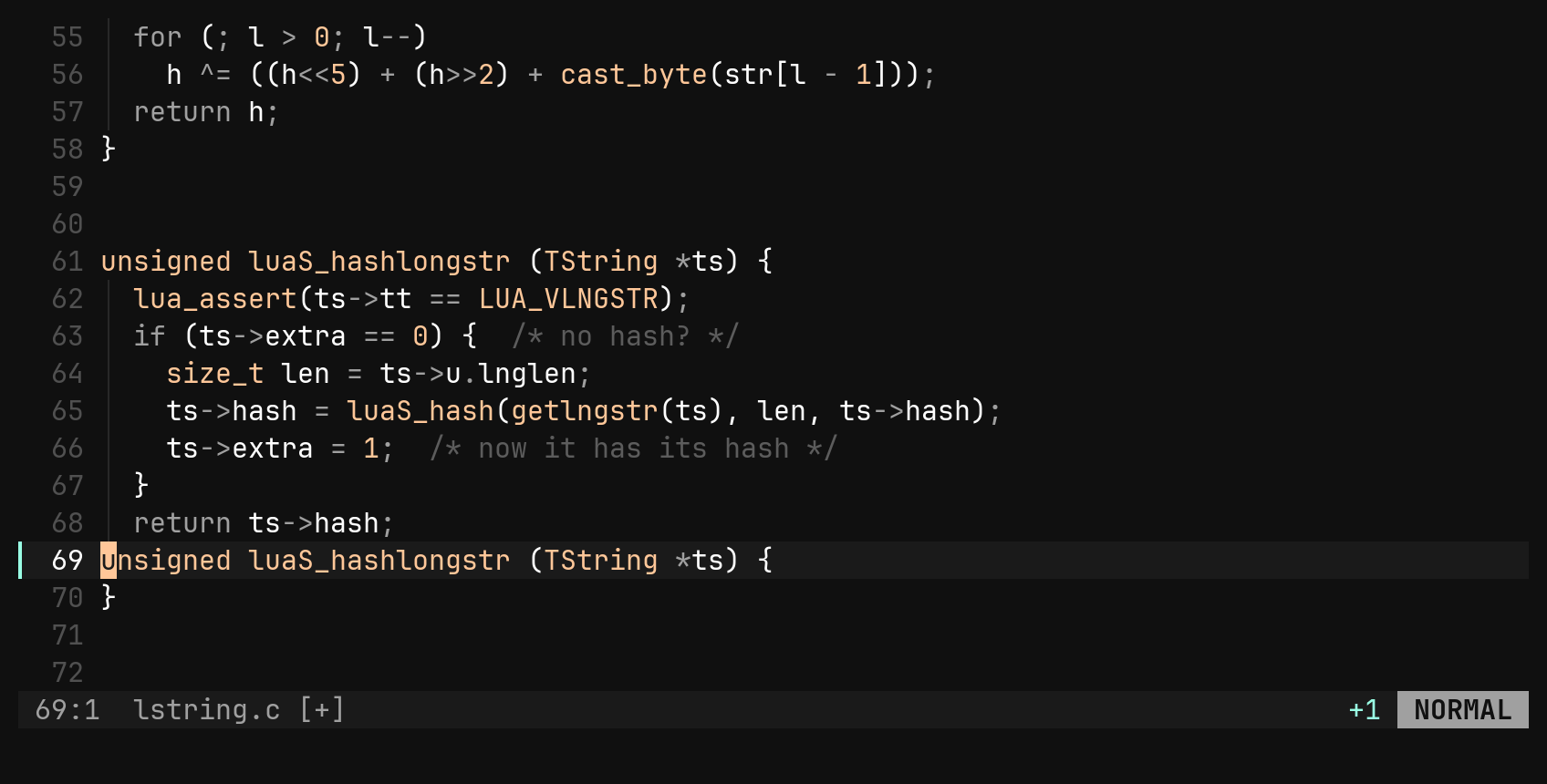
Named entries live outside the ring, so they are never evicted. Using an
existing name replaces its entry. If you back out of the :yname prompt, the
capture goes to the ring, so "ndd followed by Esc is still a normal delete.
:{range}yname x yanks a range straight into x without the prompt.
| Key | Does |
|---|---|
"n{operator} | capture, then name it at the :yname prompt |
"np "nP | pick among the names, the entry shown in the preview |
:1,5yname a | yank a range straight into a |
The system clipboard
"+y and "+p use the system clipboard, and "* is another spelling of the
same register. The clipboard is never mirrored automatically: deleting a line
does not overwrite what you copied in another program.
It works over OSC 52, so copying works over SSH too. Many terminals refuse to
let programs read the clipboard, and "+p tells you when yours does. Pasting
into bi with the terminal’s own paste shortcut always works, and arrives as one
undo step.
Pasting over a selection
In visual mode p replaces the selection. The only difference between p and
P is what happens to the text that was replaced:
| Key | Pastes | The replaced text |
|---|---|---|
p | the newest entry | goes onto the ring, so p swaps |
P | the newest entry | is dropped, so you can paste one entry over many selections |
"+p | the clipboard | goes onto the ring, not the clipboard |
A flash on what you yanked
A yank changes nothing visible, so what it copied lights up briefly: for
yank_flash milliseconds, 150 by default. A blockwise yank lights each row of
the rectangle. Deletes and pastes do not flash, because their effect is already
visible. :set yank_flash 0 turns it off.