Search and replace
:s for a range of lines, :g for every line that matches, :find and :replace for the whole project — with a preview you prune before anything is written.
/ finds something in the file and s jumps to something on screen. This
lesson is about changing text in bulk: in a few lines, on every matching line,
and across every file in the project.
:s and :g take literal patterns for now — \d is a backslash
and a d. Regular expressions arrive under all of them at once. :find~ and
:replace~ already read a regex.:s — substitute
:[range]s/{pattern}/{replacement}/[flags]
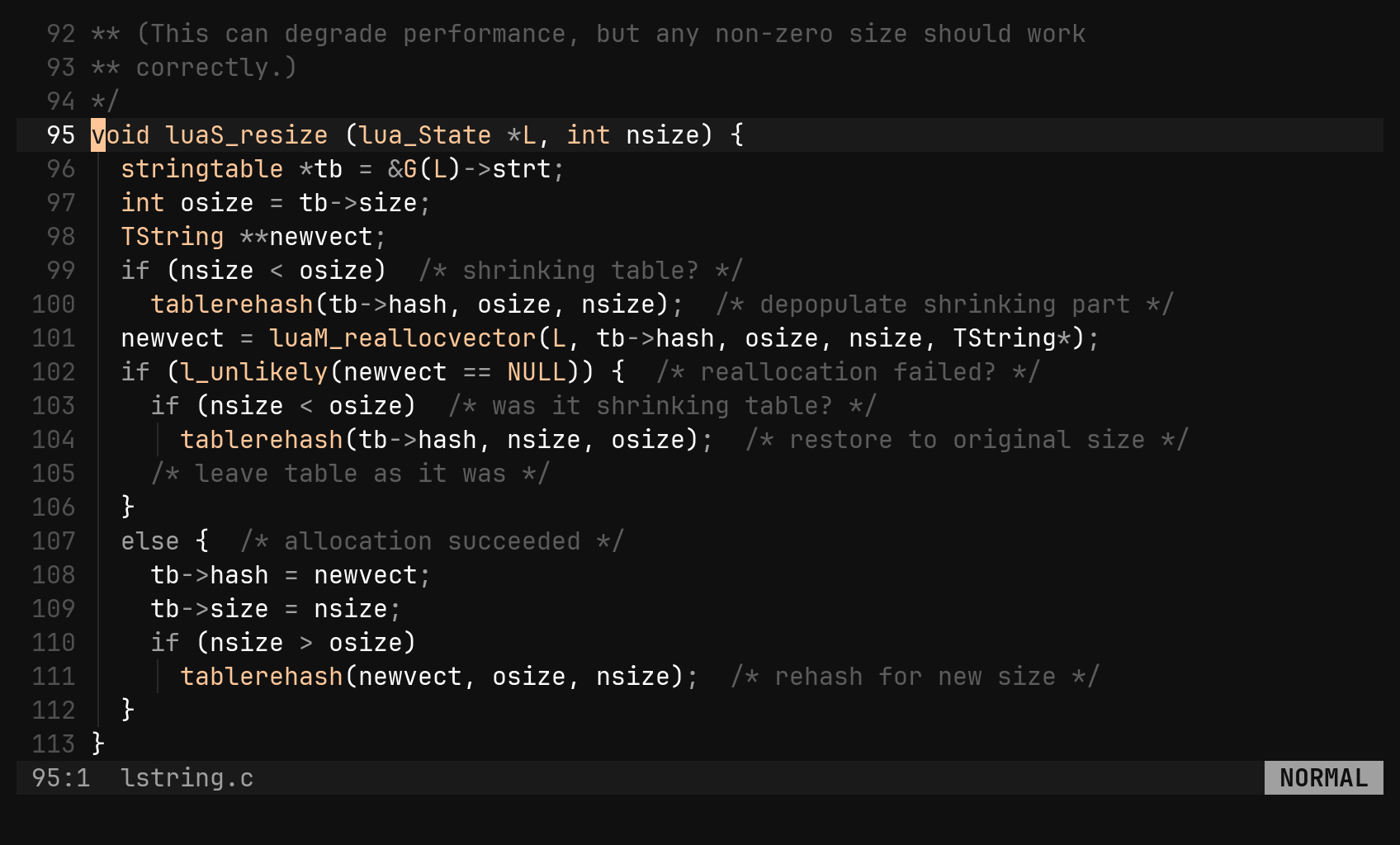
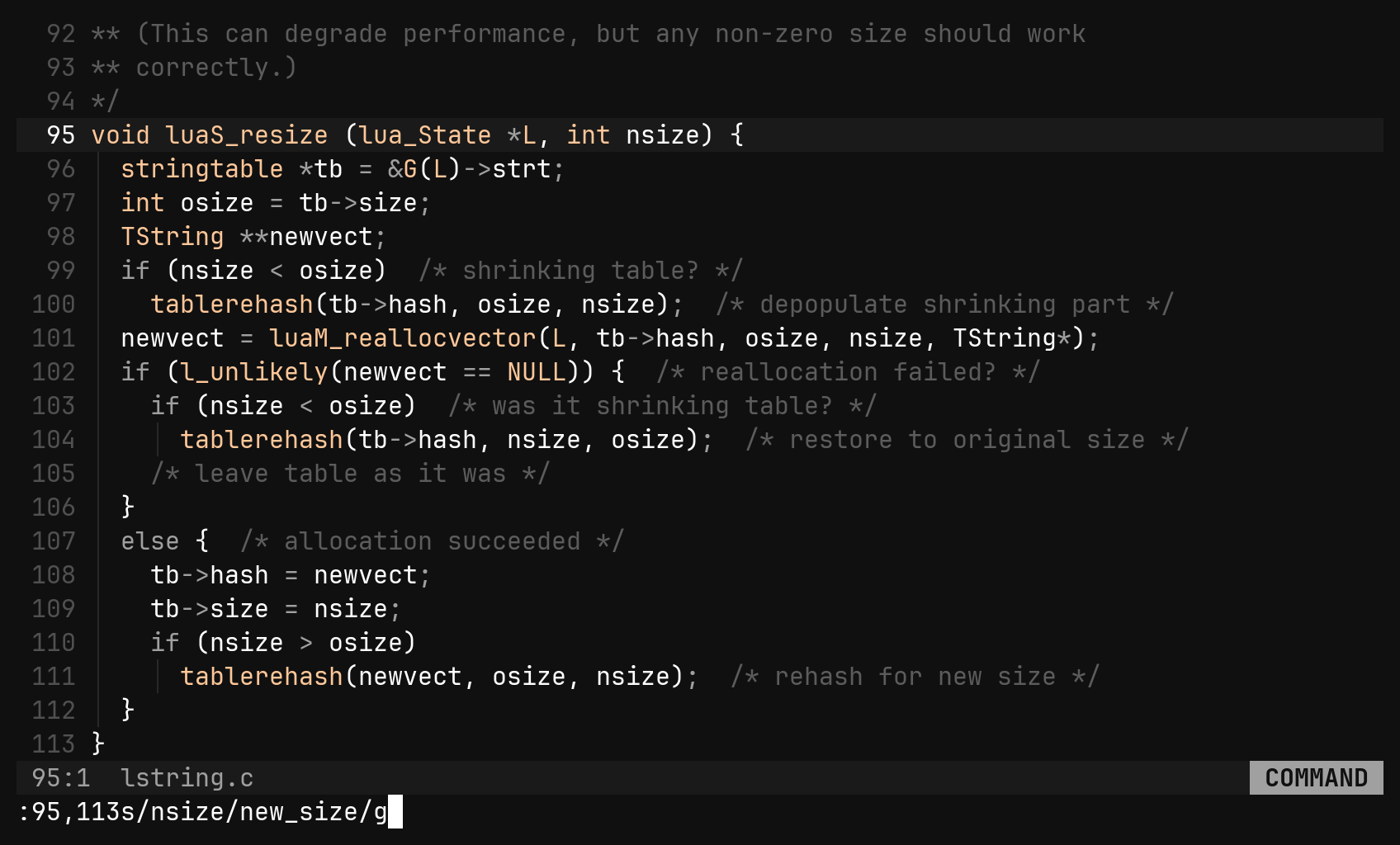
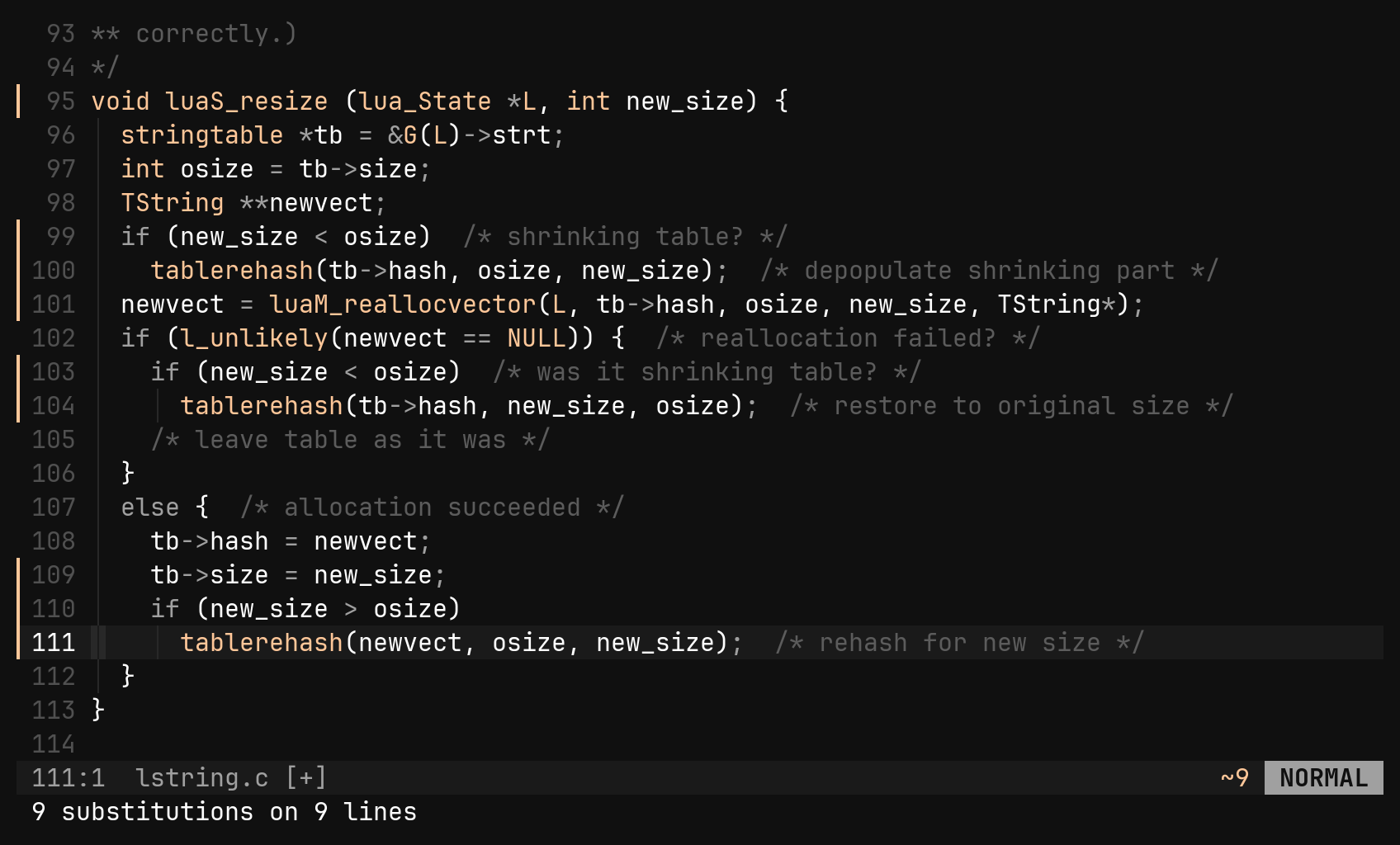
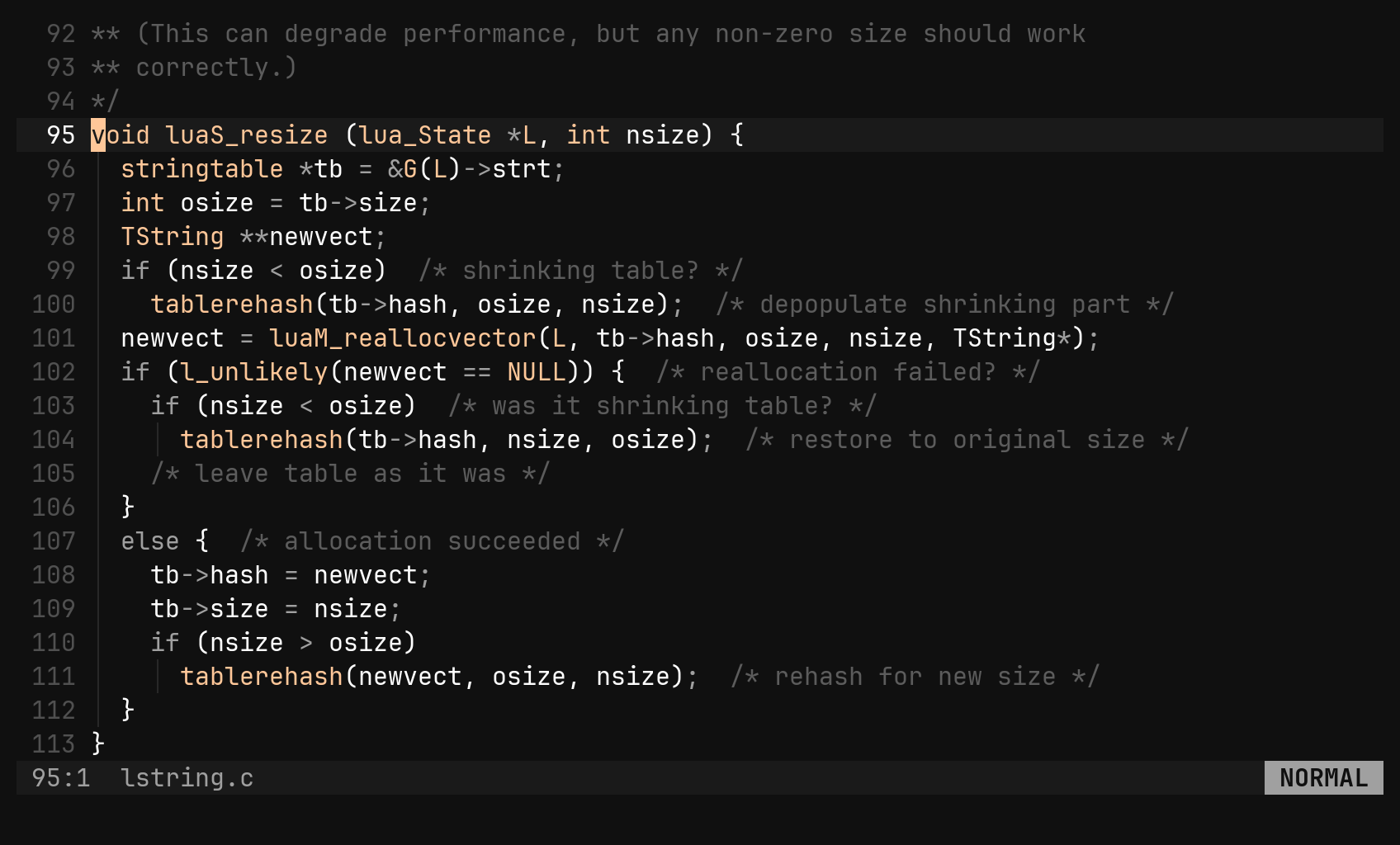
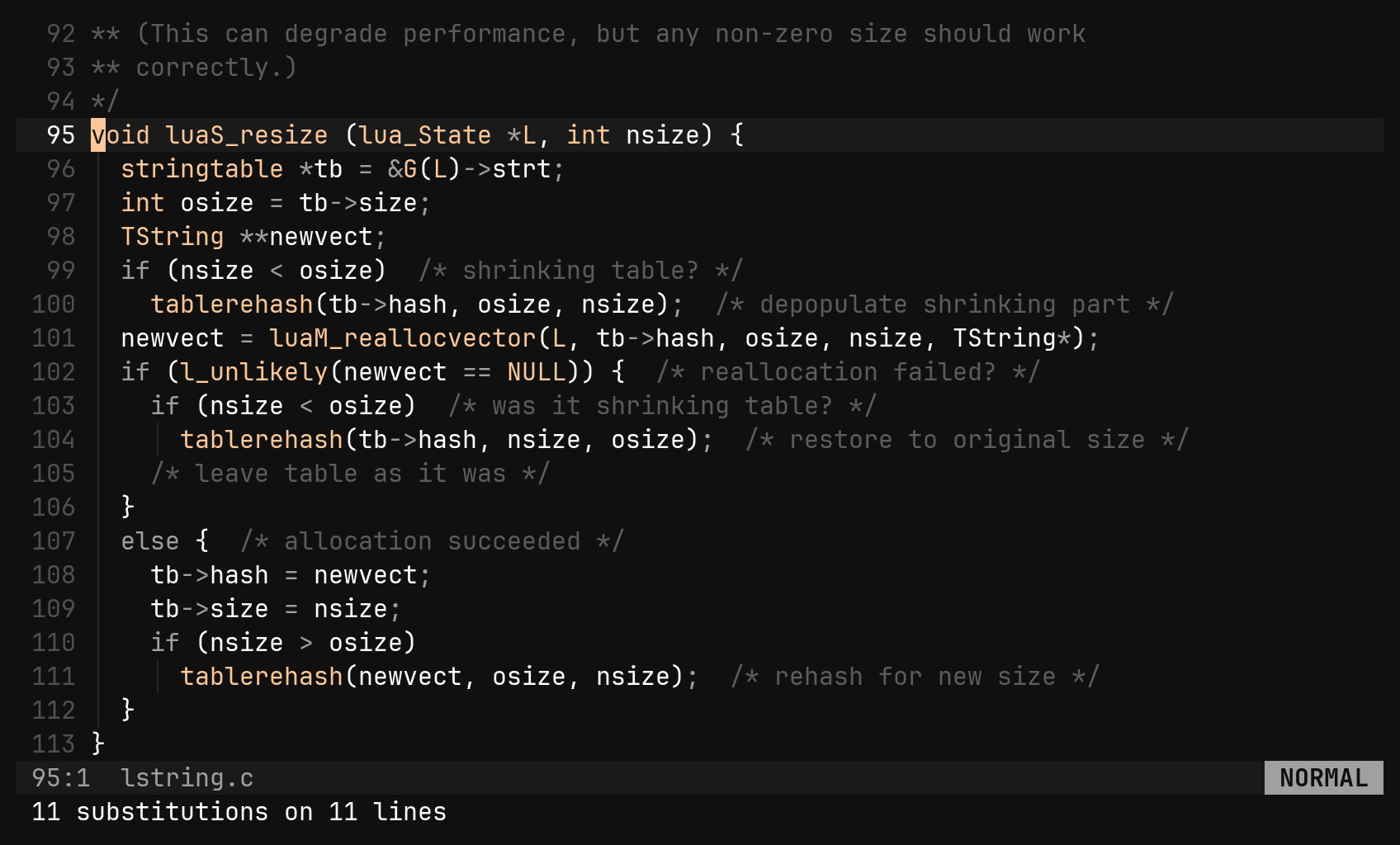
No range means the cursor’s line, which is why % is the most typed
character in the command. The whole command is one undo step, the cursor lands
on the last line changed, and the pattern becomes the last search, so n walks
what you just replaced. Nothing matched is an error, not a silent no-op.
| Command | Does |
|---|---|
:s/a/b/ | the first a on the cursor’s line |
:s/a/b/g | every a on it |
:%s/a/b/g | every a in the file |
:2,5s/a/b/g | every a in lines 2 to 5 |
:'v s/a/b/g | inside the selection — a rectangle’s columns included |
:s#/usr#/opt# | any delimiter, so a path needs no escaping |
:%s//new/g | an empty pattern is the last search |
| Flag | Does |
|---|---|
g | every match on a line, not just the first |
i | match without case |
I | match with case |
n | count the matches, change nothing |
Without i or I it is smartcase, exactly like /: all lowercase ignores
case, one capital makes it exact. Inside the pattern and the replacement, \
before the delimiter is the delimiter and \\ is a backslash — nothing else is
an escape. The closing delimiter is optional: :%s/old/new works.
Doing it again
| Key | Does |
|---|---|
& | the last substitute again, on the cursor’s line — flags included |
g& | the same over the whole file |
:[range]& :[range]&& | over a range; both spellings mean the same |
:& drops the flags and :&& keeps them. In bi both keep them, so there
is one thing to remember. And g& does not swap in the last search pattern —
it repeats exactly what ran.Ranges
Every command that takes lines — :s, :g, :d, :m, :sort, :normal —
reads the same small address language.
| Address | Means |
|---|---|
12 | line 12 |
. | the cursor’s line |
$ | the last line |
% | the whole file |
'< '> | first and last row of the selection |
'v | the selection itself, whatever its shape |
.+3 $-1 +2 | any of the above with an offset |
Two addresses make a range: :10,20s/a/b/g, :.,$d, :.,.+5normal A;.
Pressing : in visual mode prefills 'v. A line that does not exist is
refused (no line 99), not clamped.
:g — a command on every matching line
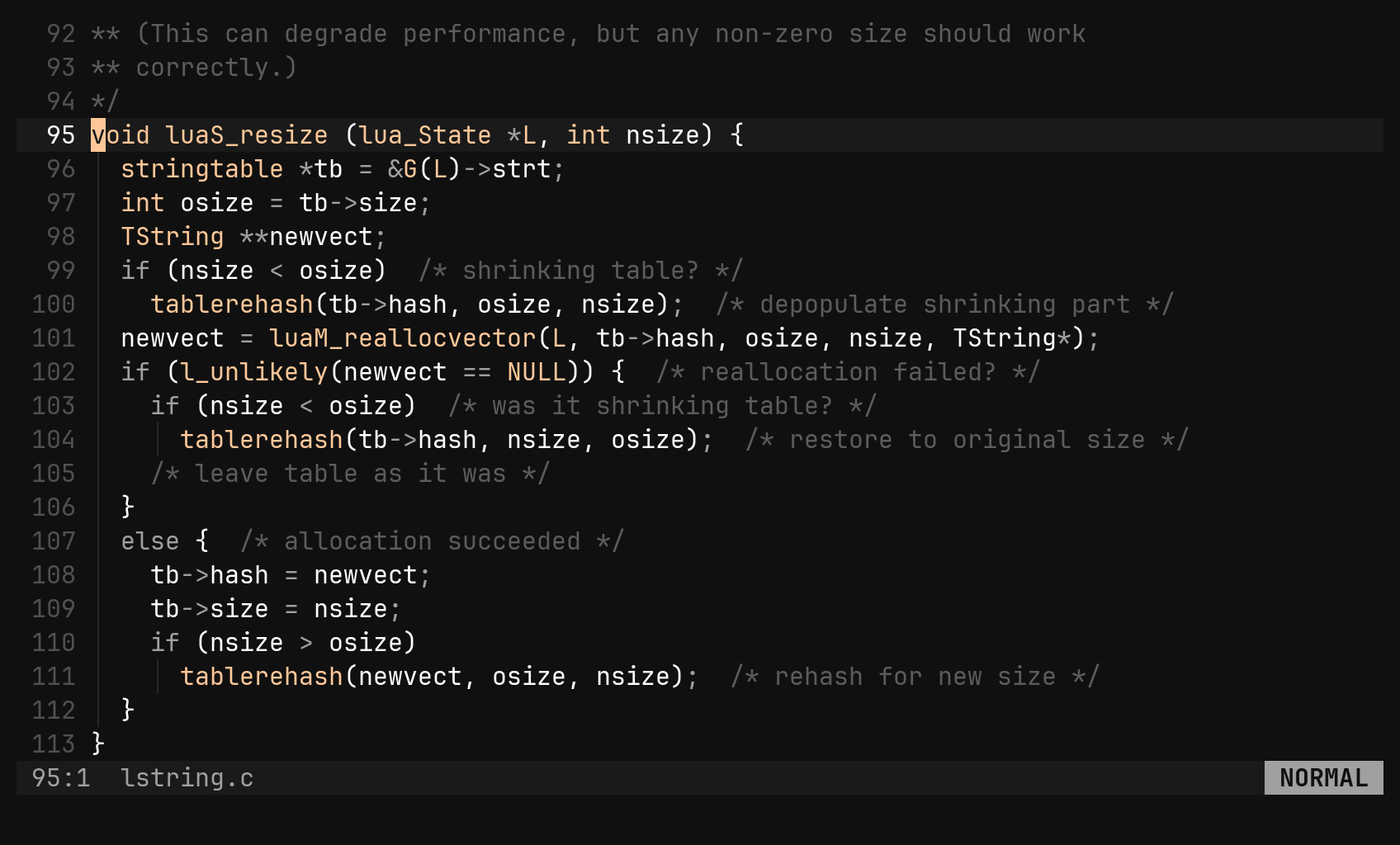
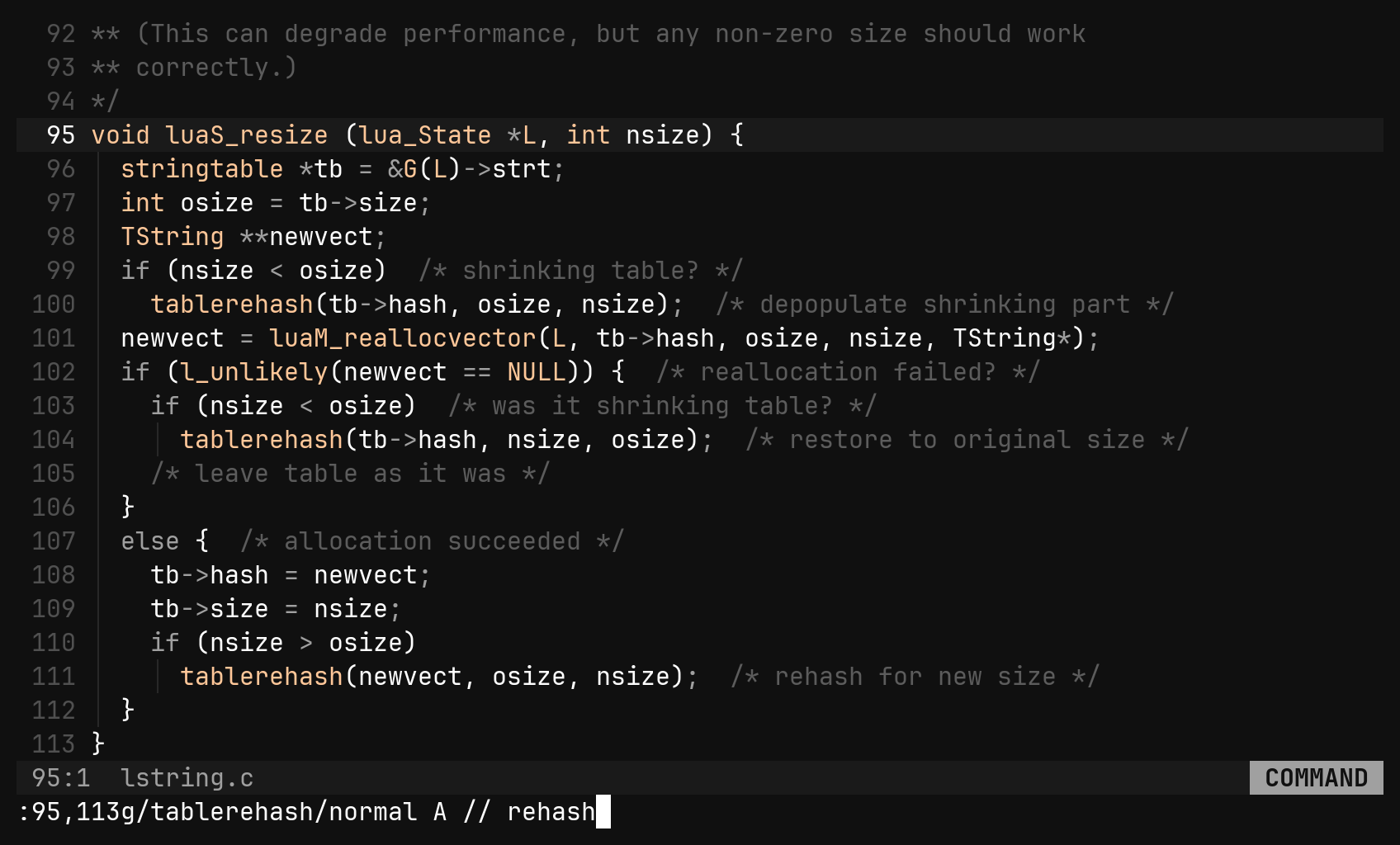
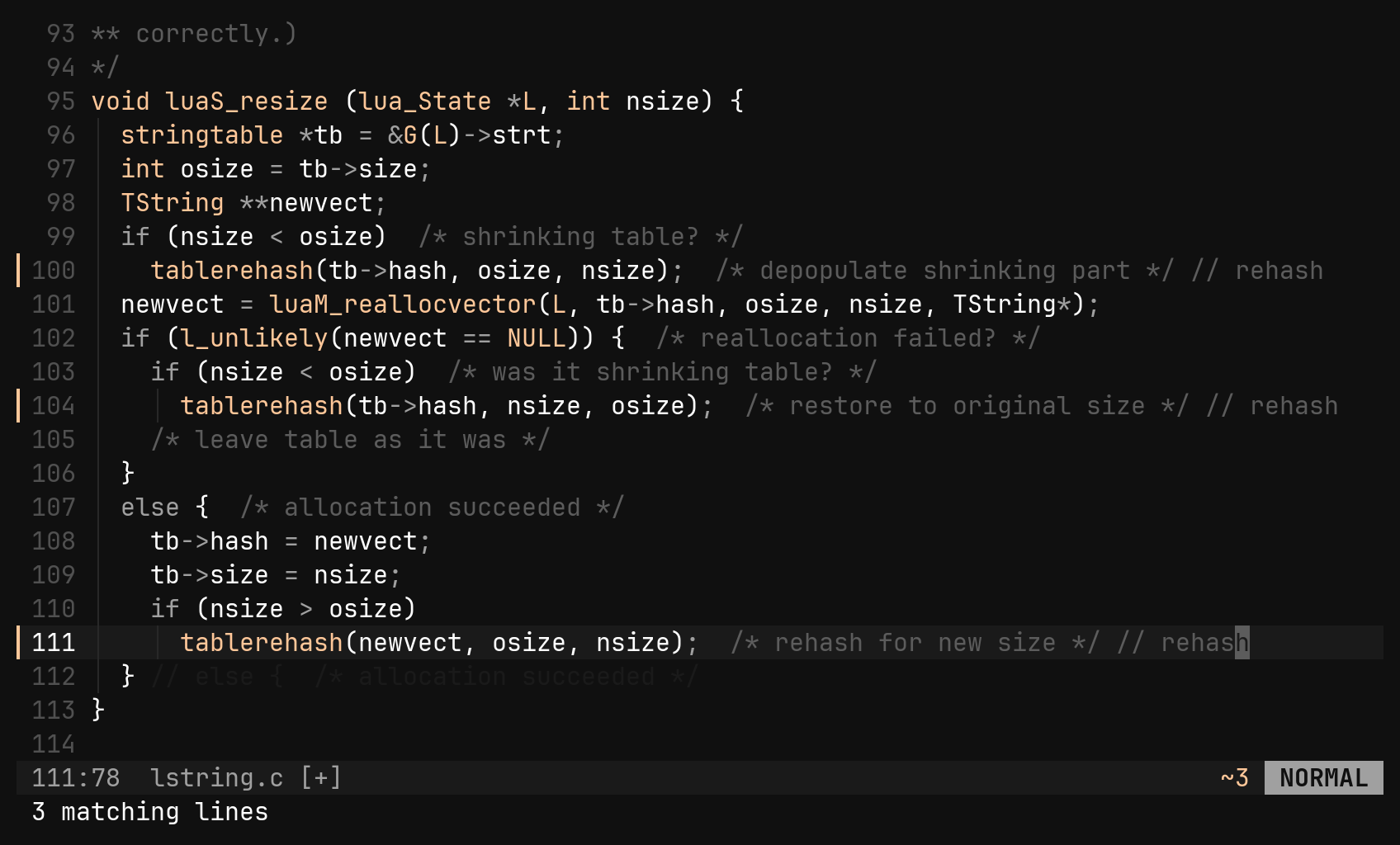
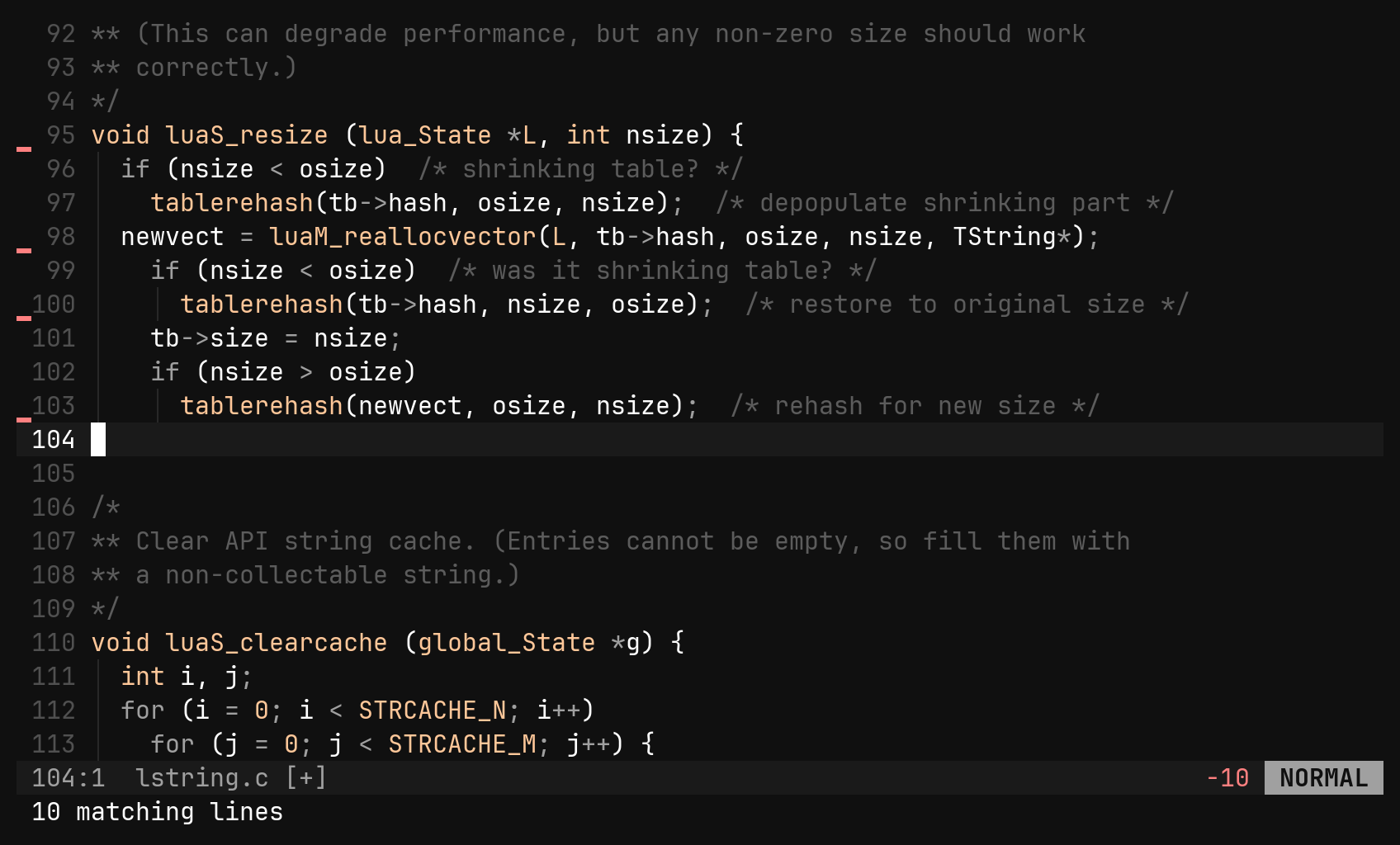
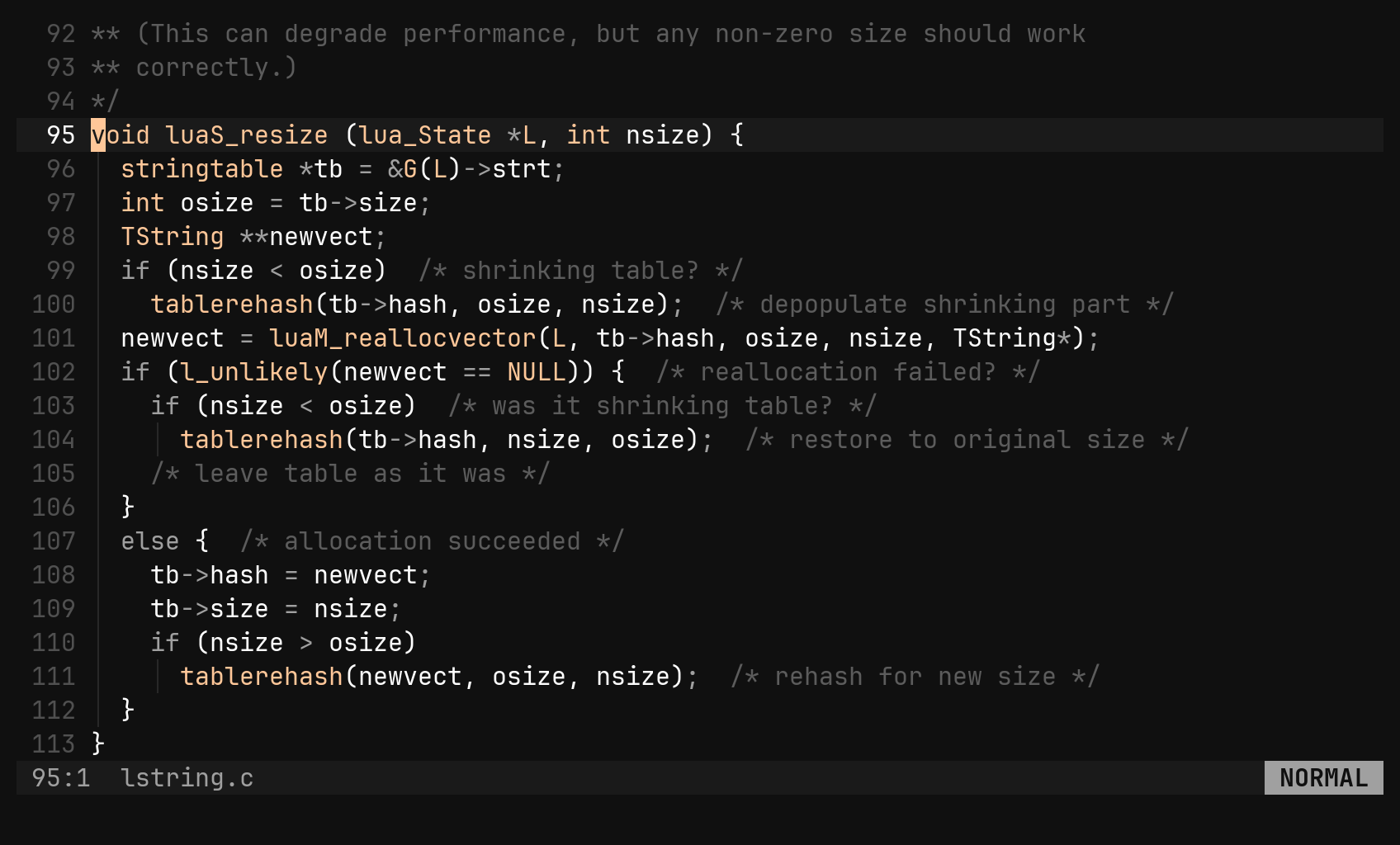
:g/pattern/cmd scans first — every line containing the pattern is marked —
then runs the command on each, top to bottom. Nothing chases its own output,
and the whole run is one undo step. :v (or :g!) takes the lines that do
not match. With no range, :g scans the whole file.
| Command | Does |
|---|---|
:g/TODO/d | delete every line with a TODO |
:v/save/d | keep only the lines mentioning save |
:g/TODO/s/old/new/g | substitute, only on TODO lines |
:g/foo/s//bar/g | the inner s borrows :g’s pattern |
:g/^use /m 0 | herd matching lines to the top |
:g/fixme/normal A ! | append ! to each |
:%normal I// | prefix every line — no pattern needed |
:2,5d | delete lines 2 to 5 |
The command after :g is one of d, s, &, m, case, retab or
normal — anything else is refused by name. That whitelist is what keeps
:g/x/q from closing the editor on the first match.
:normal {keys} replays keys as if typed, once per line under a range, and
presses Esc for you at the end. It uses bi’s own keymap, not your remaps
(vim’s :normal!), and takes raw characters — there is no <Esc> notation
inside it yet.
gc instead of :normal I// — it knows each
language’s comment syntax.:find — search the project
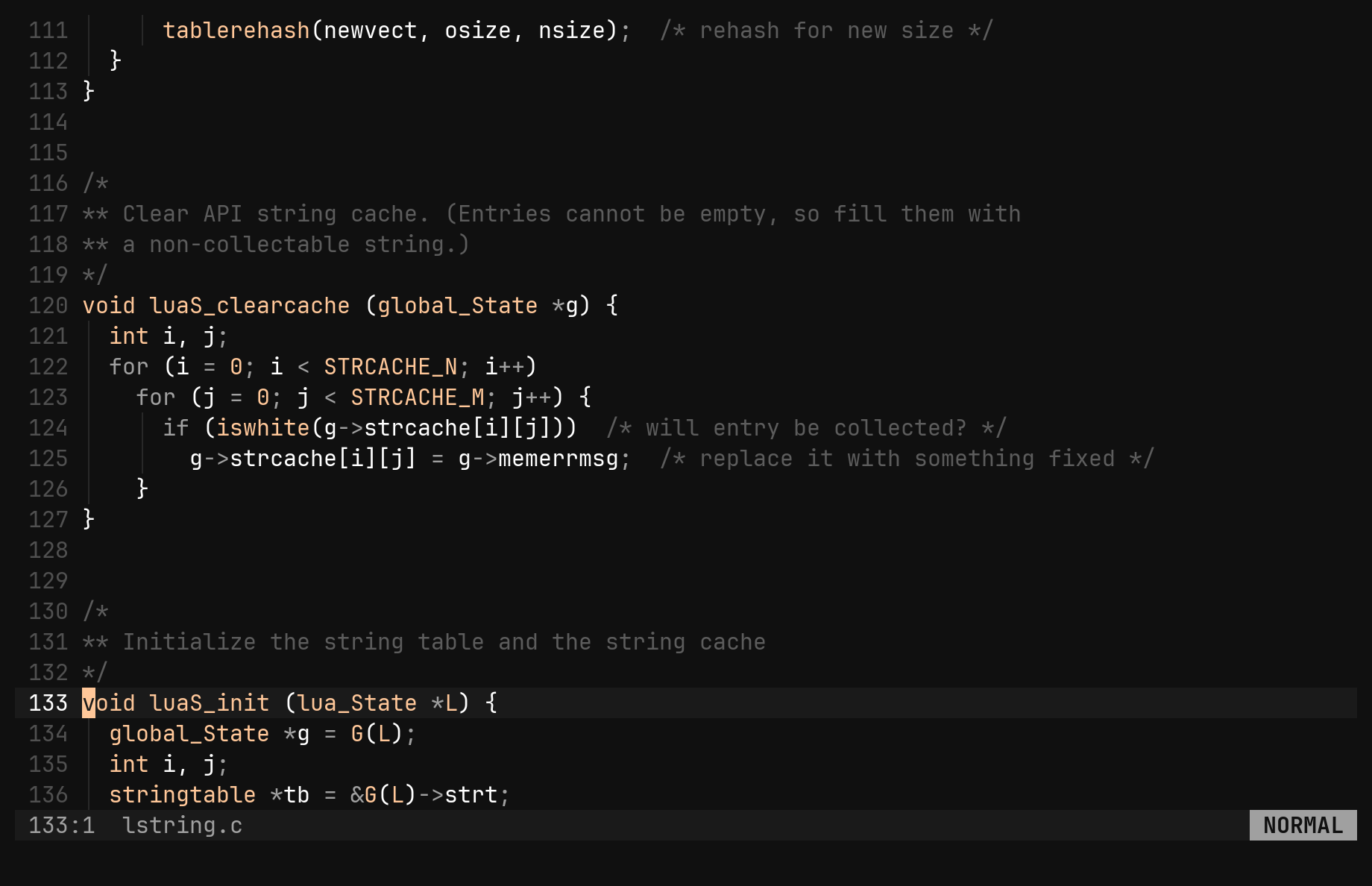
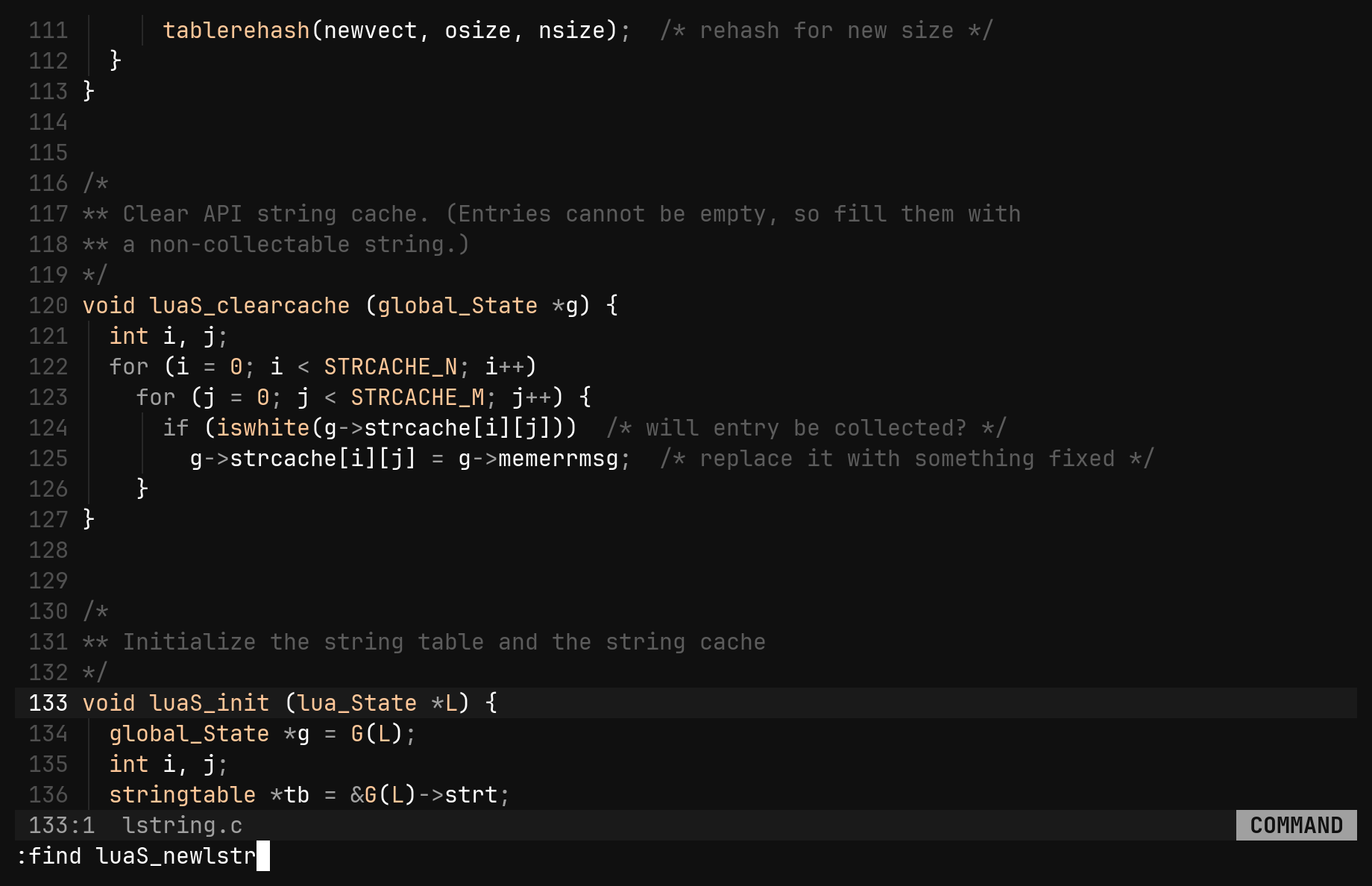
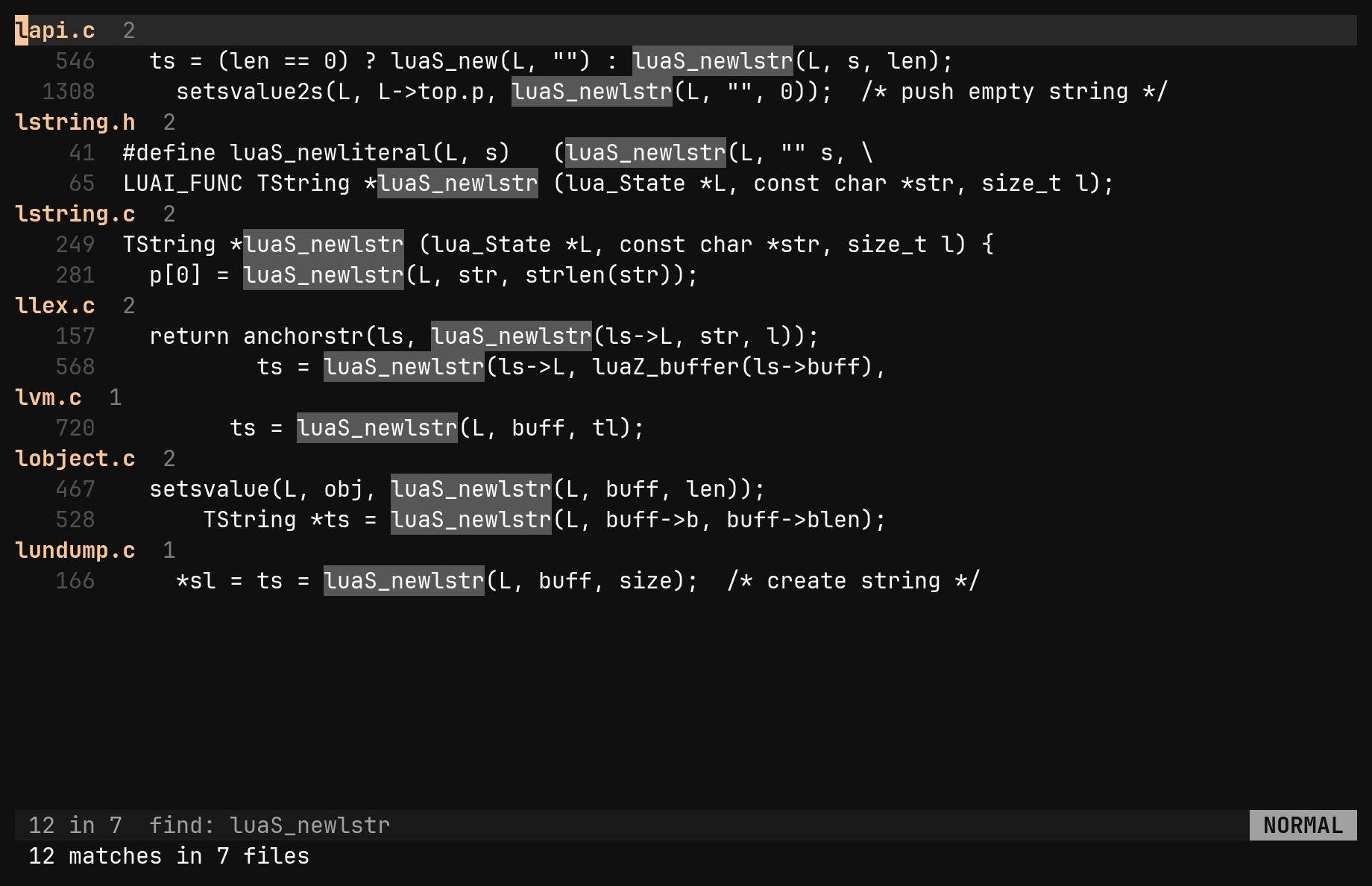
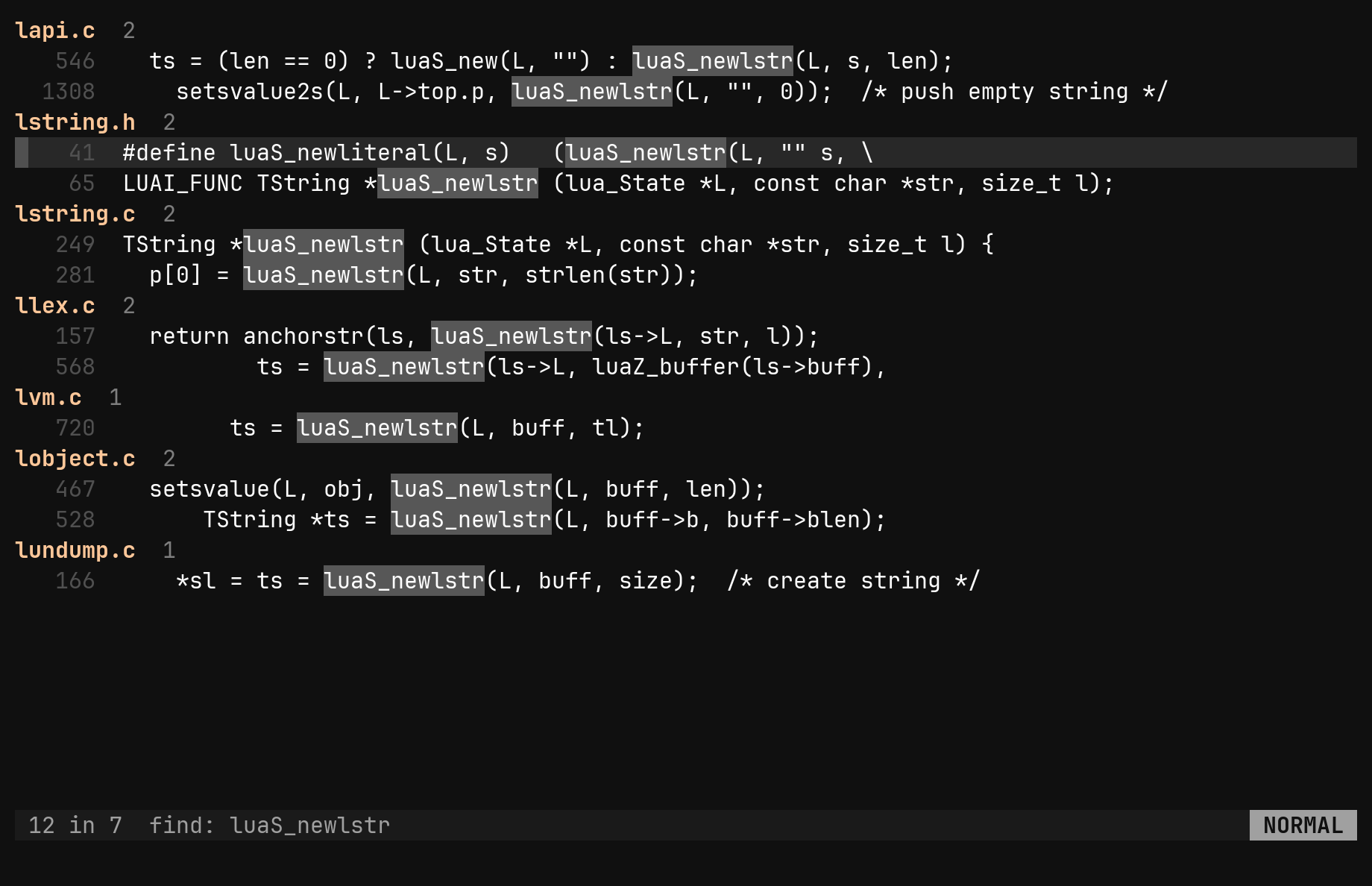
:find walks every file under the project root — skipping what .gitignore
ignores and binary files — and puts the matches in a results pane: one
heading per file, one row per matching line.
:find needle           literal, smart case
:find src/ needle      only under src/
:find~ \bfn \w+        the pattern as a regular expression
:results               bring the last results pane back
The whole argument is the pattern, so :find fn main() searches for exactly
that. A first word ending in / that names a real directory is a scope.
| Key | In a results pane |
|---|---|
j k gg G | move between rows |
Ctrl-D Ctrl-U | ten rows at a time |
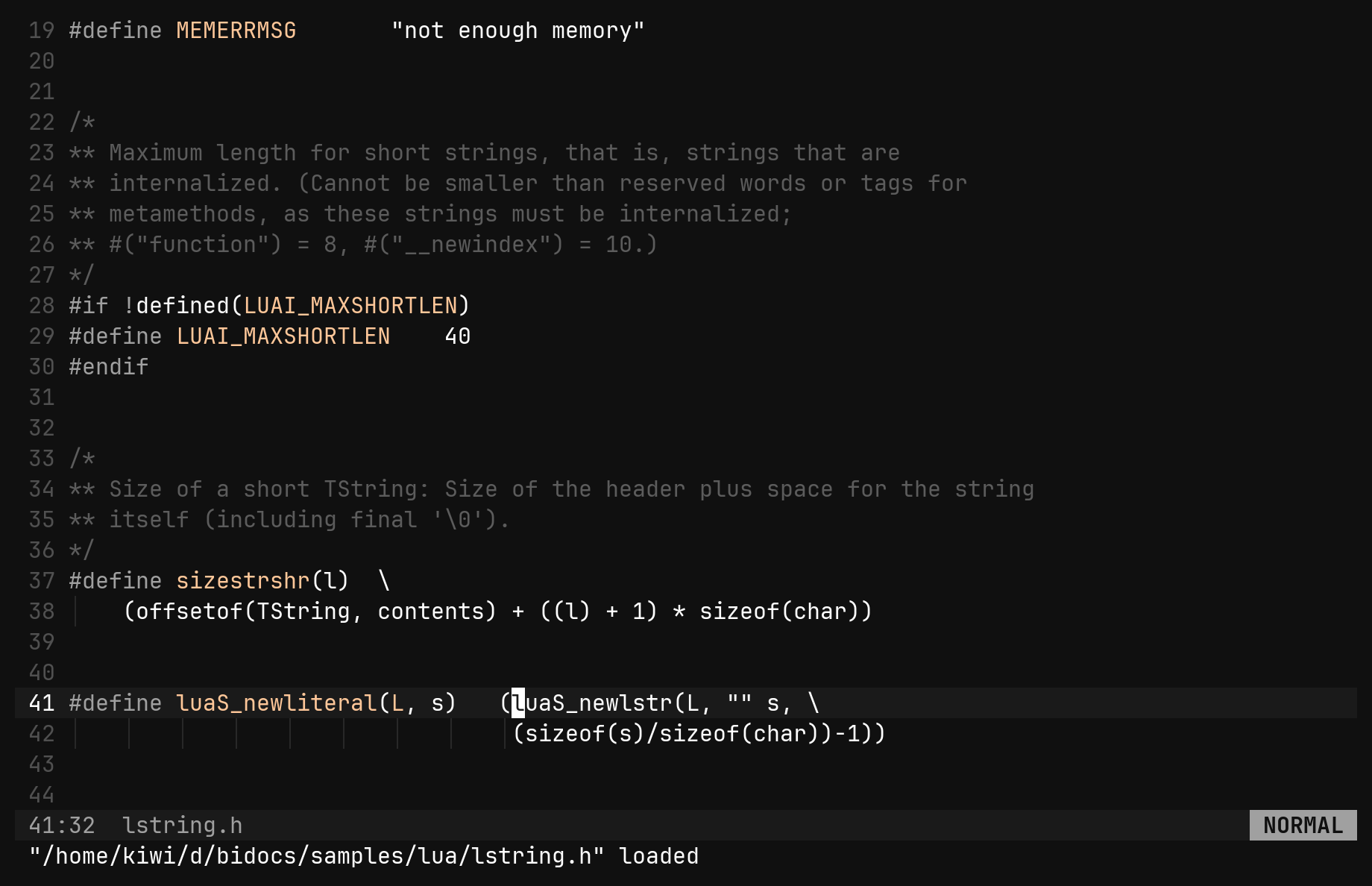
Enter o | open the file at the match’s column — a heading opens its top |
Ctrl-V | open the match in a vertical split beside the results |
x | drop a row — a hit, or a file with everything under it |
q Esc | put back the file the pane displaced |
Ctrl-^ | after Enter, swap the pane back |
The pane is not an overlay: it stays open beside what you are editing,
survives Enter, and :results brings back the last list with its prunes
intact.
:replace — preview, prune, apply
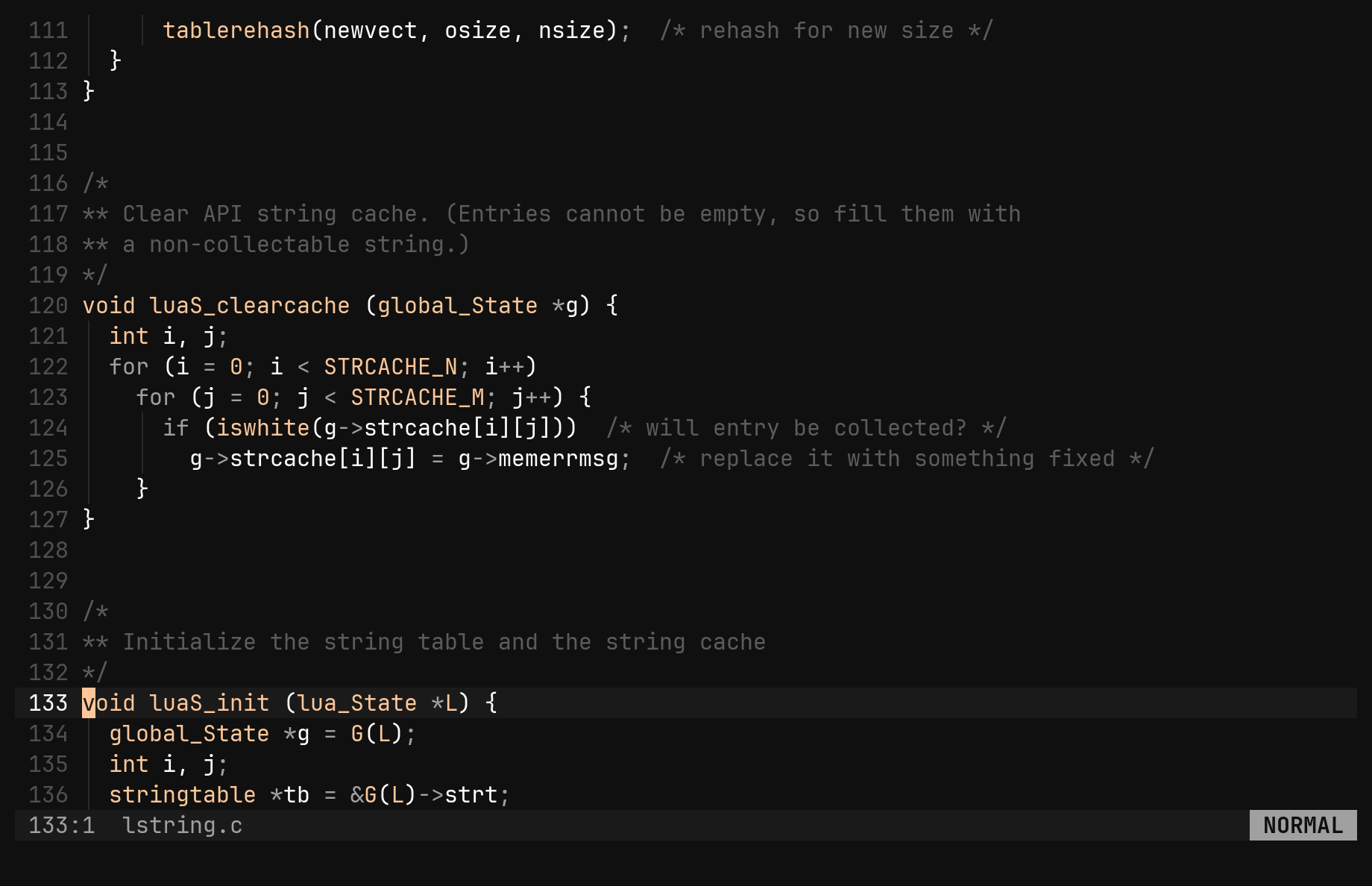
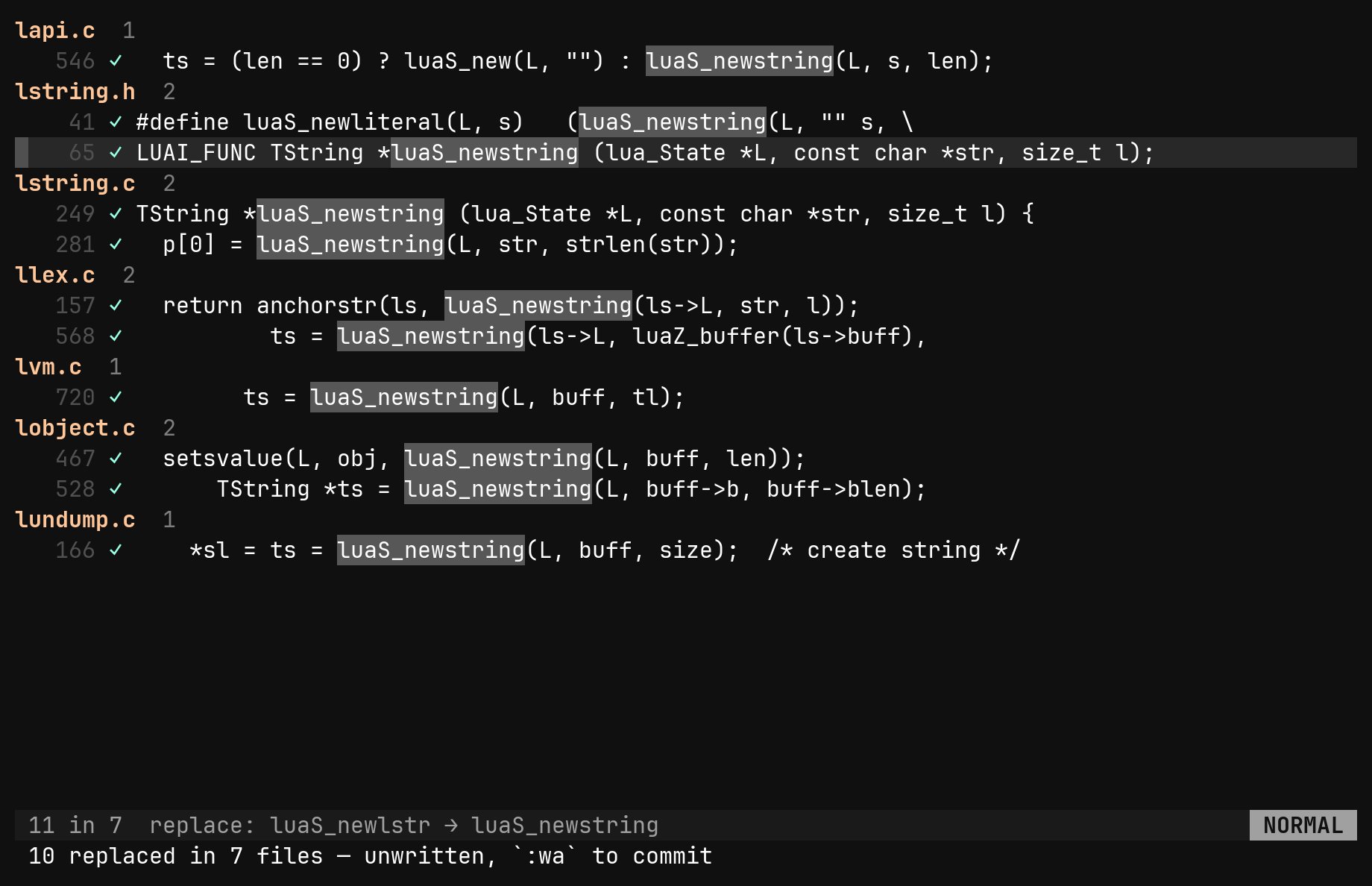
:replace /old/new/     find old, preview replacing it with new
:replace //new/        preview rewriting what the focused pane shows
:replace~ /f(\w+)/$1/  regex, with $1 for the first group
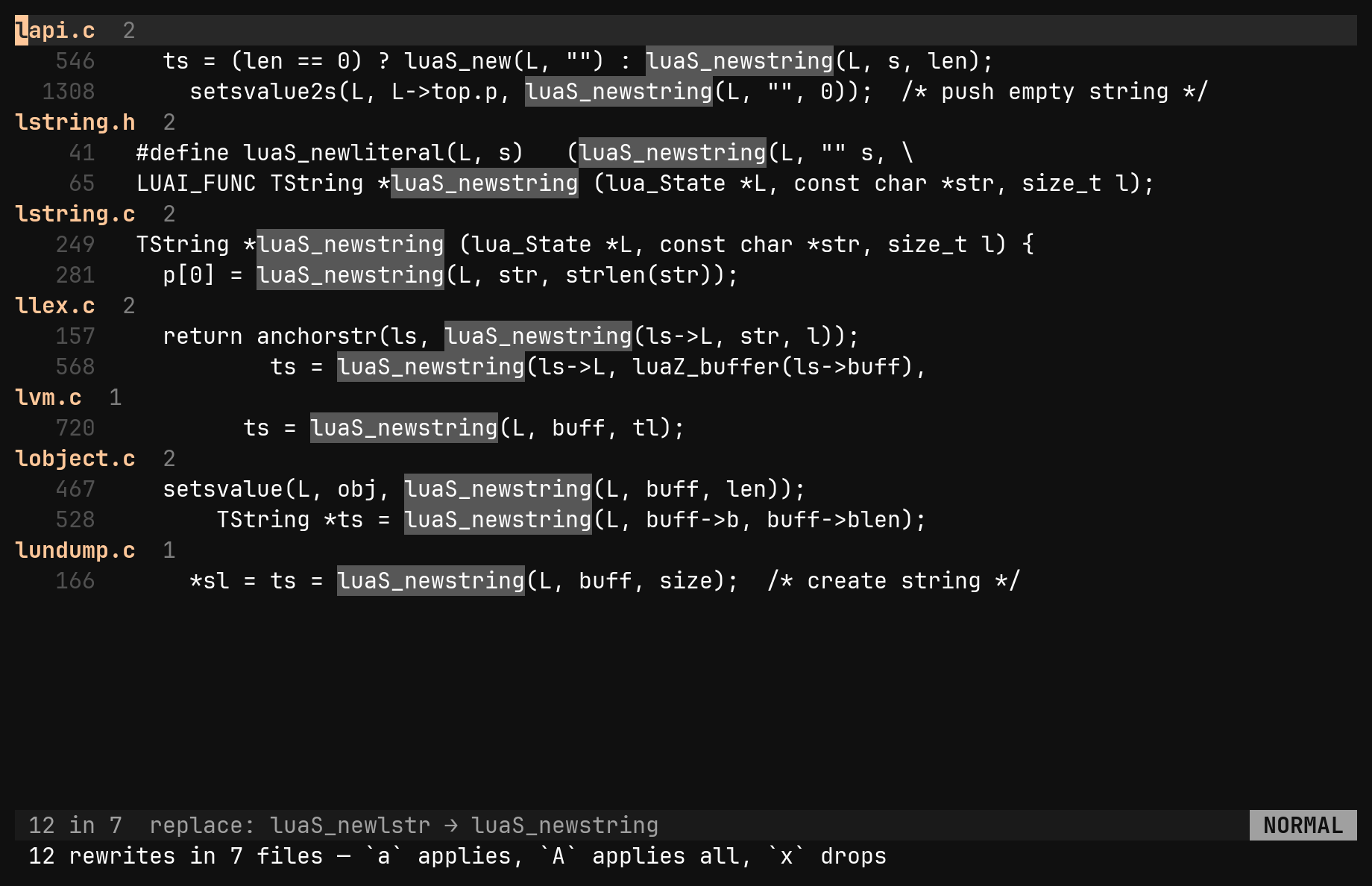
:replace never rewrites on Enter. It arms the results pane: the title
reads replace: old → new and every row shows its line as it will read. Then:
| Key | In an armed pane |
|---|---|
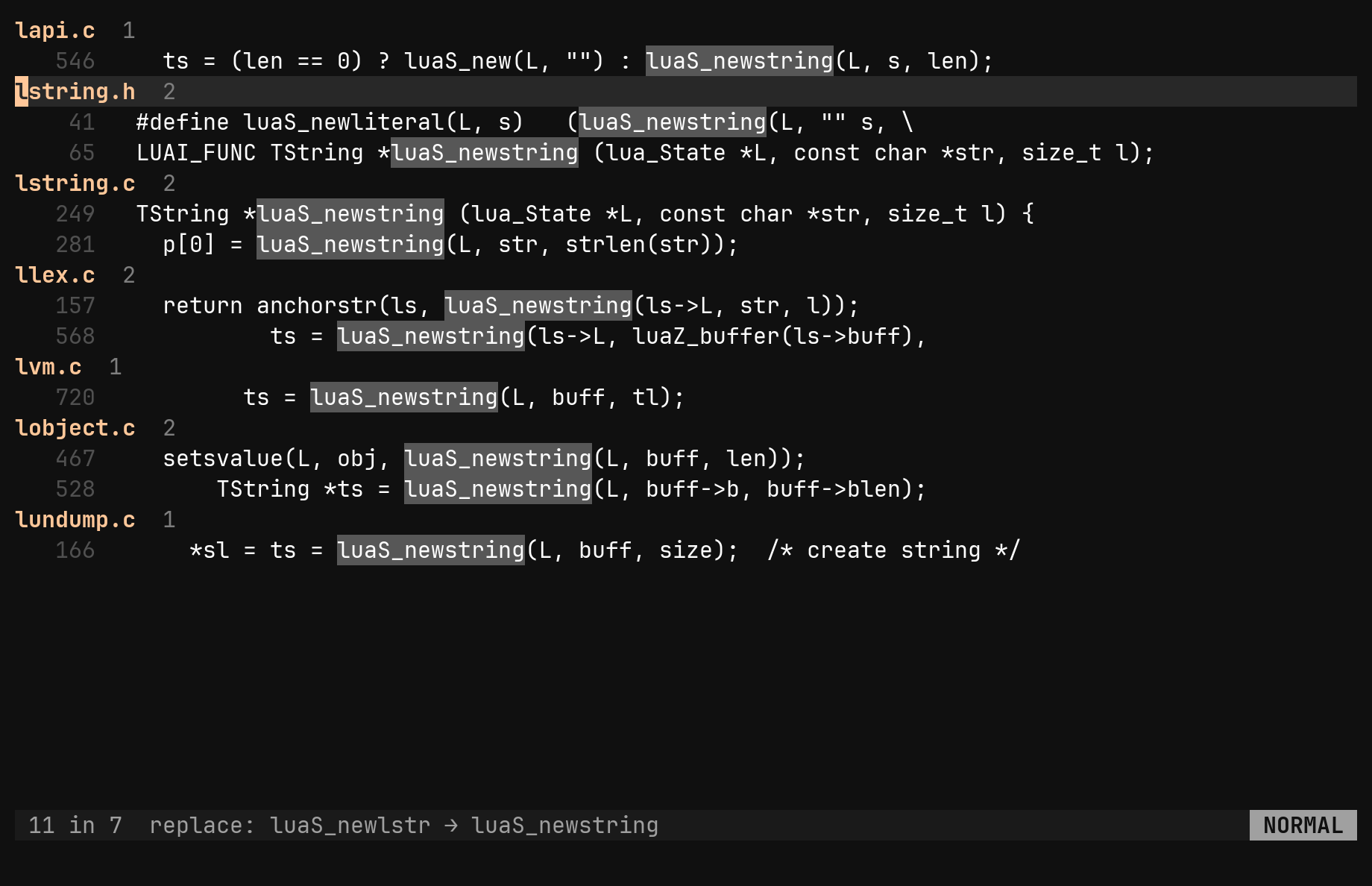
a | apply the selected row — on a heading, the whole file |
A | apply every row still pending |
x | drop a row from the offer |
Enter | open the file to look first; Ctrl-^ comes back, decisions intact |
q | walk away — nothing you did not press a for was applied |
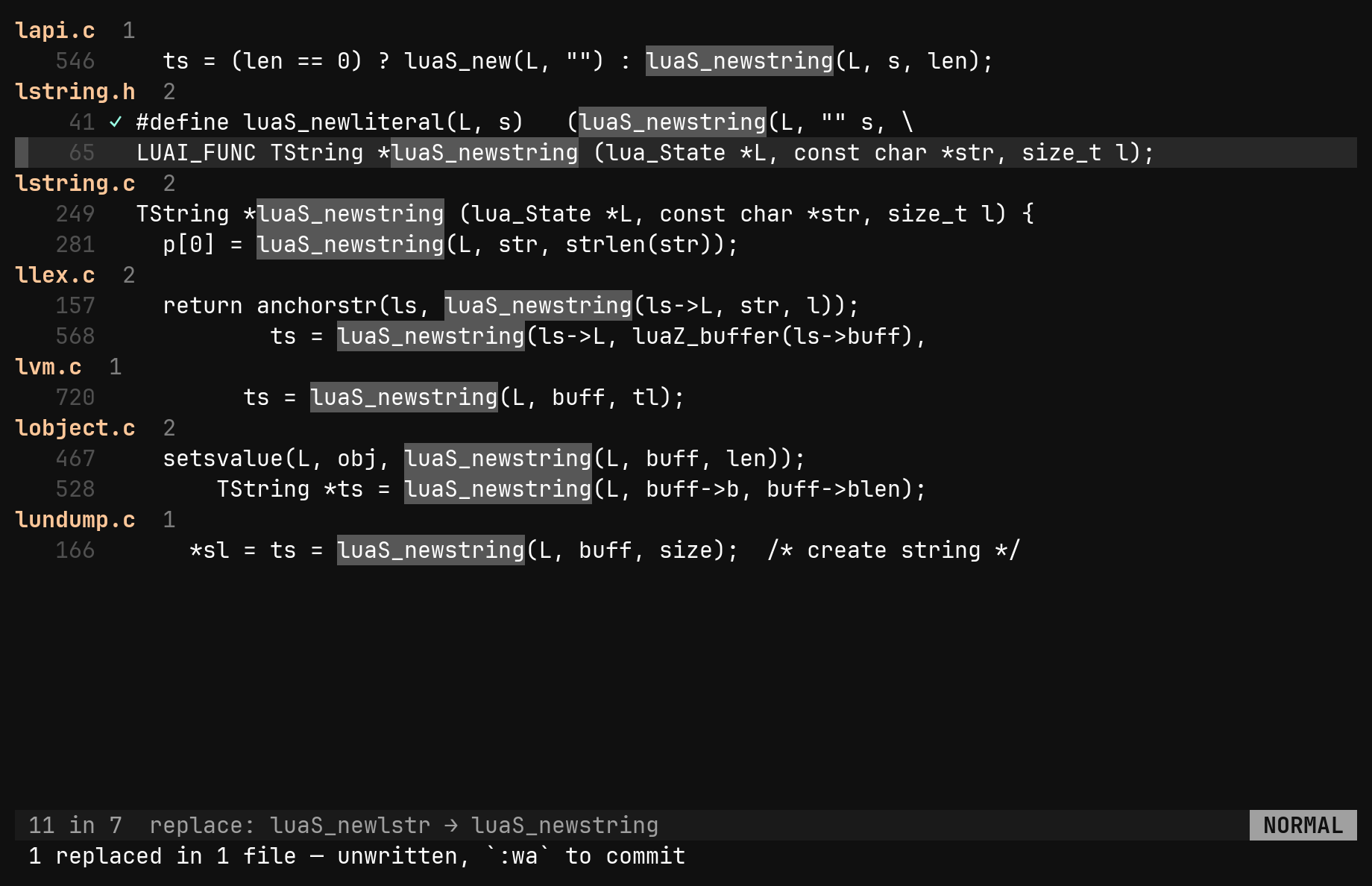
Applied rewrites go into buffers, never straight to disk. Each file is
opened, edited as one undo step and left modified: :wa writes the lot, u in
any one file takes that file back. A line that changed since the search is
skipped and counted rather than rewritten.
A row is a line, so a line with the pattern twice is rewritten twice.
gr lists every reference to a symbol in the same kind of pane. gr, then
:replace //new_name/, is a project-wide rename you can review row by row.