Language servers
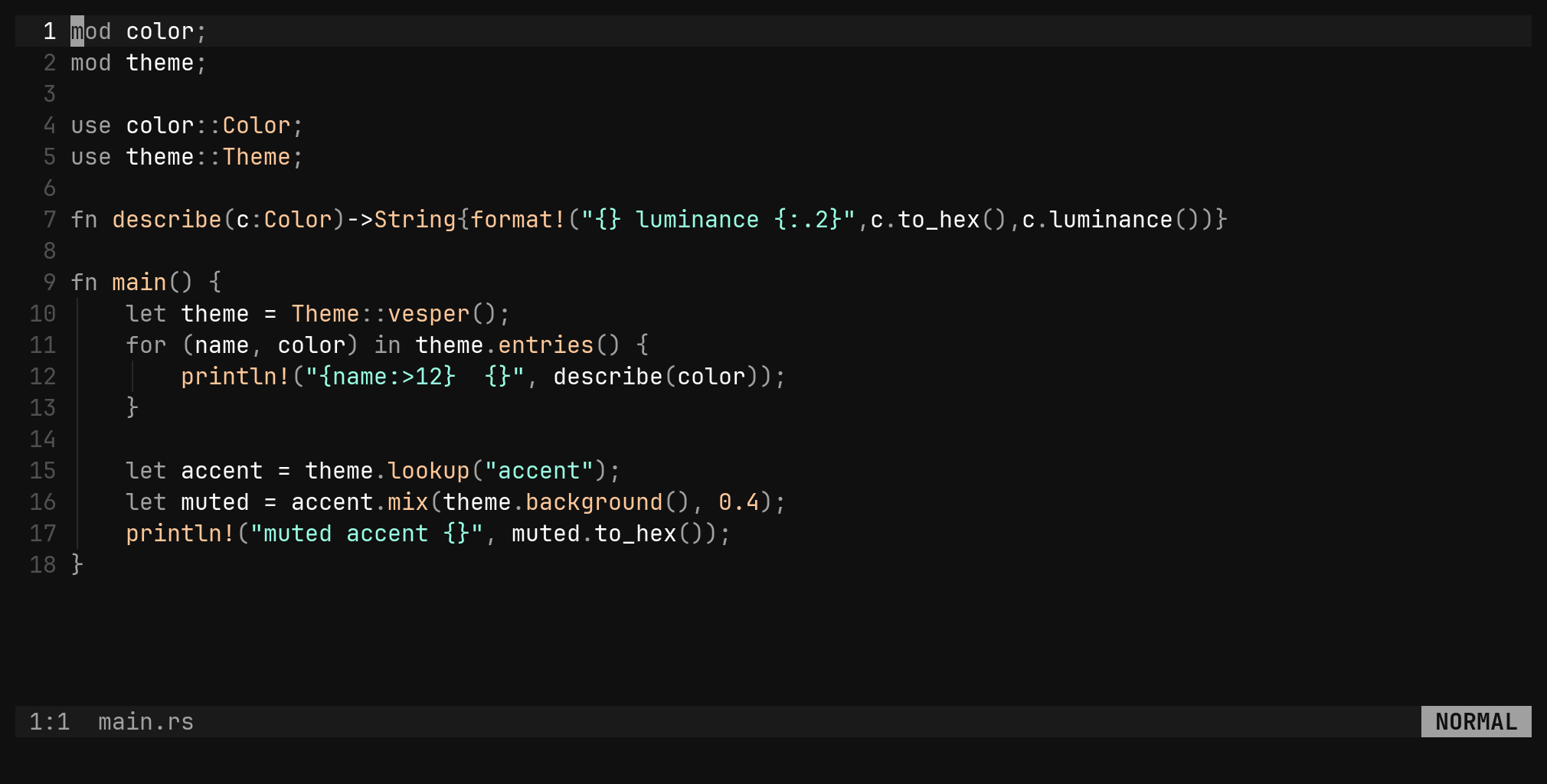
The LSP client is in the binary. Open a file and its server starts: diagnostics on the text, go to definition, references, hover, completion, signature help, code actions and formatting — no plugin, no config file.
Servers start by themselves
Open a file and bi looks up the server for its filetype, walks up from the
file to the nearest root marker, and starts the server there. One server
process per (server, root), shared by every buffer under it. Nothing to
install in bi — only the server itself has to be on your PATH.
| Server | Filetypes | Root markers |
|---|---|---|
rust-analyzer | rust | Cargo.toml |
gopls | go | go.work go.mod |
clangd | c, cpp | compile_commands.json .clangd |
pyright-langserver --stdio | python | pyproject.toml setup.py requirements.txt |
typescript-language-server --stdio | typescript, tsx, javascript | tsconfig.json package.json |
lua-language-server | lua | .luarc.json |
bash-language-server start | bash | — |
c3-lsp | c3 | project.json |
No root marker found means the file’s own directory is the root.
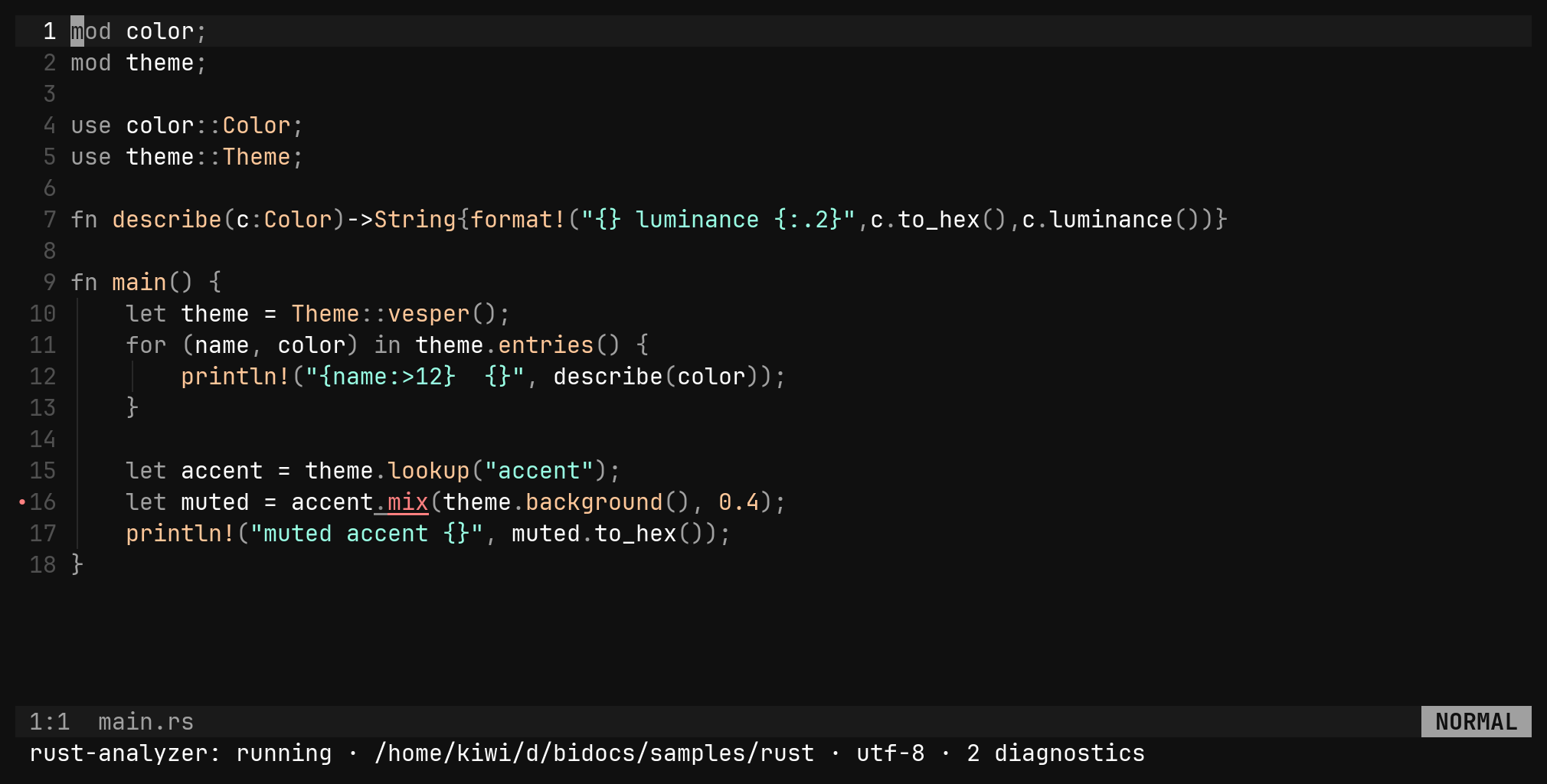
:lsp says where the buffer stands — the server, its state, the root, the
position encoding, how many diagnostics it holds, and what it is busy with.
| Command | Does |
|---|---|
:lsp | this buffer’s server and its state |
:lsp restart :lsp stop | manage it |
:lsp install | run the server’s installer, e.g. rustup component add rust-analyzer |
:lsp install go | the same for another filetype’s server |
Where an ecosystem has no one-line installer (clangd, lua-language-server,
c3-lsp), :lsp install prints the hint instead of downloading anything.
A server is a config section, and yours patches bi’s field by field:
[lsp.servers.rust-analyzer]
command = ["rust-analyzer"]
filetypes = ["rust"]
roots = ["Cargo.toml"]

[lsp]
enabled = true          # false turns the whole client off
nvim-lspconfig, no mason, no on_attach. The keys
below work the moment a server answers, and a project’s .bi.toml can never
name the binary bi runs.Diagnostics
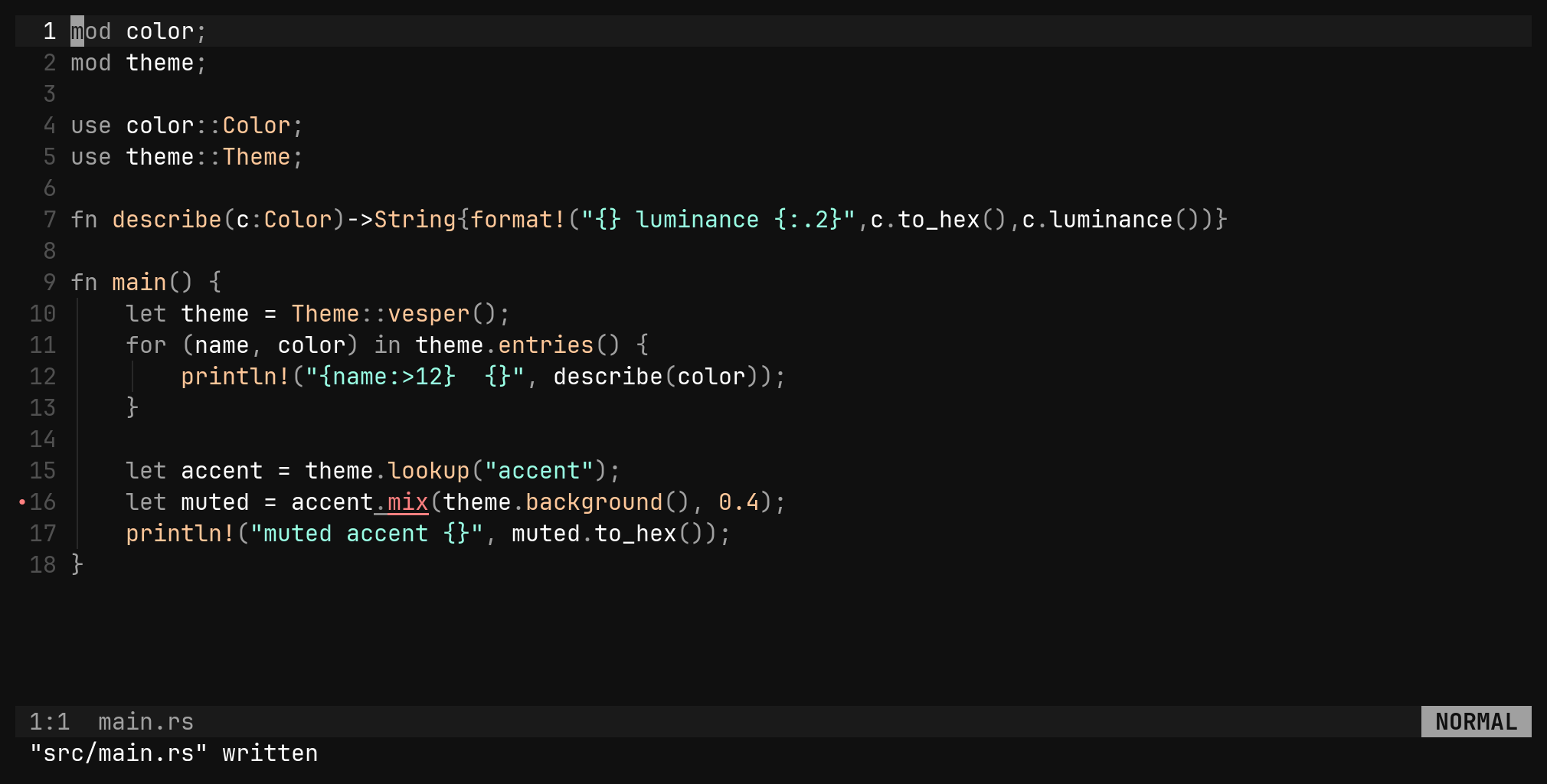
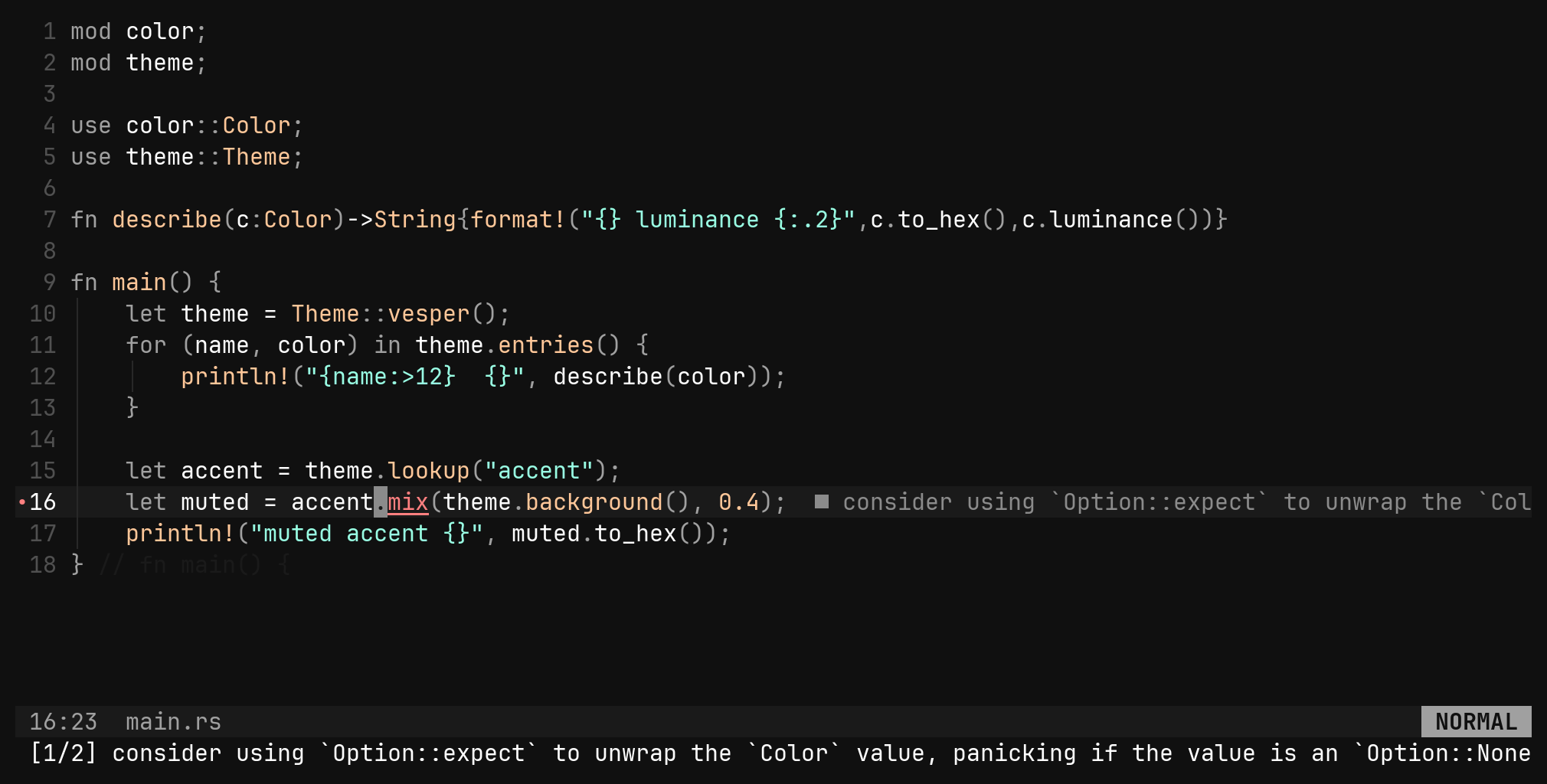
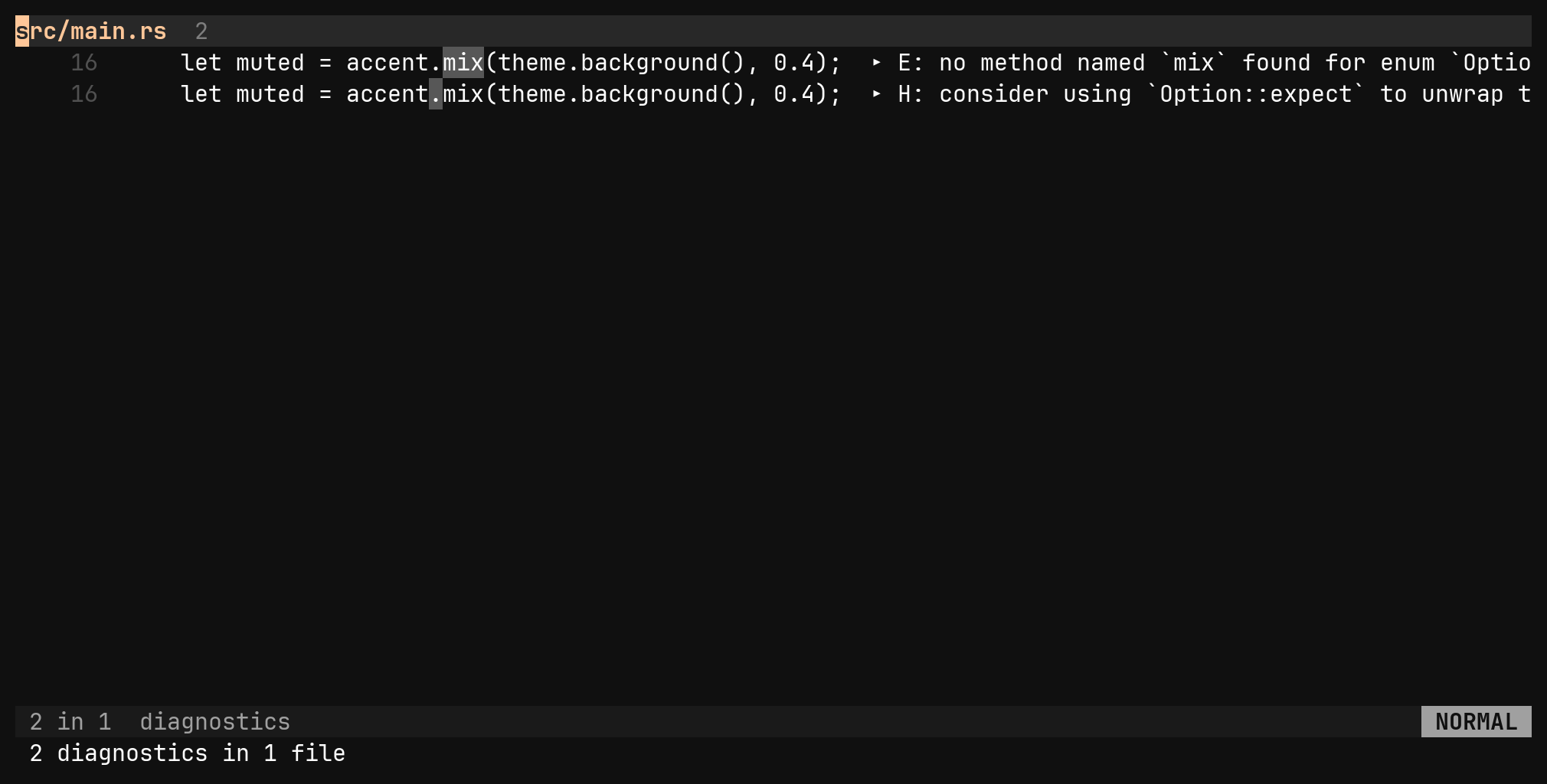
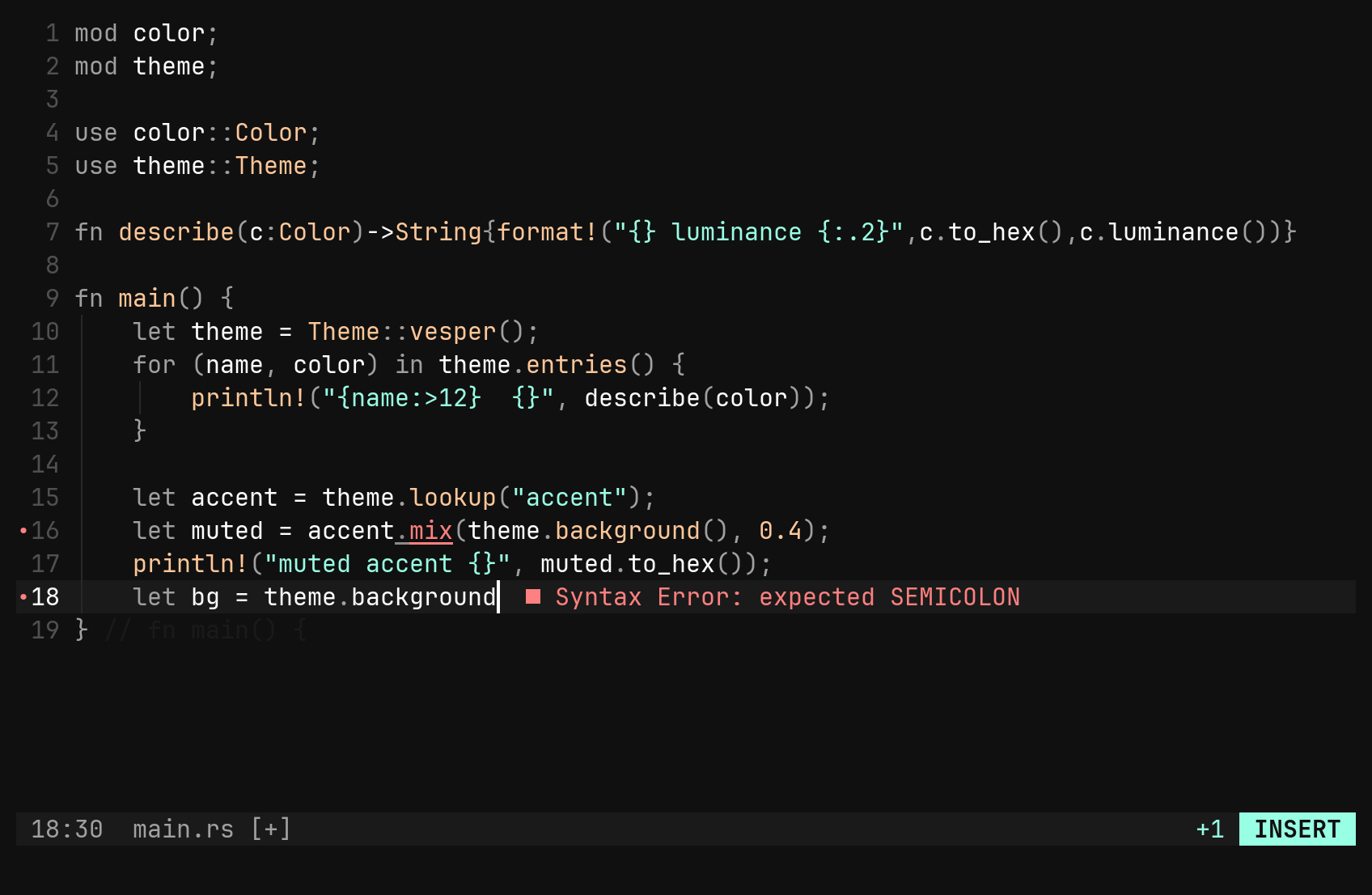
Every diagnostic is drawn three ways: the range is recoloured and underlined
in its severity’s colour, the sign column gets a • (it wins over a git
sign), and the first line of the message sits at the end of the cursor’s
line — only the cursor’s, so the screen does not shout.
What arrives, and when, is the server’s call. rust-analyzer’s compiler errors
come from cargo check, which it runs when the file is saved — so the first
:w is when they land.
| Key | Does |
|---|---|
]d [d | next / previous diagnostic, wrapping; the message goes to the status line |
:diags | every open buffer’s diagnostics in a results pane, worst first |
:set diagnostics false | hide the marks; they are still stored and counted |
The :diags pane is the same pane :find fills: j/k to move, Enter to
jump, Ctrl-^ back to the file, :results to reopen it later.
Moving through code
Each key is short for an ex command, so every one of them is typeable without the key and rebindable by name.
| Key | Command | Does |
|---|---|---|
gd | :definition :def | jump to the definition, opening its file |
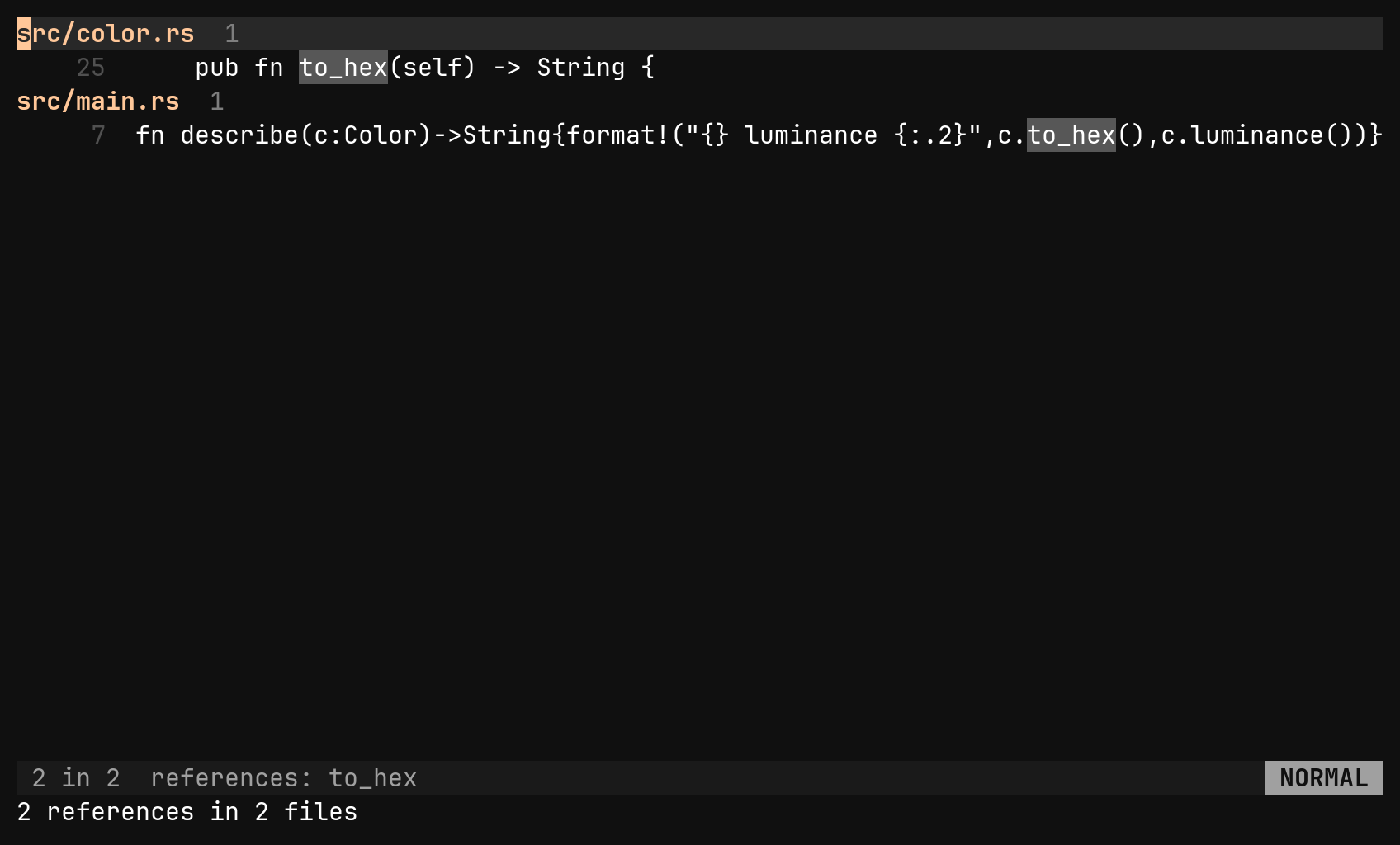
gr | :references :refs | every reference, in a results pane |
gi | :implementation :impl | trait impls, overrides, the source for a header |
| — | :declaration :decl | the declaration — for when gd lands in the source and you wanted the header |
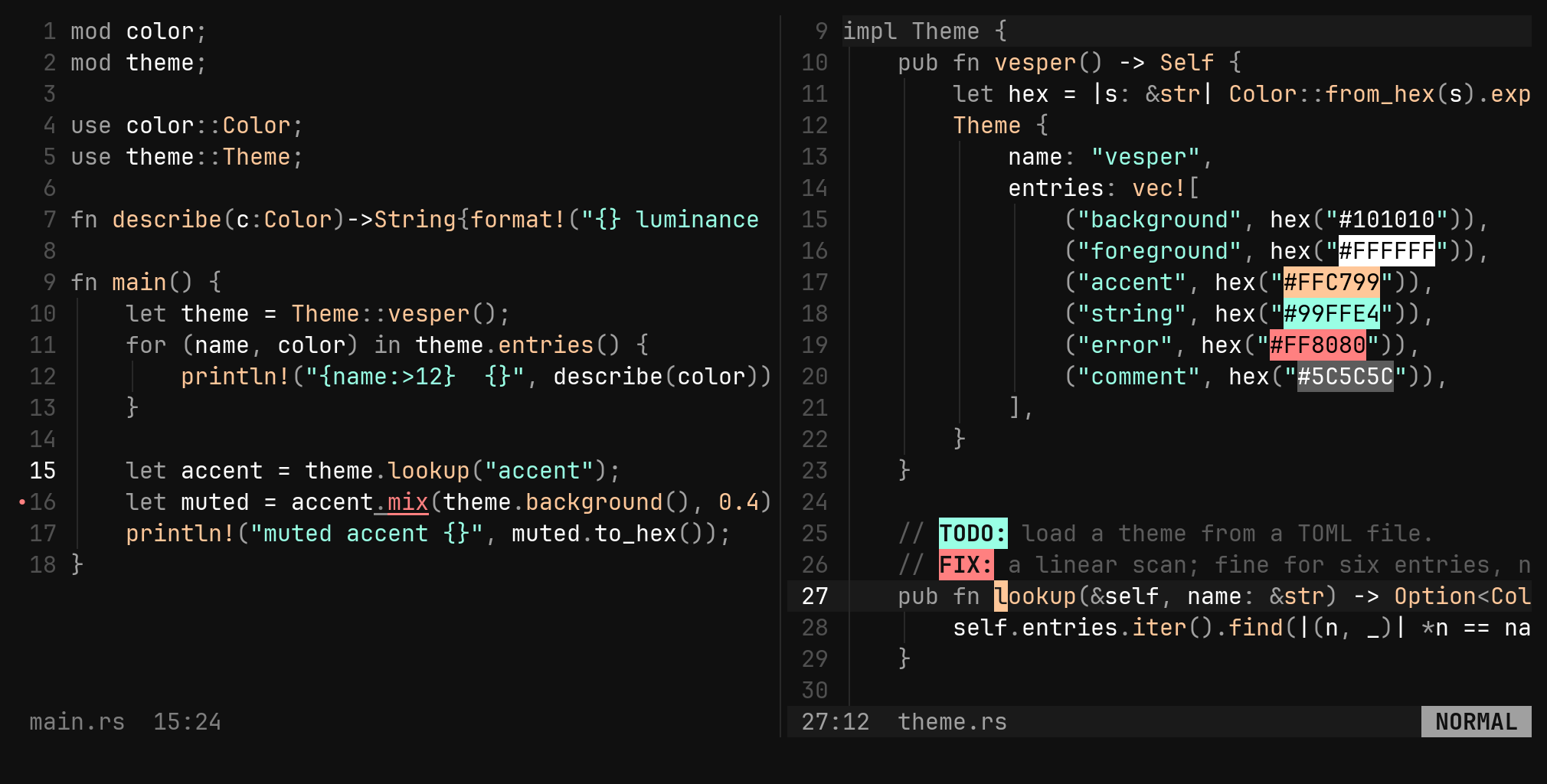
| — | :peek | the definition in a vertical split, focus on it |
Every jump goes on the jump list, so Ctrl-O is the way back.
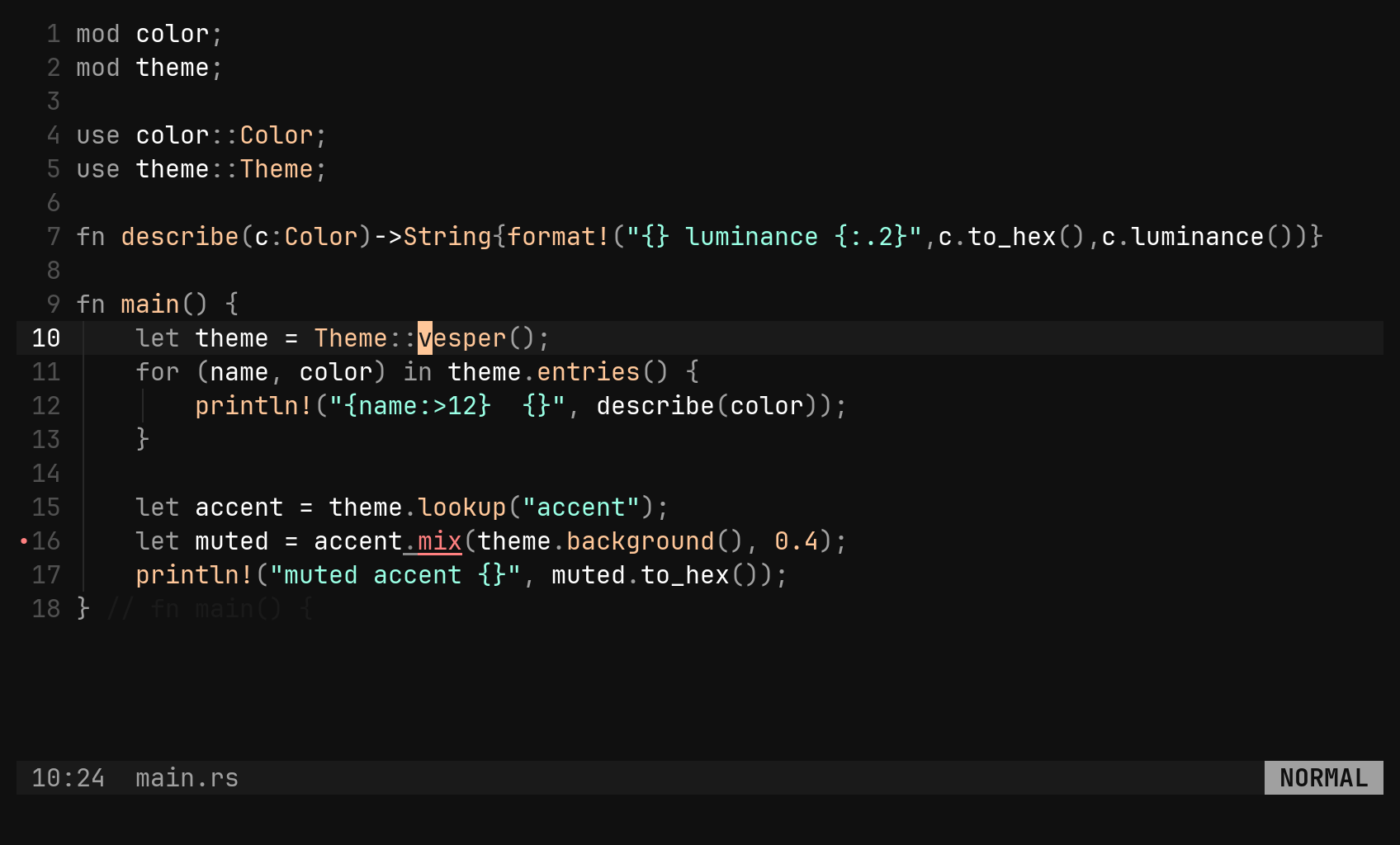
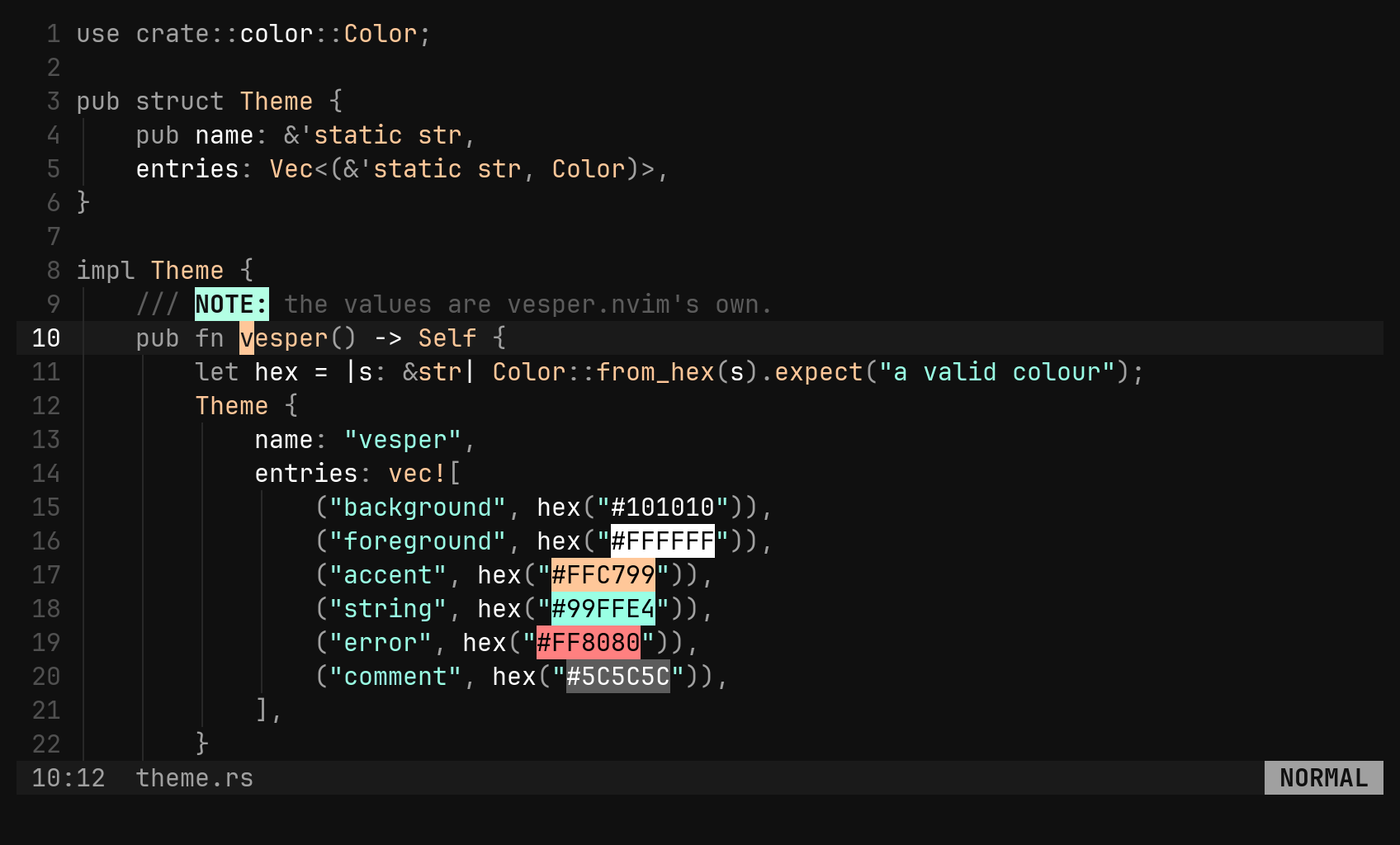
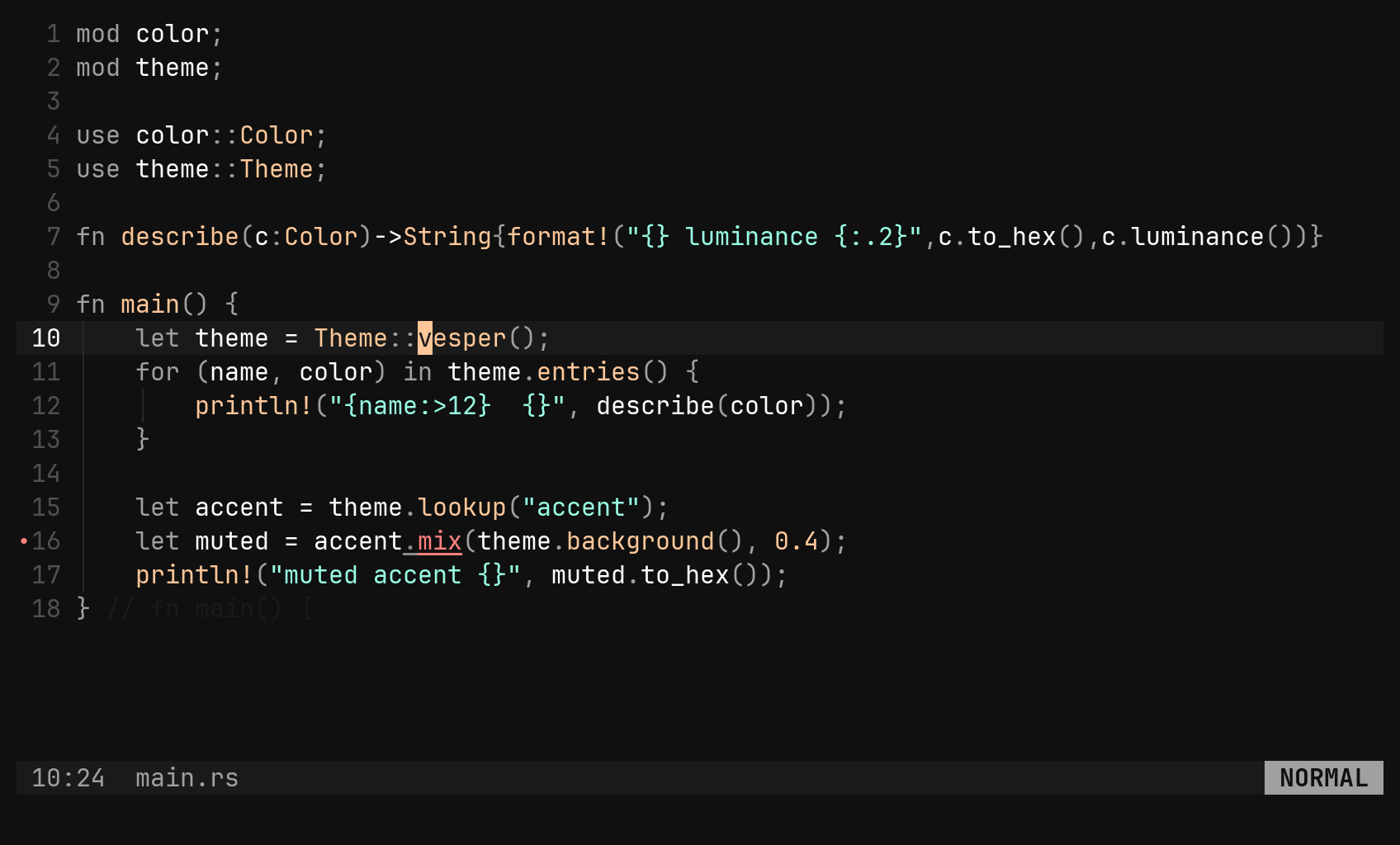
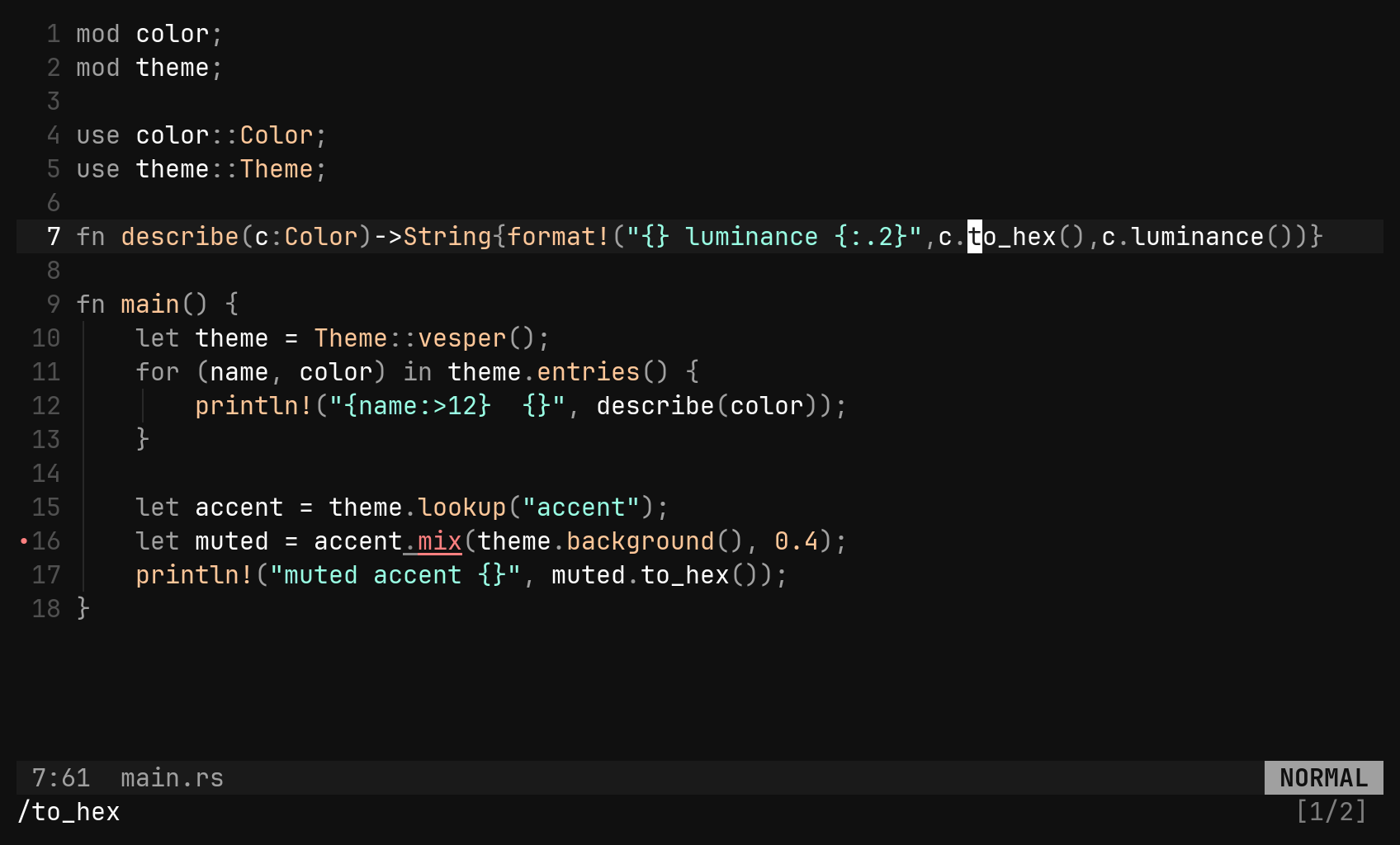
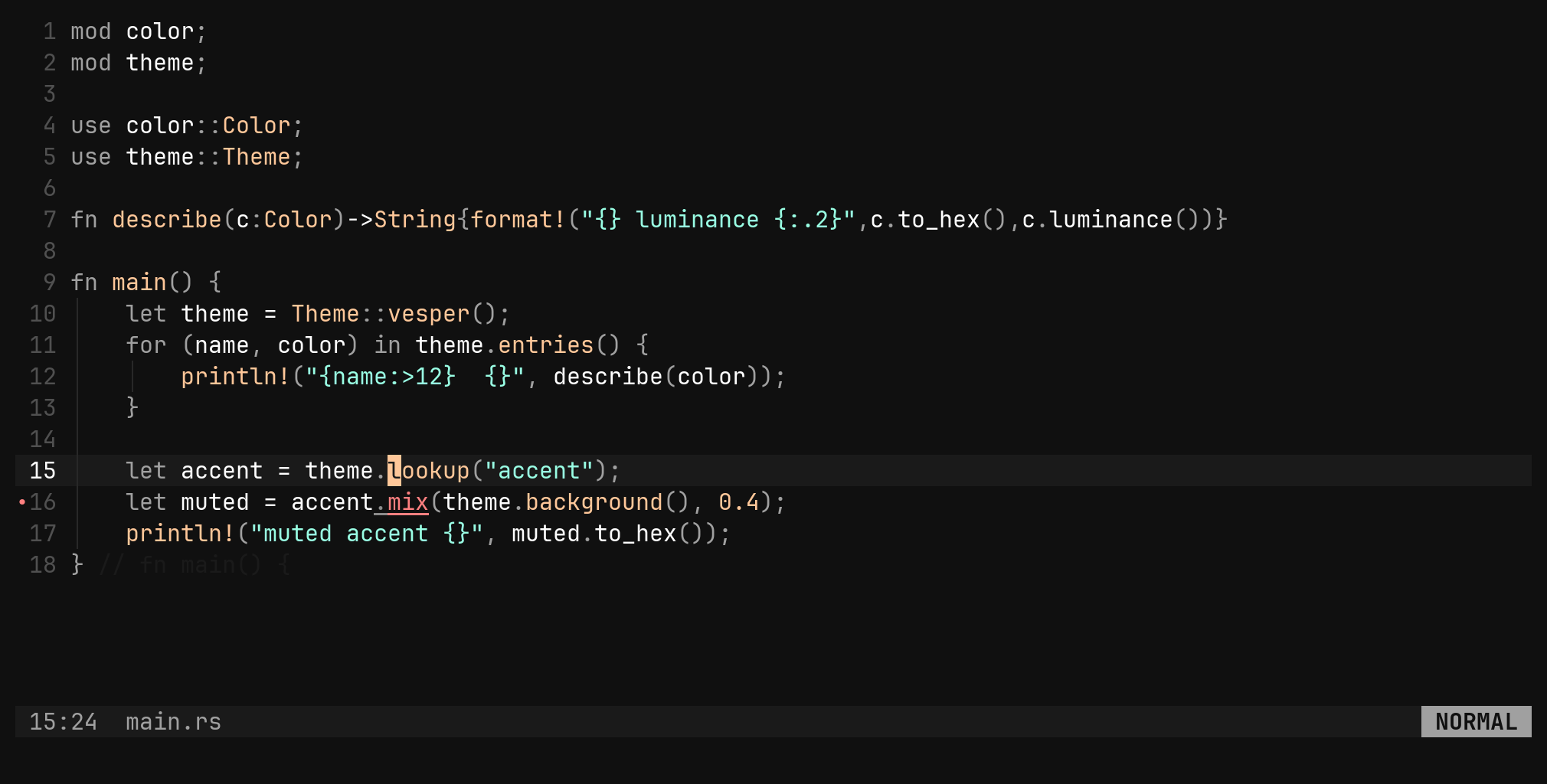
:peek answers “what is that” without leaving: the definition opens
beside the call site, and Ctrl-W q is the whole way back.
gr pane, :replace //new/ previews replacing
every reference — a rename you can read before it happens. See
Search and replace.Hover
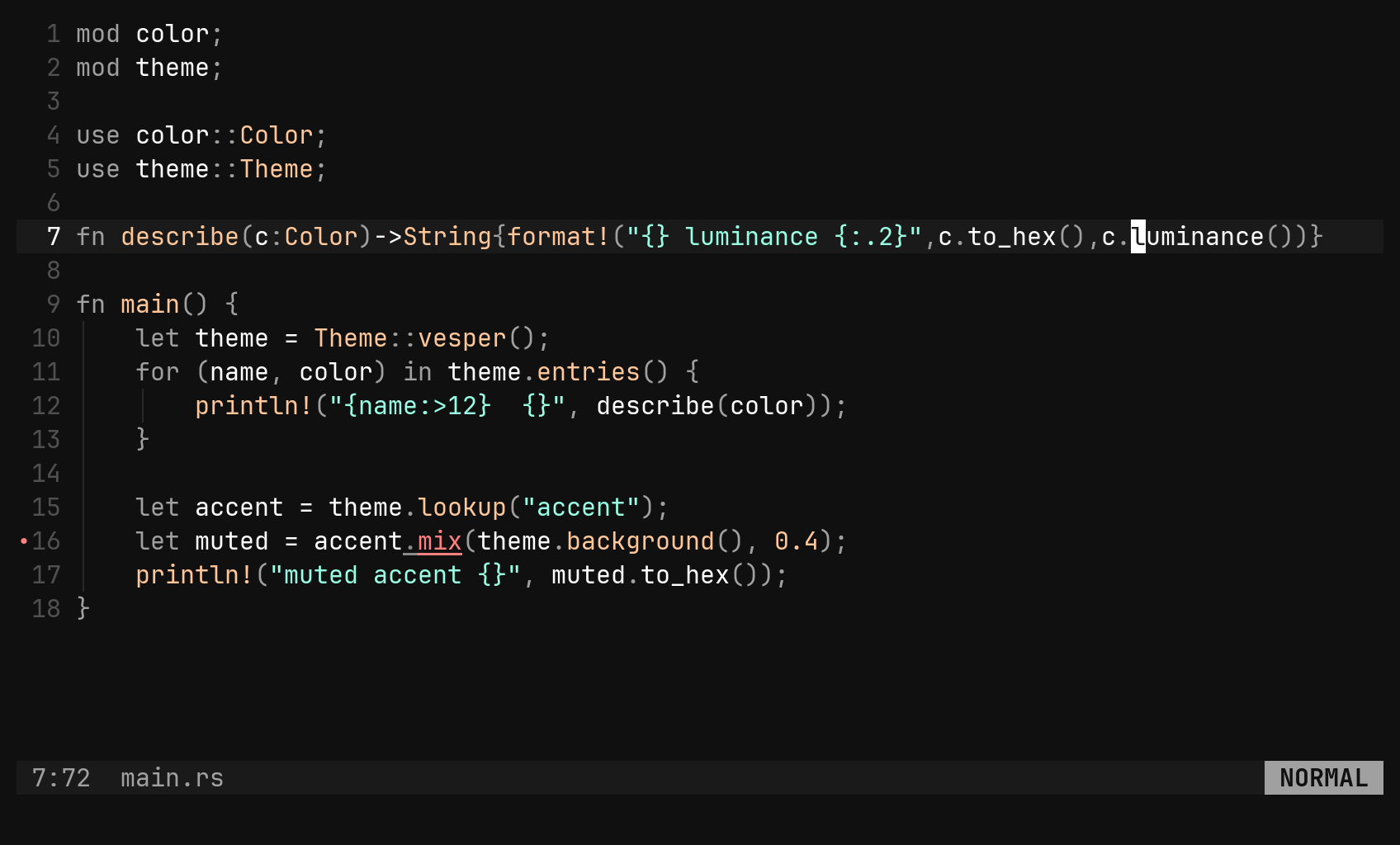
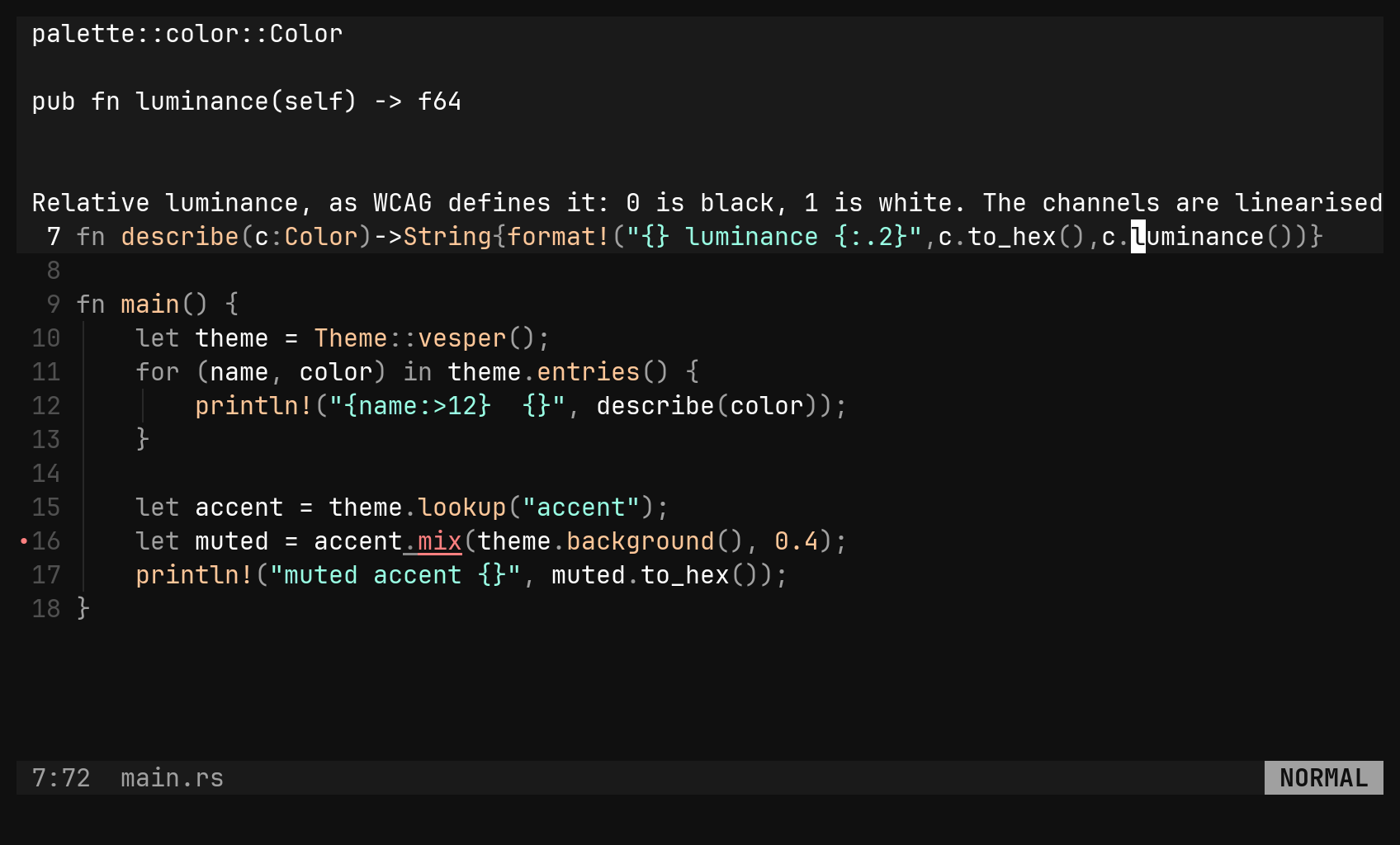
K floats what the server knows about the cursor — type, signature, doc
comment — above the line. Code blocks in the answer are highlighted with the
buffer’s own grammar. Any next key dismisses it.
Completion and signatures
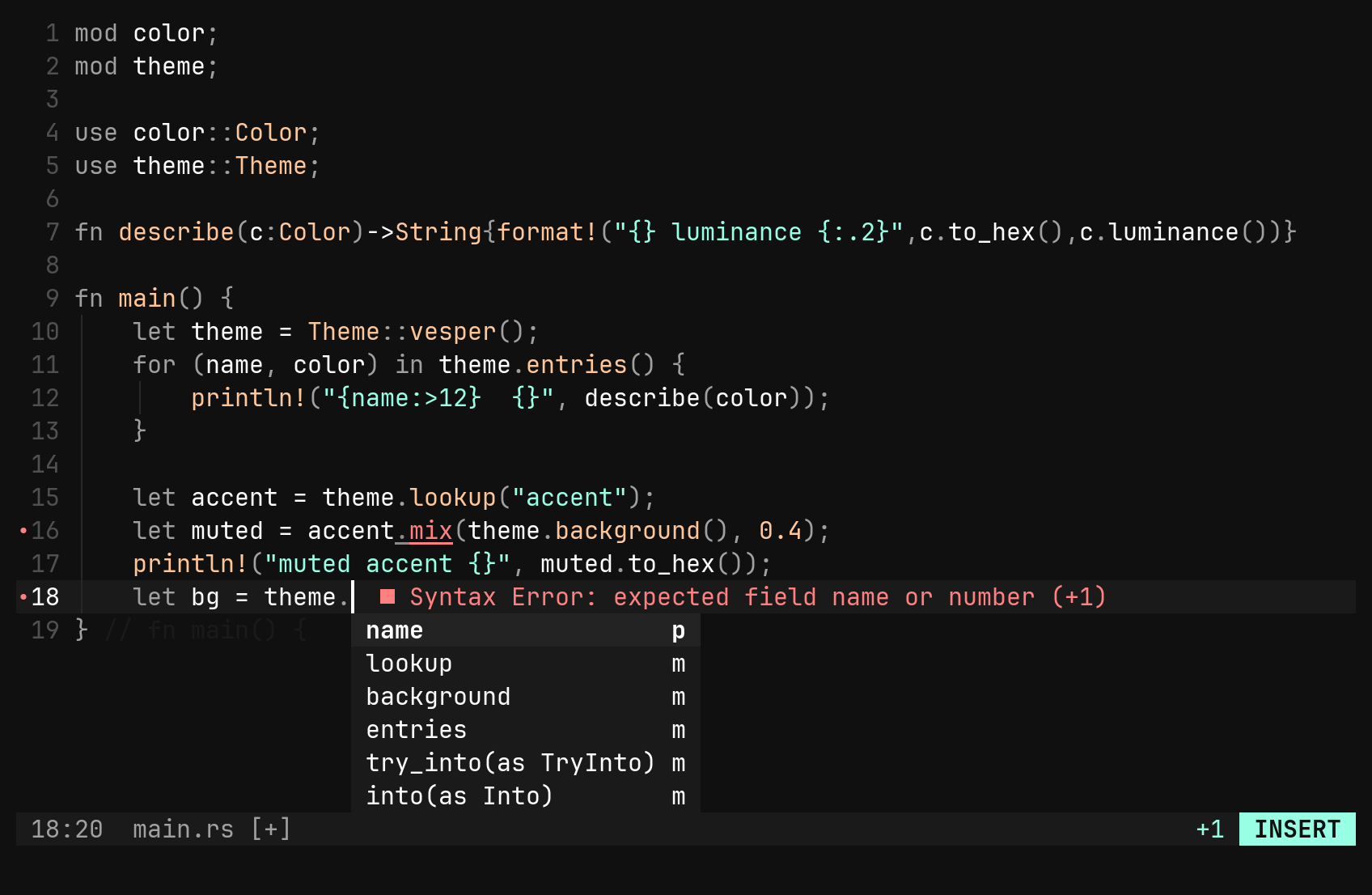
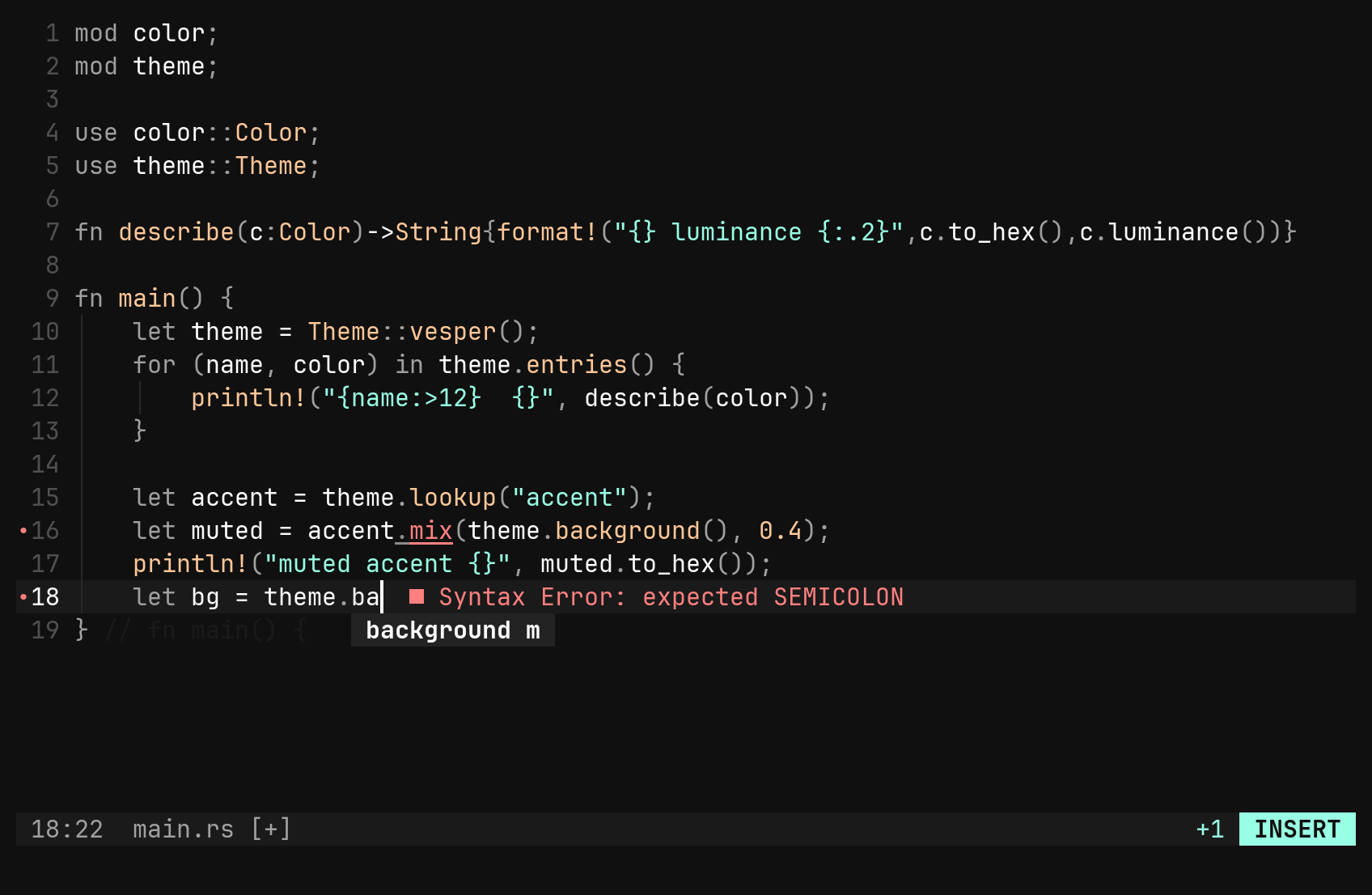
Completion opens by itself in insert mode, as you type an identifier or one of
the server’s trigger characters (., ::). Filtering happens locally as the
word grows: prefix matches first, then subsequence matches.
| Key | Does |
|---|---|
Ctrl-N Ctrl-P | move through the menu; Ctrl-N with the menu closed opens it |
Tab Enter | accept — an auto-import comes along when the server offers one |
Shift-Tab | move back |
Esc | close the menu and keep typing |
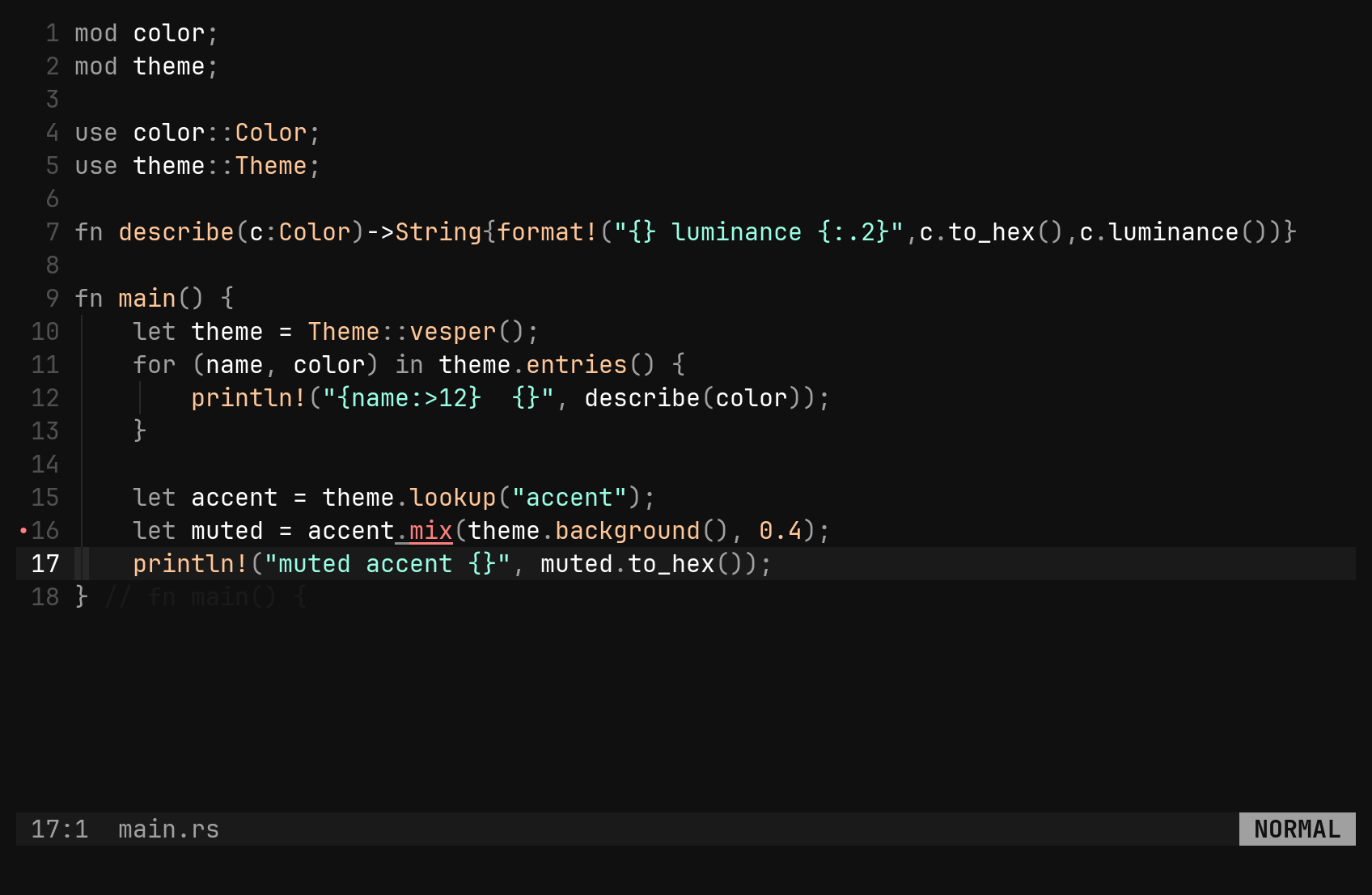
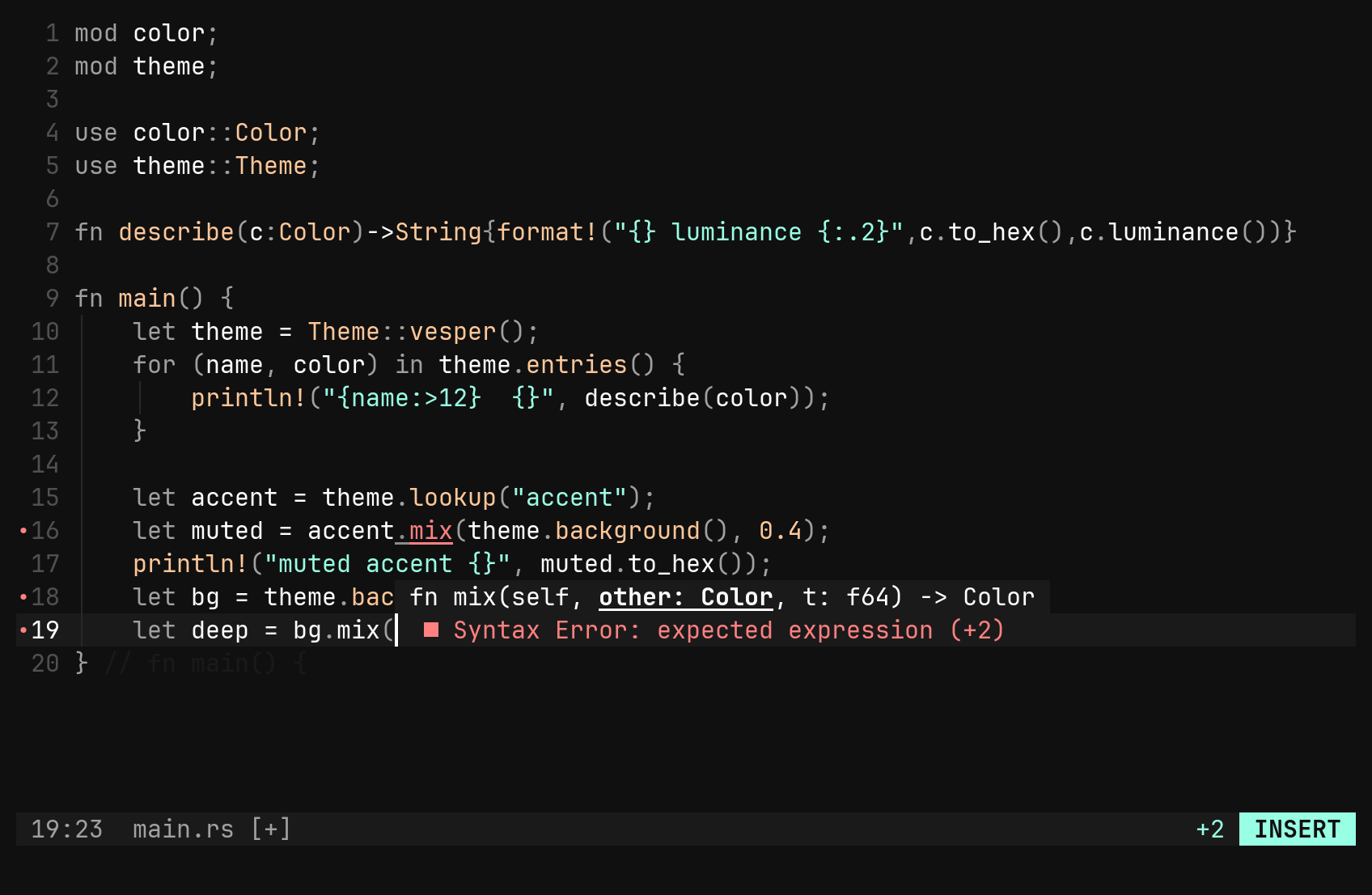
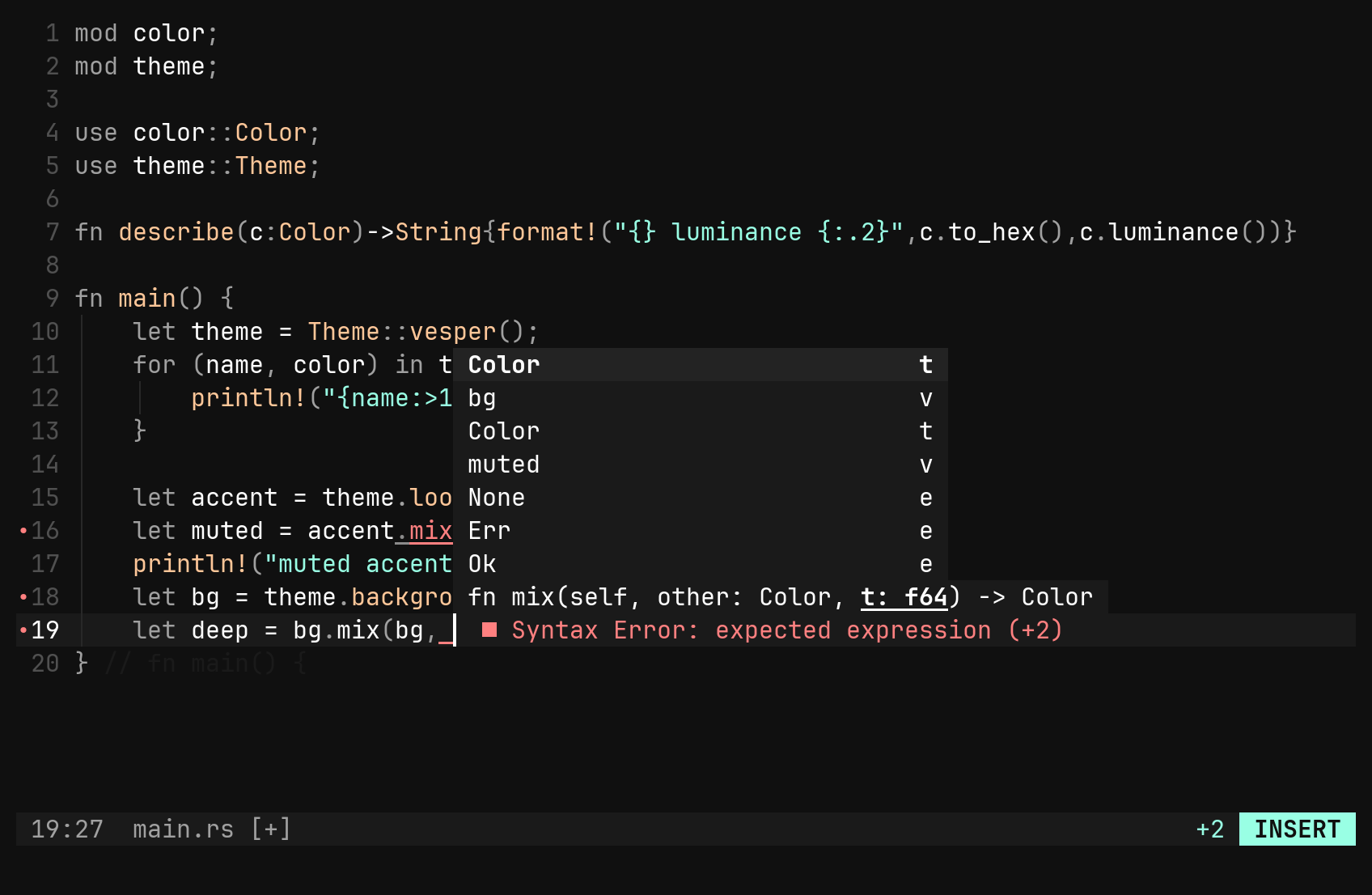
Type ( in a call and the signature floats above the cursor, the parameter
you are on underlined. It follows you from comma to comma and leaves when the
call does. Both floats can be up at once: the signature above, the menu below.
Code actions and formatting
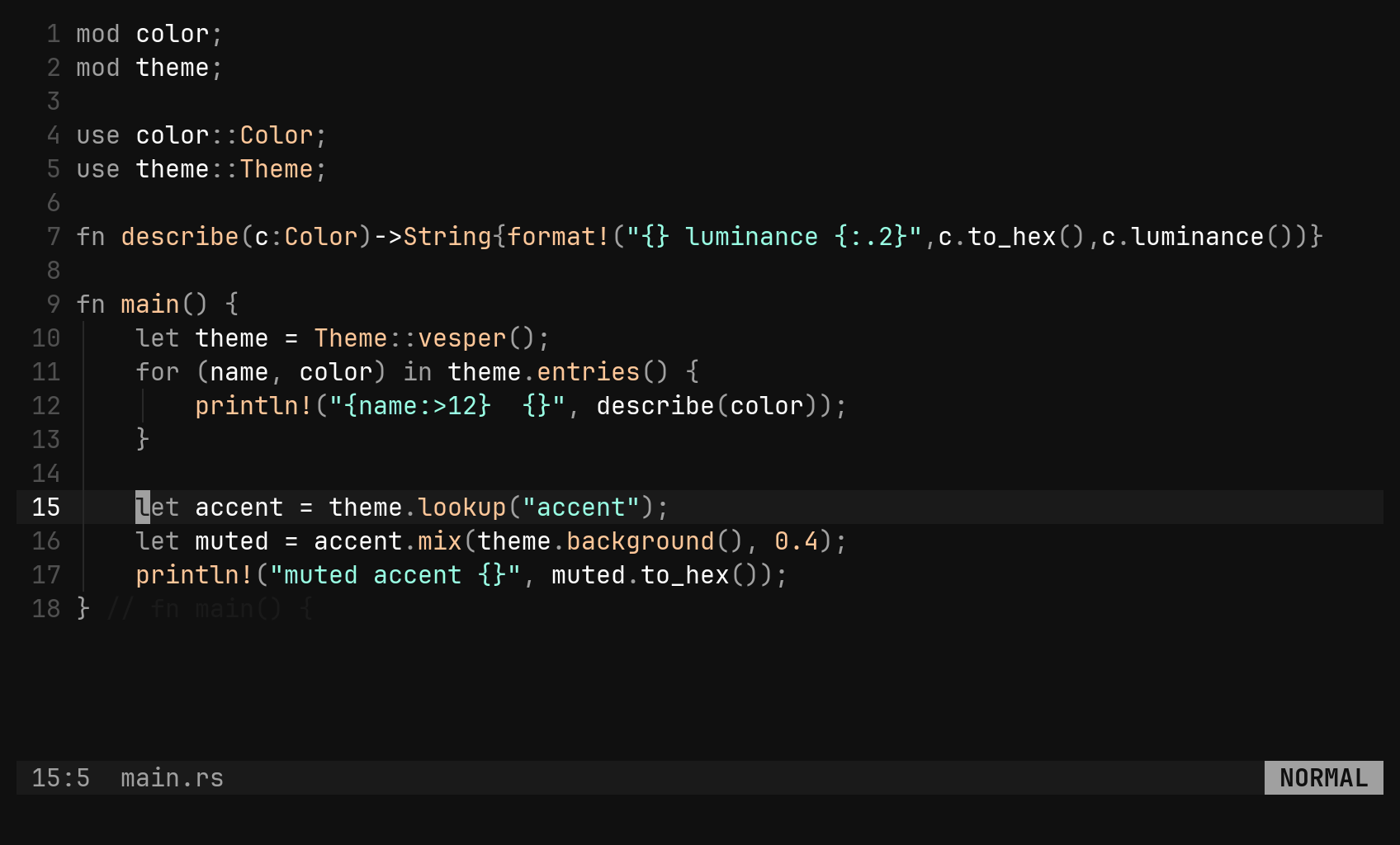
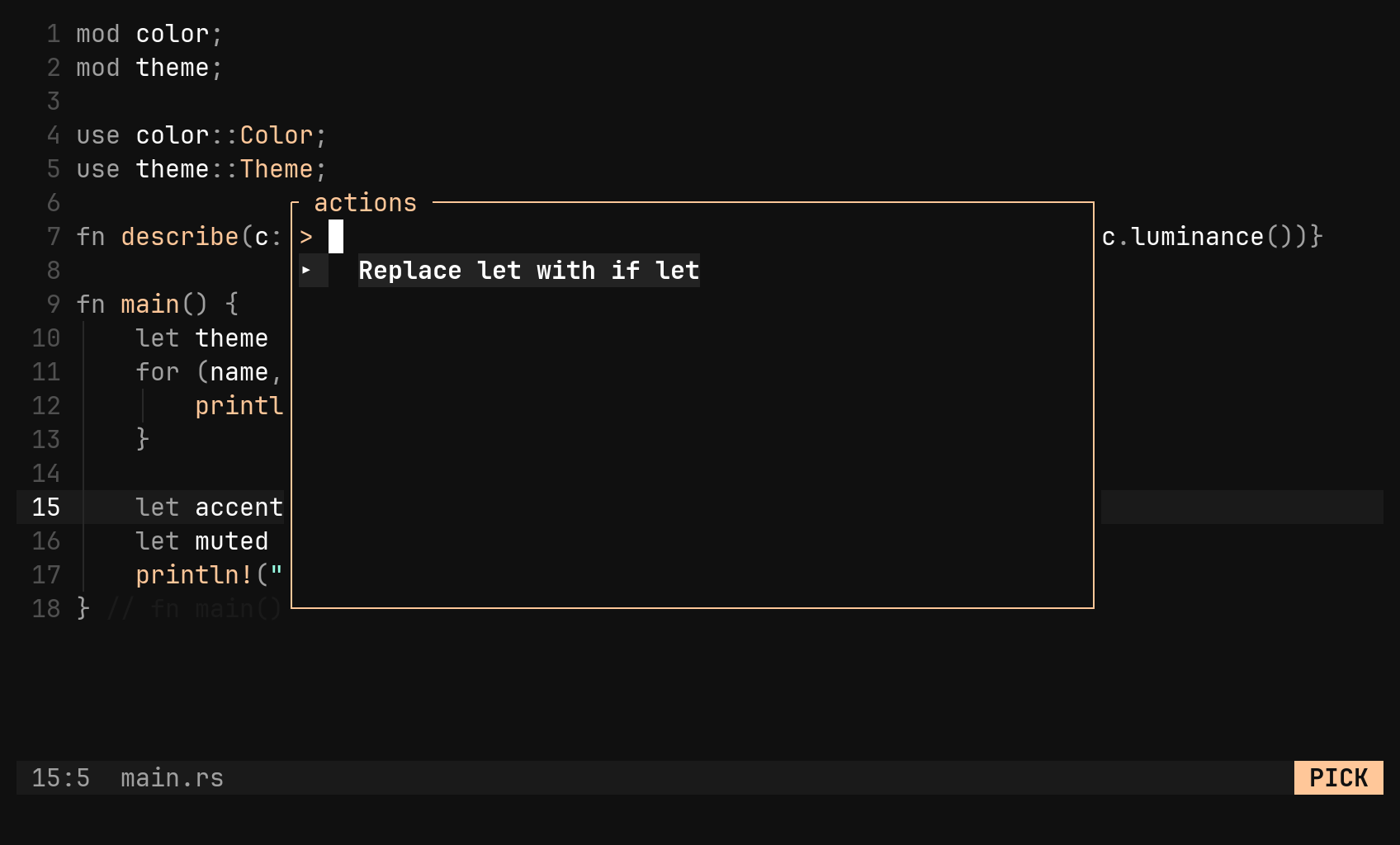
<leader><leader> (:actions) asks the server what it can do at the cursor —
the quickfix under a diagnostic, a missing import, a refactor — and shows the
answer as a picker. In visual mode the selection is what it asks about.
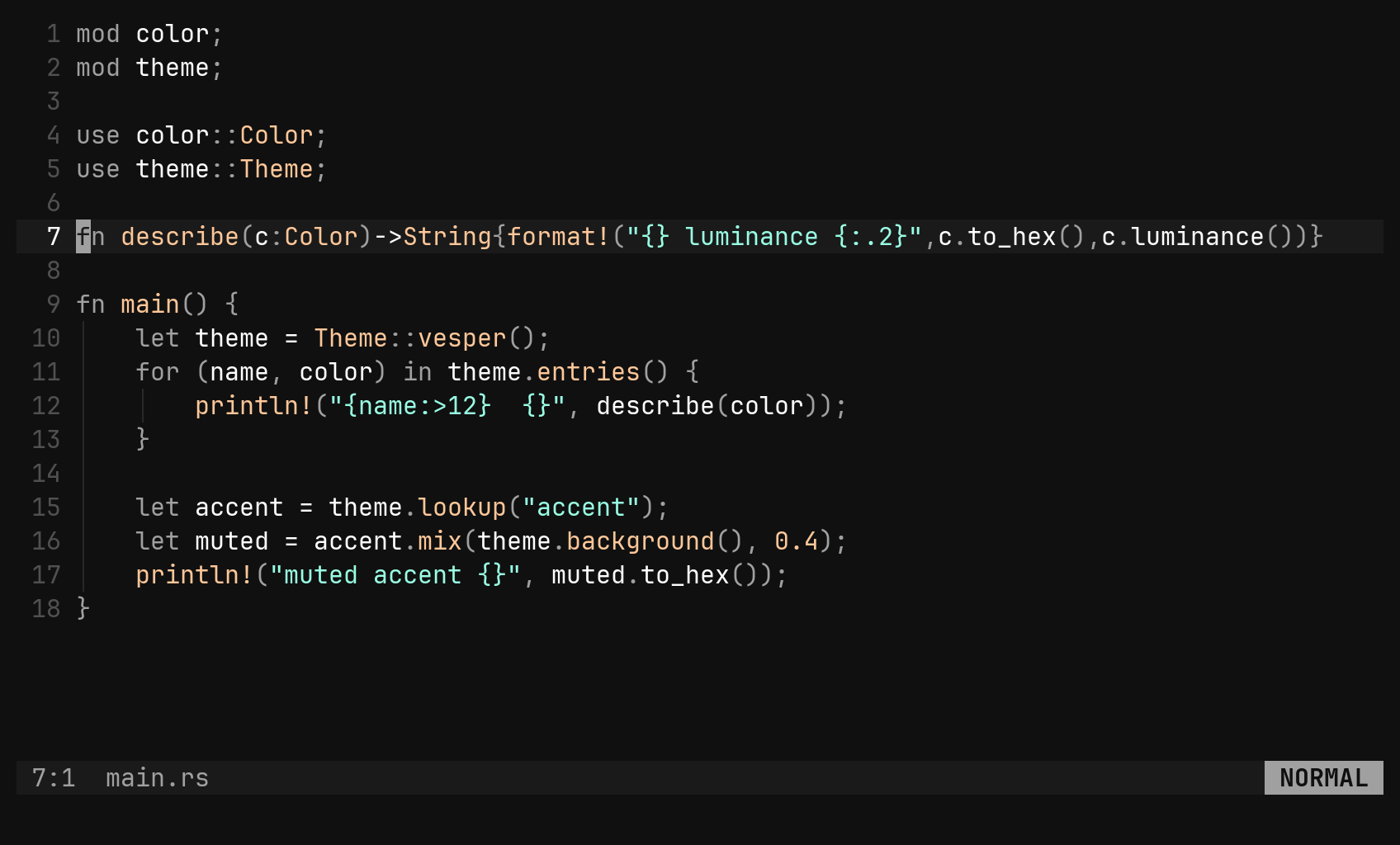
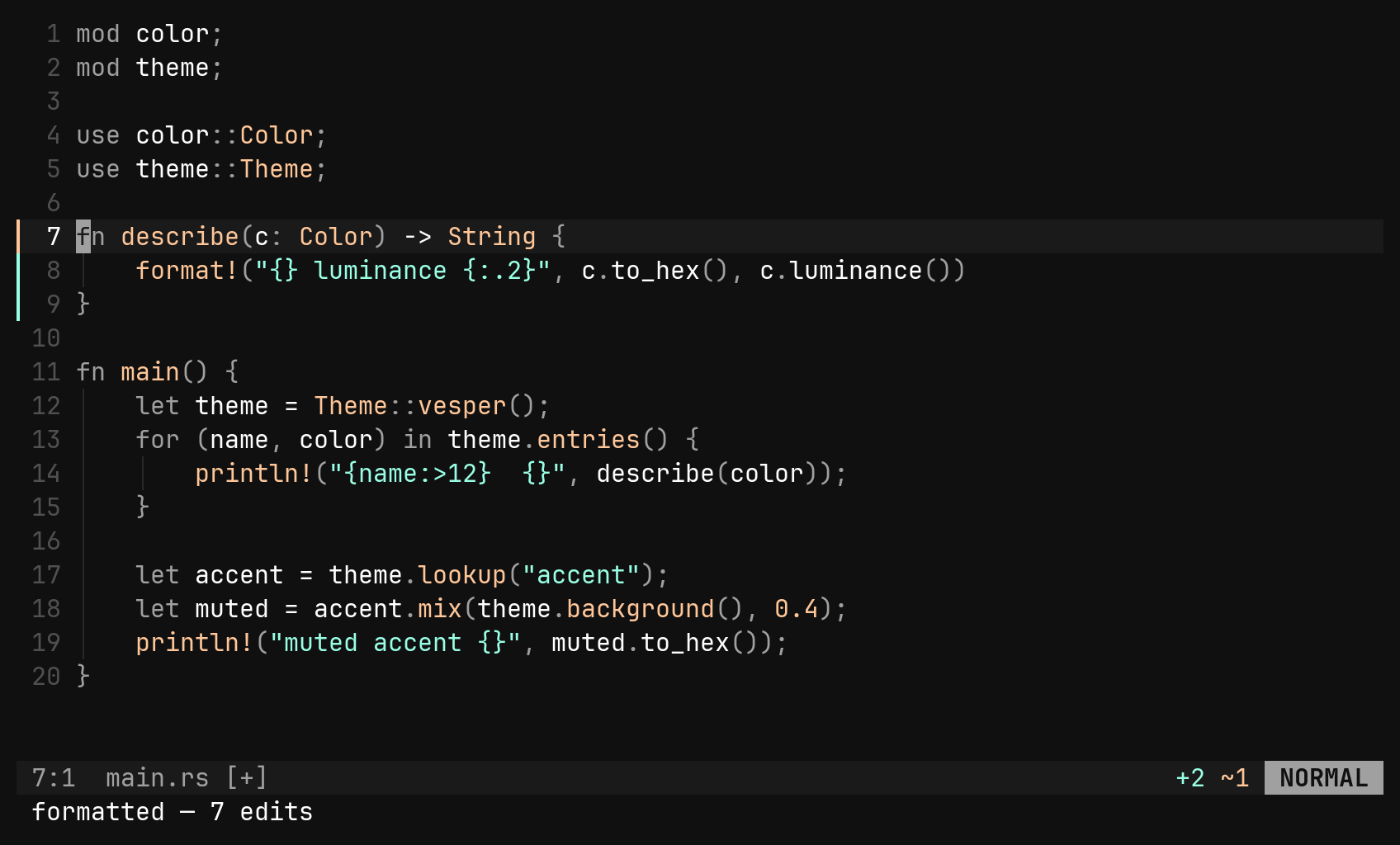
:format (:fmt) reformats the whole file as one undo step. A dedicated tool
wins where one is configured (clang-format for C/C++, c3fmt for C3);
otherwise the server formats.
[fmt.tools.clang-format]
command   = ["clang-format", "--style=file", "--fallback-style=LLVM"]
filetypes = ["c", "cpp"]
<leader><leader> is the one leader binding bi ships. It is
still yours: bind it to something else, or "<leader><leader>" = false to
remove it.