Custom editors
:set editor <kind> draws what is under the cursor — a picture, a tile grid, a curve, a colour, a ramp, a normal map — and the normal keys edit it, writing back into the file it came from. This lesson is the family, and the picture the rest of them are drawn on.
One option, eight views
A buffer has a kind of editor over it, and :set editor <kind> picks
which. There is no new mode, no separate application and no second copy of
the data: the window keeps its buffer and changes what it draws, the normal
keymap keeps dispatching, and everything the keys do is written back into the
file the buffer came from.
:set editor … | Draws | Needs | Lesson |
|---|---|---|---|
text | the file as text | anything | — |
image | the picture | a png, jpg, webp or bmp | below |
tileset | a grid over the picture | a picture | 13 |
normalmap | the normal map beside the height map | a picture | 16 |
curve | the point list under the cursor as a curve | a curve literal | 14 |
color | the hex under the cursor as an HSV square | a 6- or 8-digit hex | 15 |
gradient | the stop list under the cursor as a ramp | a stop list | 15 |
bidata bischema | the JSON as a form | a bi property file | 17 |
colour is spelled either way. Bare :set editor answers with the one that
is up — editor=tileset — and a name that is not on the list is refused with
the list: not an editor: hex (want tileset, normalmap, curve, color, gradient, bischema, bidata or image). A kind asked for on a buffer that
cannot take it says so instead of doing nothing — no image here on text,
no curve under the cursor on a line with no numbers in it.
Nothing here is a trap. : still opens the ex line, Ctrl-W still moves
between windows, and :w still writes the file the buffer came from — not a
picture of it. Getting out is one key: Esc takes the grid off a tileset, and
closes the curve, colour, gradient and normal map tools the way :q does,
putting the cursor back in the window you came from. The property view is the
one that wants the option spelled out, :set editor text. Either way the
edits are already in the buffer, on the buffer’s own history, so u afterwards
undoes what you did inside.
The rest of this lesson is the picture itself, because image is what
tileset and normalmap are drawn on top of.
Opening one
bi atlas.png, or :e atlas.png from anywhere. The picture is drawn in the
window where a terminal speaks the kitty graphics protocol; where it does
not, the file opens as the text it always was. Nothing is scaled to fit: a
sheet wider than the pane is cropped, and the motions below are how you look
at the rest of it.
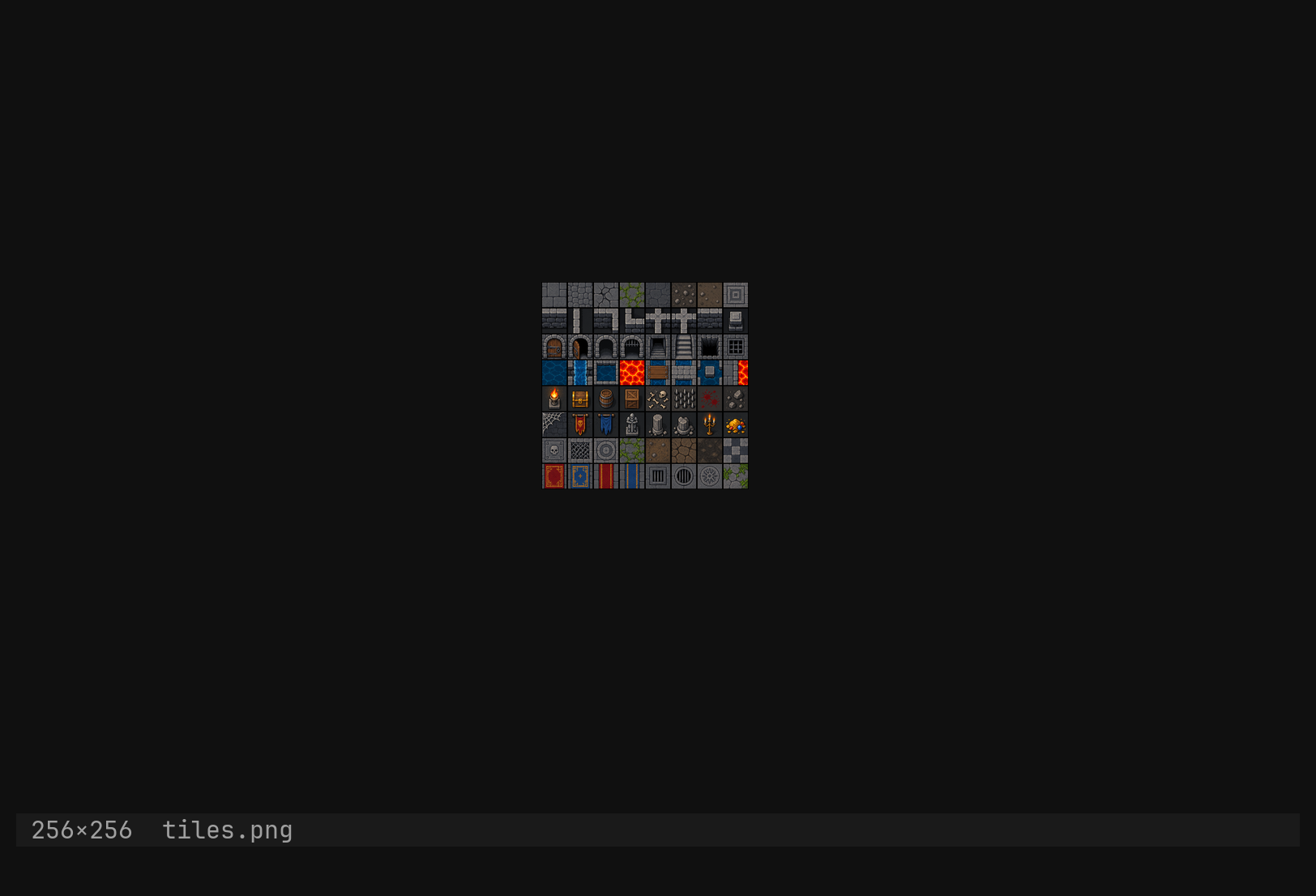
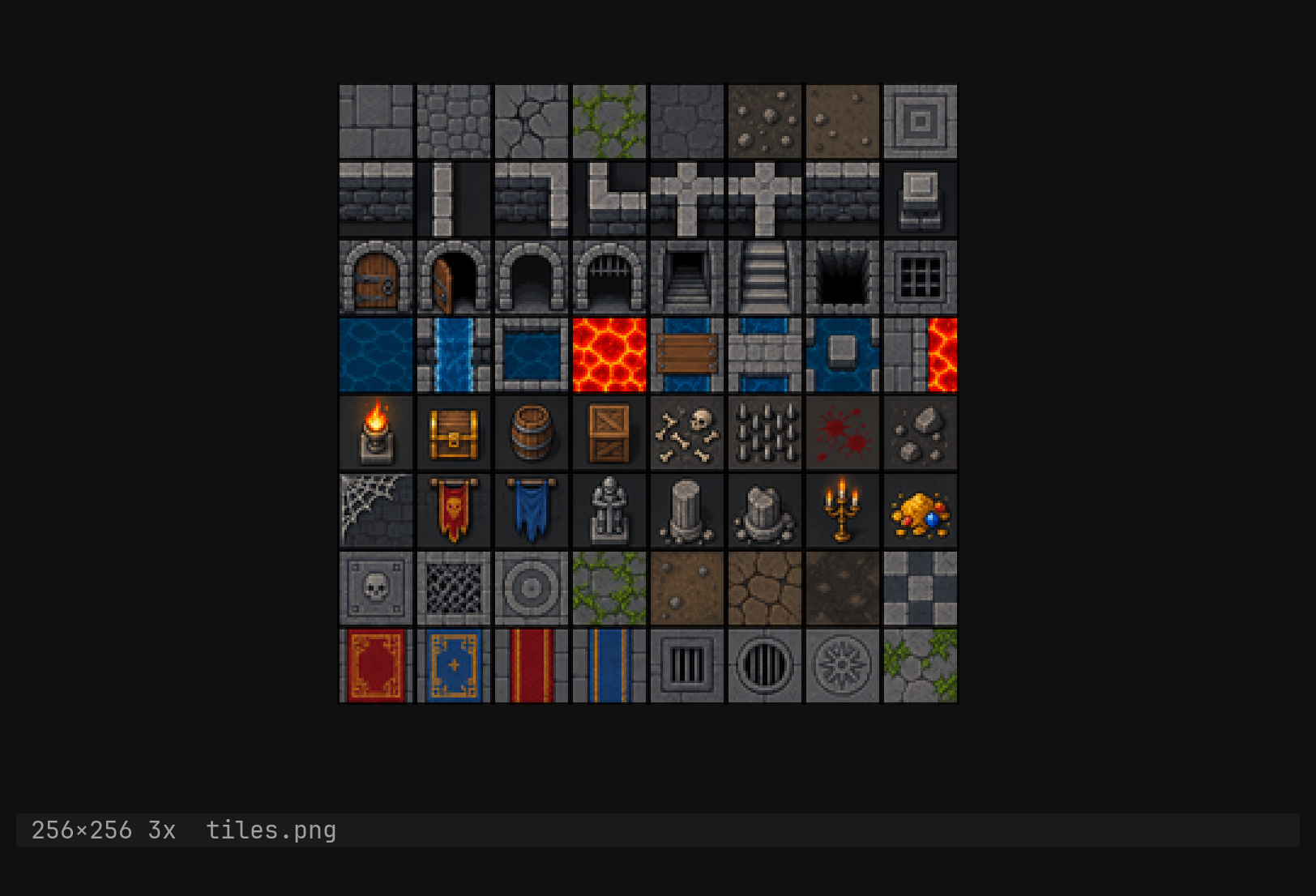
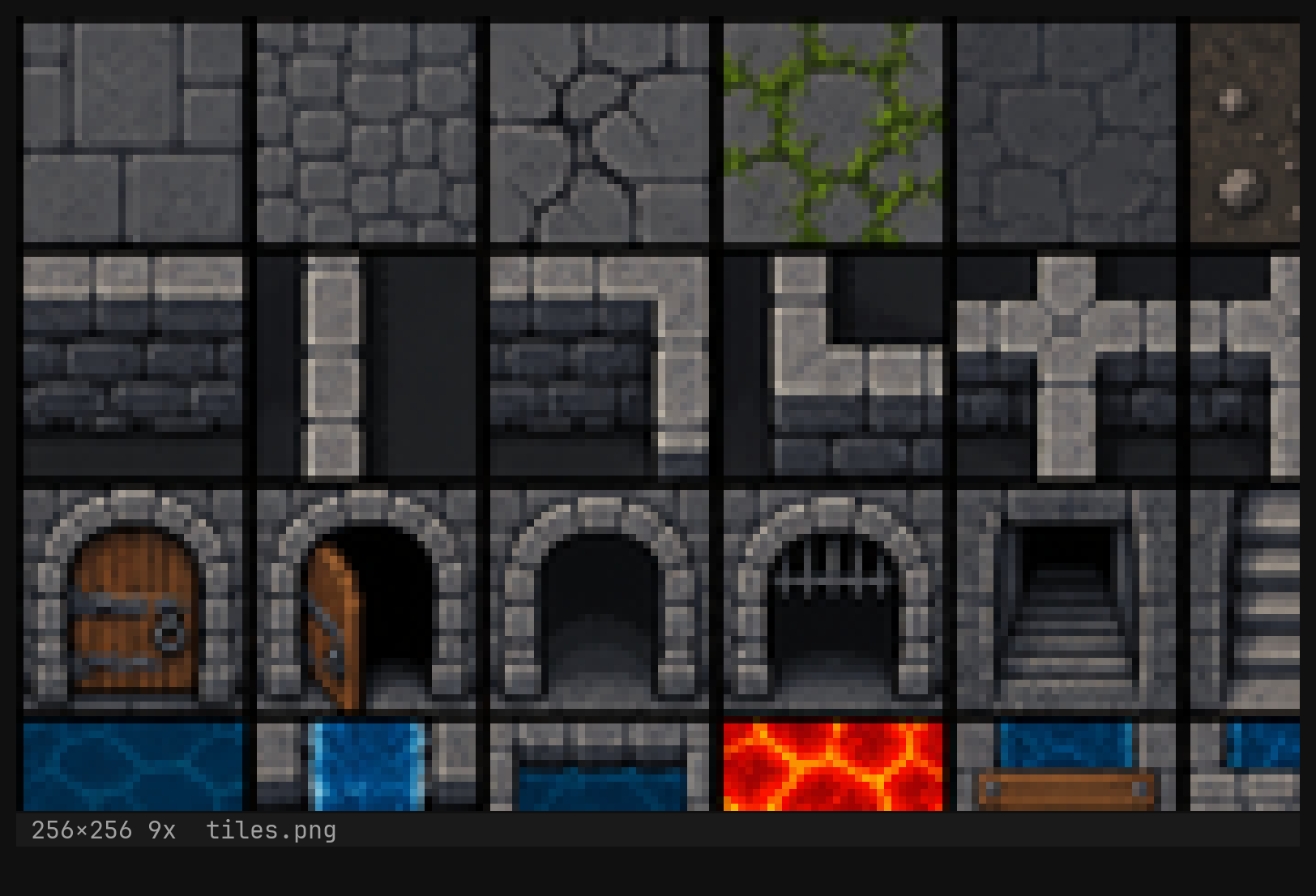
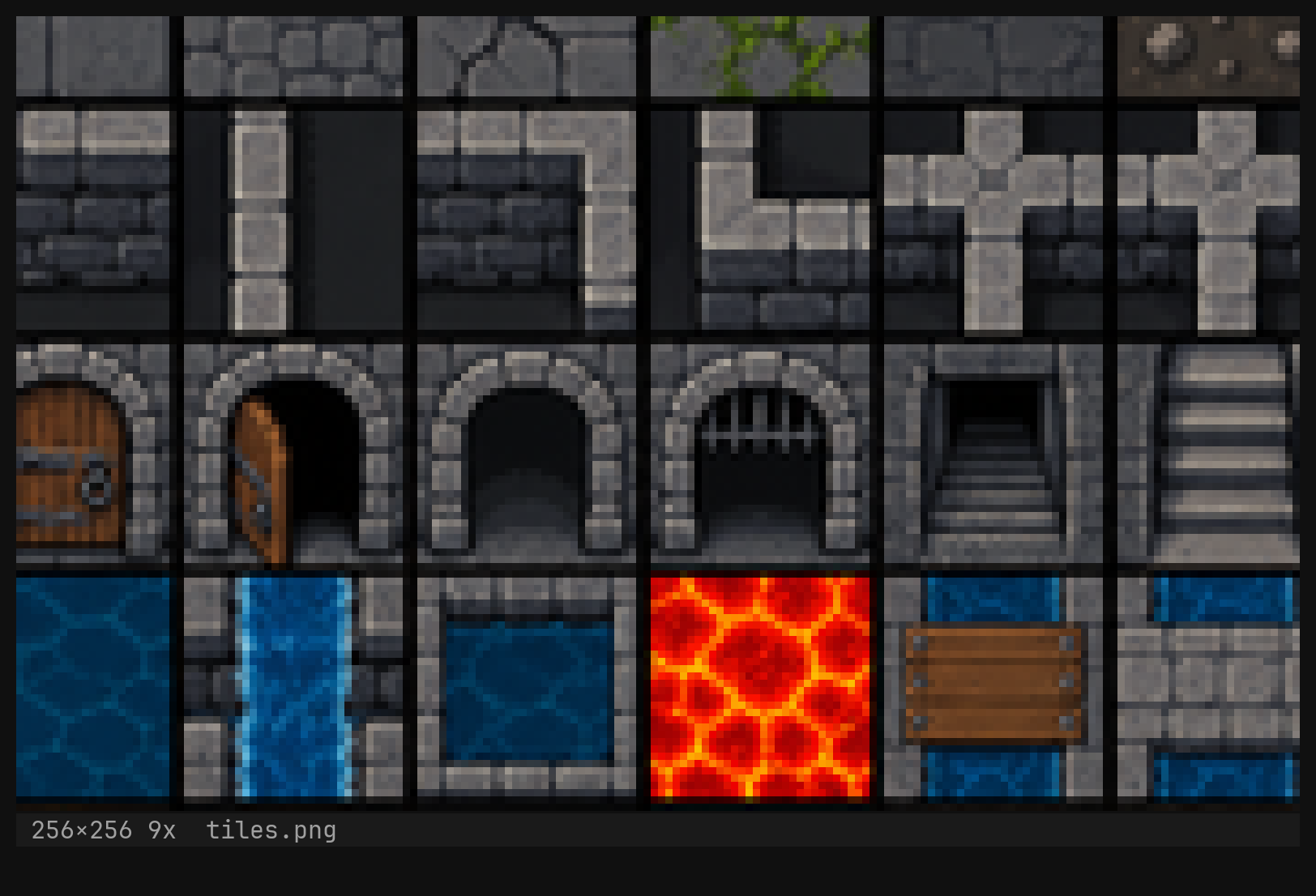
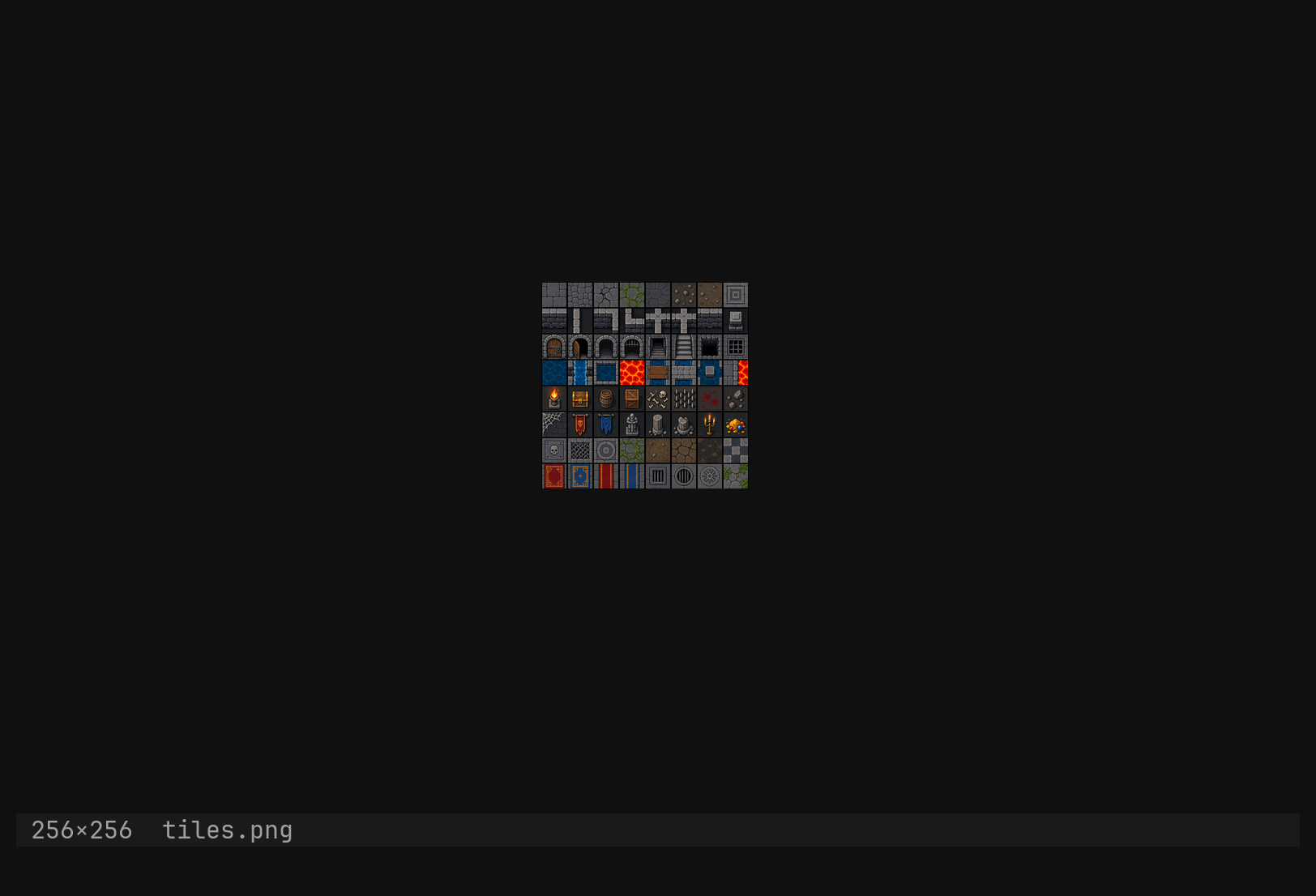
The status row carries the size where row:col would be — 256×256 — and
the zoom after it once it is not 1x.
| Key | Moves the crop |
|---|---|
h j k l | one step — a text row’s worth; counts multiply |
gg G | top, bottom |
0 ^ | left edge; $ g_ the right |
Ctrl-D Ctrl-U | half a viewport down, up |
Ctrl-E Ctrl-Y | one step down, up |
There is no image keymap to learn or rebind: the window dispatches through
the normal keymap, and the handful of keys that mean something to a
picture are re-read as pixels. Keys that have nothing to do — i, v, /,
s — do nothing.
Zoom
:zoom          says what it is: zoom=2x
:zoom 0        back to 1x
:zoom +        double            :zoom -     halve
:zoom 5        five times        :zoom 0.1   a tenth
A number, not 5x. It is clamped between 0.05 and 32, and scaling is
nearest-neighbour, because a filter that blends is a filter that ruins a
16-pixel tile. Zoom belongs to the image, like its scroll: :vs clones it,
Ctrl-^ brings it back, :bd throws it away.
:zoom rather than :set zoom, because zoom is a fact
about one picture and the option layers have no picture in them. The same
reasoning makes the tileset’s settings :tool, not :set.Whole-image operations
:tool image grayscale
:tool image invert
:tool image flip x                        or y
:tool image blur 2.5                      sigma, in pixels
:tool image resize 64,64                  pixels — the tileset resizes in tiles
:tool image resize 64,64 --alg lanczos    nearest (default) | bilinear | lanczos
:tool image crop 0,0,32,32                x, y, width, height
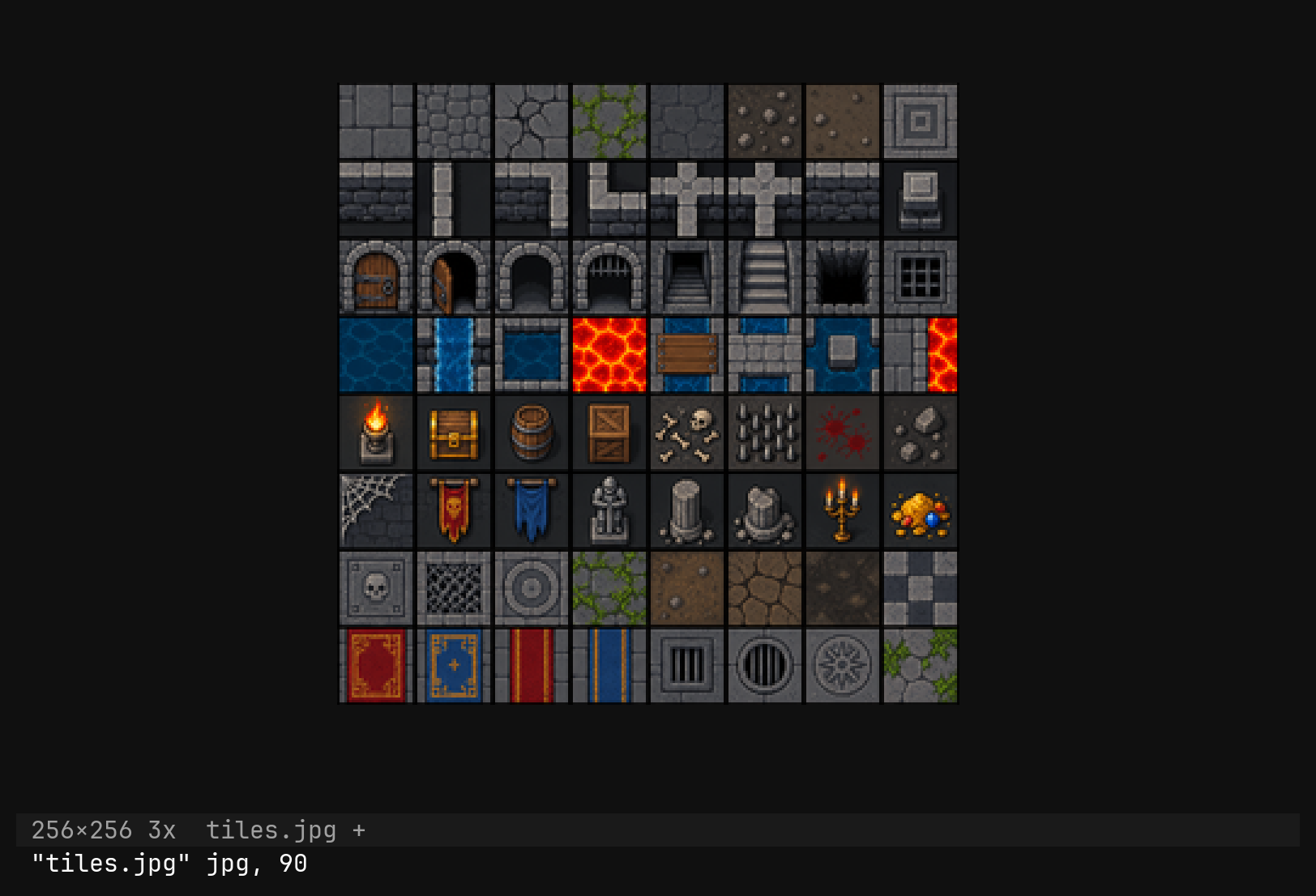
:tool image conv jpg                      png | jpg | webp | bmp
:tool image conv jpg --quality 80         1..100, jpg only; 90 unless said
Pairs and quads take commas, never 64x64. resize defaults to nearest for
the same reason zoom does; --alg lanczos is there for a photograph. A crop
that runs past the edge is refused rather than clipped — 0,0,64,64 runs past 50×40 — and on a window with no picture every one of these says no image here.
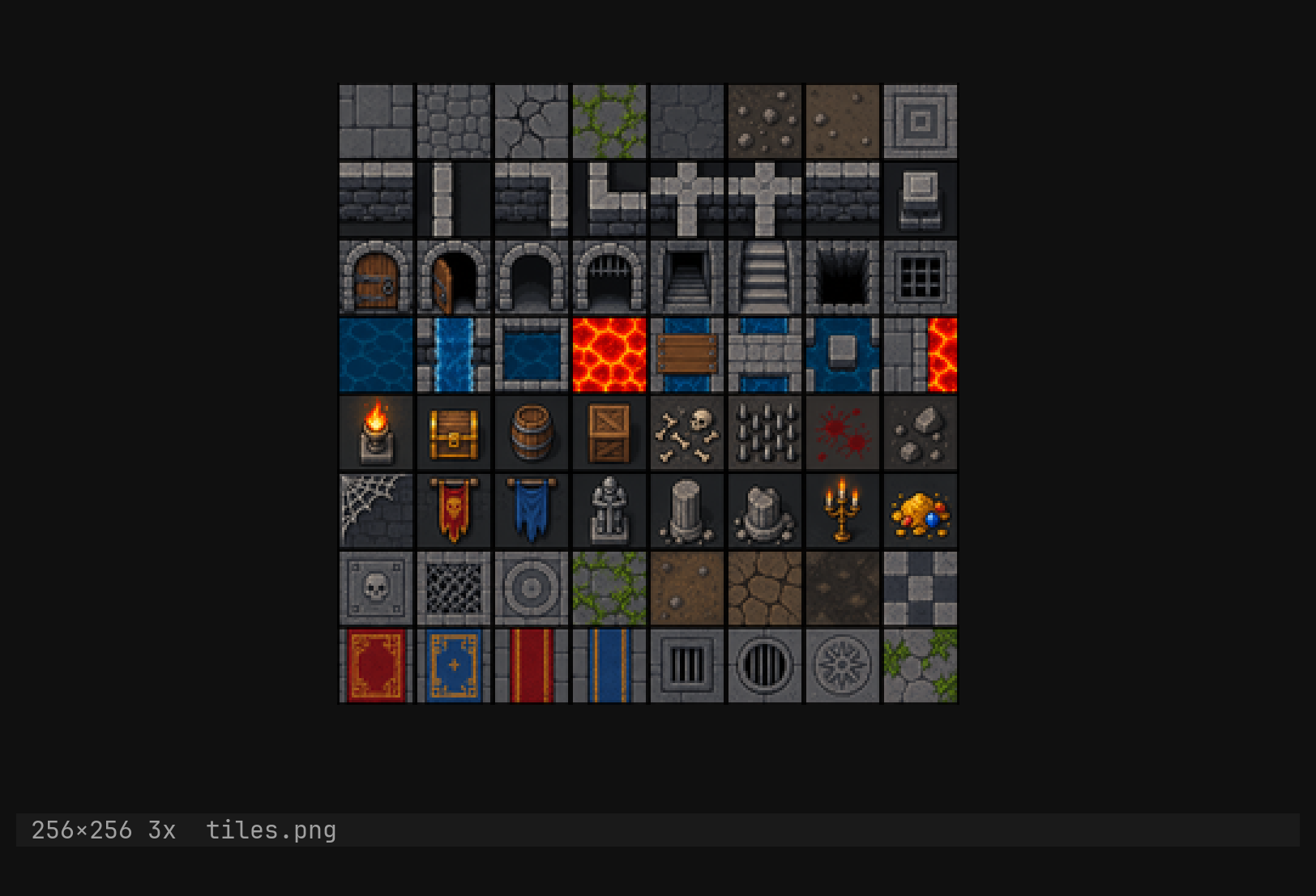
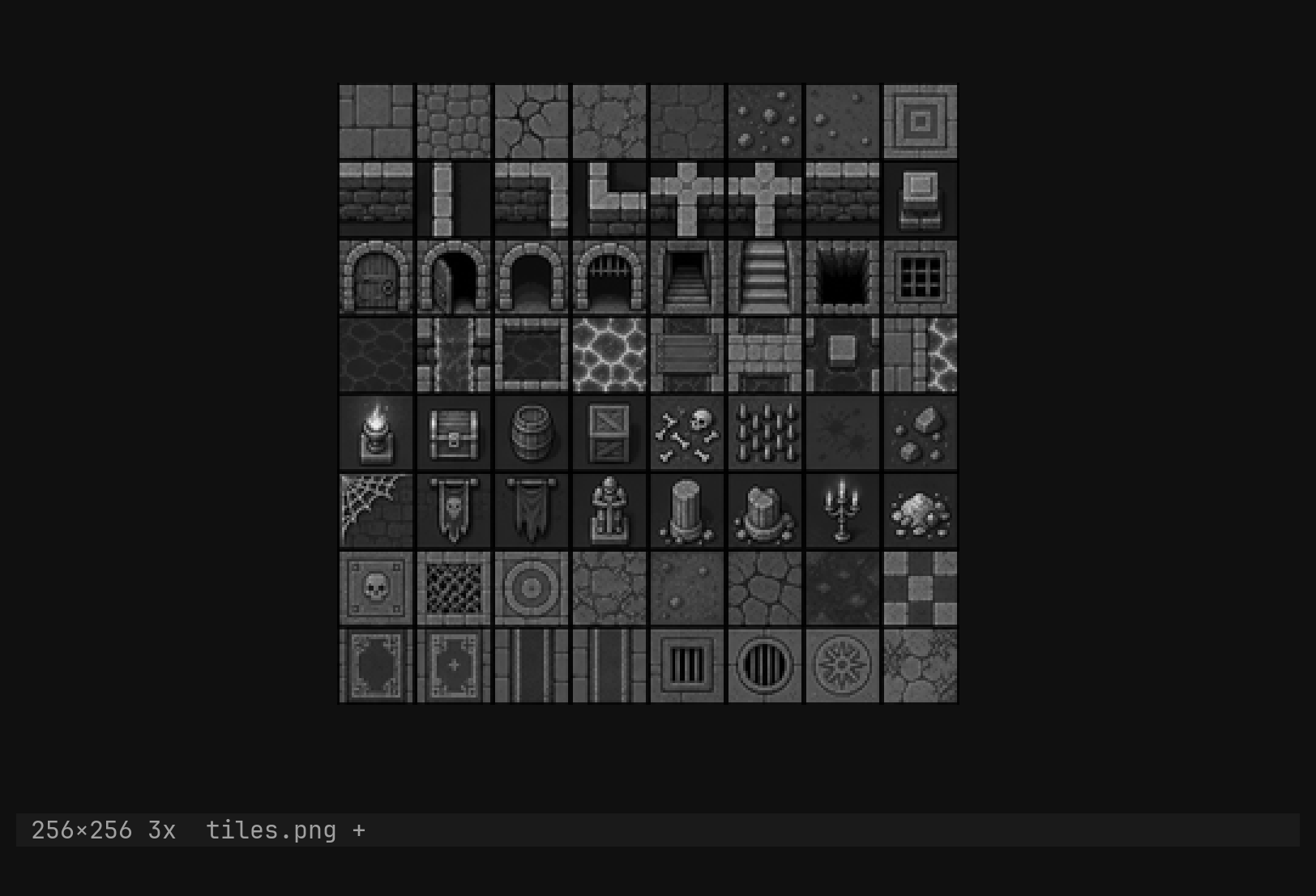
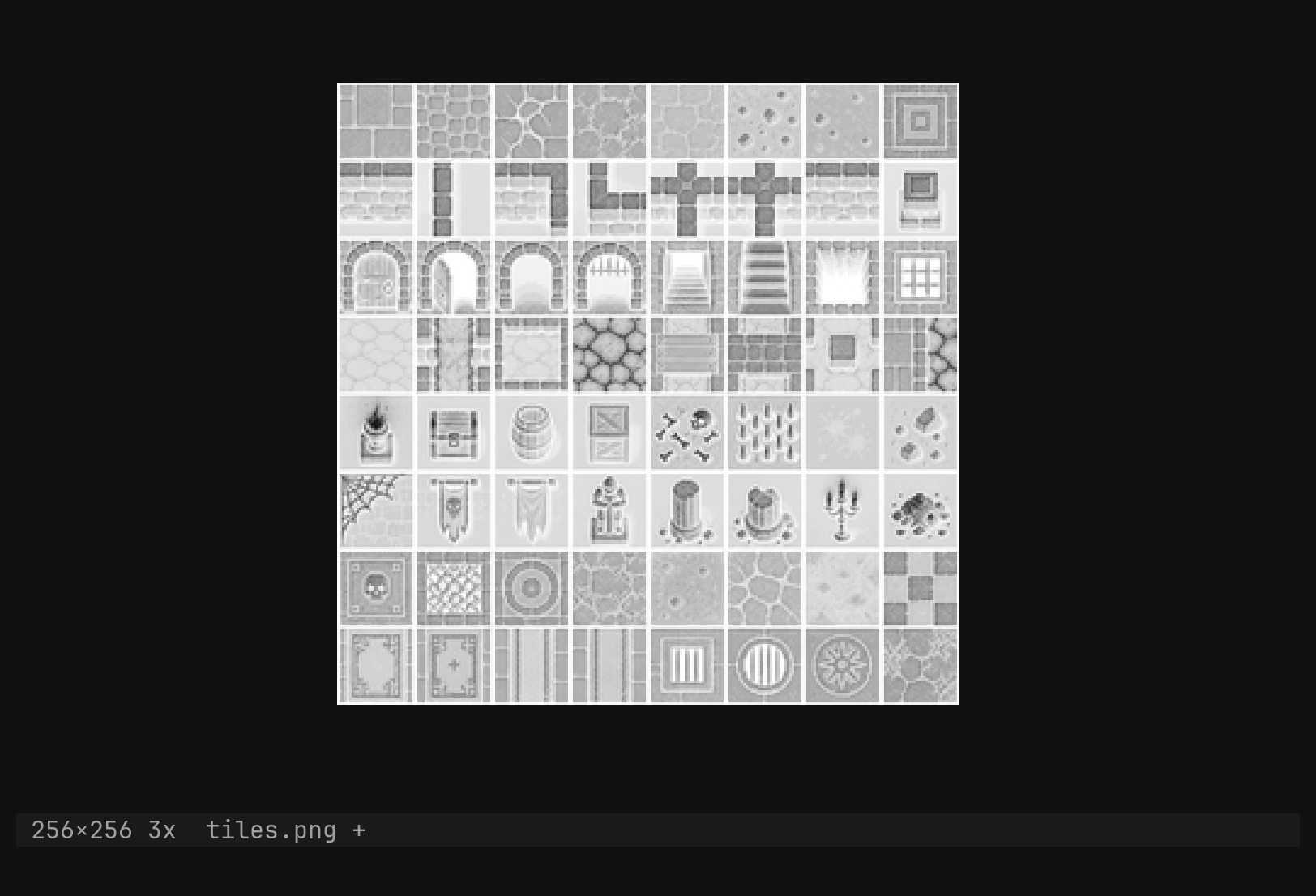
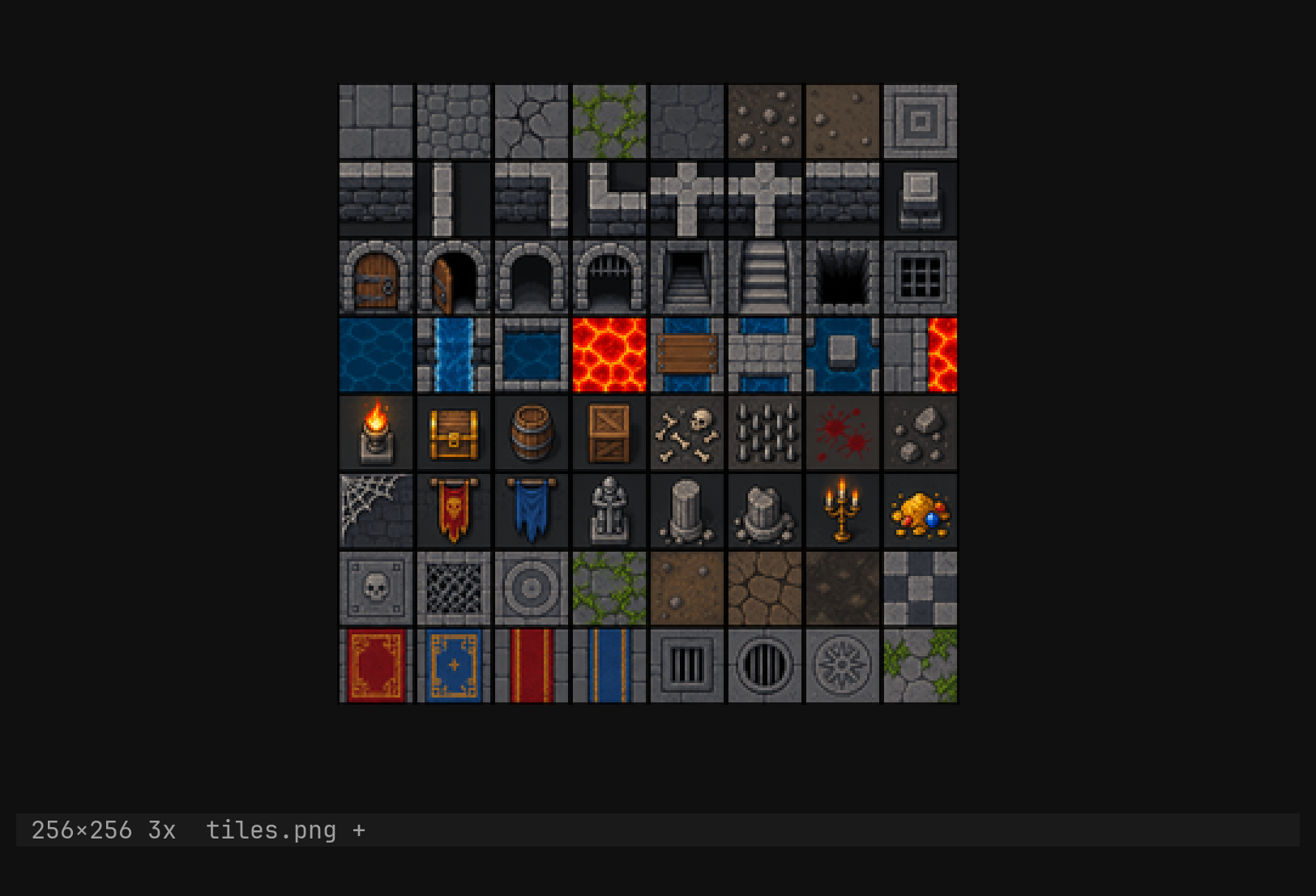
Each operation is one undo step, on the image’s own history, so u after
a grayscale brings the colours back. The before and after pixels are both
kept, so undo is a copy rather than a recomputation — which matters for
blur, which is not reversible by arithmetic.
What :w writes
conv changes no pixels. It sets the format the image is written in and
re-points the path’s extension to match, so :w on atlas.png after
conv jpg writes atlas.jpg and says so. PNG, JPEG, WebP and BMP can be
written; anything else is refused by name — cannot write gif (png, jpg, webp, bmp) — rather than written as PNG under a lying extension. JPEG has no
alpha, so --rgb is implied there; WebP is written lossless and ignores
--quality with a note.
The format is also set by the name: opening decides it, and :w other.webp
re-types the picture the way :w other.rs re-types a buffer.
The file name placeholders work here too, which is what makes a companion file one command:
:w %:r.small.%:e      atlas.png  →  atlas.small.png
:w $dir/atlas.jpg     beside it, under another name
Reloading
:e on a picture means what it means on a buffer: the file as it is on disk
now, refused on a dirty picture until you say :e!. The reload is one undo
step, so what :e! discarded is one u away, and the crop, the zoom, the
grid and the format all survive it. A file that no longer decodes changes
nothing and says why.
Next: the tileset, which is the same picture with a grid over it.