Tilesets
A tile sheet is a picture with a grid over it. The cursor is one tile, yy and p move tiles around, r turns them — and the keys are the ones you already use.
The grid
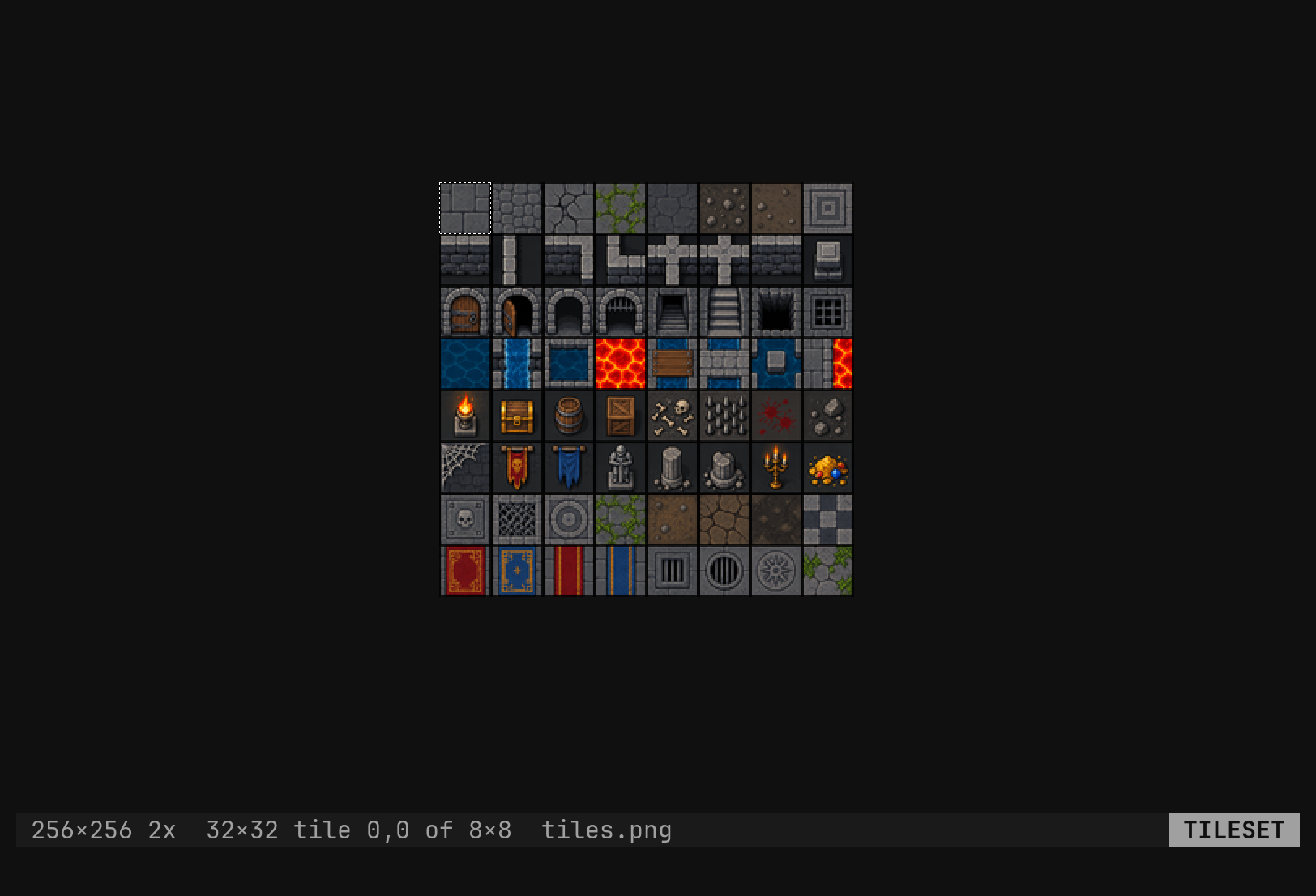
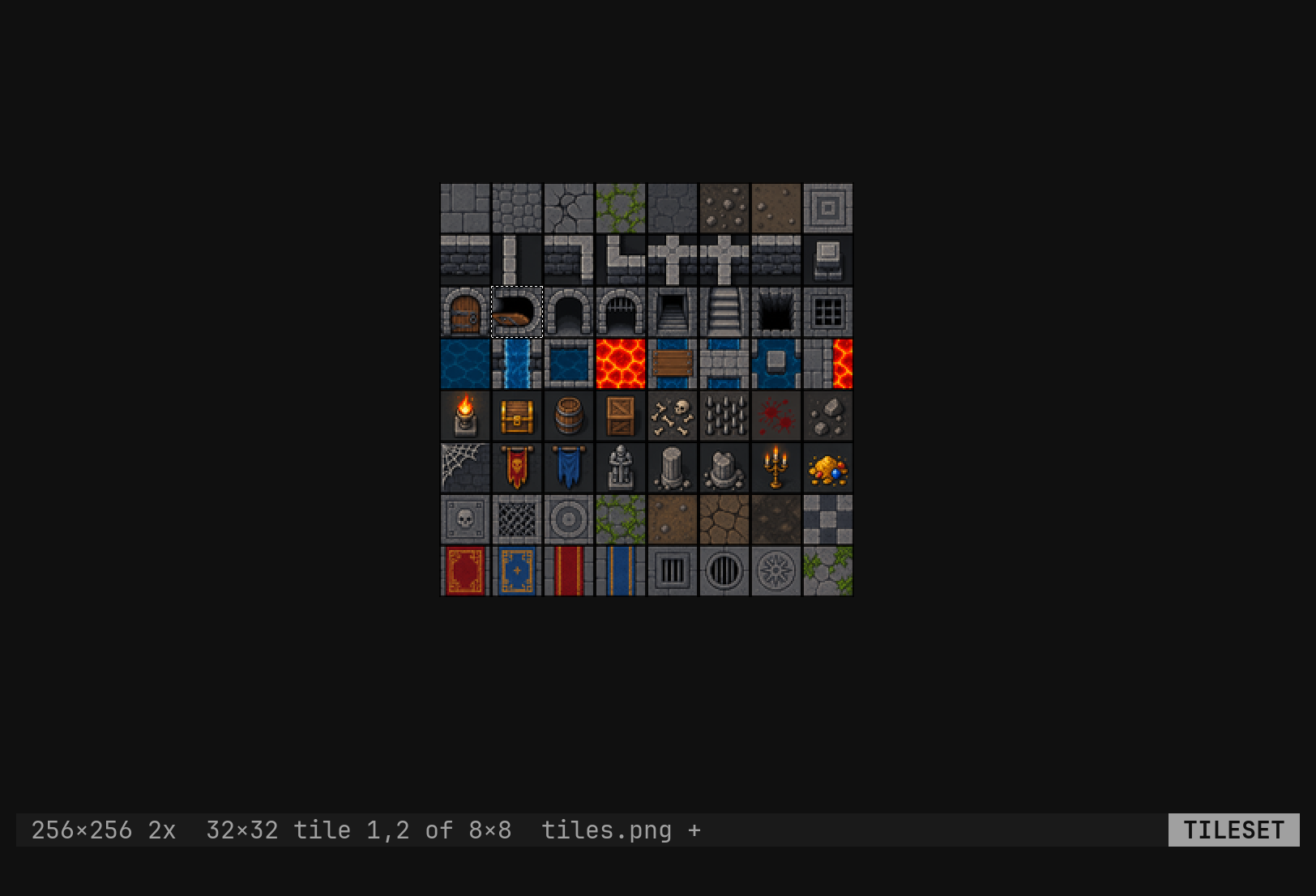
:set editor tileset puts a grid over the picture in the window. The cursor
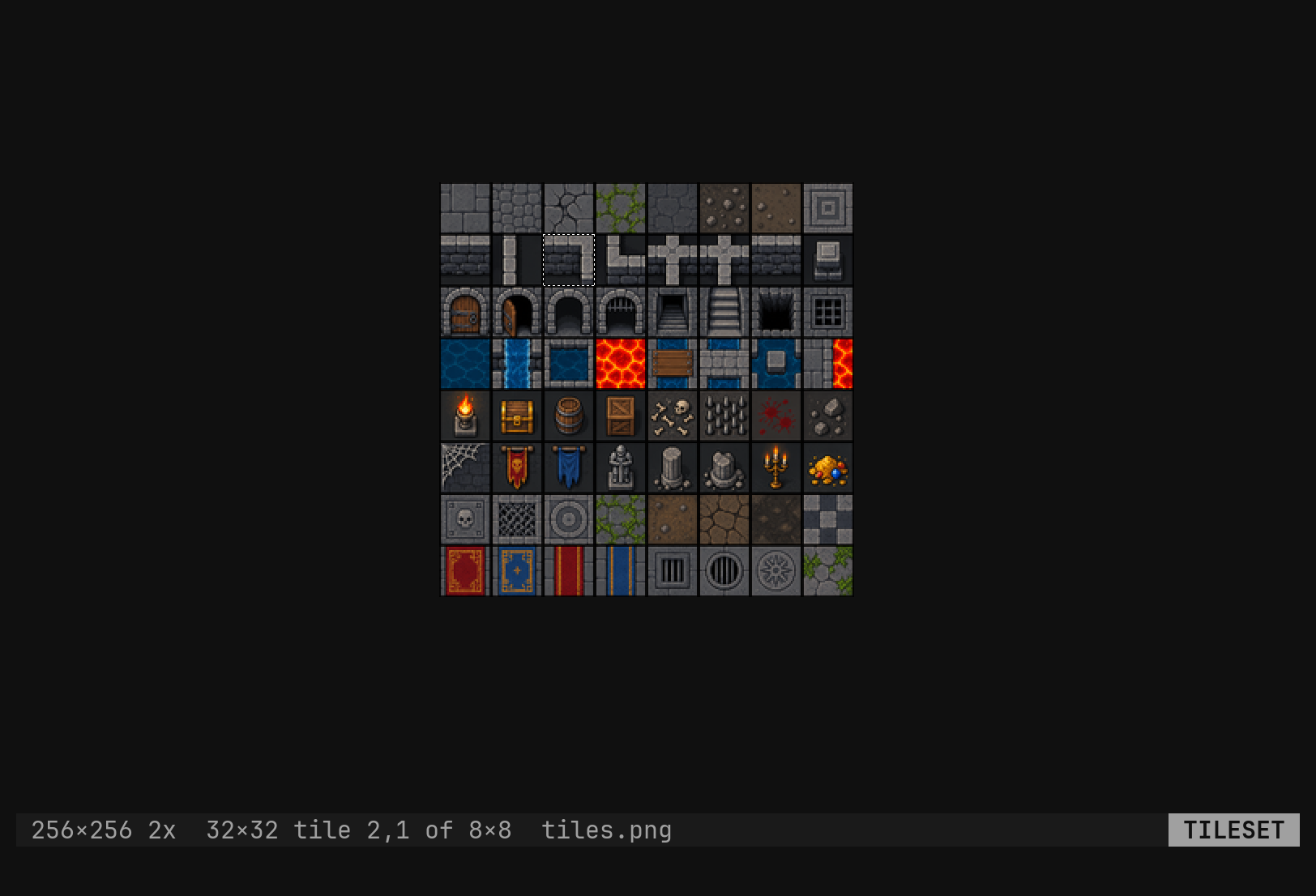
is one cell of it, a dashed rectangle the size of a tile, starting at pixel
0,0. Esc takes the grid away again, and so does :set editor image; bare
:set editor says which is up.
:tool tileset size 16,16          one tile, in pixels; the default
:tool tileset size 16             square, the same thing
:tool tileset kind tile           the only kind built — `hex` parses and is refused
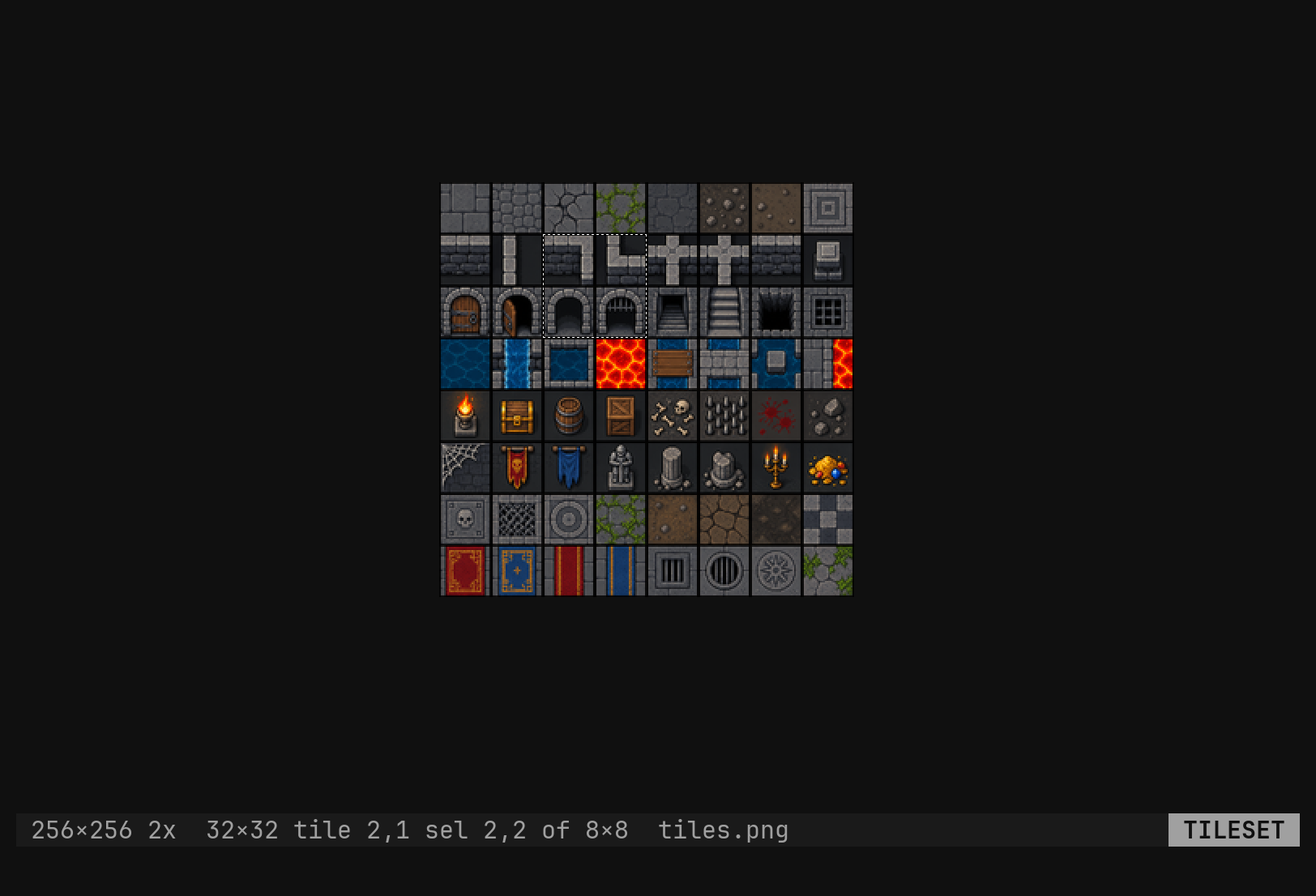
:tool tileset select 3,3          the cursor becomes a block of tiles
:tool tileset image resize 32,32  the canvas, in tiles
:tool tileset image grow 1,1      that many tiles more
Each setting without a value reports it: :tool tileset size answers
tileset size=16,16. Pairs take a comma — 16x16 is refused with not a pair: 16x16 (want 16 or 16,16).
Say the size first. Sixteen pixels is only the default, and a grid at the
wrong pitch puts every cursor across four quarter-tiles. On a 32-pixel sheet
the session starts :tool tileset size 32, and the status row is where you
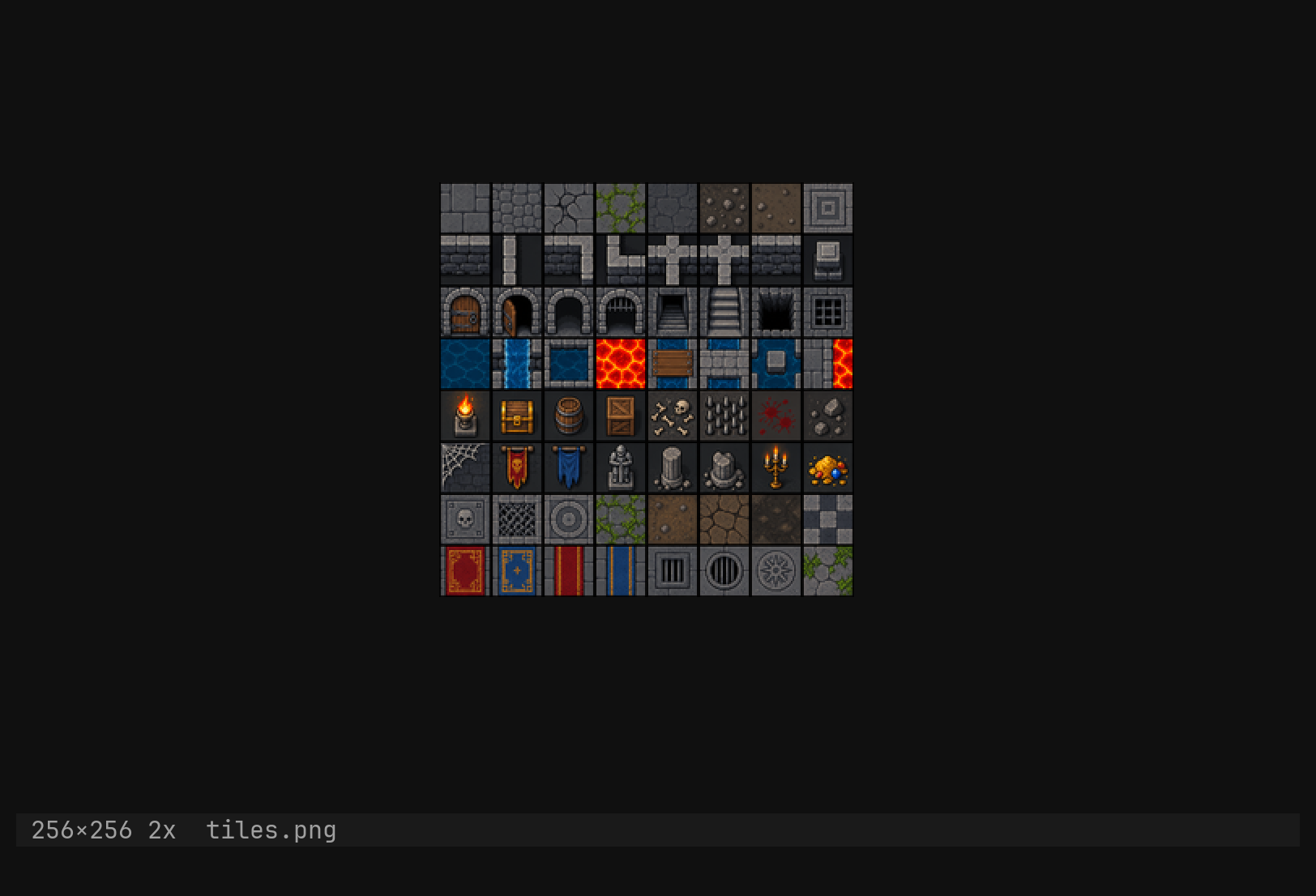
check it: it carries the tile size and the grid it makes — 256×256 2x 32×32 tile 0,0 of 8×8 — beside the file name.
:set editor picks what the window is for; everything
about the grid itself is a tool being operated, and is spelled :tool tileset …. :tool alone answers tool what? (tileset).The grid is always there. The image carries its tileset — size, kind,
selection, cursor and undo history — from the moment it opens, and
:set editor tileset only puts it on screen. So :tool tileset size 8
works before the grid is on, and Esc throws no history away: u after
coming back still undoes what you did before you left.
Moving tiles
| Key | Does |
|---|---|
h j k l | one tile; counts multiply |
0 ^ / $ g_ | first / last column |
gg G 5G | first row, last row, row 5 |
Ctrl-D Ctrl-U | half a viewport of rows |
yy | yank the selection into the slot |
dd | yank it, then clear it to transparent — a cut |
p P | paste the slot with its top-left at the cursor |
u Ctrl-R | undo, redo |
Esc | leave the mode |
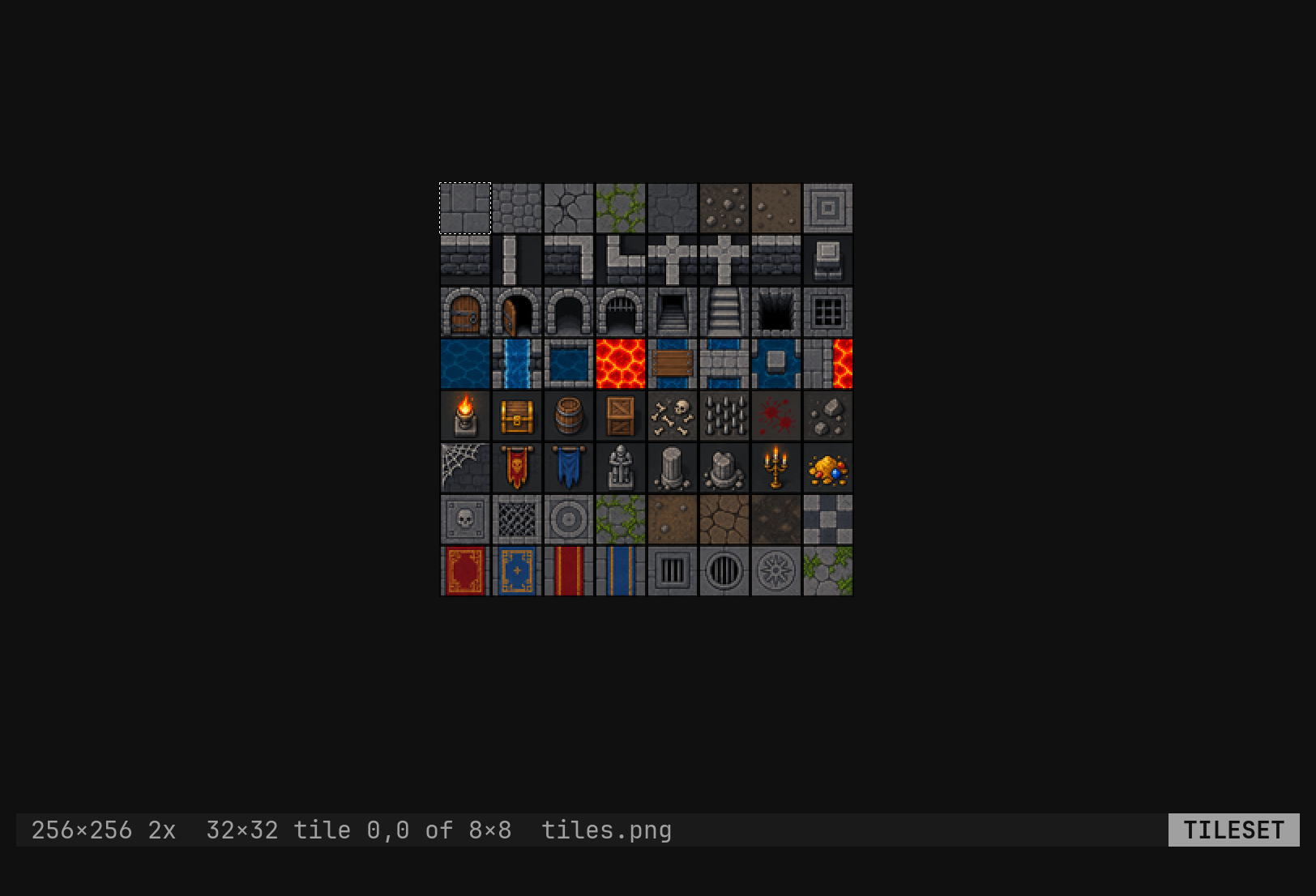
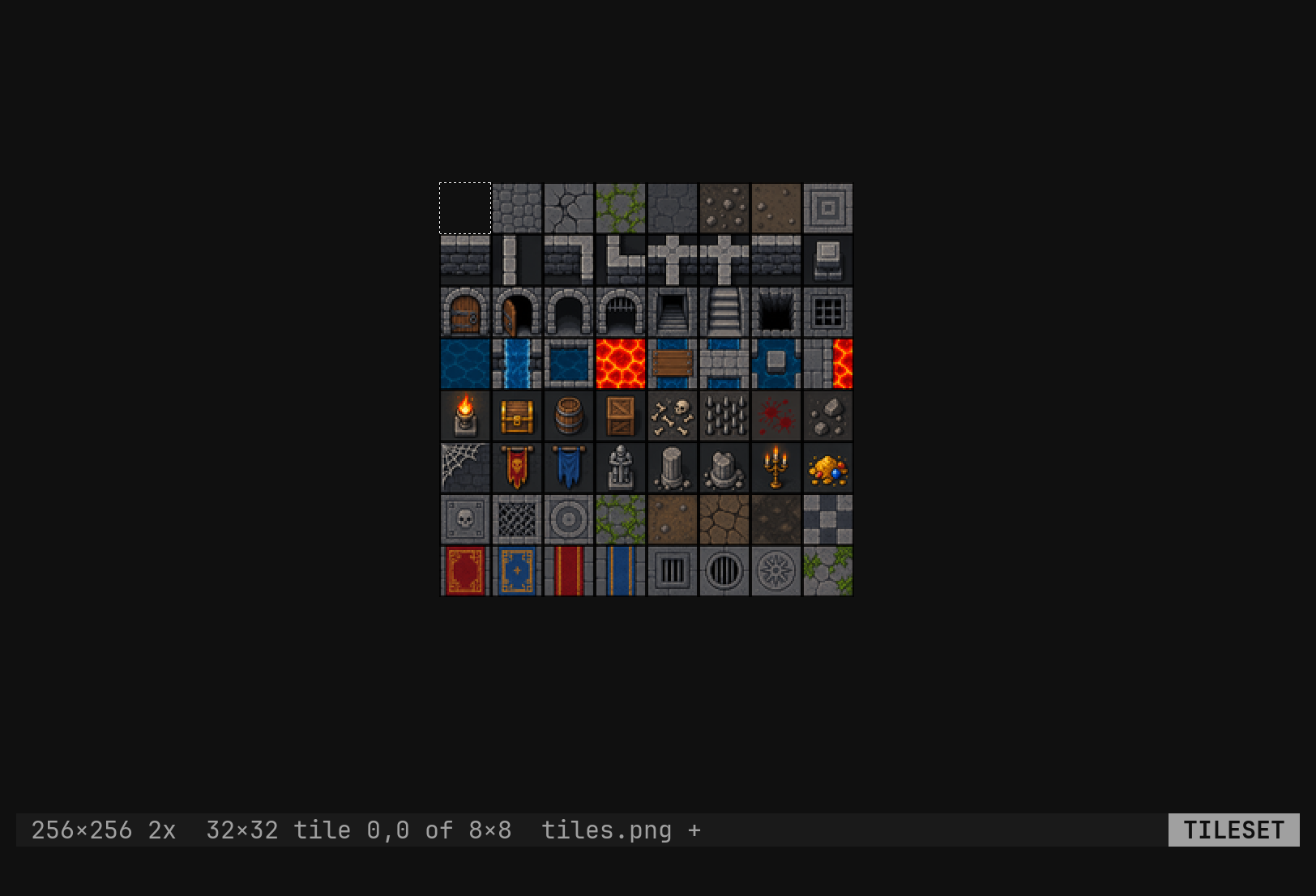
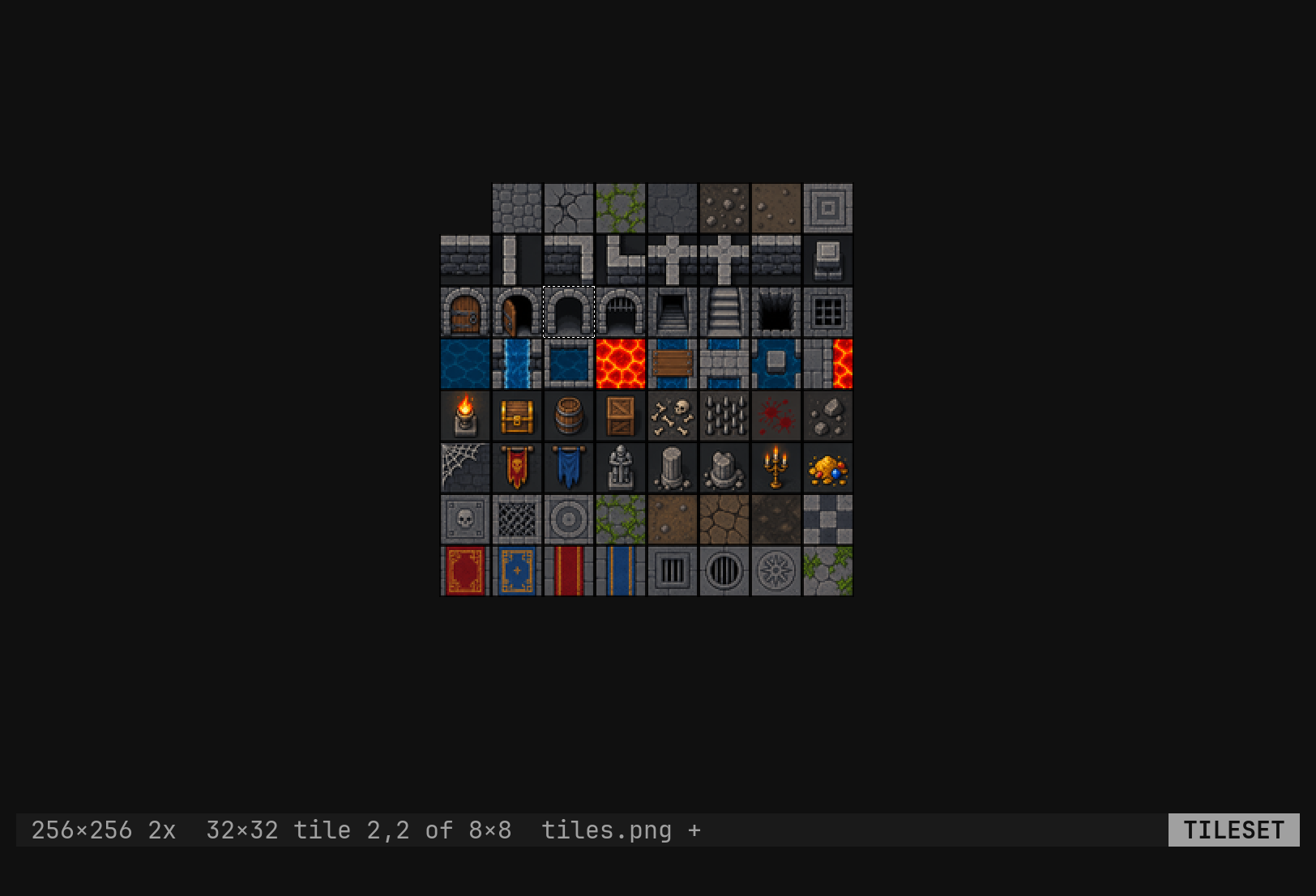
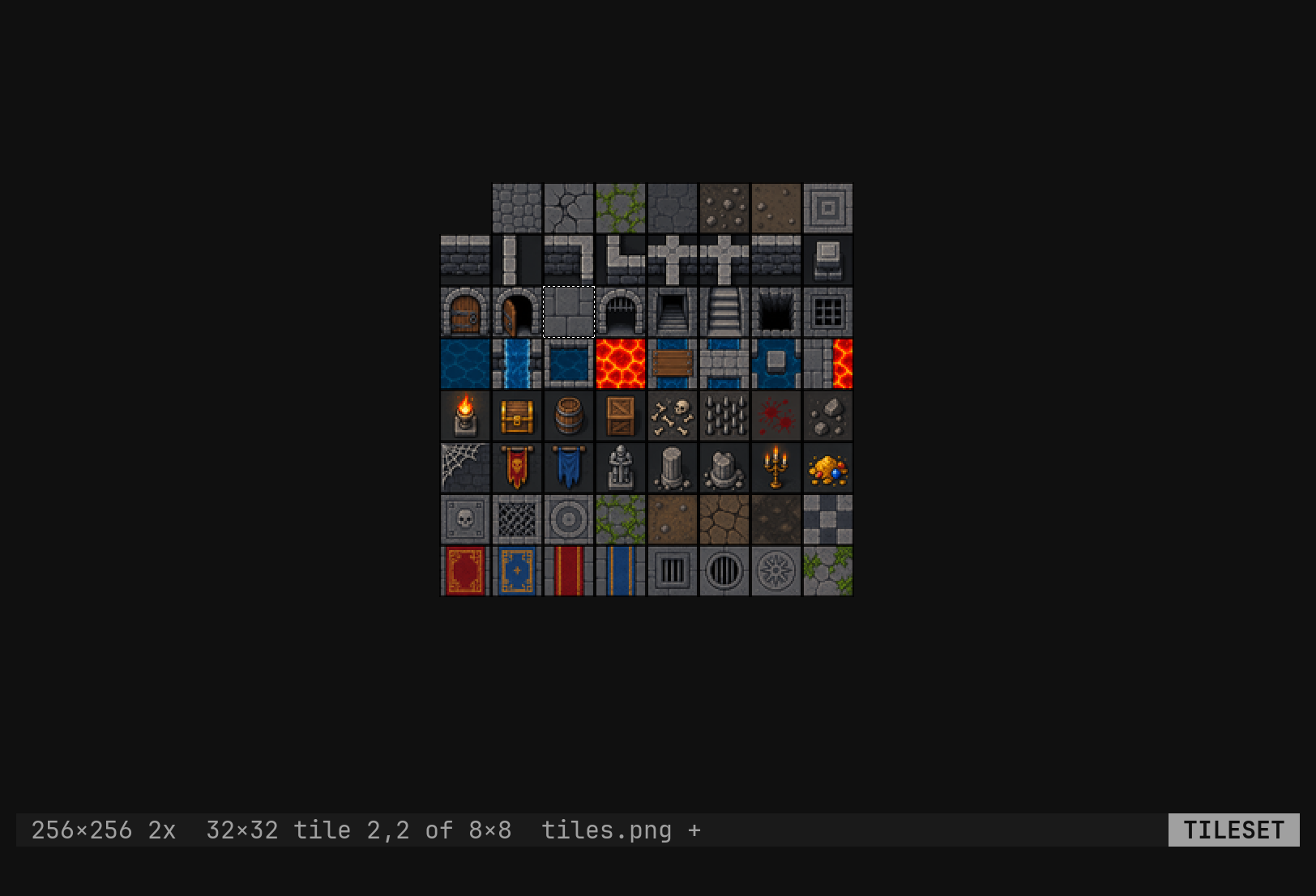
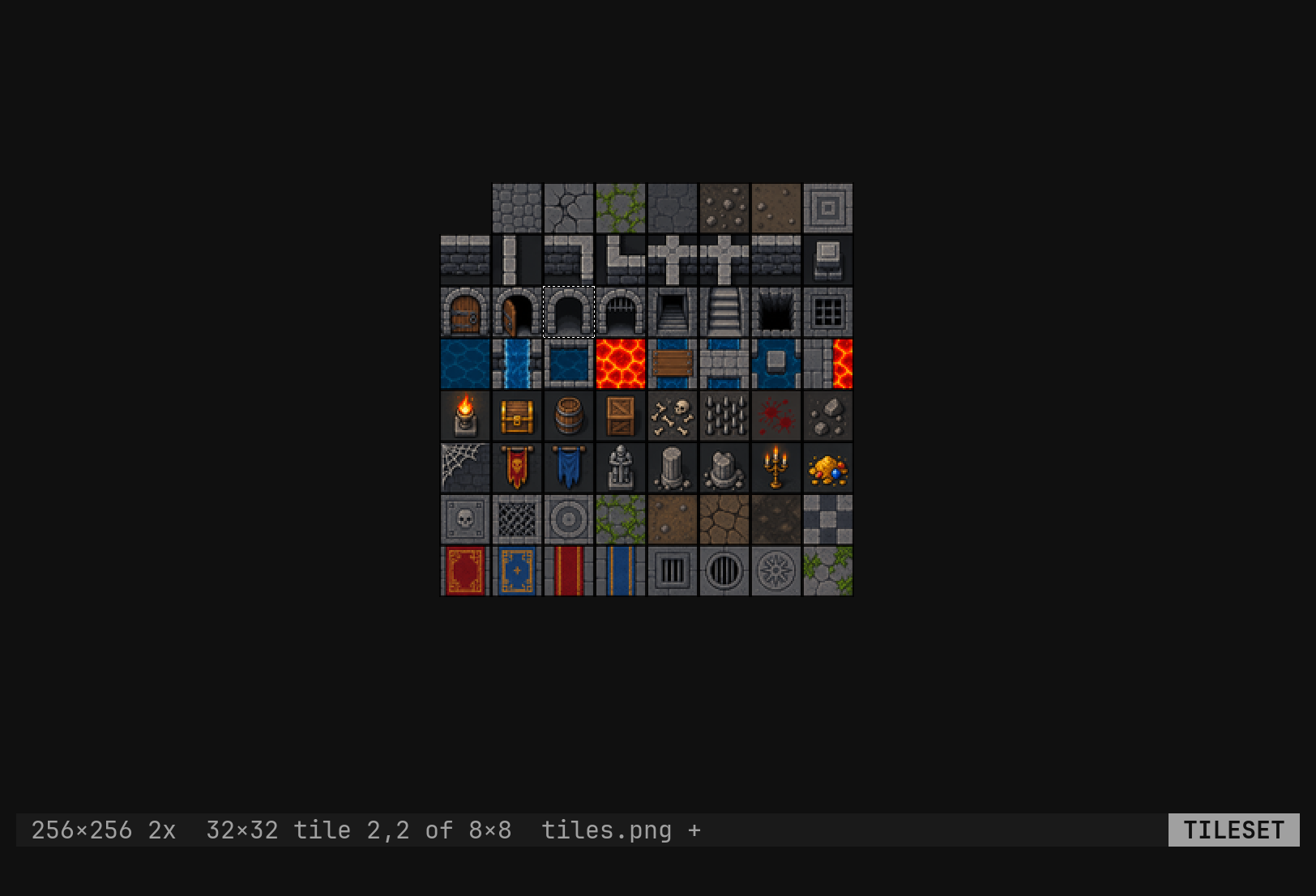
dd here and p there moves a tile, which is the operation a sheet wants
most. Clearing means transparent: the sheet is RGBA in memory whatever it was
on disk. p with an empty slot says nothing to paste, and a paste that
would run past the sheet is refused rather than clipped — 96×96 does not fit at 6,6 — because a clipped paste is a guess about which corner you meant.
Turning a tile
r in a picture has no character to replace, so it means turn, and the
key after it is a fresh lookup in the normal keymap — a rebound j turns the
way j moves, and the arrows turn too.
| Keys | Turns the tile |
|---|---|
rh rl | a quarter turn left, right |
rj | half way round |
rk ry | mirror top to bottom |
rx | mirror left to right |
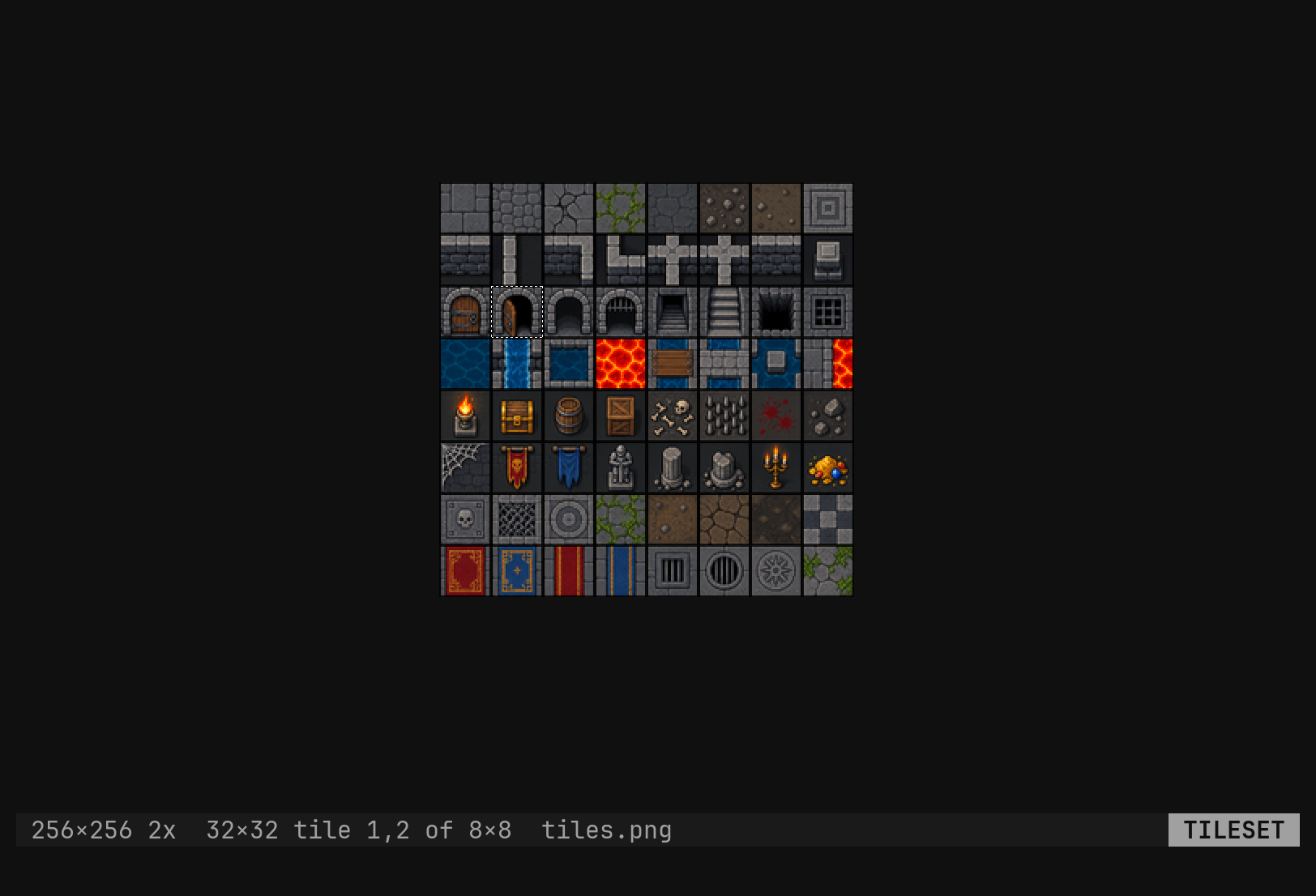
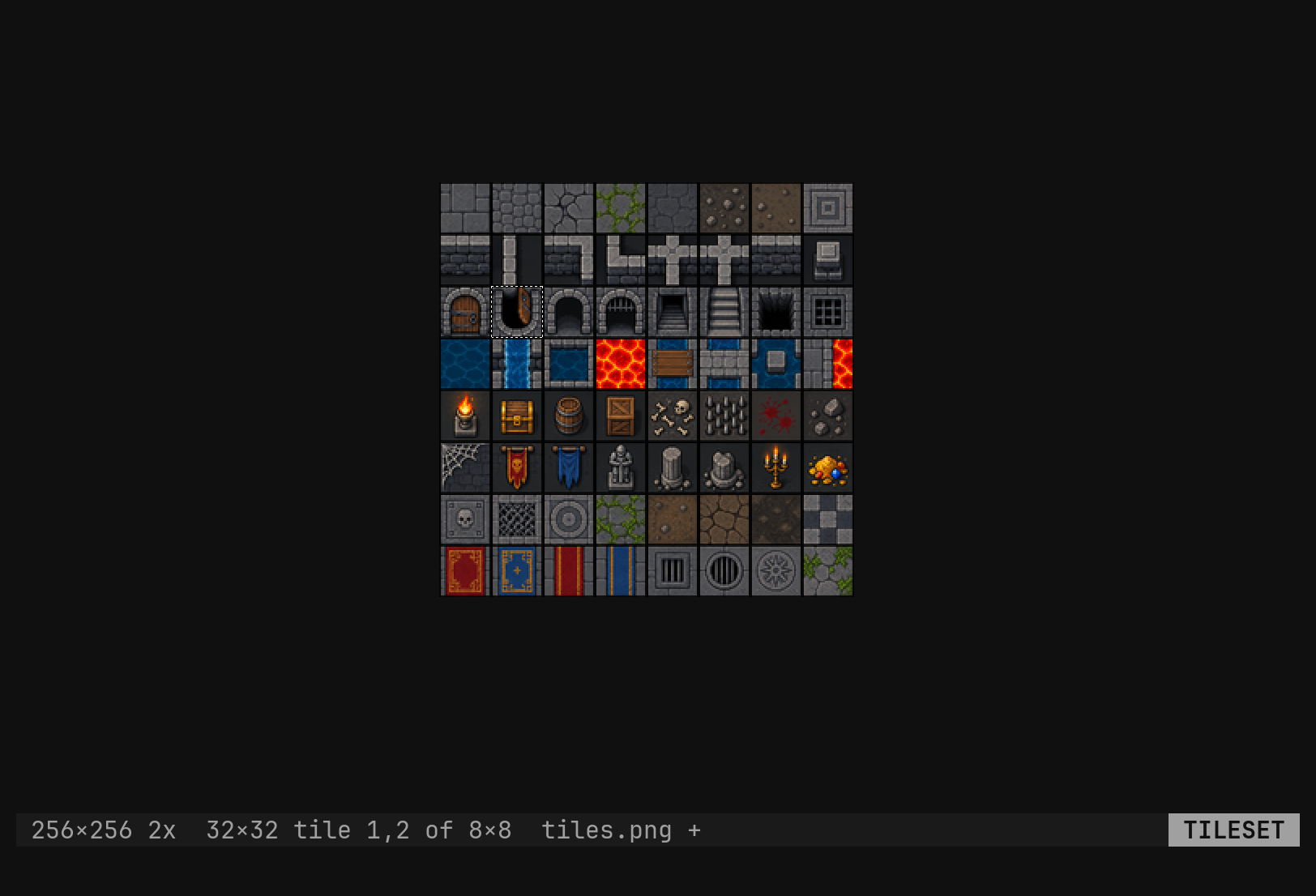
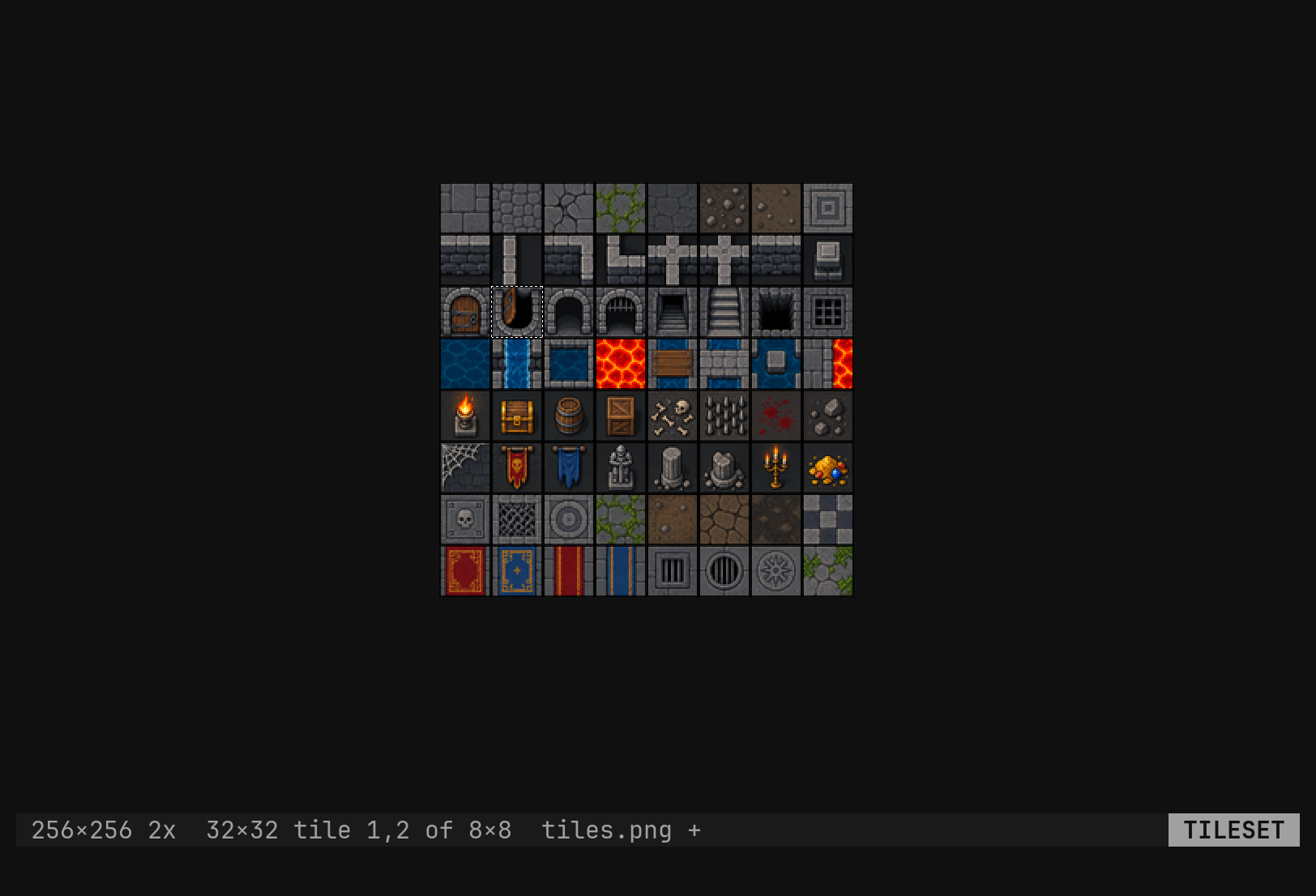
A quarter turn of a block that is not square does not fit where it came from,
so rh and rl are refused there — 16×8 does not turn — while the half
turn and the mirrors work at any size. Every turn is one undo step. Any other
key after r says rotate what? (r + h j k l x y).
Blocks and the canvas
:tool tileset select 3,3 makes the cursor three tiles wide and three tall.
yy, dd, p and r then act on the whole block — a 96×96 yank from
32-pixel tiles — while hjkl still step one tile, and the block stops where
the grid does.
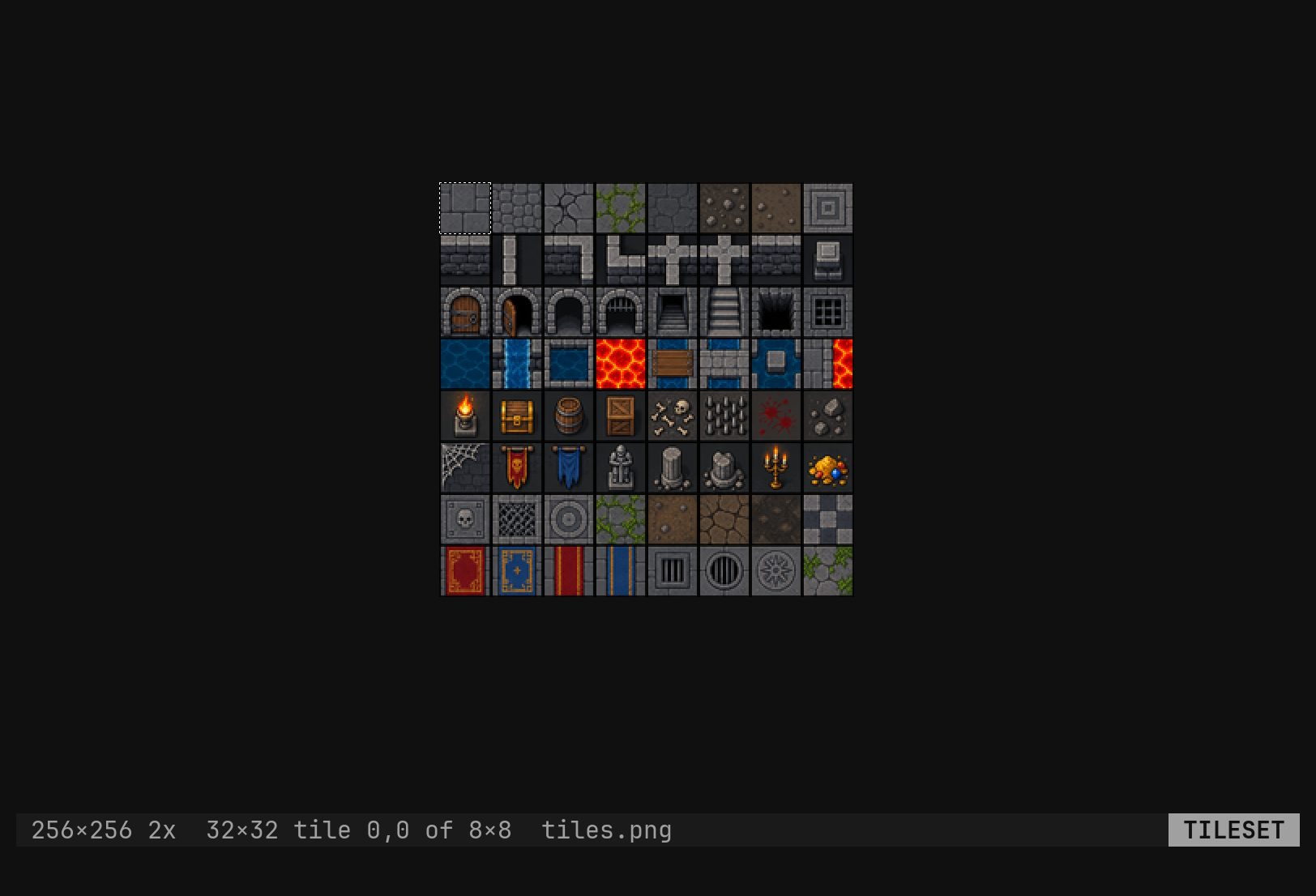
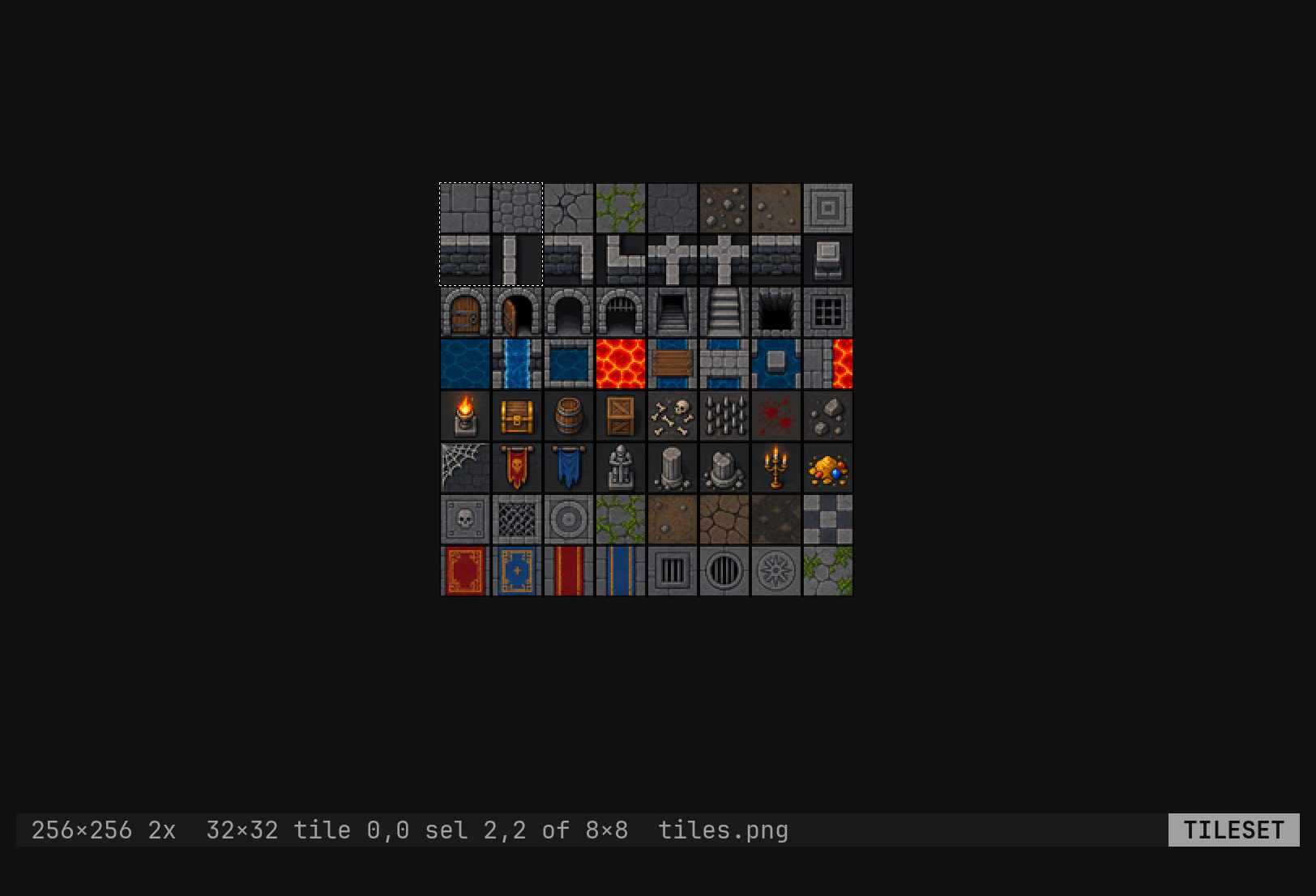
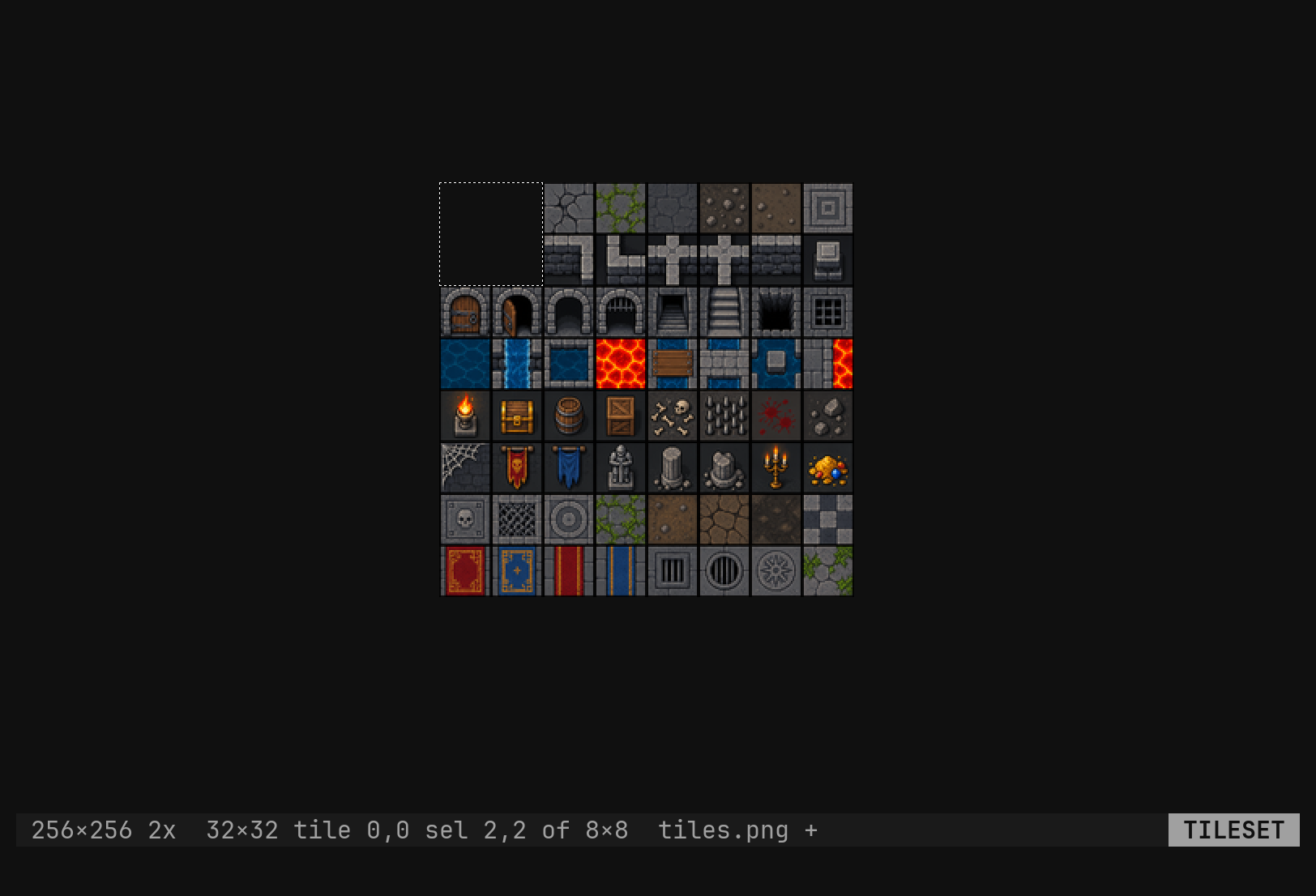
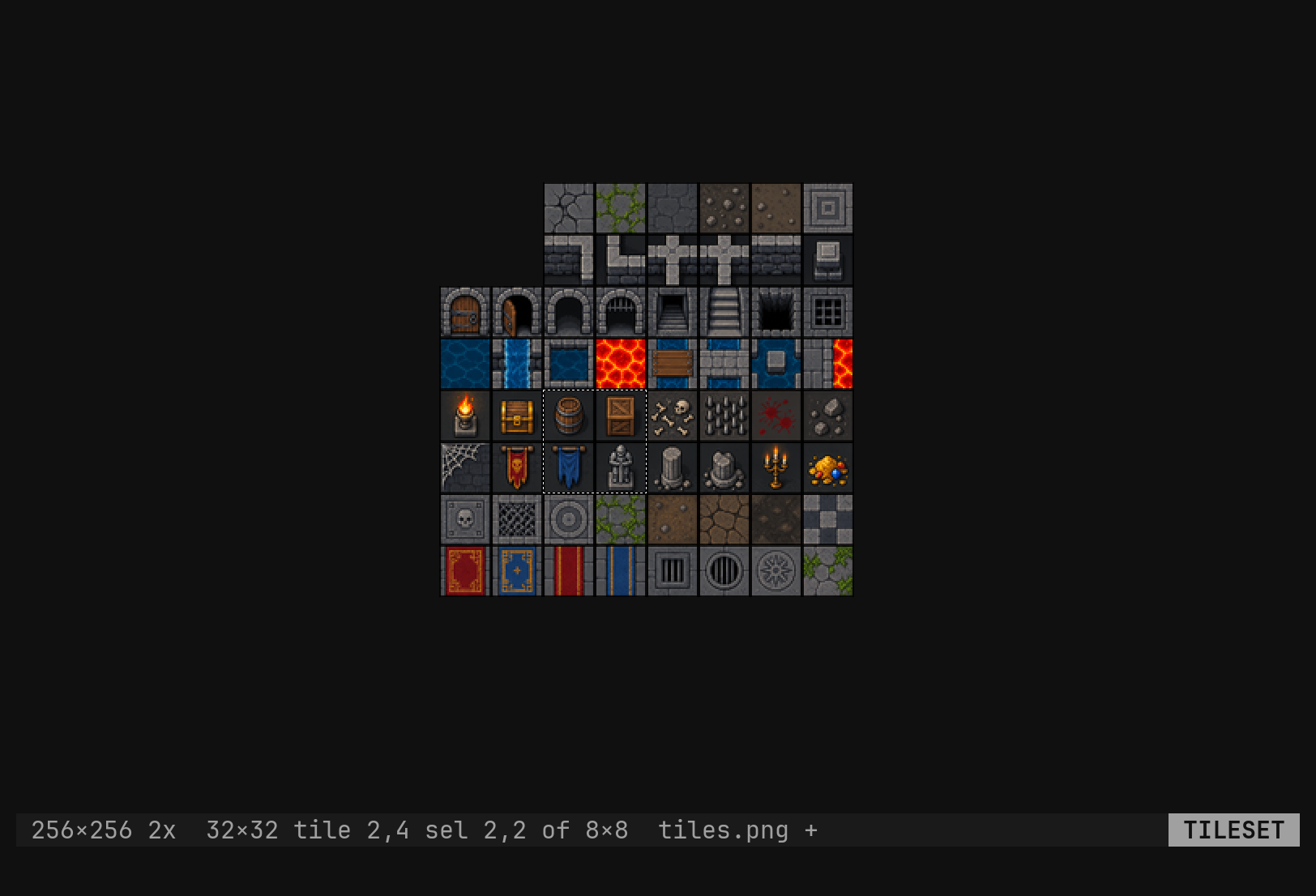
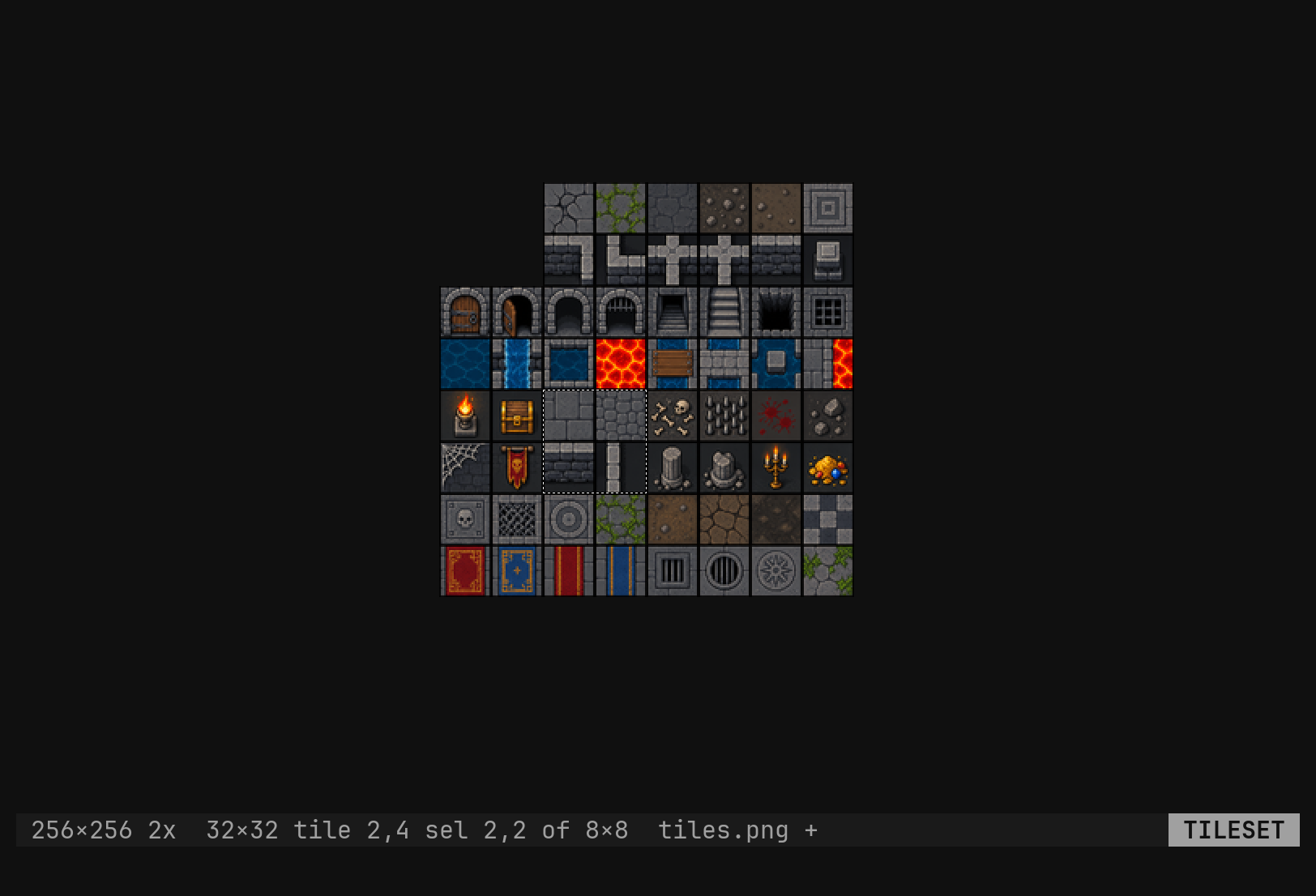
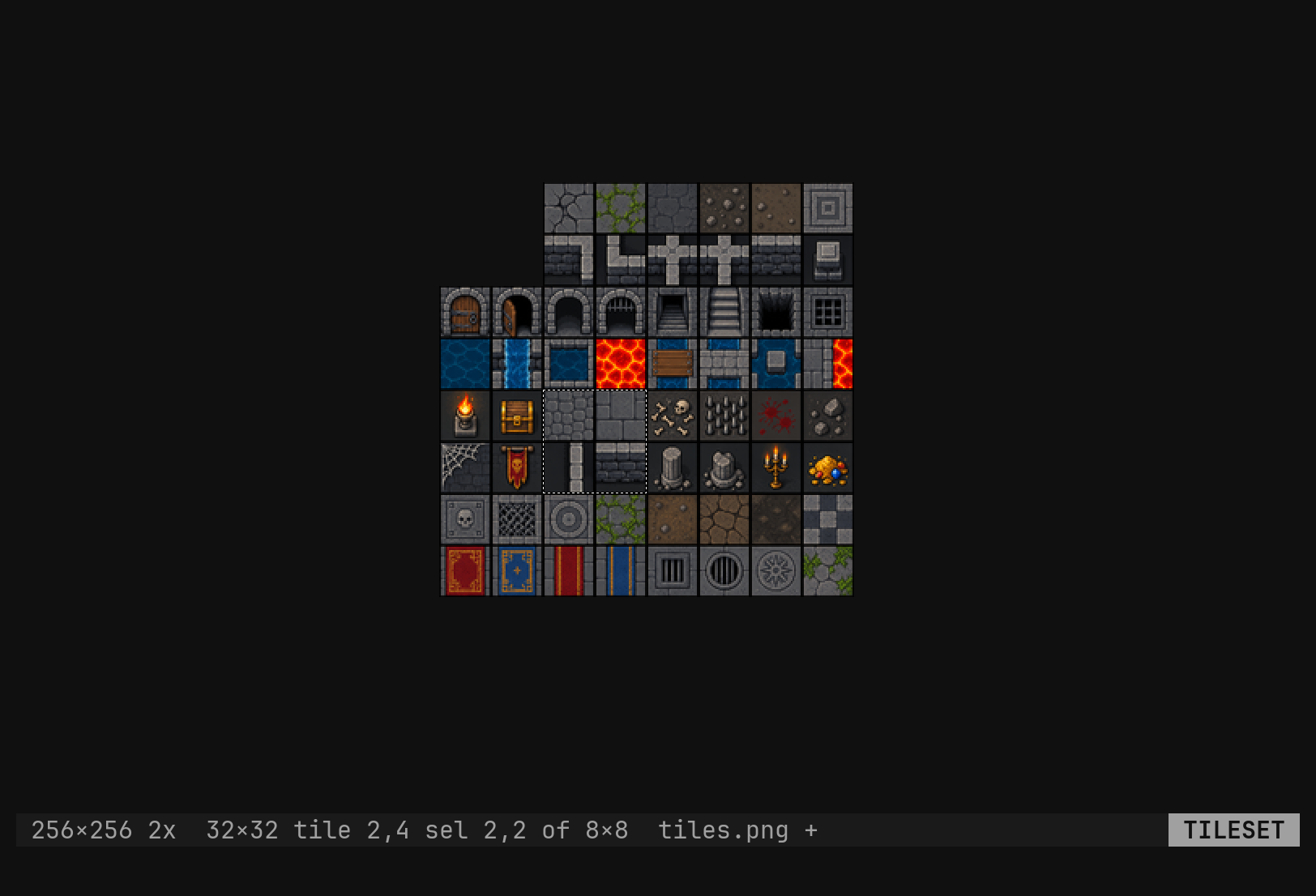
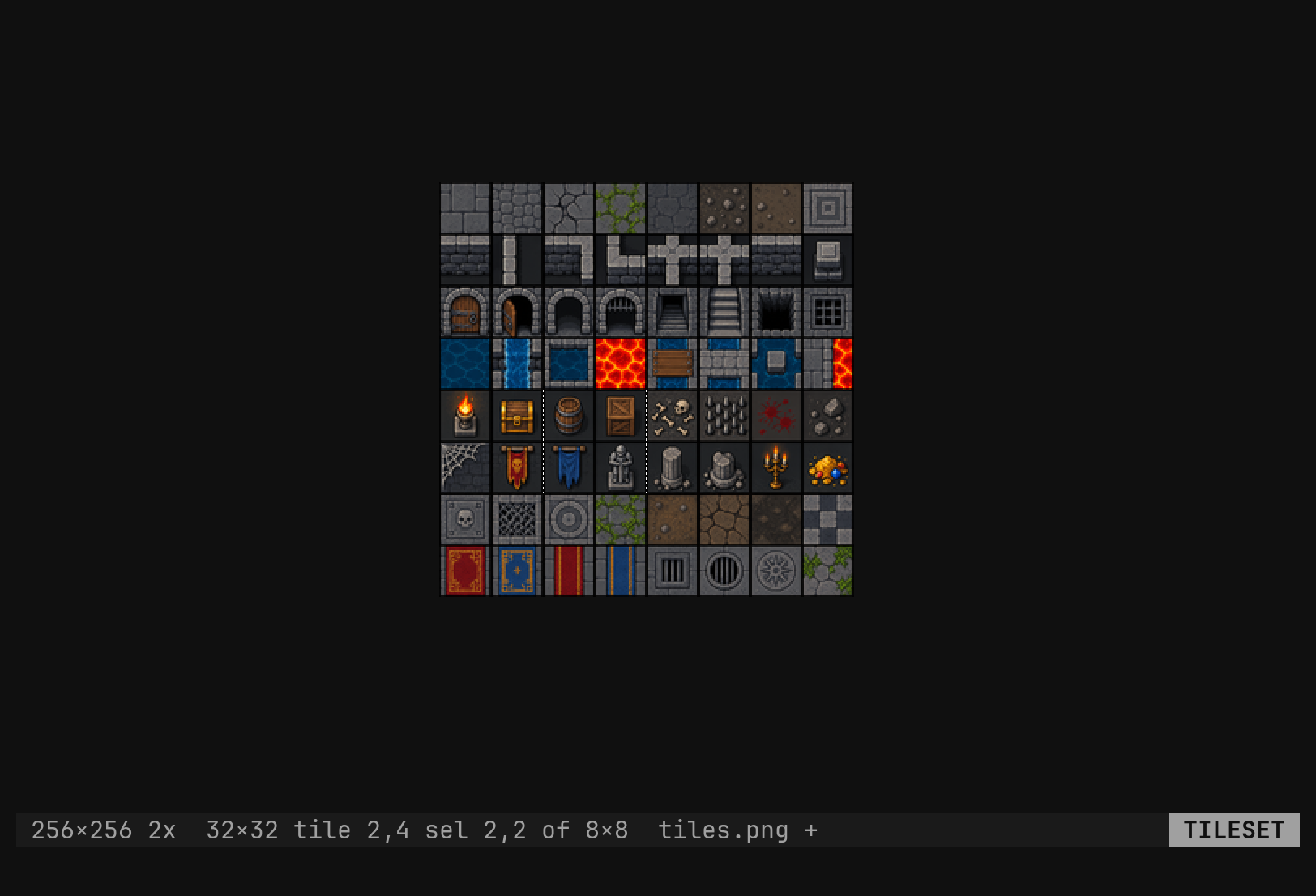
image resize 32,32 makes the sheet thirty-two tiles a side: the pixels it
had stay at the top-left, new room is transparent, anything past the new edge
is cropped. image grow 1,1 adds a tile’s worth to the right and the bottom
of the size it has in pixels, so a ragged edge stays ragged. Both are one
undo step that brings every cropped pixel back.
Whole tiles only. A 100×100 sheet with 16-pixel tiles is a 6×6 grid; the
four-pixel remainder is not a tile, the cursor never reaches it, and :w
writes it back untouched. image grow is how it becomes a tile.
Saving
:w writes the sheet to its own file, as png. The mode changes nothing about
that: : still opens the ex line, Ctrl-W still moves between windows, and
the grid is a way of looking at the picture rather than a mode you are stuck
in.