Normal maps
A height map is a grey picture; a normal map is what the shader wants. :set editor normalmap puts the result beside the source and the knobs beside that, so a change is a glance away.
Source, result, knobs
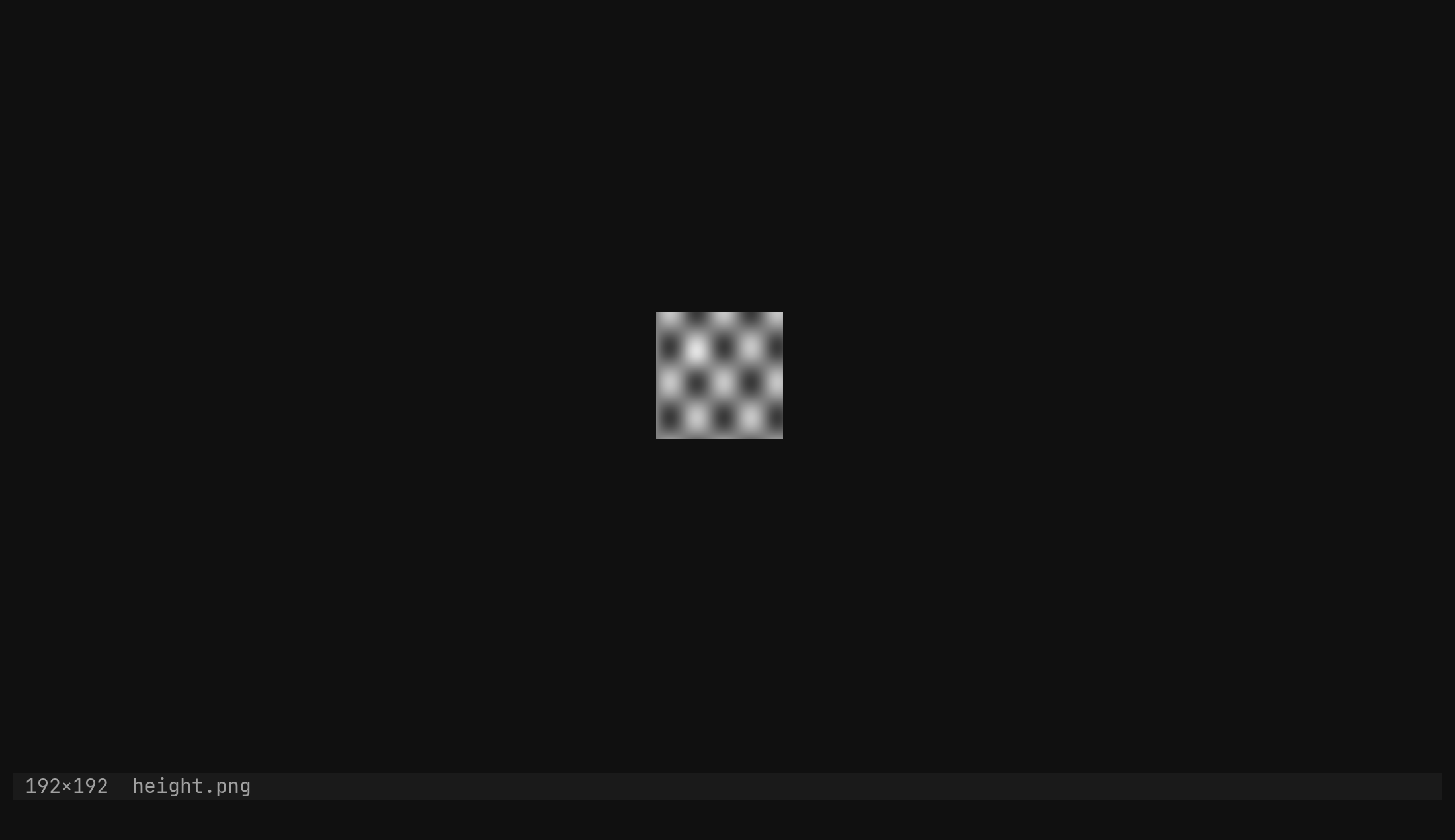
Open a height map and run :set editor normalmap. Three windows come up: the
source you started from, the result split to its right at the same
zoom, and the form as a sidebar down the right edge — the mirror of where
the file tree goes. Focus lands on the form, because the knobs are the point.
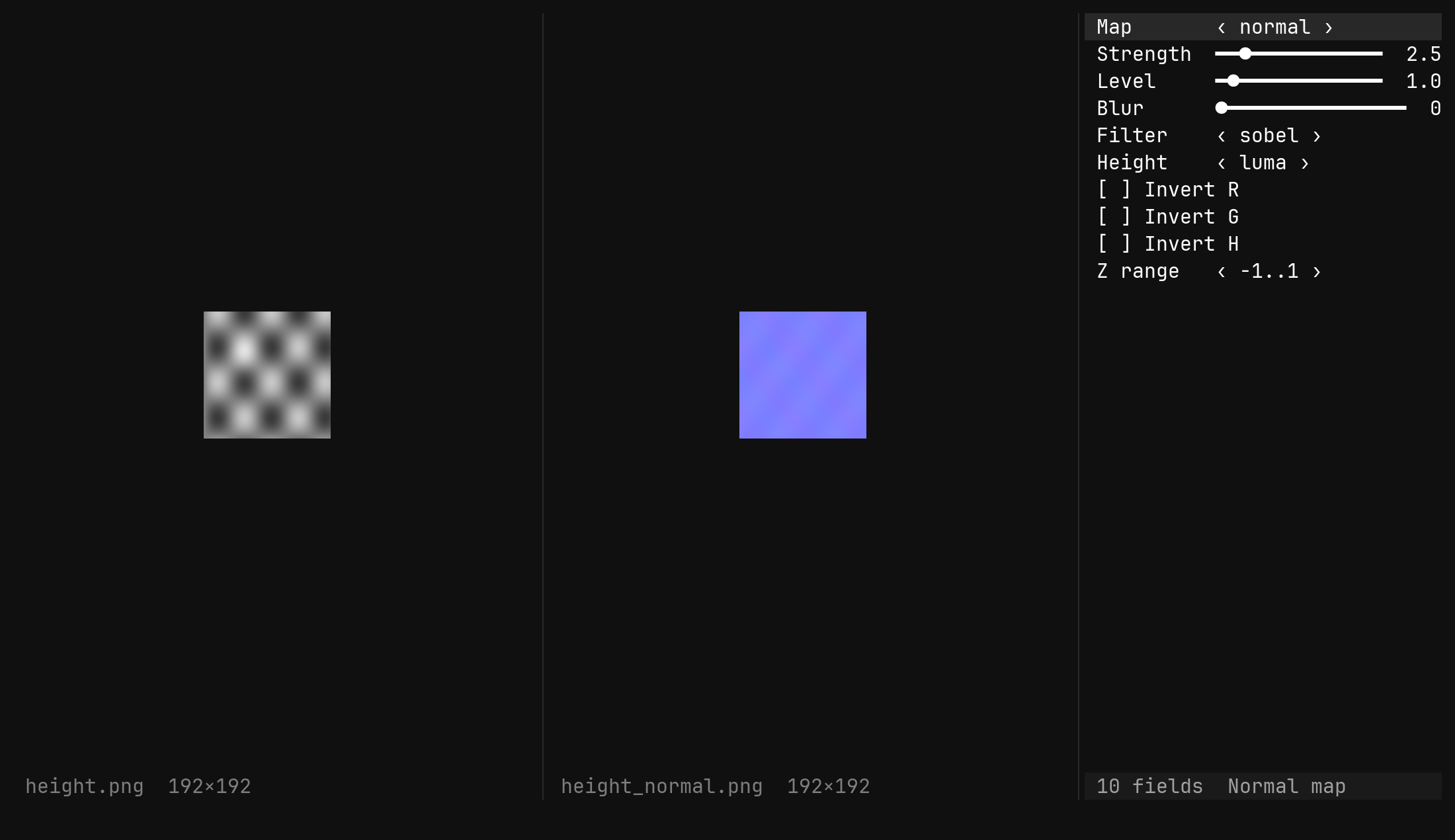
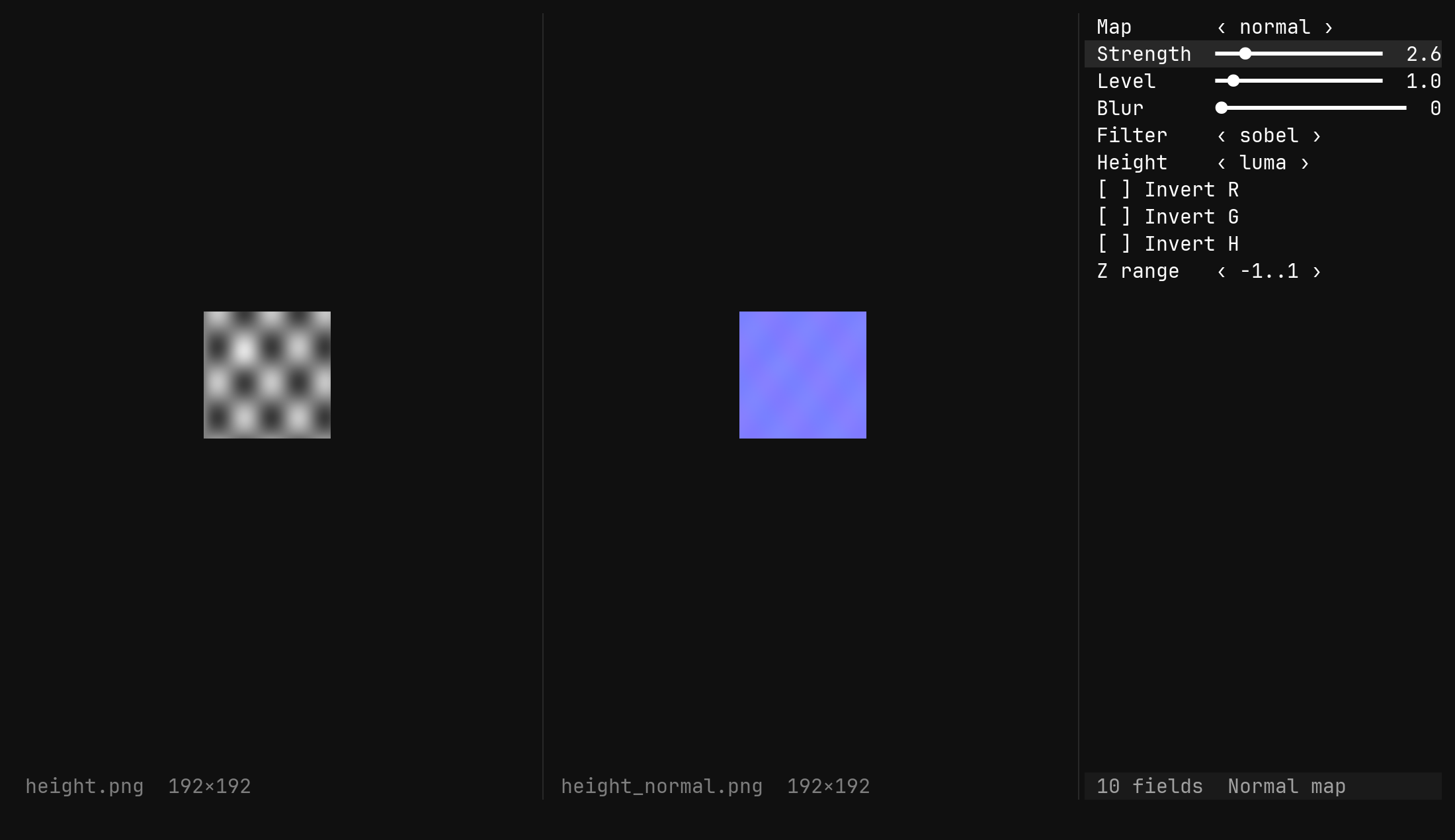
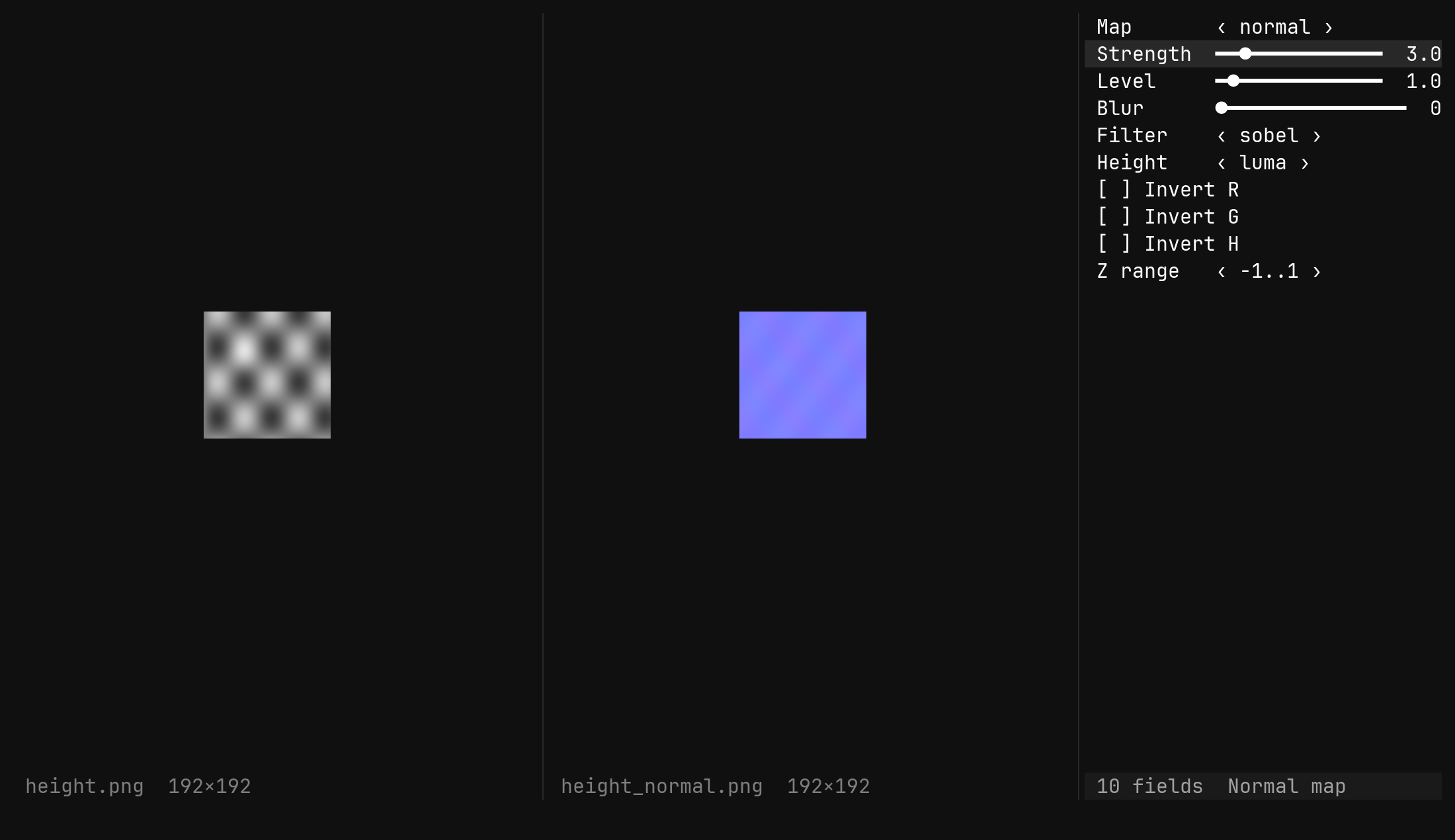
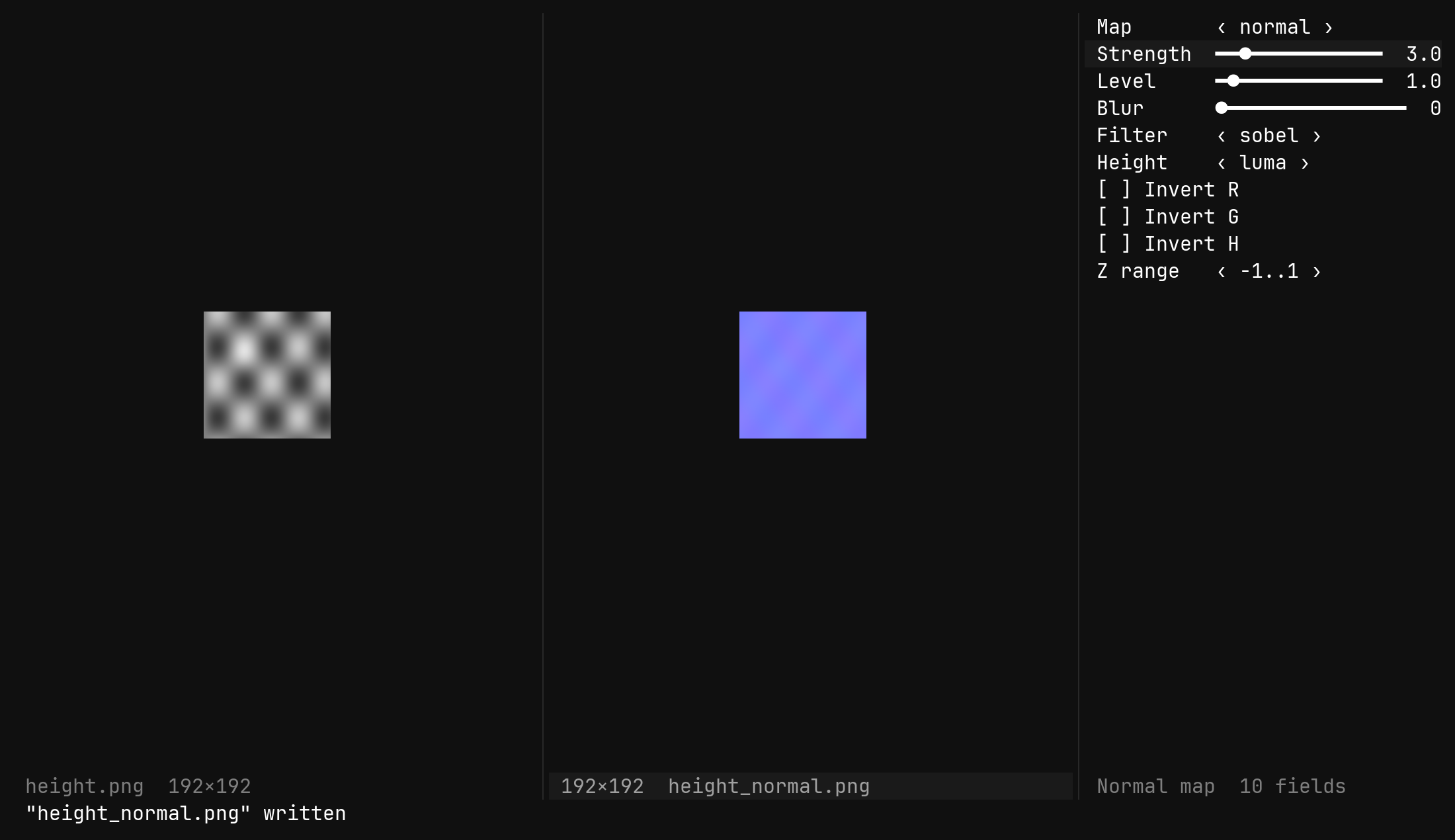
Source and result sit side by side deliberately: every knob is recomputed
synchronously and the picture re-uploads, so turning Strength shows its
effect immediately. A large sheet with a wide blur will feel that; it is the
honest cost of a live picture.
The knobs
Map        ‹ normal ›            what the result shows: normal | displacement
Strength   ━━━━━●━━━━   2.5      slope scale, 0.1..20
Level      ━━━━━━●━━━   1.0      gamma on the height, 0.1..10
Blur       ●━━━━━━━━━   0        gaussian sigma on the height, 0..32 pixels
Filter     ‹ sobel ›             sobel | scharr | prewitt
Height     ‹ luma ›              luma | r | g | b | a
Invert R   [ ]
Invert G   [ ]
Invert H   [ ]                   the height itself
Z range    ‹ -1..1 ›             -1..1 | 0..1
The form takes the keys every form takes: j and k pick a field, h and
l turn it, H and L by ten, Space toggles a bool or cycles a choice,
Enter puts the field on the ex line, and u undoes a change. Tab
anywhere in the form flips which map the result shows.
Every field is also a command, and reports without a value, so a preset is a line in a script:
| Command | Does |
|---|---|
:tool normalmap strength 2.5 | the slope scale |
:tool normalmap filter scharr | sobel, scharr or prewitt |
:tool normalmap height r | which channel the height comes from |
:tool normalmap invert g true | the Y-up versus Y-down question |
:tool normalmap map displacement | what the result window shows |
Invert G is there because engines disagree about which
way green points. Flip it once for your renderer rather than re-exporting the
map.What it computes
- Height from the source — luma, or one channel, as
0..1floats; inverted if asked; blurred by theBlursigma. - Level is a gamma on that height, so the same slopes can be pushed toward the peaks or the floor.
- Gradient by the chosen 3×3 filter — Sobel, Scharr or Prewitt — with the edges clamped.
- Normal is
normalize(-dx·strength, -dy·strength, 1), with R or G flipped if asked, encoded asrgb = n·0.5 + 0.5. WithZ rangeat0..1, blue iszitself. - Displacement is the levelled height as grey, alpha opaque.
Ambient occlusion and specular are not built yet; they are the next maps and slot into the same form.
Writing the result
The result window’s image is named for its output from the start —
atlas_normal.png beside atlas.png, atlas_disp.png for displacement — so
:w there writes the map where you would expect it, and :w other.png names
another place.
| Command | Writes |
|---|---|
:w | the map shown, to its own name beside the source |
:w atlas.normal.png | it somewhere else — the placeholders work, but % here is already atlas_normal.png, so %:r.normal.%:e spells atlas_normal.normal.png |
:tool normalmap write | the map shown |
:tool normalmap write all | every map the tool makes, each under its own name, and says how many |
Run :w from the result, not from the form: the form is a window with no
file behind it, and it answers no file name for %.
A result is never dirty — it is derived, so :q on it asks nothing. The
source is dirty only if you edit the source.
Leaving
q in the form closes the result and the form and forgets the tool, and so
does :set editor image on the source. Closing either of those windows by
hand does the same. Closing the source leaves them standing as a plain
picture and a plain form, since what they show is still on screen and taking
it away would be a surprise. :set editor normalmap on a window that already
has the tool just focuses its form.