The property format
A .bischema says what a Weapon is; a .bidata holds the weapons. Both are plain JSON, and bi opens them as a form — sliders, checkboxes, choices — edited with the keys you already know.
Two files, both JSON
The format is two file kinds and one rule: the schema defines types, the data
holds instances of them, and everything is valid JSON, so jq, git diff and
your own loader keep working.
| Kind | Holds | Extension |
|---|---|---|
| Schema | struct and enum definitions | .bischema |
| Data | instances with concrete values | .bidata |
Every file starts with "$dialect": "bi/1" — the extension picks the view, the
dialect confirms it. A data file names its schema with $schema, a path
relative to itself. Keys starting with $ are bi’s; your types and fields must
not use them.
A schema is a types map. A struct’s fields are an array, because order
is display order:
{
  "$dialect": "bi/1",
  "types": {
    "Rarity": { "kind": "enum", "values": ["common", "rare", "epic"] },
    "Weapon": {
      "kind": "struct",
      "fields": [
        { "name": "name",   "type": "string" },
        { "name": "damage", "type": "i32", "default": 10, "min": 0, "max": 999 },
        { "name": "rarity", "type": "Rarity", "default": "common" }
      ]
    }
  }
}
A data file is a list of instances, each naming its $type and $id:
{
  "$dialect": "bi/1",
  "$schema": "game.bischema",
  "instances": [
    { "$type": "Weapon", "$id": "rusty_sword", "name": "Rusty Sword", "damage": 12 }
  ]
}
Storage is sparse. rusty_sword omits rarity, so it is common from the
schema — and changing that default changes every instance that did not override
it. Writing a value equal to the default removes the key again on :w, so a
diff shows real overrides and nothing else.
bi gen sample writes all three — game.bischema,
level1.bidata and game.bimapping — into the working directory, and
:bi sample writes the one matching the buffer you are in. It is worth the
one command: the sample uses every type and every layout attribute there is,
and the demos below open it rather than a toy.Starting from nothing
You do not have to write either file by hand. Open a name that does not exist
yet, and the two commands that matter are :bi init — the skeleton — and
:bi add, which grows the schema a type or a field at a time.
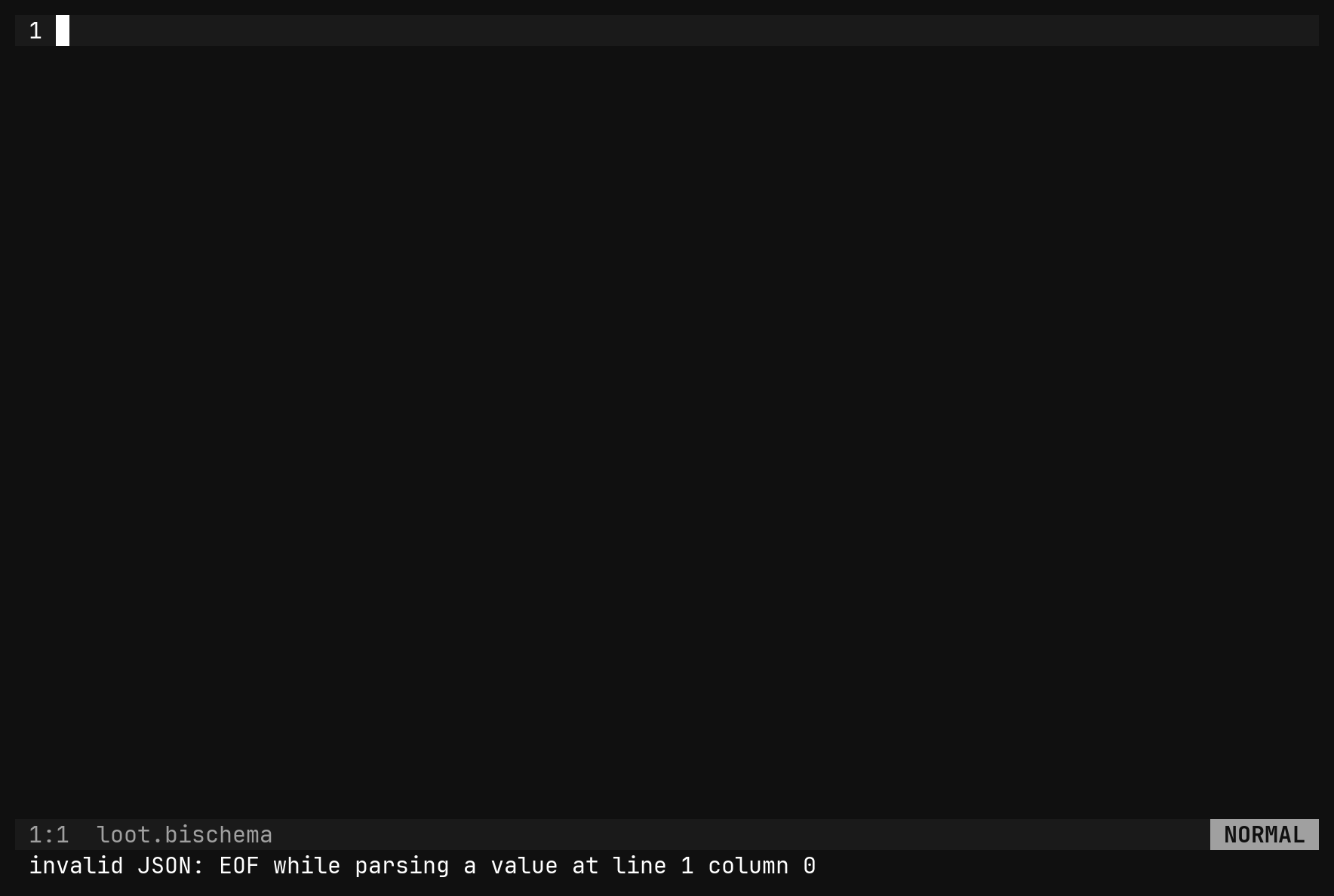

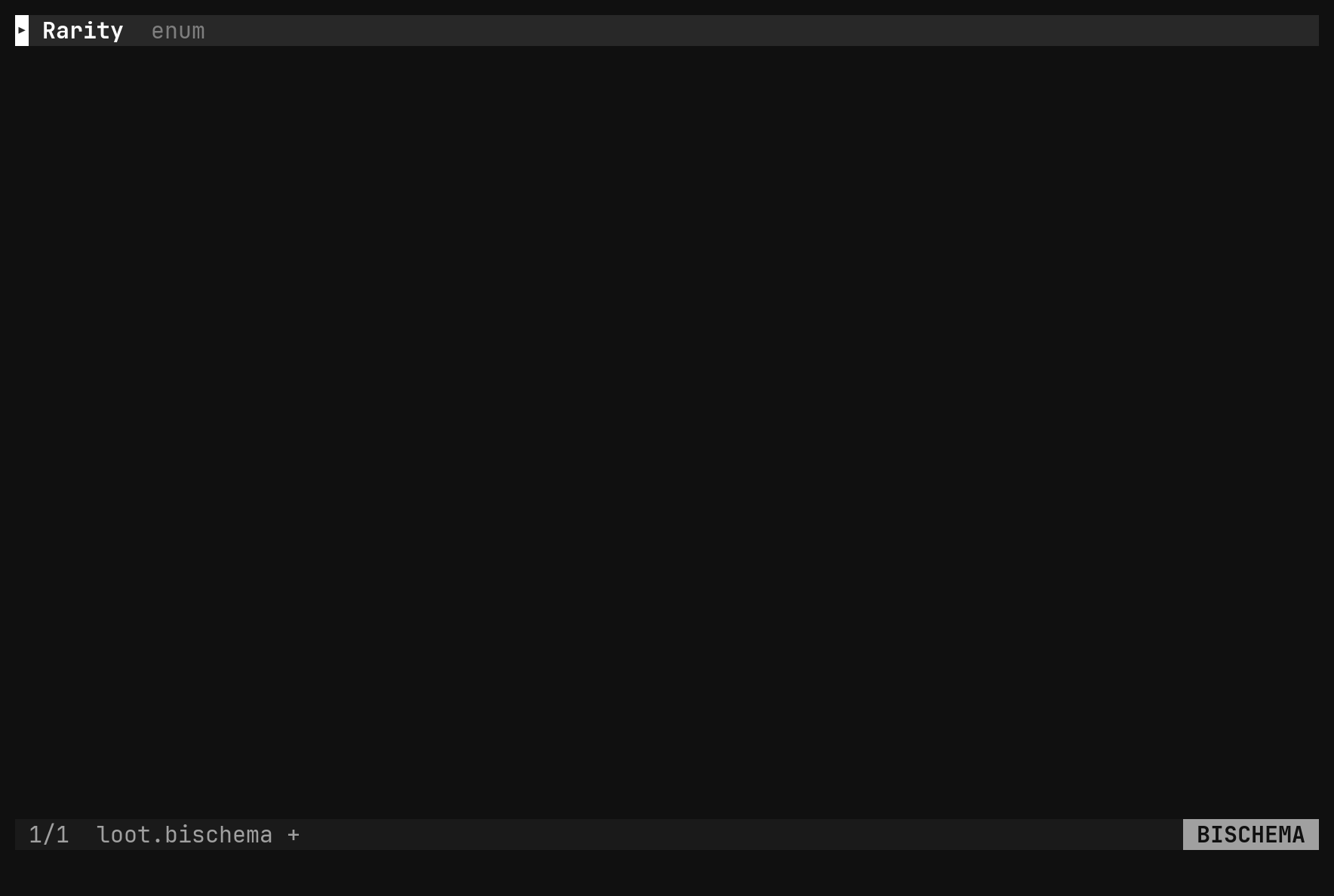
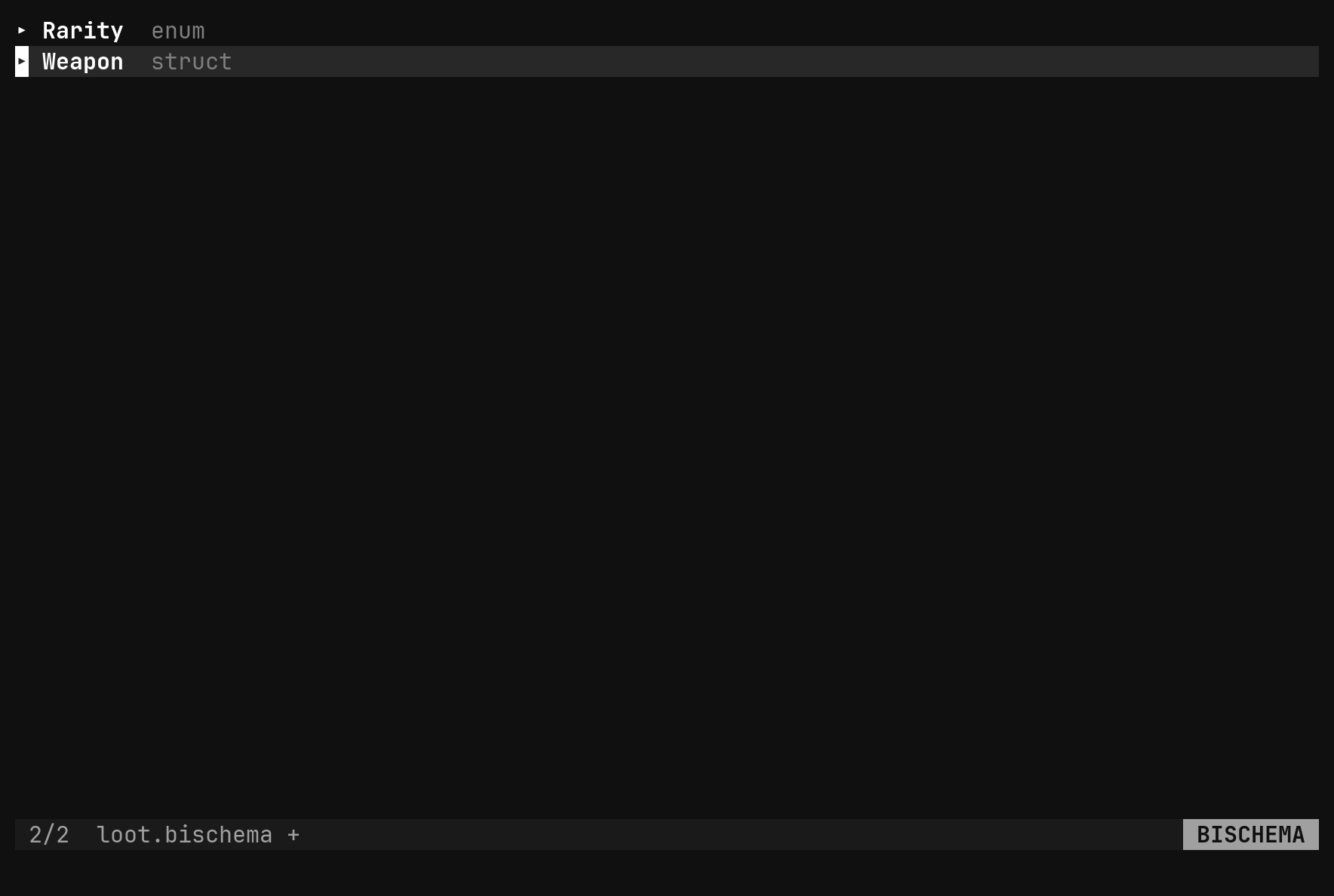
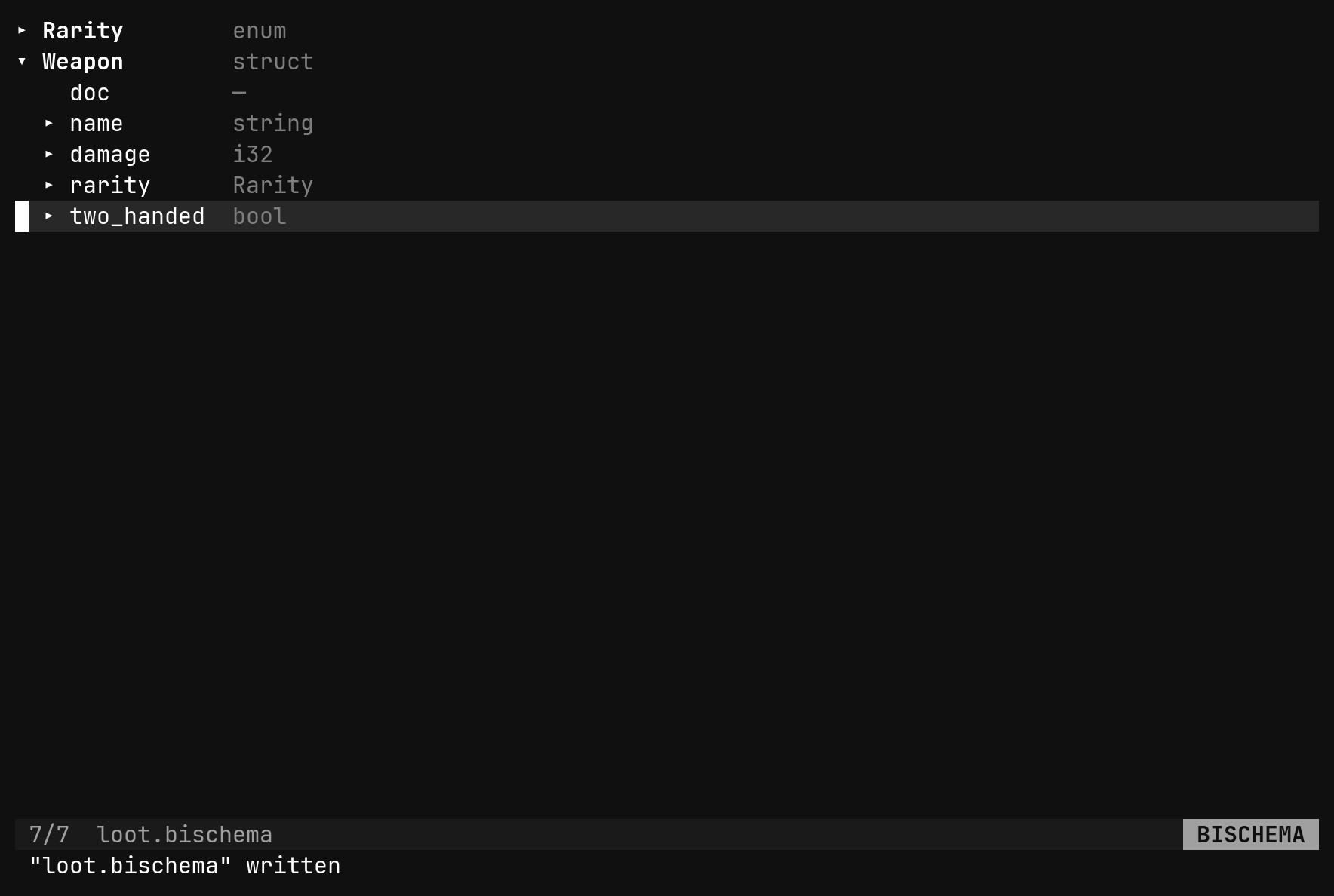
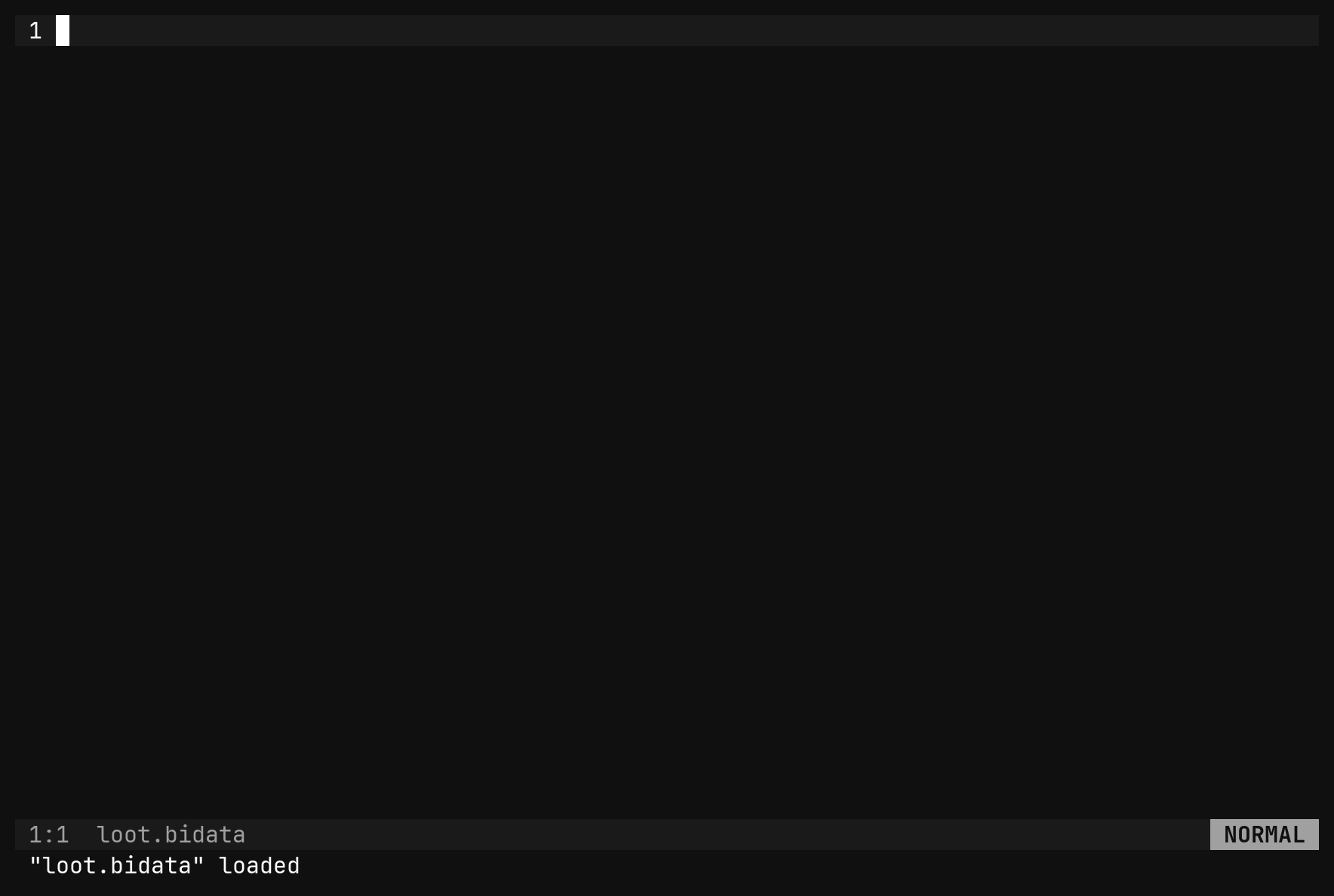

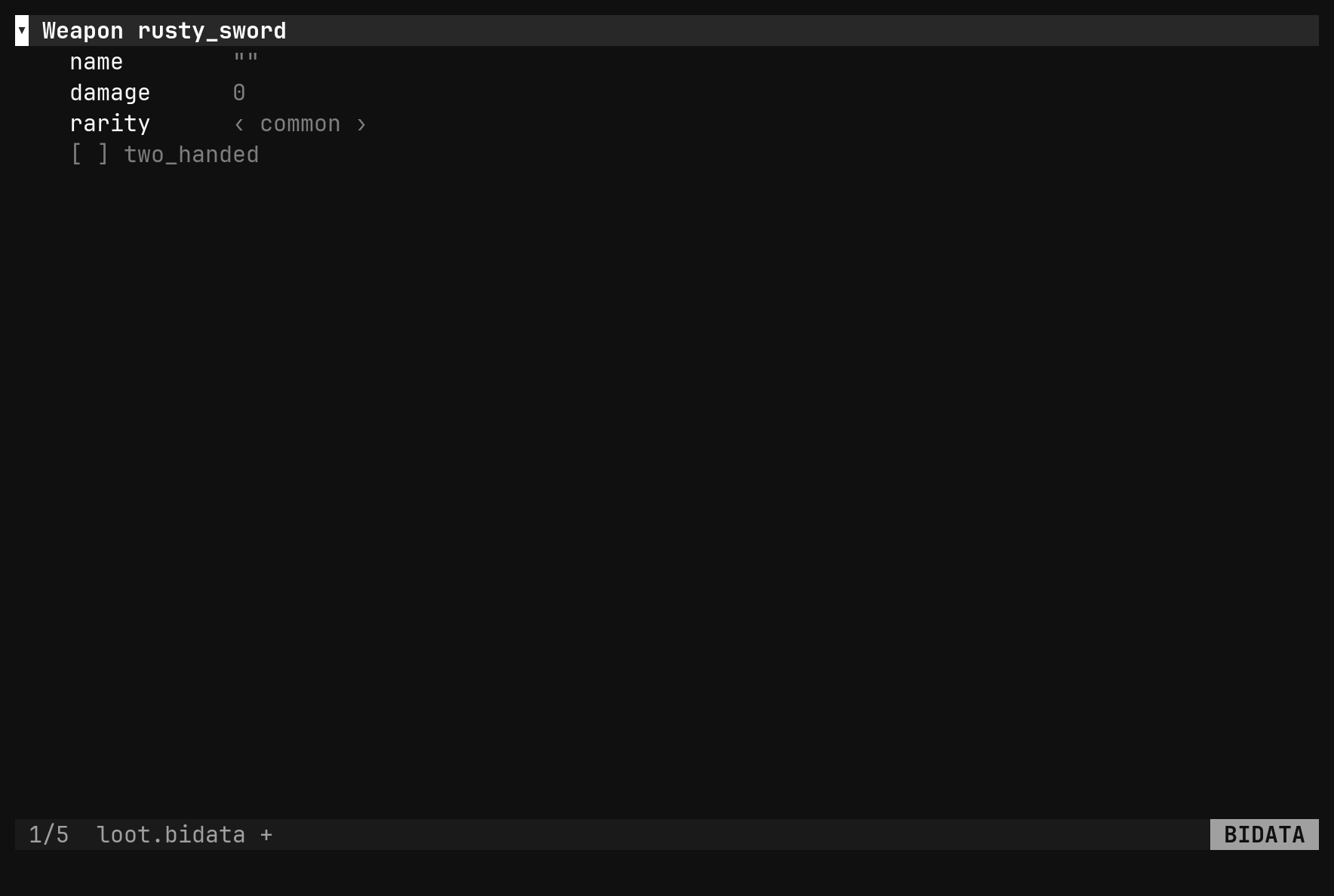
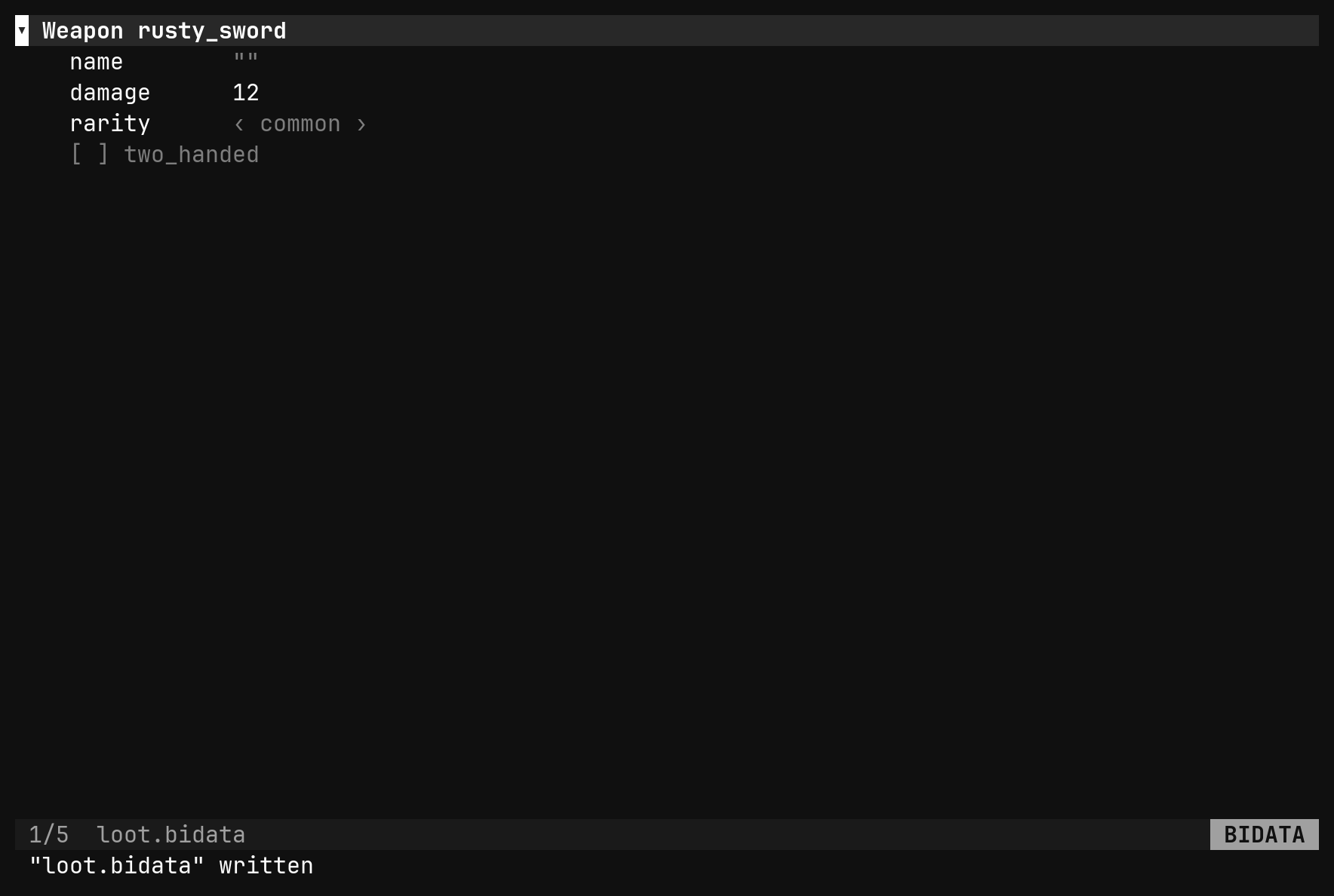
:bi init on the data file guesses $schema when exactly one .bischema
sits beside it, so the second half of that session never named the first. From
there :bi new <Type> <id> appends an instance and :bi set <path> <value>
fills it in; both are covered in Editing data.
docs/specs/props.md says an empty buffer gets the
skeleton written for it. It does not: an empty buffer is not valid JSON, so
the file opens as text with invalid JSON: EOF while parsing a value at line 1 column 0 and waits for :bi init.Types
A field’s type is a string, parsed by a small grammar with no whitespace in it:
| Expression | Is | Stored as |
|---|---|---|
bool | a boolean | true / false |
i8 … i64, u8 … u64 | an integer of that width | a JSON number |
f32 f64 | a float | a JSON number |
string | UTF-8 text | a JSON string |
rgb rgba | a colour | "#rrggbb", "#rrggbbaa" |
curve | a tuning curve over 0..1 | points, each [x, y, in, out] |
gradient | colour stops over 0..1 | stops, each [t, "#rrggbbaa"] |
E | one of an enum’s values | the value’s name |
S | an embedded struct, owned by its parent | an object |
list<T> | a sequence | an array |
optional<T> | a value or nothing | null or the value |
ref<S> | a reference to another instance | the target’s $id |
Embed a struct for small value-like data each parent owns — a Vec2, a stats
block. Use ref<S> for something shared and identified, so one edit reaches
every user. A ref without a default is required; make it
optional<ref<S>> when absence is legitimate.
Ids are scoped per type, so a Weapon and an Enemy may both be boss.
Enum values are stored by name, never by index, so reordering them is free.
The data view
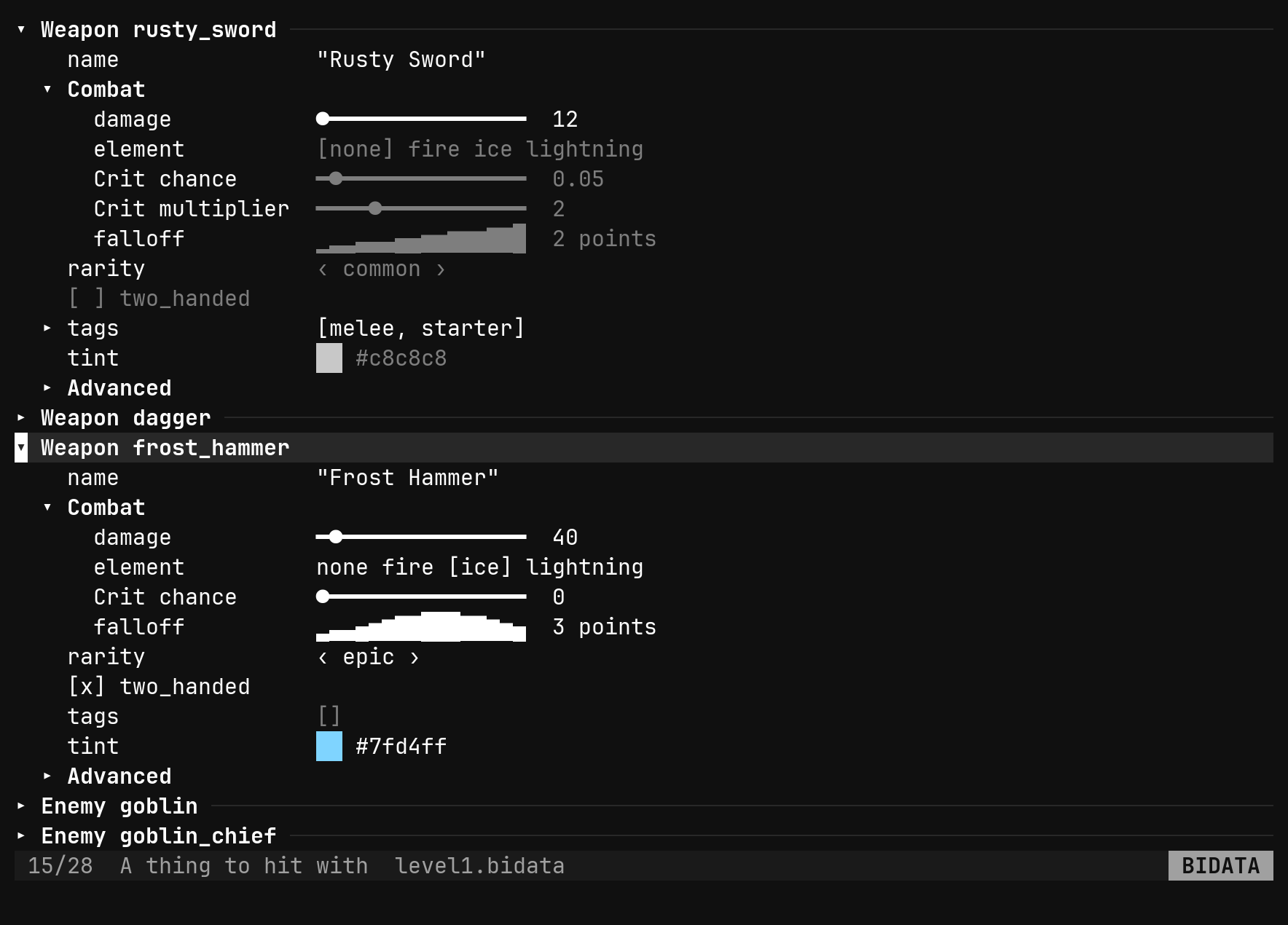
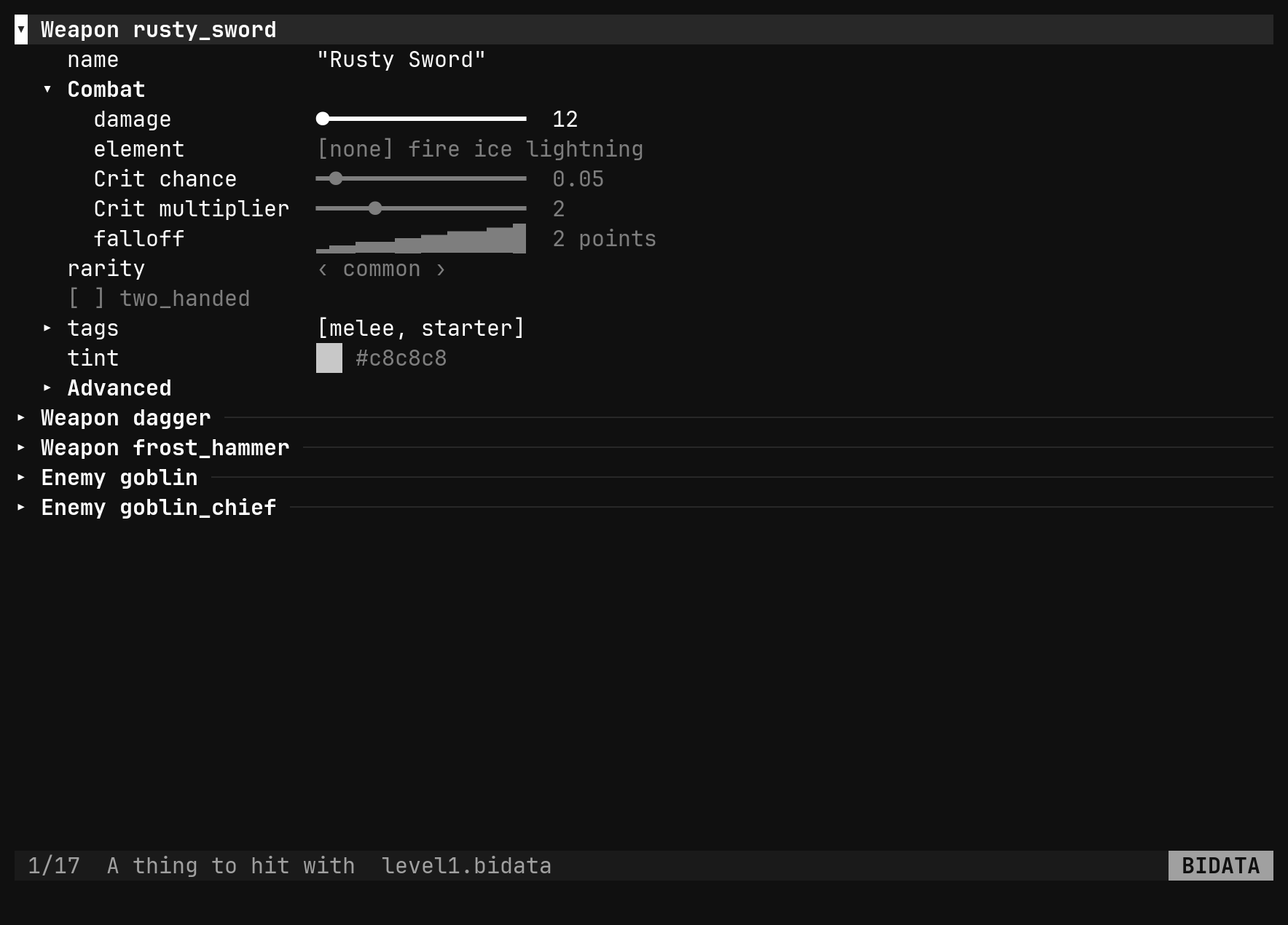
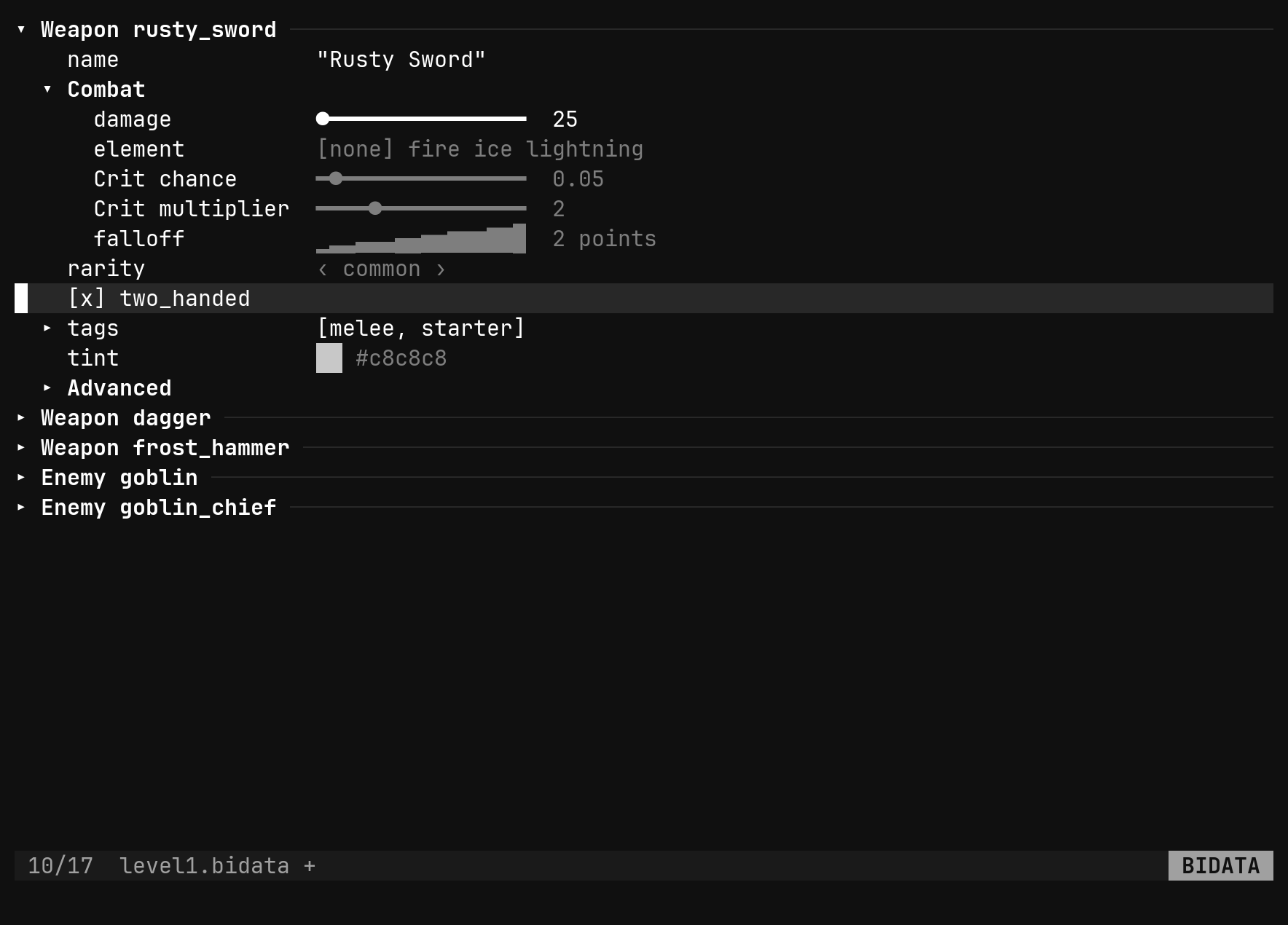
Open a .bidata and you get a form: a section per instance, one row per field,
each drawn as what it is.
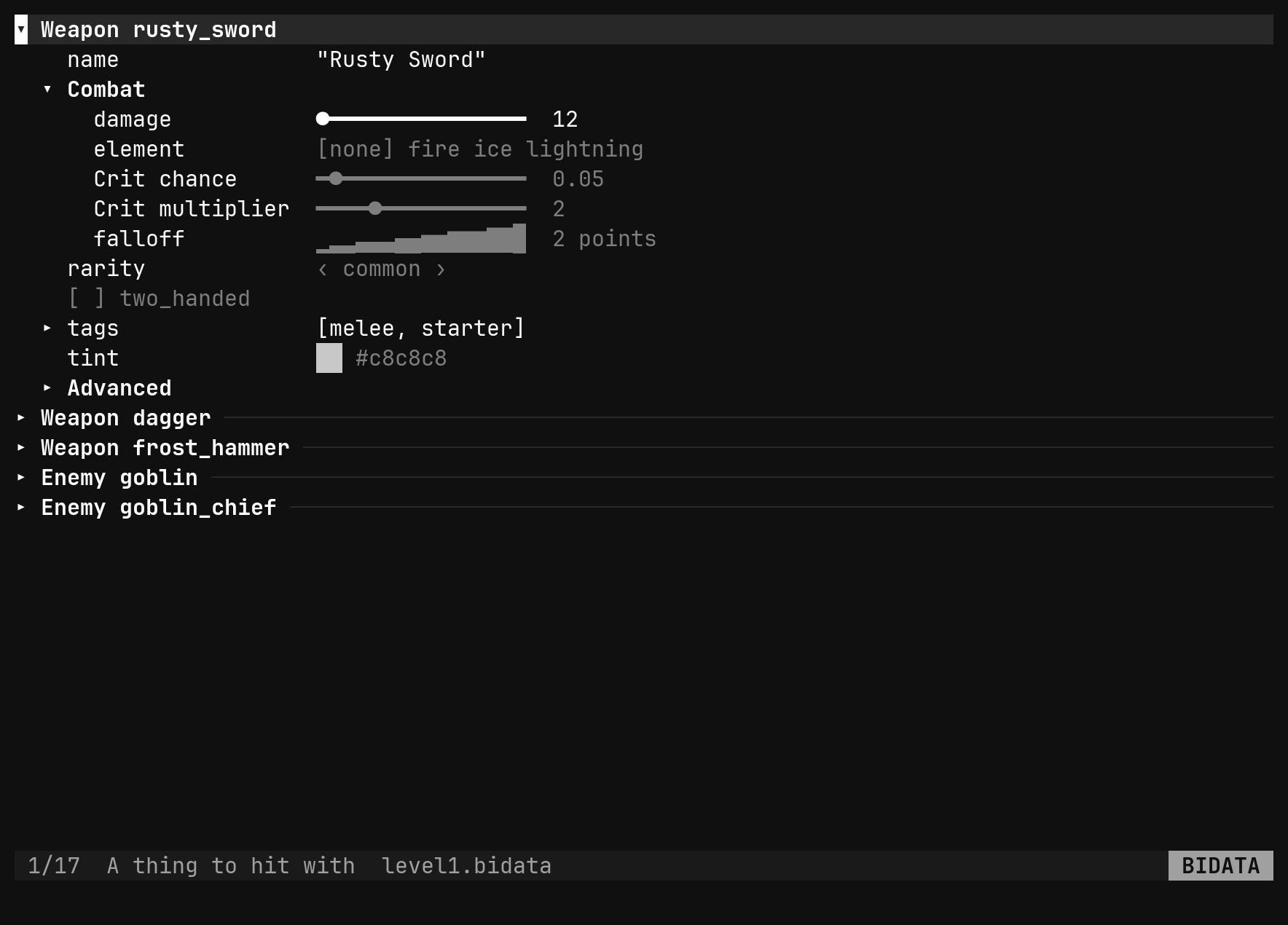
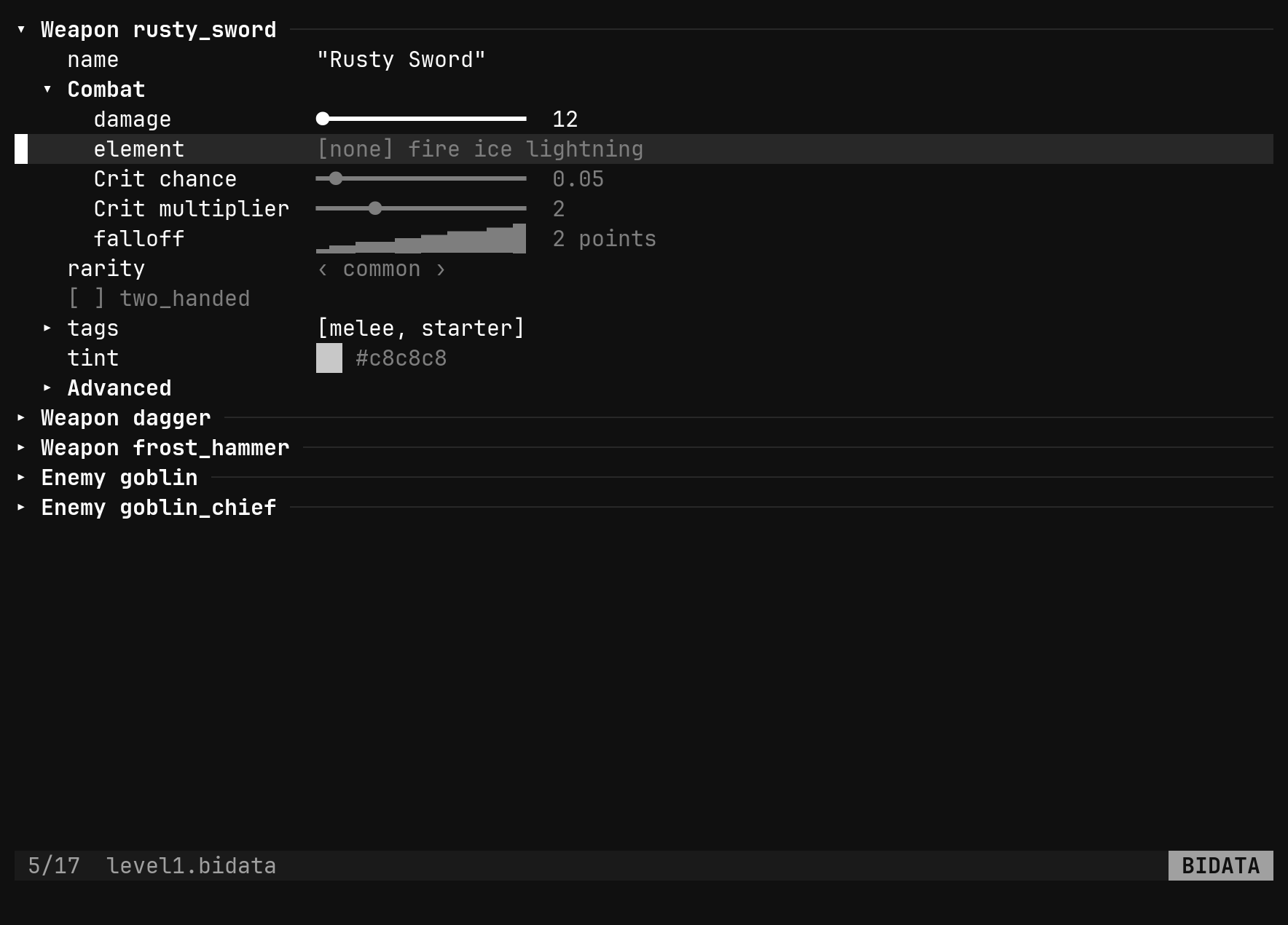
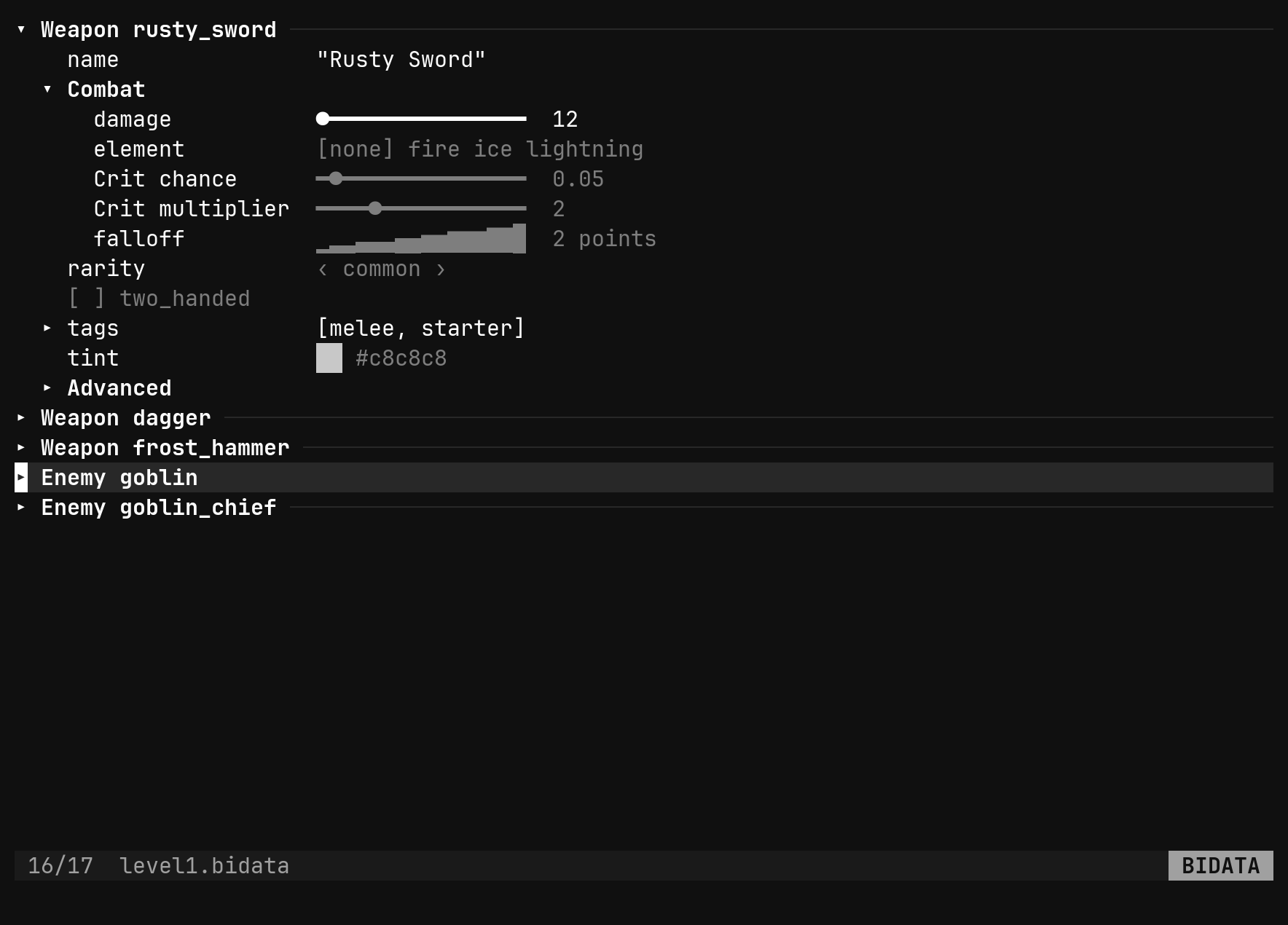
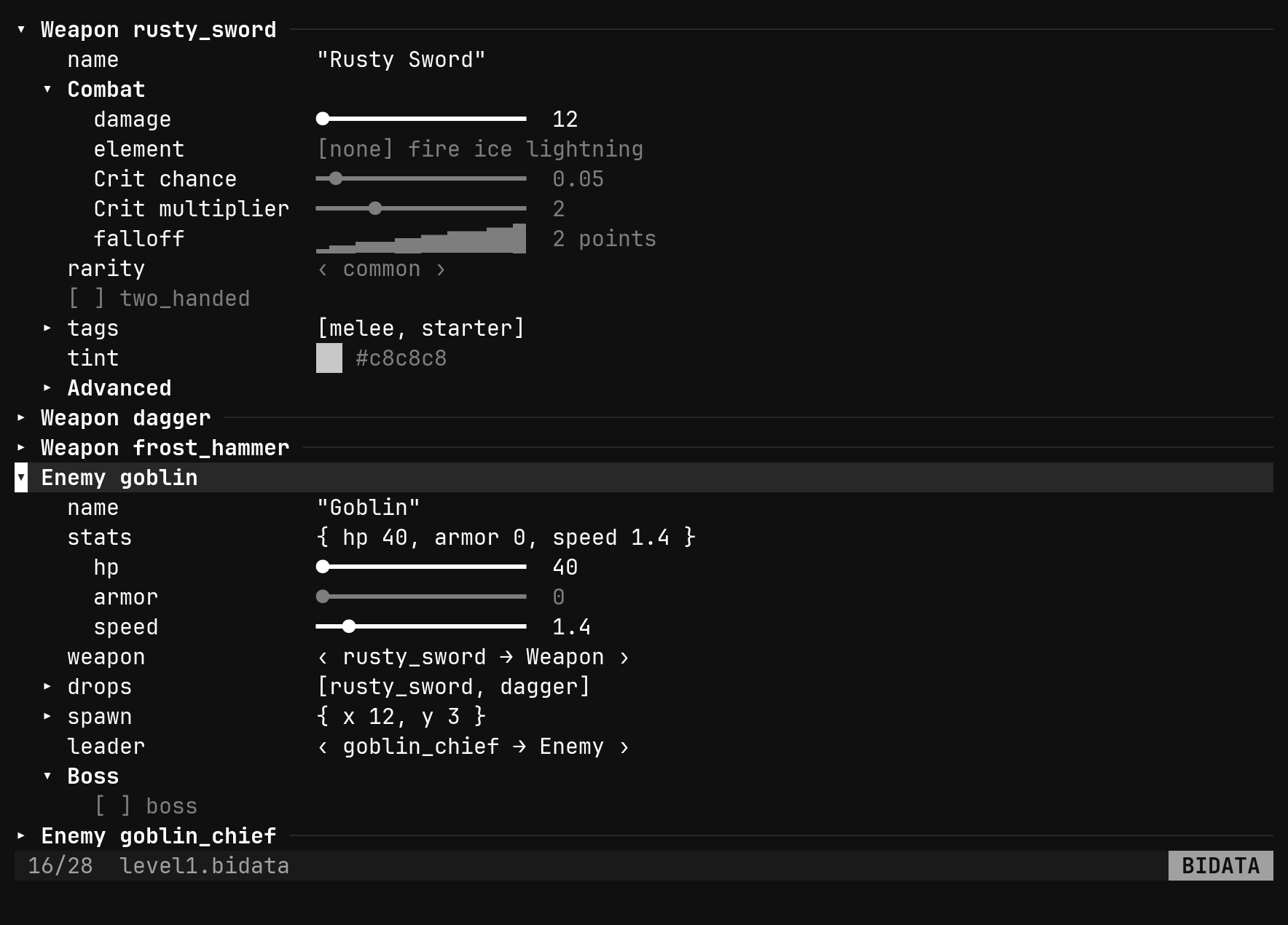
A number with both min and max is a slider, a bool a checkbox, an enum or a
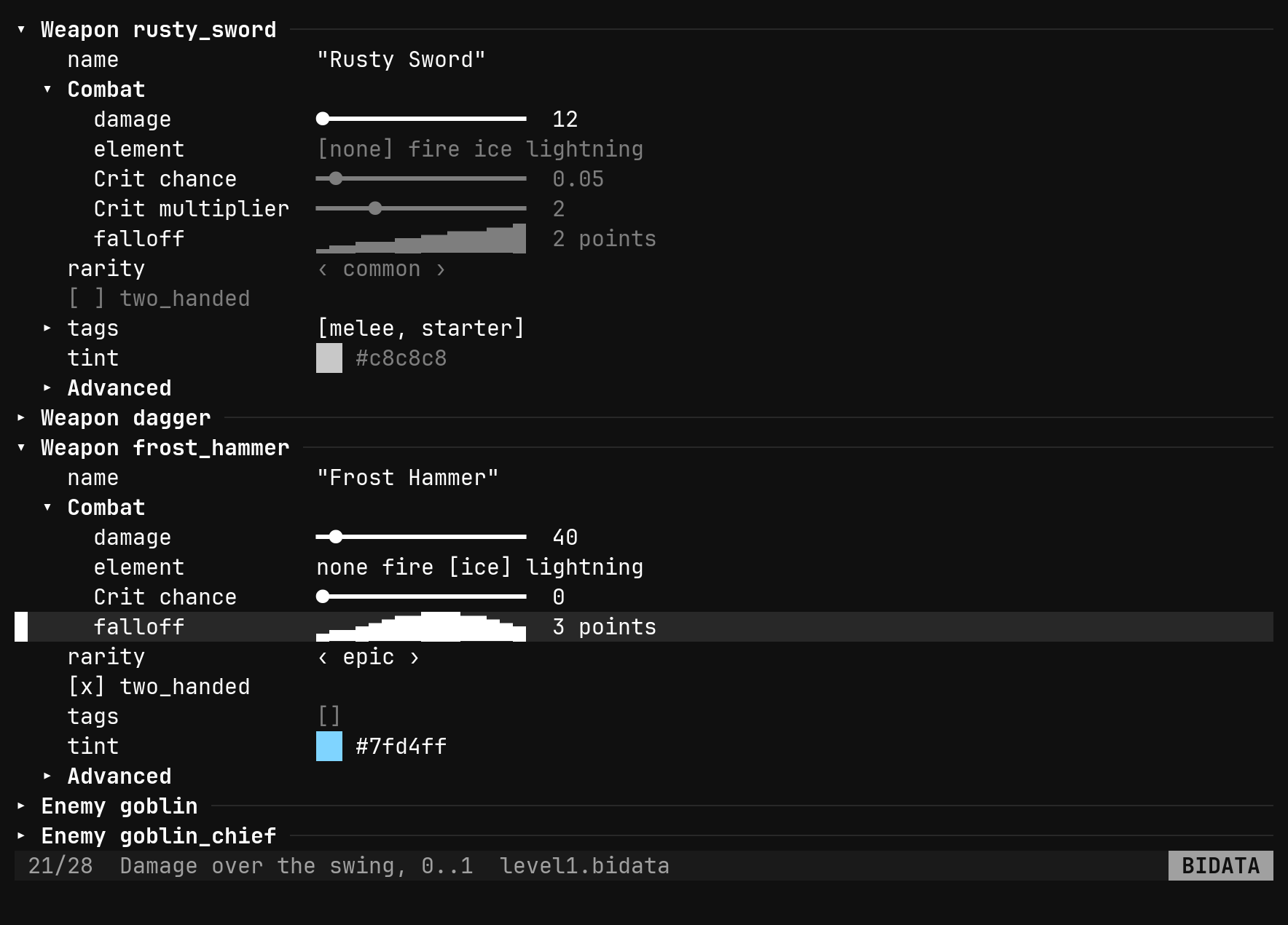
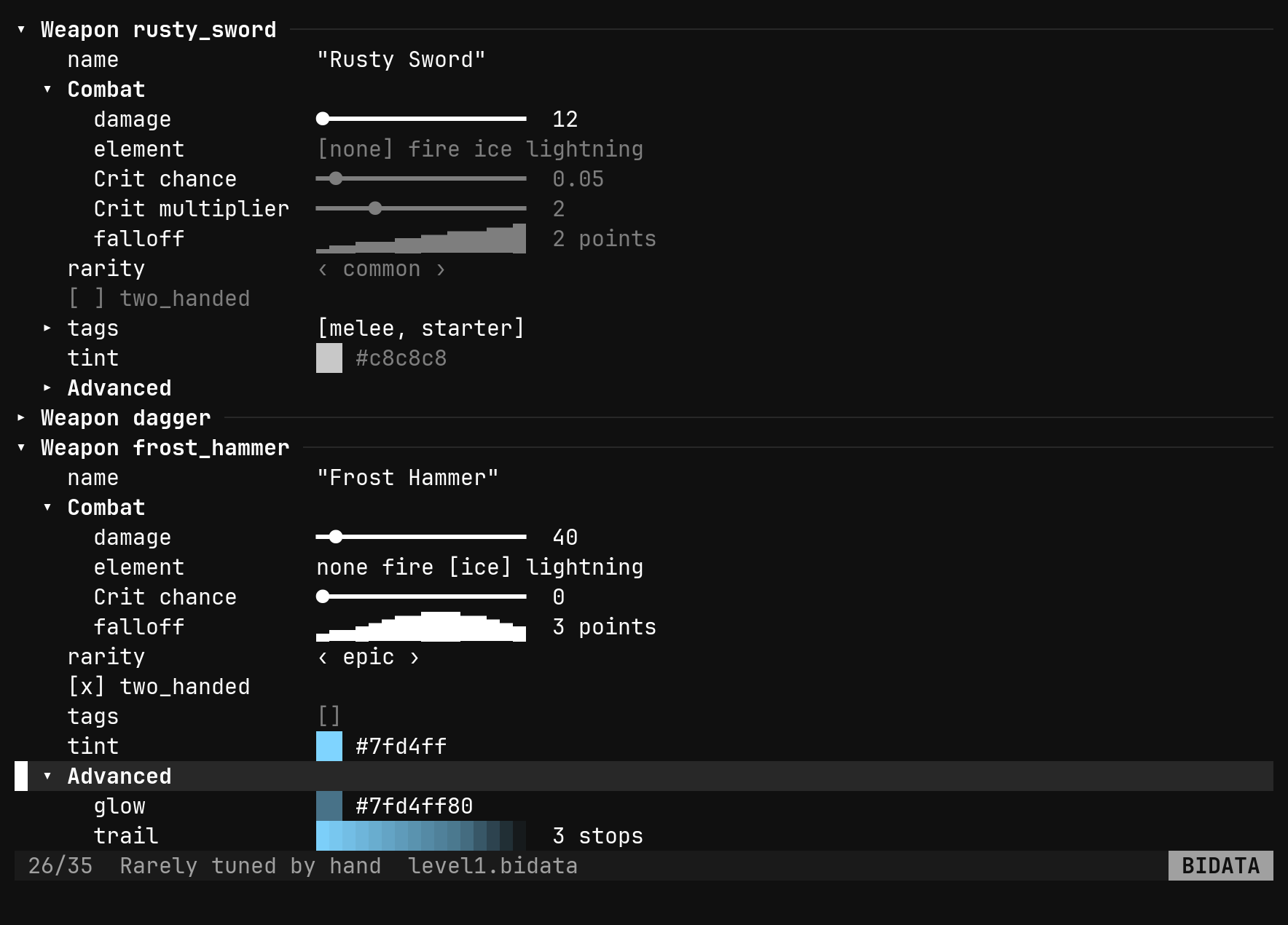
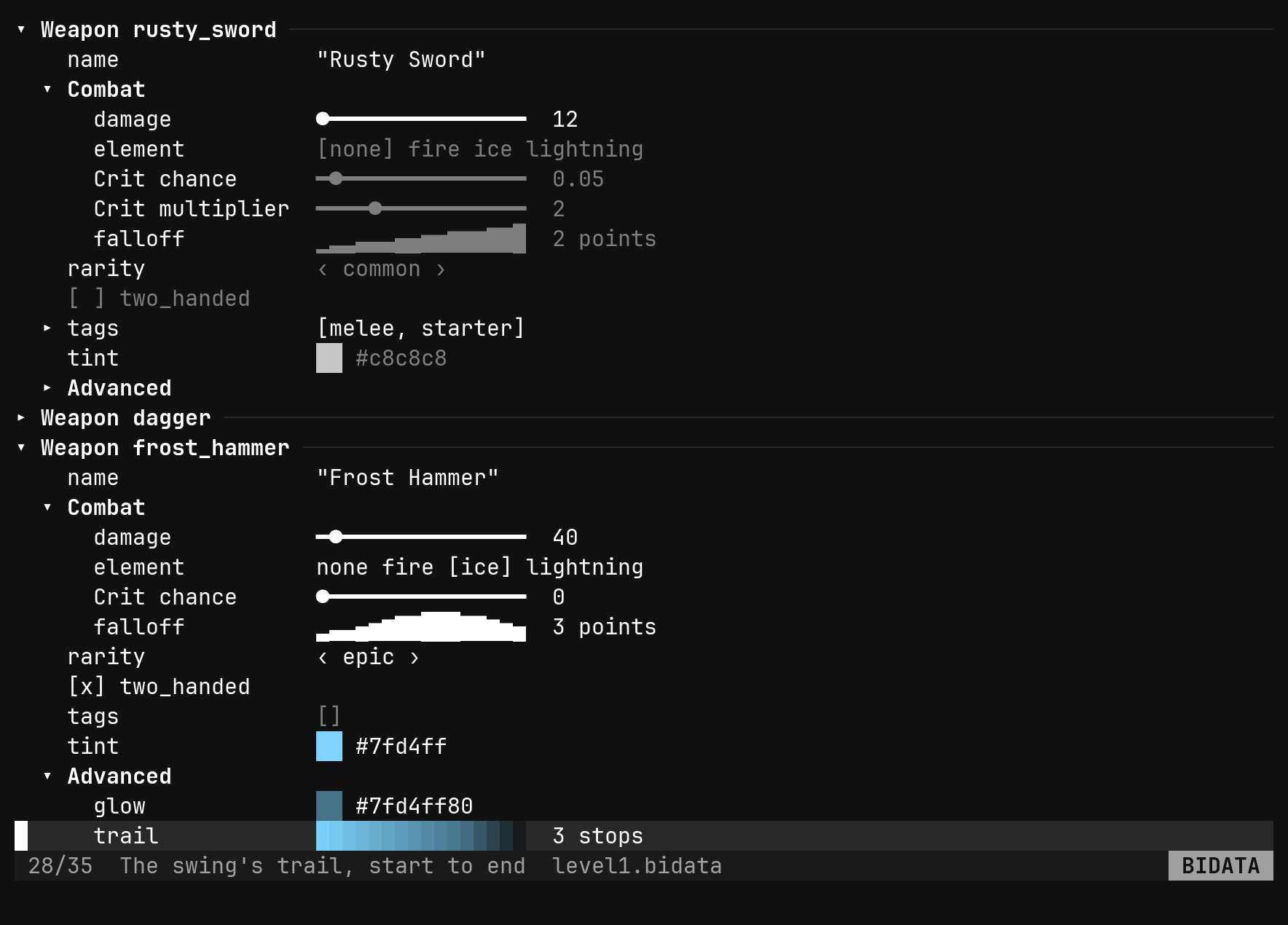
ref a choice, a rgb a brick painted its colour, a curve a sparkline, a
gradient sixteen sampled bricks. A value the instance sets is drawn plainly,
one inherited from the schema is dim, a read-only field is muted, and a
warning rides on the row after ⚠. The field’s doc shows in the status row
while the row is selected.
Rows that draw instead of spell
Four of the types have no useful text form, so the view gives them a picture on the row itself.
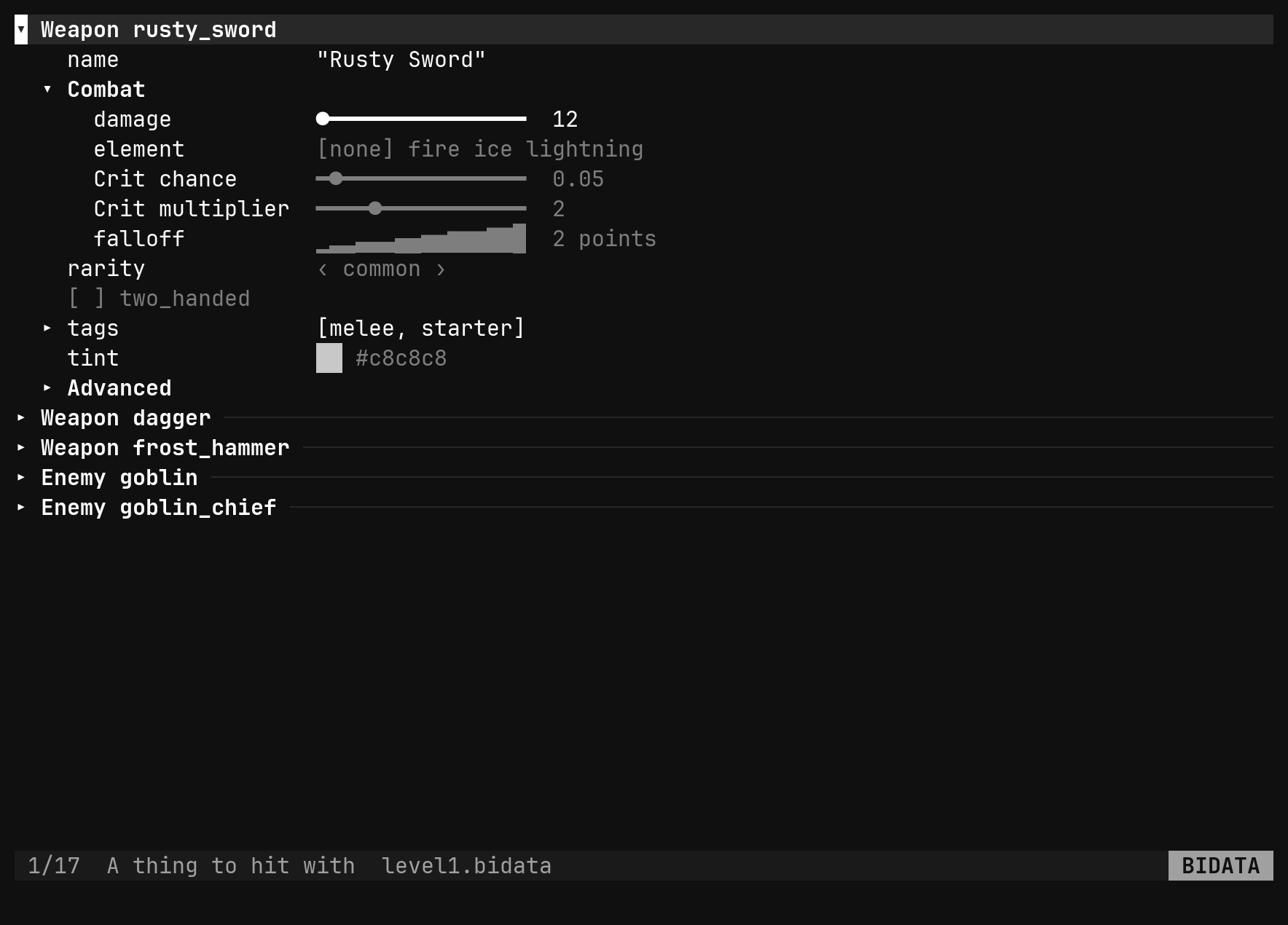
| Type | The row shows |
|---|---|
rgb | two cells painted the colour, and the hex |
rgba | the same, blended over the pane by its alpha |
curve | the curve sampled across sixteen cells, y clamped to 0..1, and its point count |
gradient | sixteen bricks sampled across the ramp, and its stop count |
None of the four turns with l — there is no next colour — so dd puts the
default back and Enter opens the value in its own editor: the
colour picker or the gradient bar for a colour
or a ramp, the curve editor for a curve, each split to
the right of the view with its form down the edge. :set editor color,
curve and gradient on the view do the same as Enter.
The keys in the tool rewrite the JSON in this buffer, and the view re-reads
after every one, so the brick or the sparkline follows the edit as you make it.
An inherited value is written into the instance first, as its own undo step, so
there is a literal to edit; a readonly field refuses with read-only. Esc
on the picture comes back to the view with the tool still open, :q closes it.
Turning values
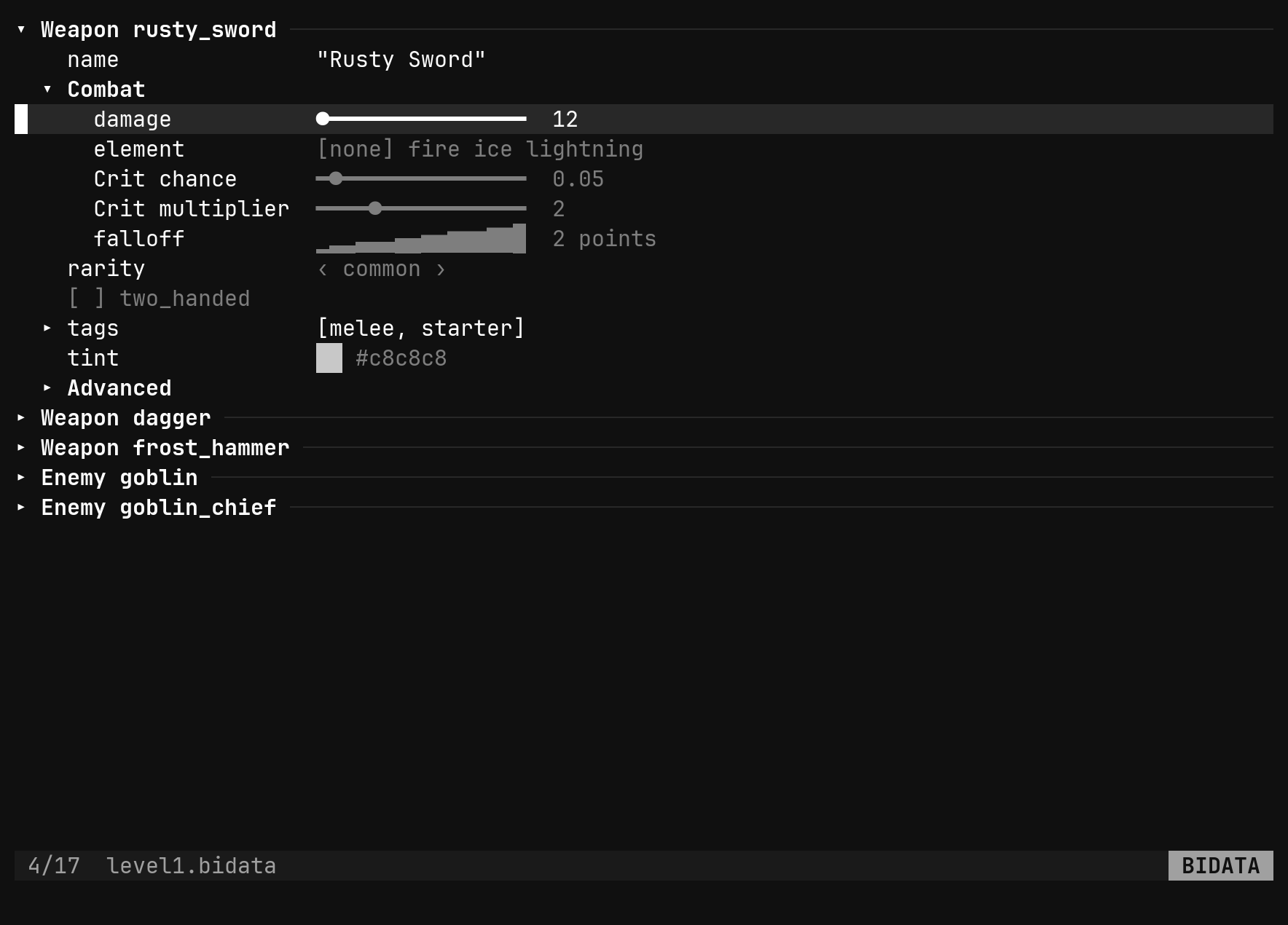
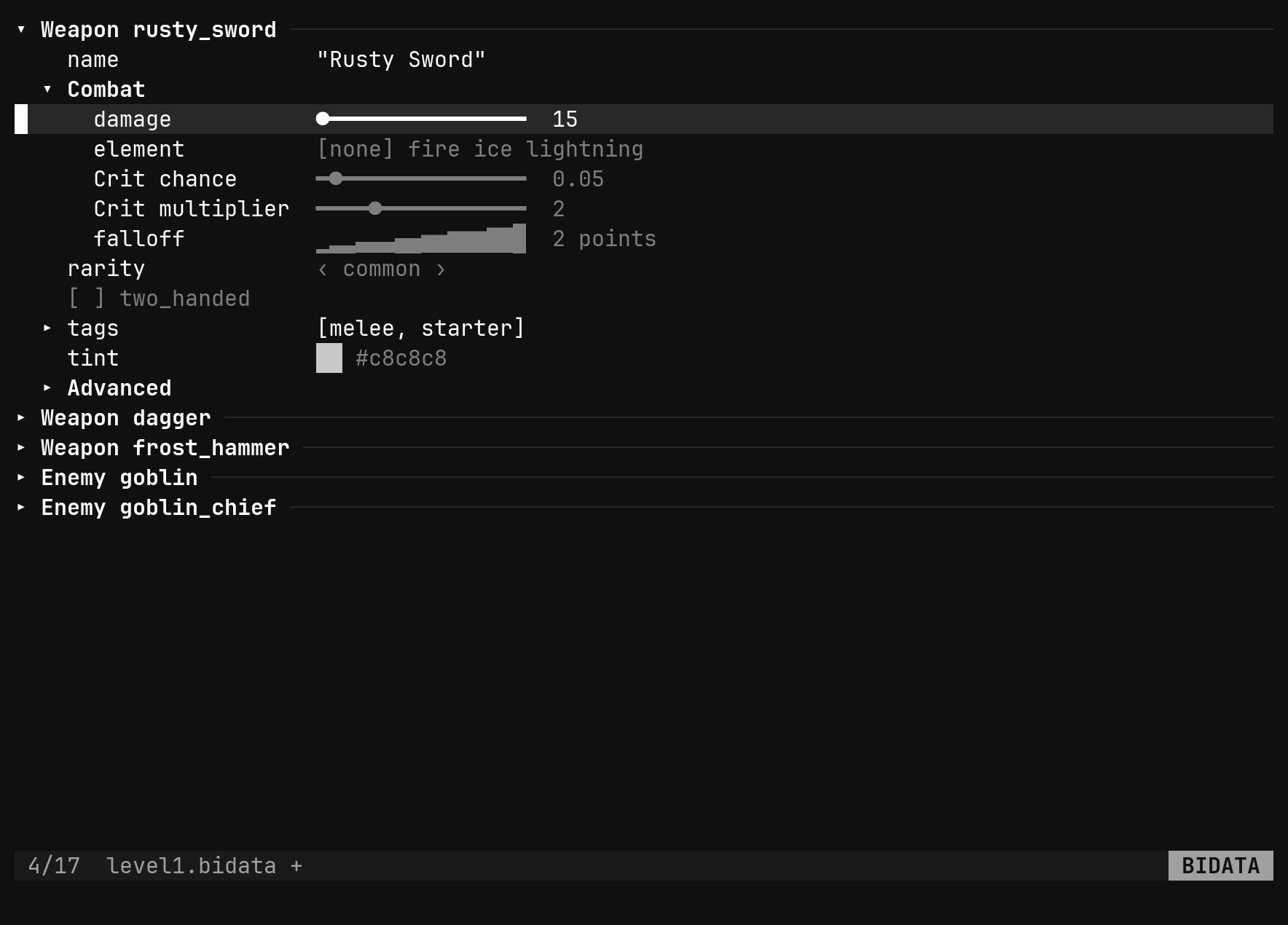
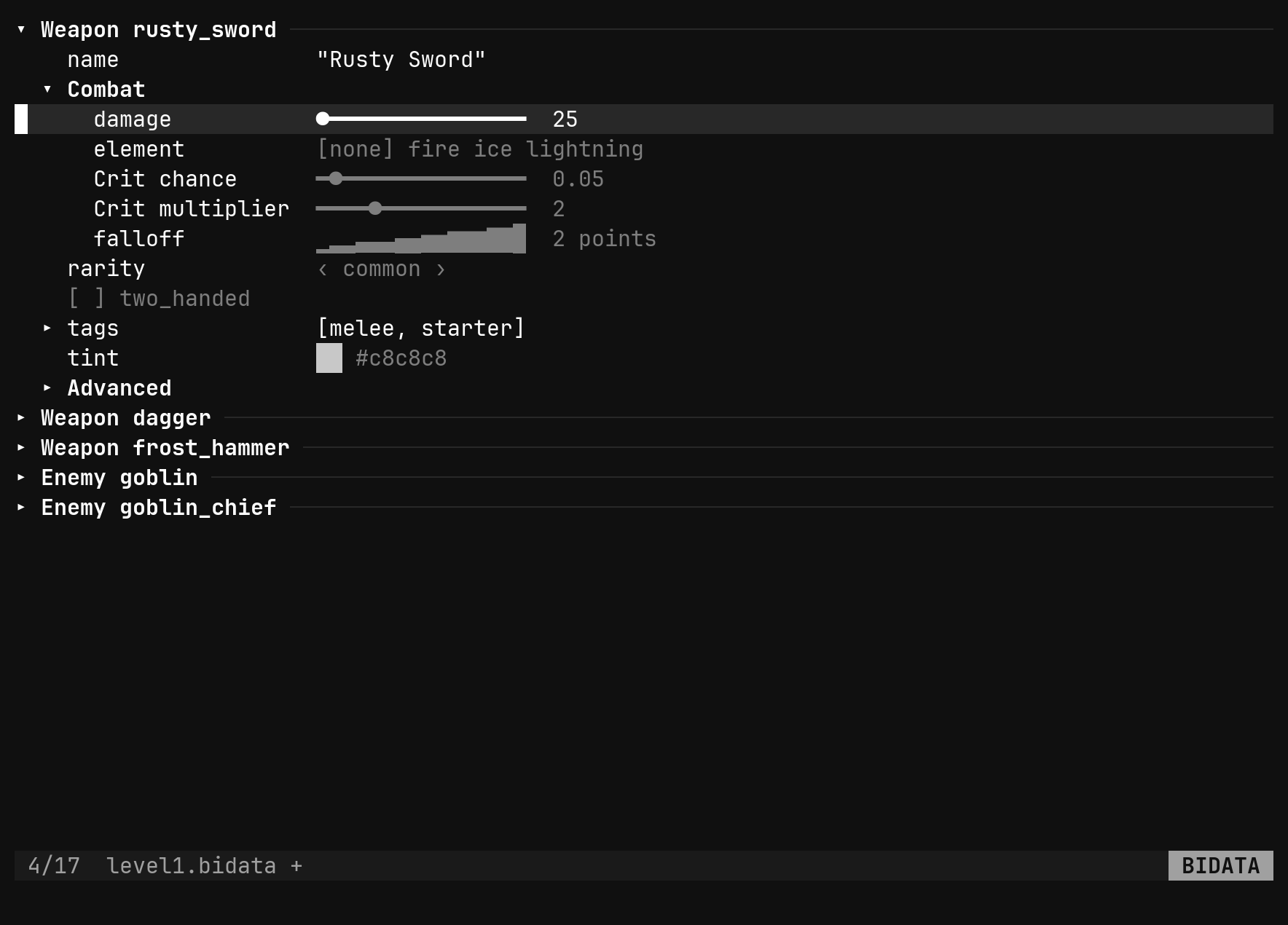
l and h turn the value under the cursor; everywhere else they open and
close rows. That one rule is the whole keymap.
| Key | Does |
|---|---|
j k gg G Ctrl-D Ctrl-U | pick a row, with a count |
Tab Shift-Tab | the next, previous instance or type |
l → | turn a value up — a number by its step, an enum or ref along, a bool on; otherwise open the row |
h ← | turn it down; otherwise close the row, or go to the parent |
H L | ten steps at once |
Backspace | the parent row |
Space | flip a bool, cycle an enum or ref, a number one step up — but see the note below |
Ctrl-A Ctrl-X | the same as l and h, for the vim hand |
Enter i | flip a bool; open a colour, curve or gradient in its editor; otherwise edit the value on the ex line |
y p | yank a typed value, put it on a row of the same type — in this file or another |
J K | move the row among its siblings; display order is the file’s order |
a | add an item, an instance, a field, a value, a type |
dd | a set value back to its default; a list item, an unknown key or an instance gone |
gd | on a ref, jump to its target |
u Ctrl-R | undo, redo — the buffer’s |
Every key that changes something is one edit of the buffer and one undo
step. The view re-reads the buffer afterwards, so there is one history, not
two: :w, :q, u and the modified marker are the file’s, exactly as in a
text window.
Space is bi’s leader by default, and a prefix has no
meaning of its own — so in the view a bare Space waits for the rest of the
sequence instead of flipping the row. Enter flips a checkbox, and
l/Ctrl-A turn any value; rebind or unbind the leader if you want Space
itself.y carries the value and its type. Yank an i32 and p
only lands on another i32; yank an instance from its header row and p fills
another instance of that type, keeping its id. A mismatch says yanked i32, this is string and writes nothing.Refs across files
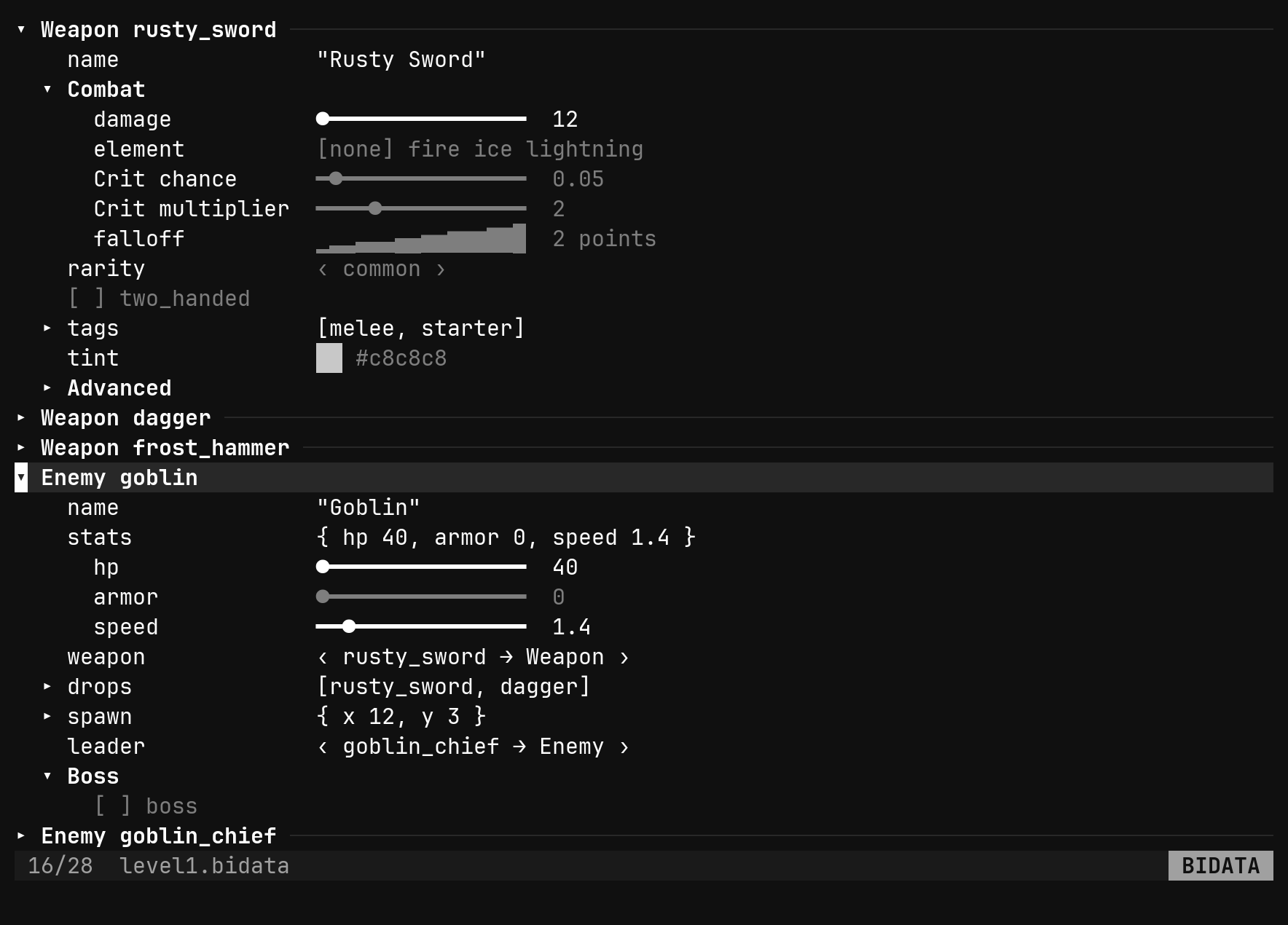
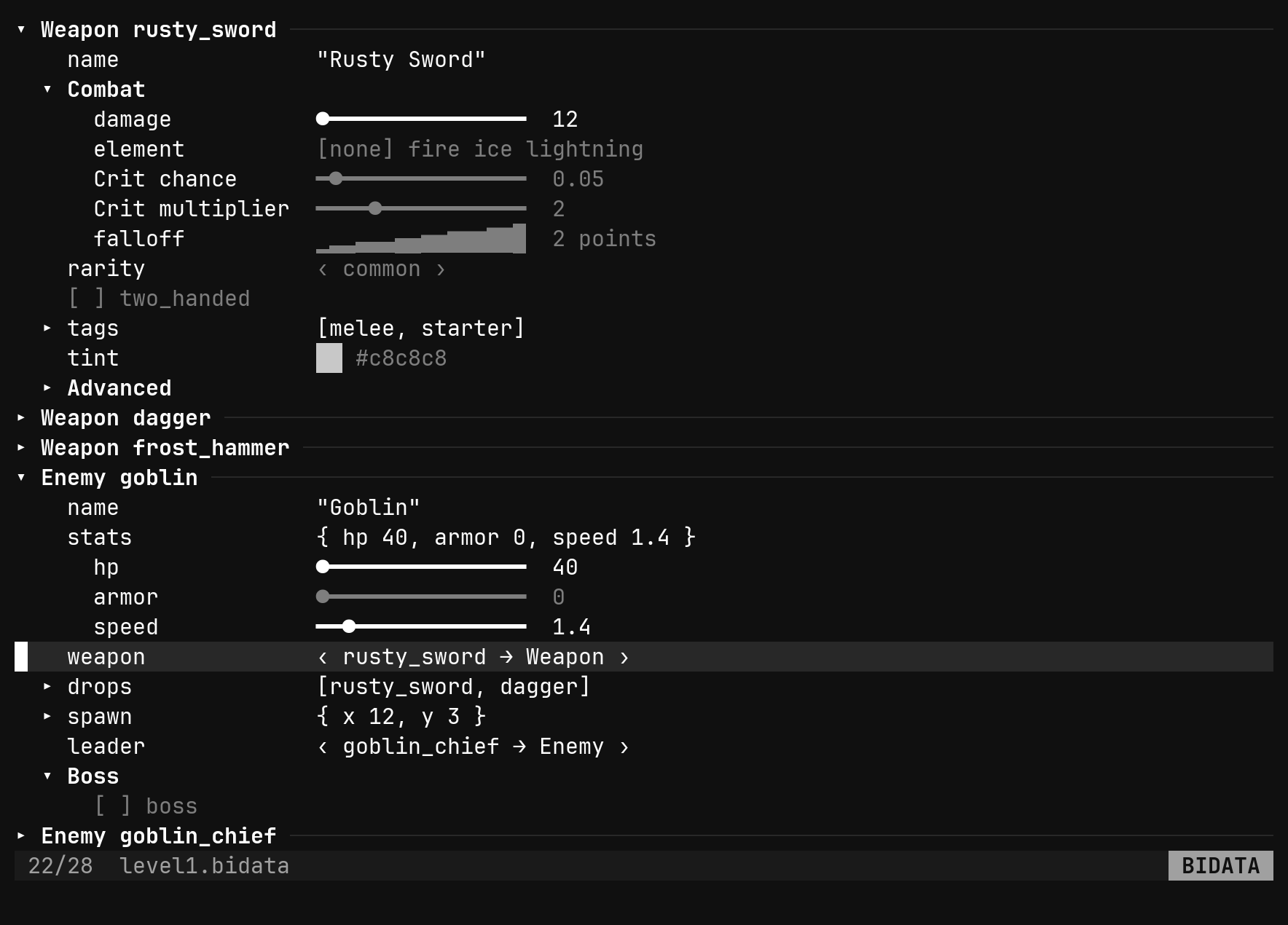
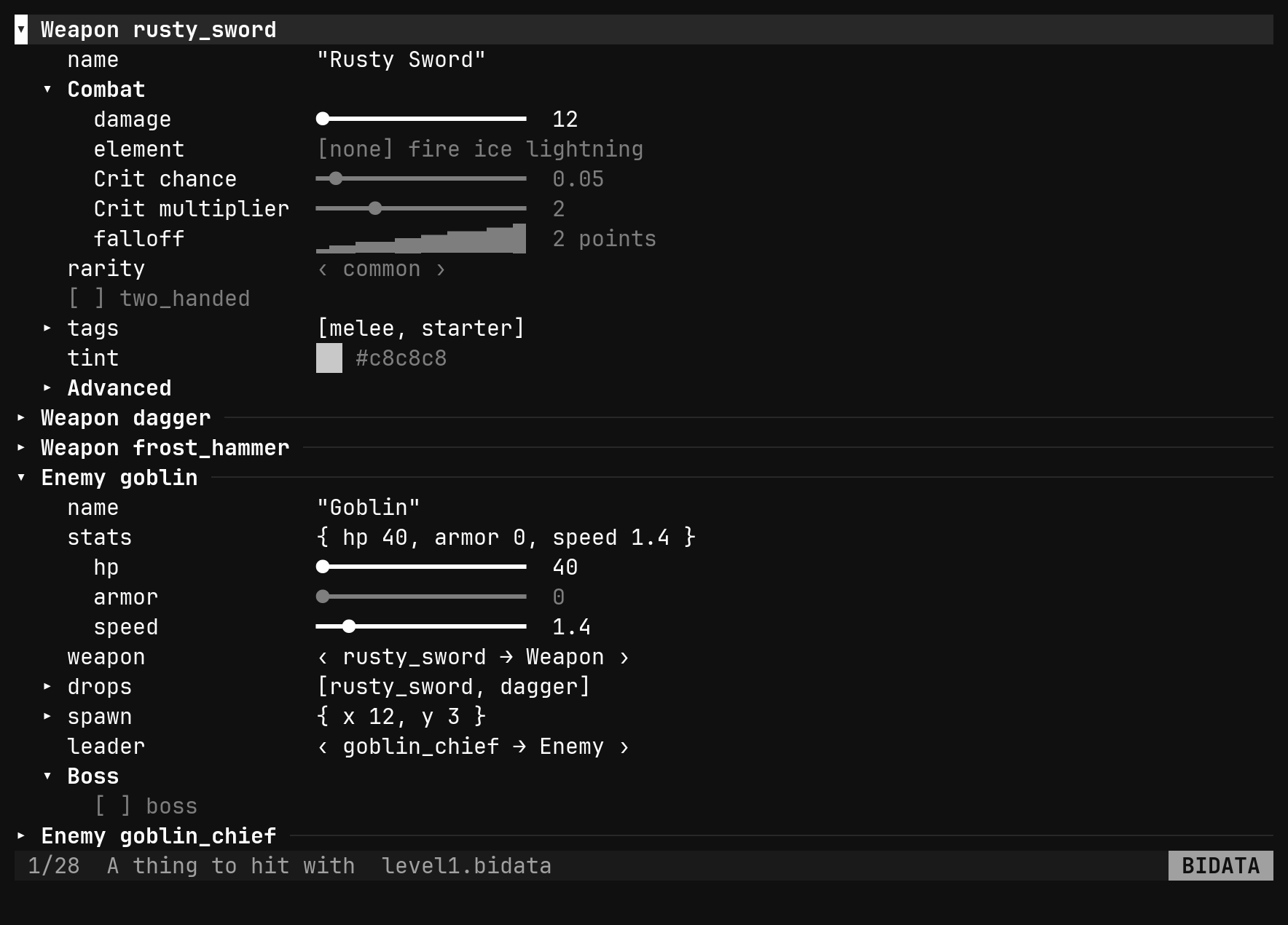
A ref<Weapon> stores an id. The editor keeps an index of every .bidata
under the project root whose $schema resolves to the same schema, which is
what l cycles through, what warns you about a dangling ref, and what gd
jumps by — into another file when that is where the target lives.
The schema view
A .bischema opens as a tree instead: one row per type, its fields under it,
and every layout attribute under the field.
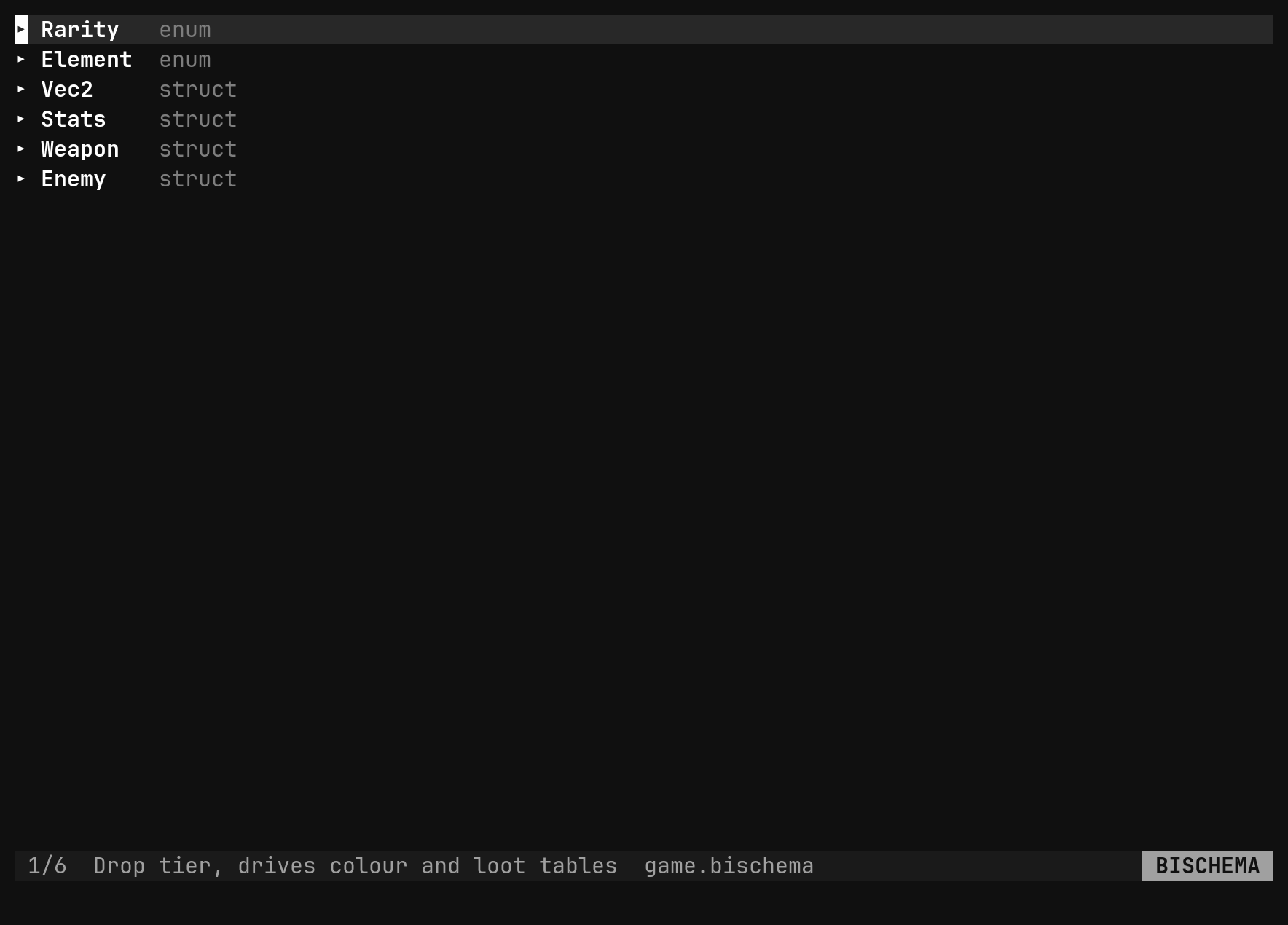
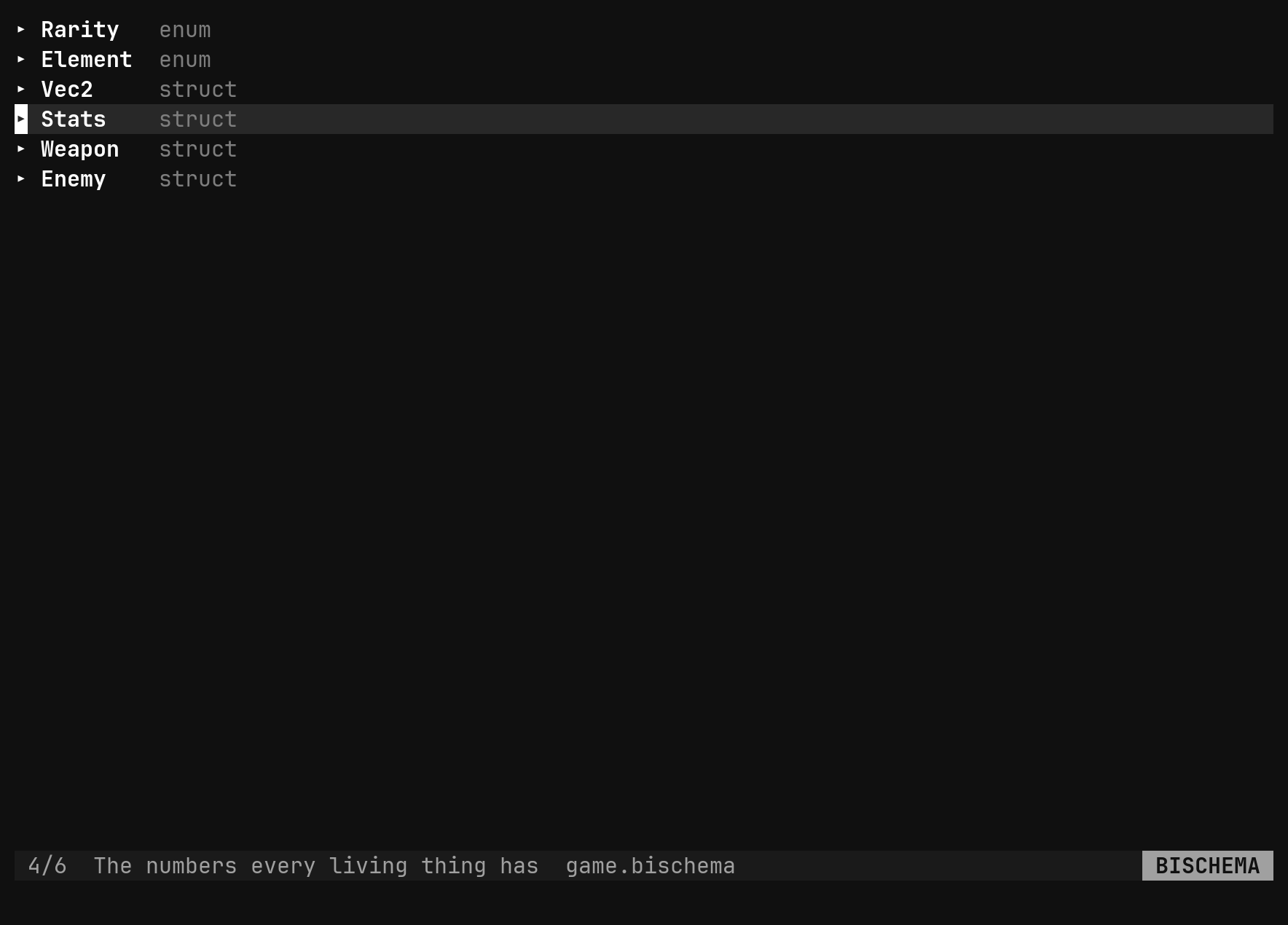
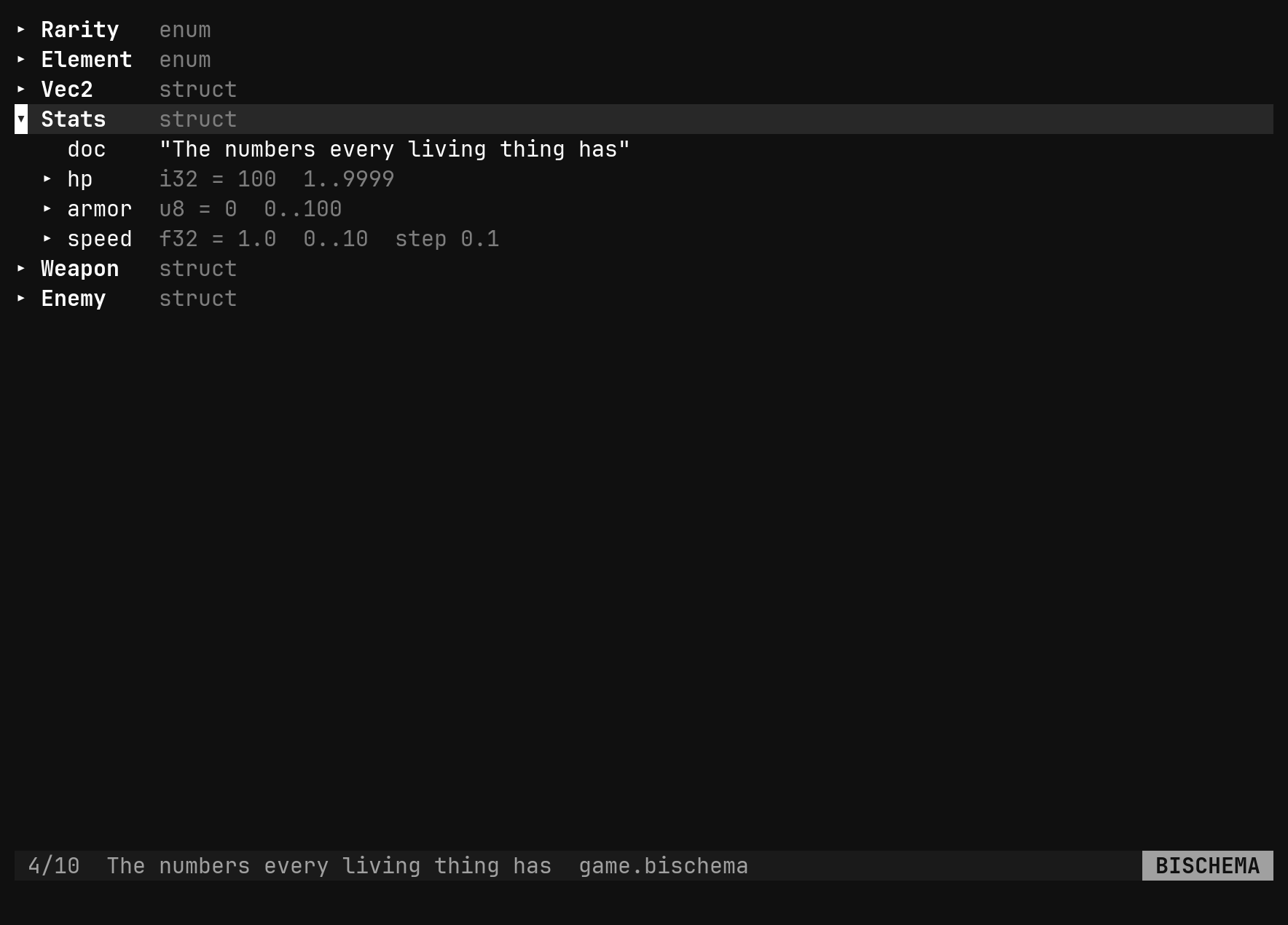
The attributes are the schema’s own, and they change how the editor draws a field, never what the data means — a reader that does not know them ignores them.
| Attribute | Does |
|---|---|
group | puts the field under a titled, foldable section; / nests |
order | sorts fields, lowest first; the array order breaks ties |
label | the row says this instead of the field name |
readonly | shown, never turned |
show_if hide_if | the row appears or goes while a condition on a sibling holds |
widget | toggle draws an enum as all its values; inline opens a struct with no fold |
A condition names a sibling: two_handed, !two_handed, rarity == epic,
hp > 10. A struct may also carry groups with options per group, so a
section can start collapsed.
Opening and mending
| Command | Does |
|---|---|
:set editor bidata bischema | the property view over this buffer |
:set editor text | the text back |
:set editor | says which is up |
The extension does this for you; the commands are for a file that has none. An
empty buffer gets the skeleton written first, with $schema filled in when
exactly one .bischema sits beside it. A file that cannot be read — no
$schema, bad JSON — opens as text with the reason on the status line, and
:set editor bidata on it keeps the view up with that error as its one row, so
:bi init, :bi schema and :bi migrate can mend it — see
Editing data.
Errors block the view and open the file as text with the error marked; warnings — a number outside its range, a dangling ref, an unknown key left by a rename — ride on the row and never block editing or saving. Unknown keys are preserved on write; bi does not drop data it does not understand.