Editing data
:bi is the ex half of the property view: set a value by path, add a type, rename a field across every data file that uses it, and mend a file that does not parse.
Paths name a row
Every :bi command that touches a value takes the same path the view prefills
when you press Enter.
| In a | A path is | Example |
|---|---|---|
| data file | <id>.<field>, . into a struct, [n] into a list | goblin.hp, dagger.offset.x, goblin.drops[1] |
| data file | the instance’s own id | goblin.$id |
| data file | an id two types share | Enemy:goblin |
| schema | <Type>.<field>.<attr> | Weapon.damage.default, Weapon.damage.min |
| schema | a field’s name, an enum’s value, a type’s doc | Weapon.damage.name, Rarity.values[2], Weapon.doc |
Groups are layout, not data, so they never appear in a path.
Setting a value
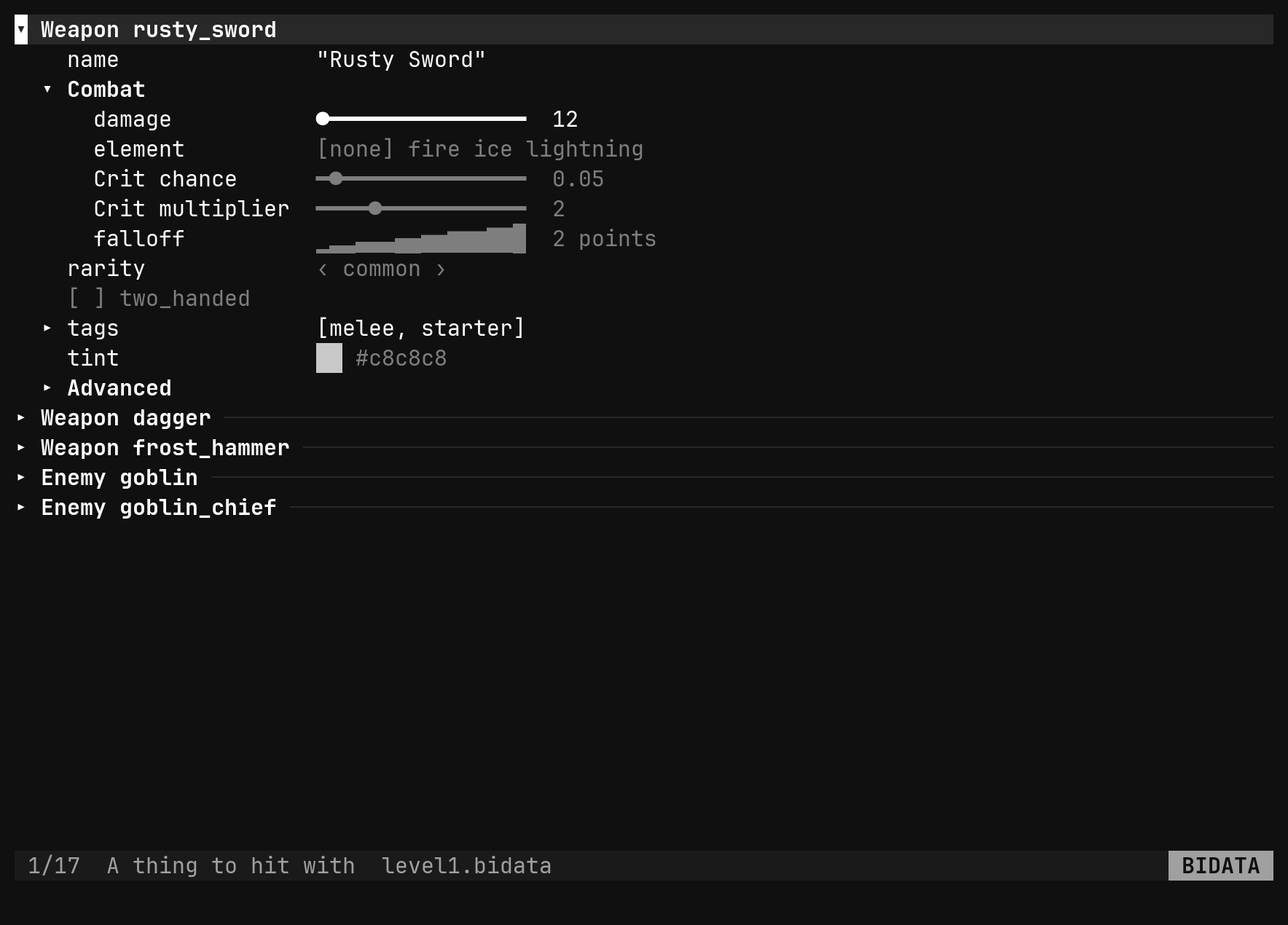
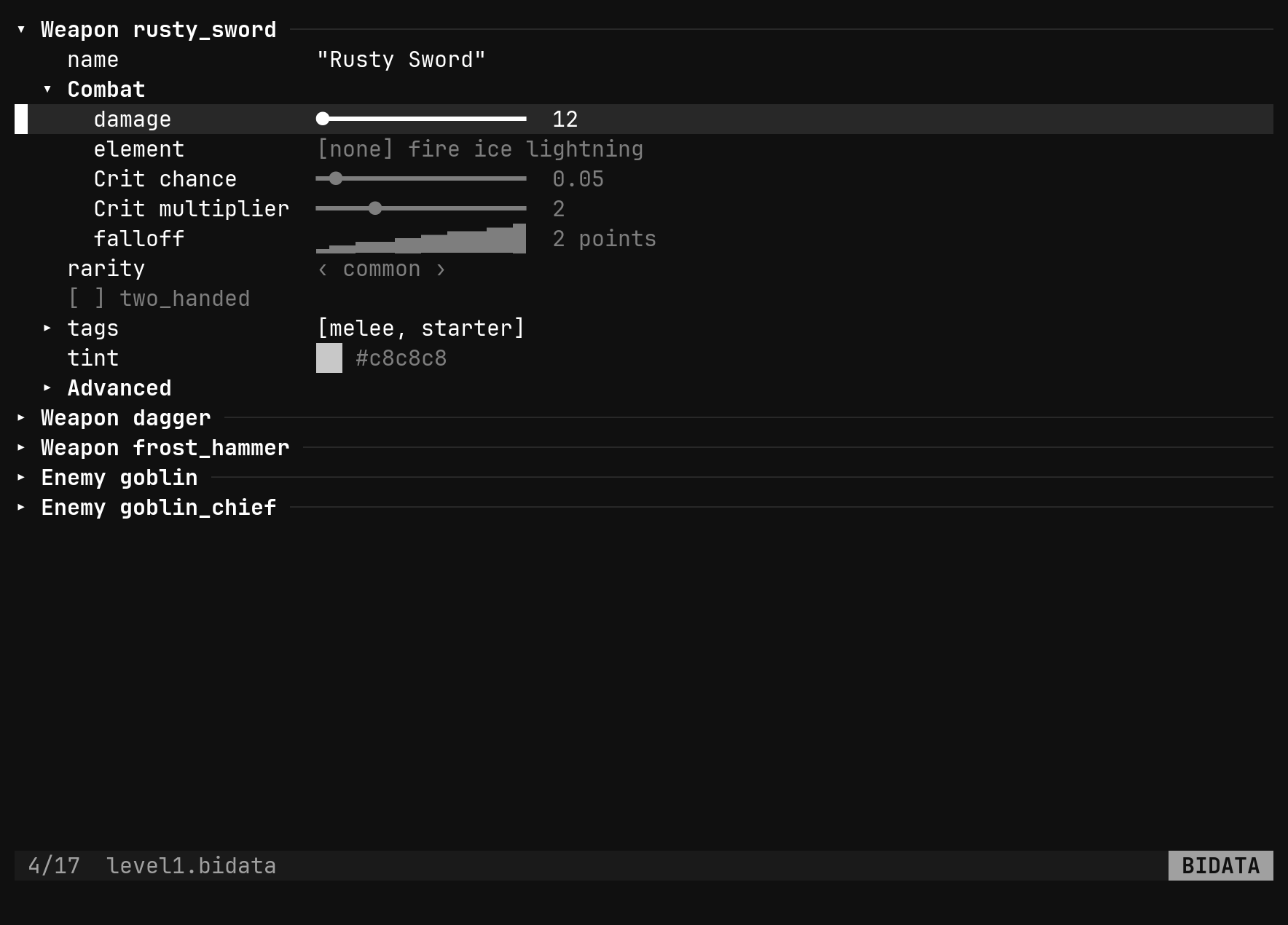
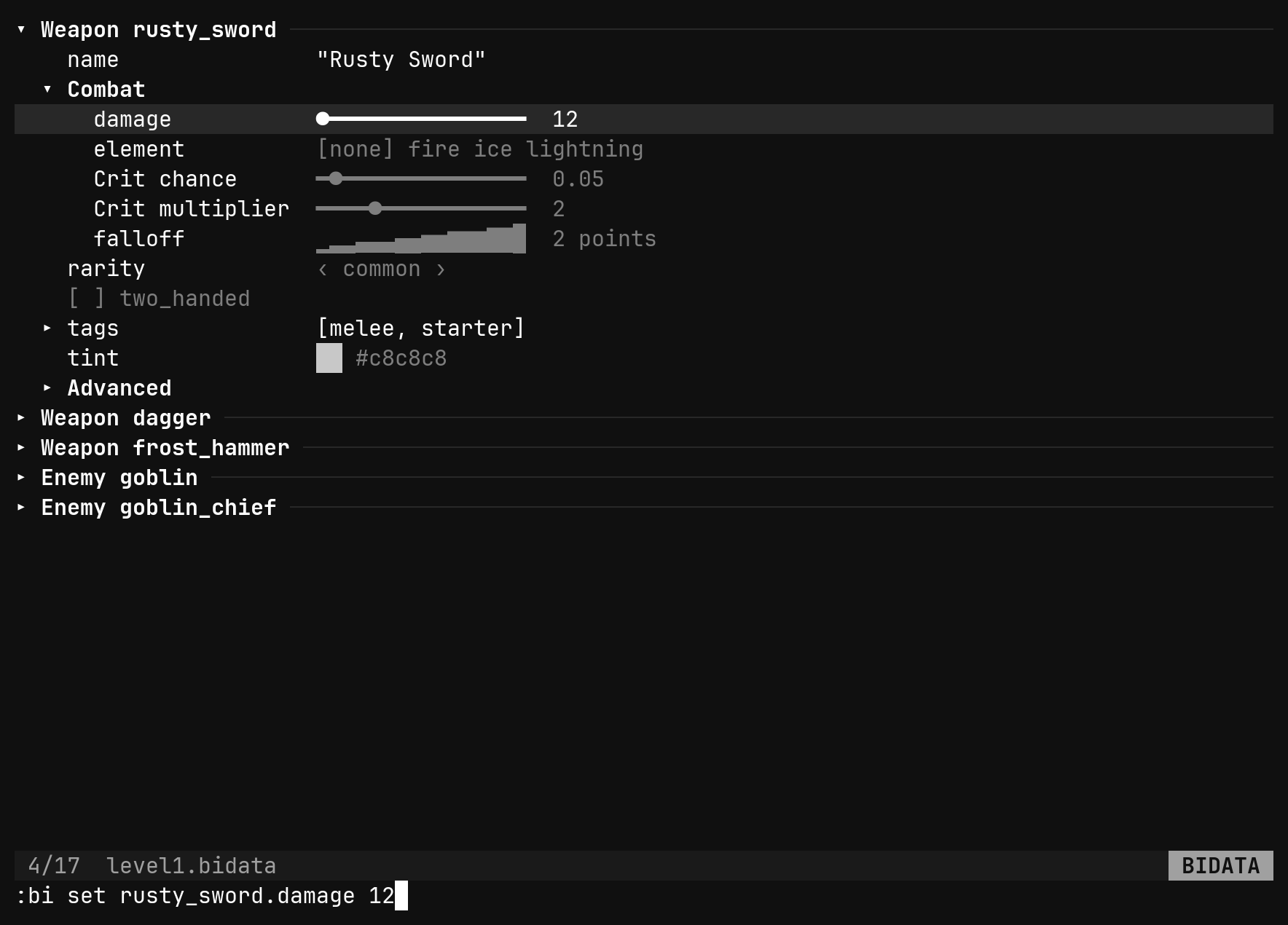
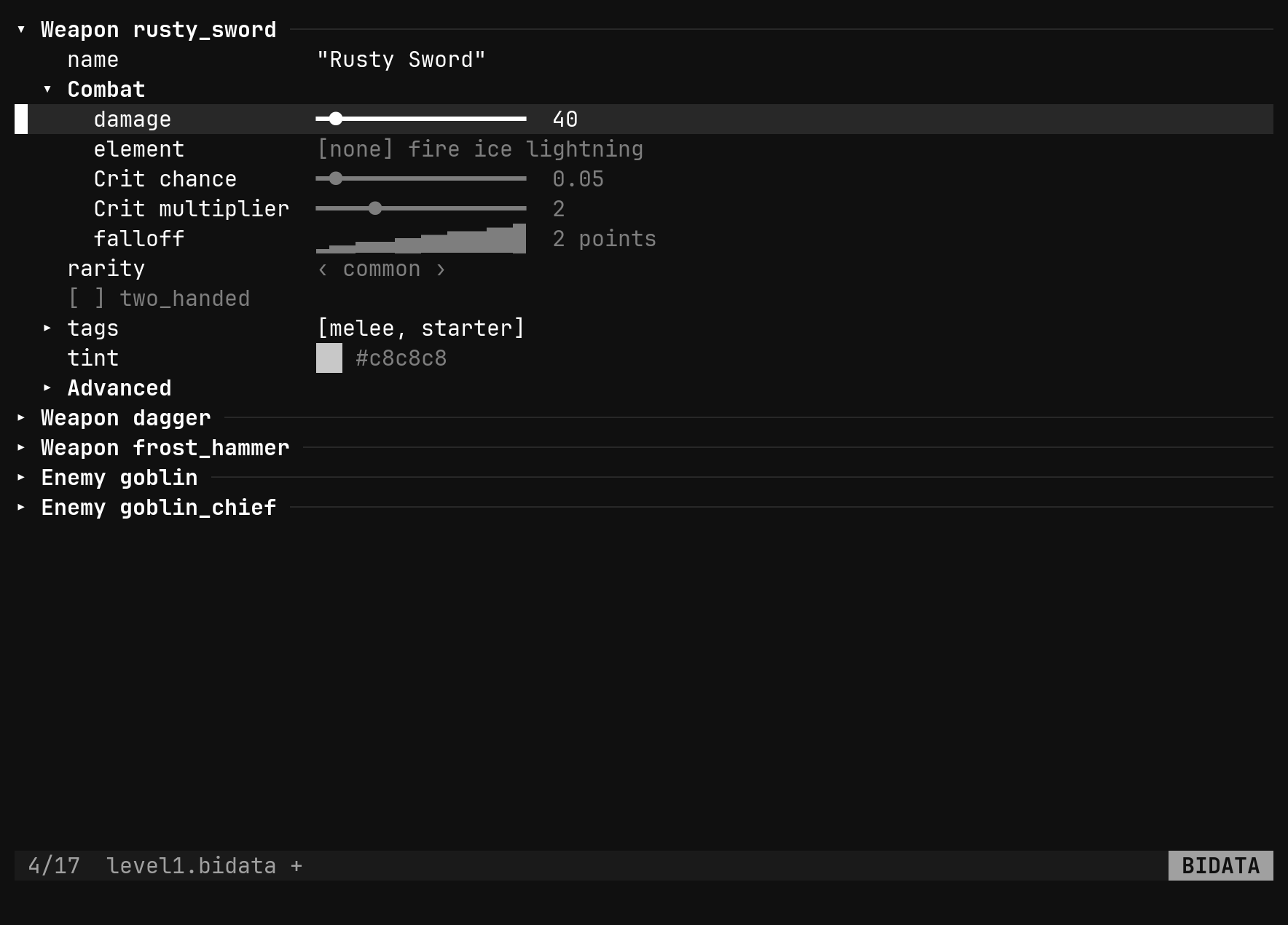
:bi set <path> <value> parses the value by the field’s type: true/false,
a number within its width, a string with quotes optional, an enum by name, a
ref by id, null/none/- for an absent optional, a colour as hex with or
without the #, and a list, struct, curve or gradient as JSON. Bare
:bi set <path> reports the value instead.
A value that does not parse is refused, naming what the field takes. A number
outside min..max is written and warned about — the range is guidance for
the slider, not a lock on the file.
Writing a value equal to the default removes the key: the row goes dim and
the file loses a line. That is what sparse storage means, and dd on a set row
does the same thing deliberately.
goblin.drops[1] on an inherited list
writes the list, with the other items still at their defaults.Instances
| Command | Does |
|---|---|
:bi new <Type> <id> | a new instance at the end of the file, required refs left blank |
:bi delete <Type> <id> | an instance, however many refs point at it — they dangle and warn |
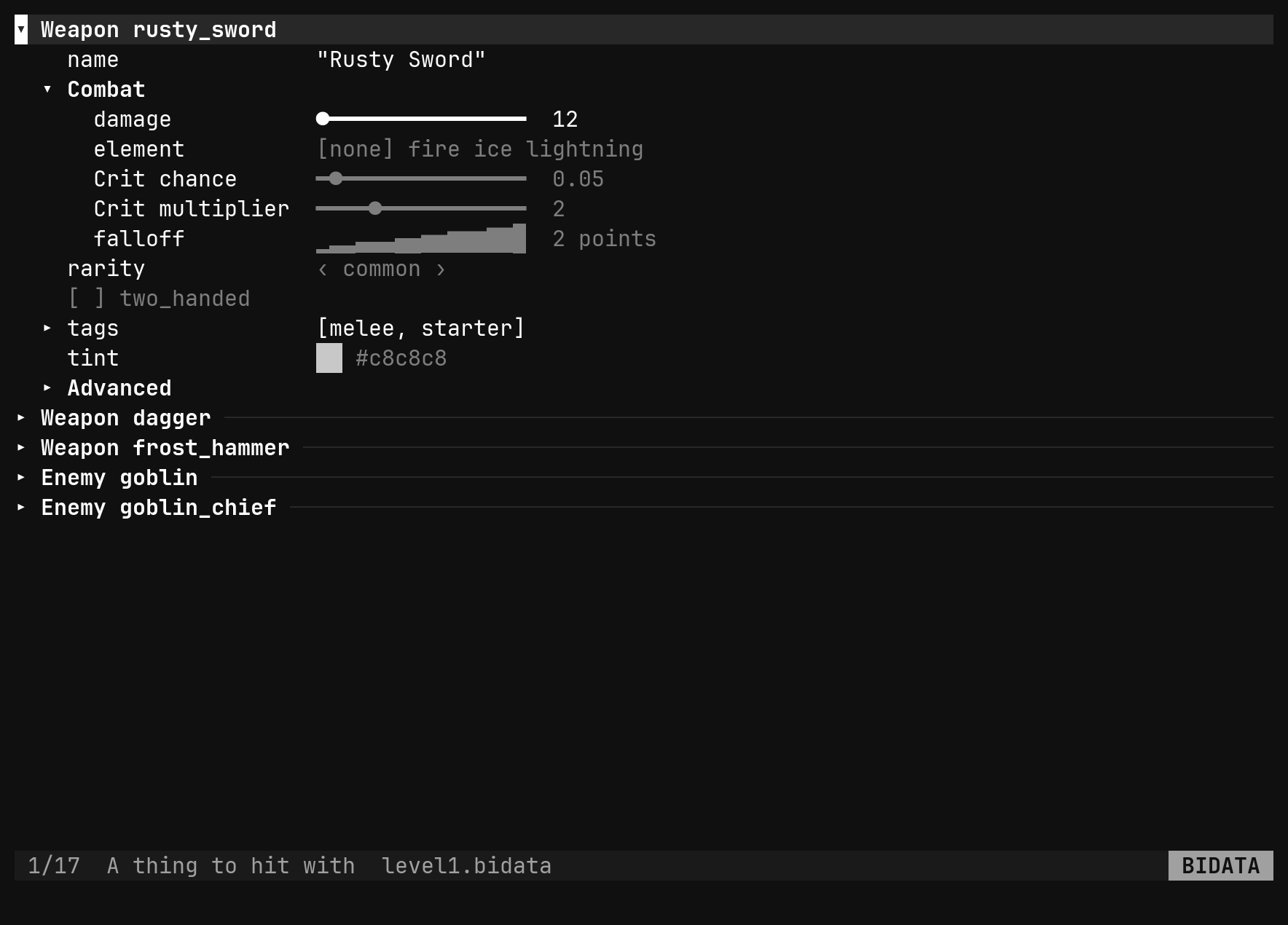
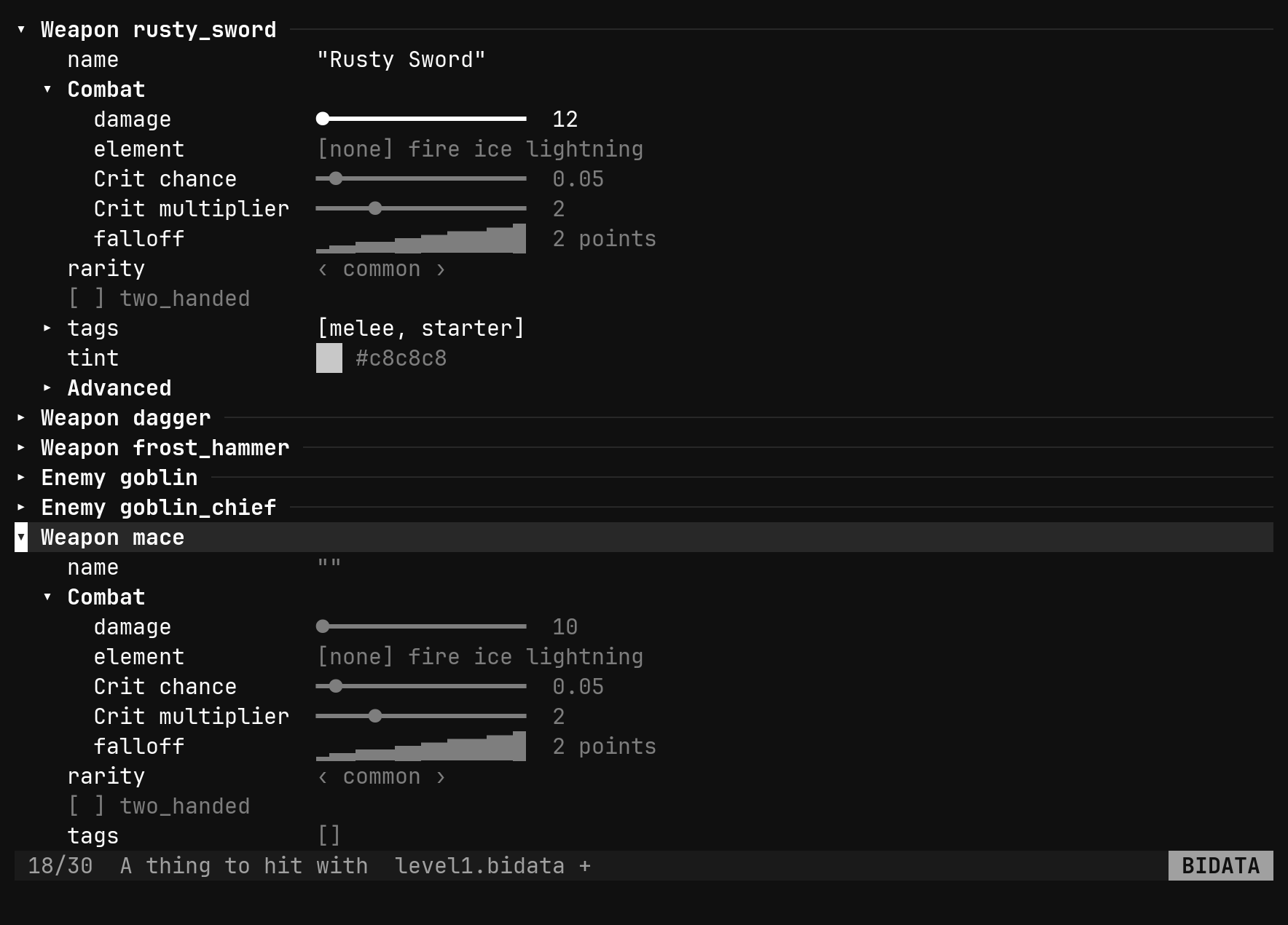
a on an instance header does the same as :bi new and prefills the ex line
for the id. dd on an instance that nothing references removes it outright; on
one that is referenced it prefills :bi delete Enemy goblin instead, and
pressing Enter is the confirmation.
Growing the schema
| Command | Does |
|---|---|
:bi add <Name> struct [f:t …] | a struct, with fields — :bi add Color struct r:u8 g:u8 b:u8 |
:bi add <Name> enum [v …] | an enum with its values — :bi add Rarity enum common rare epic |
:bi add <Type> <f>:<t> … | fields on an existing struct — :bi add Weapon speed:f32 |
:bi add <Enum> <v> … | values on an existing enum |
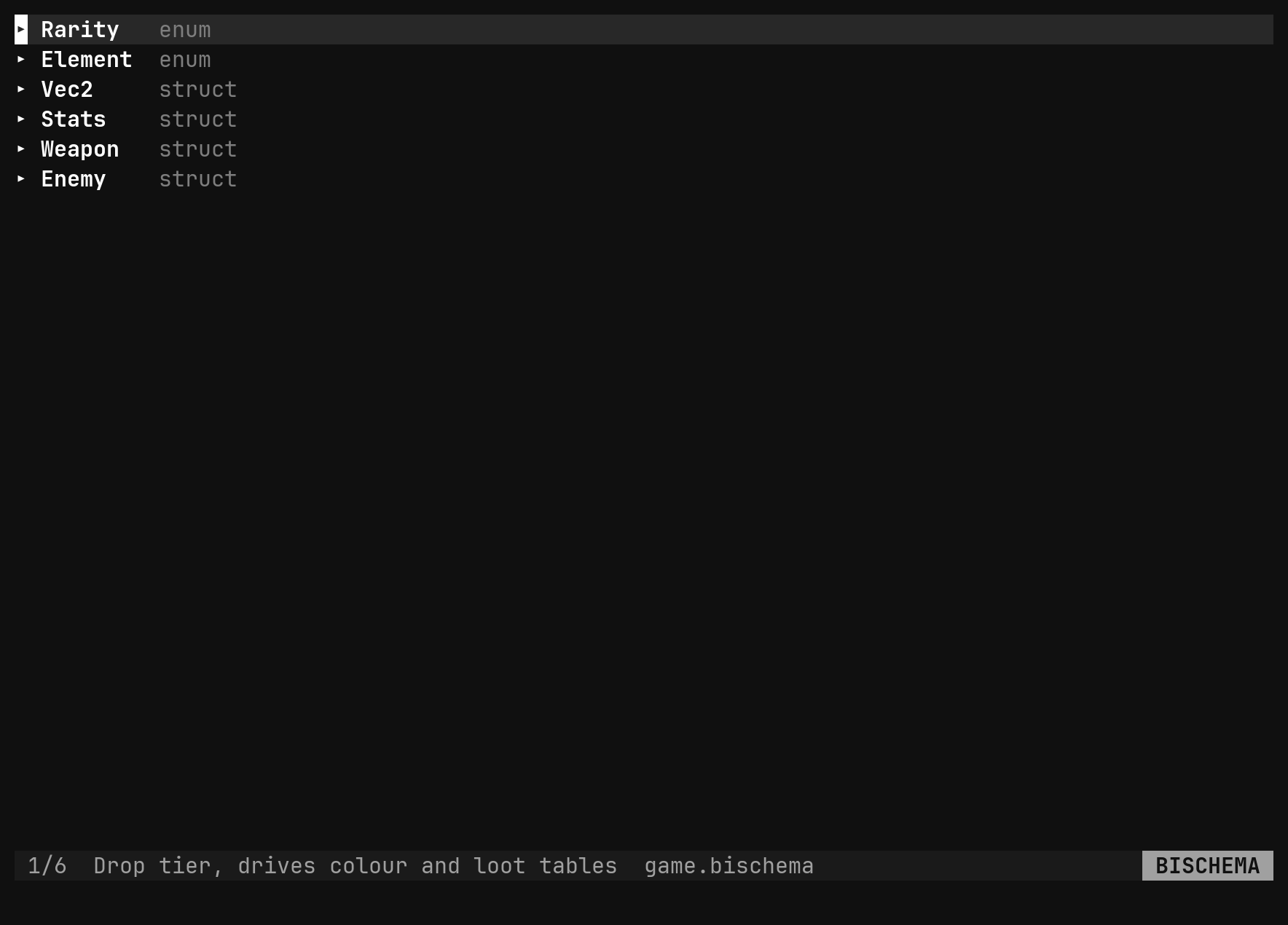
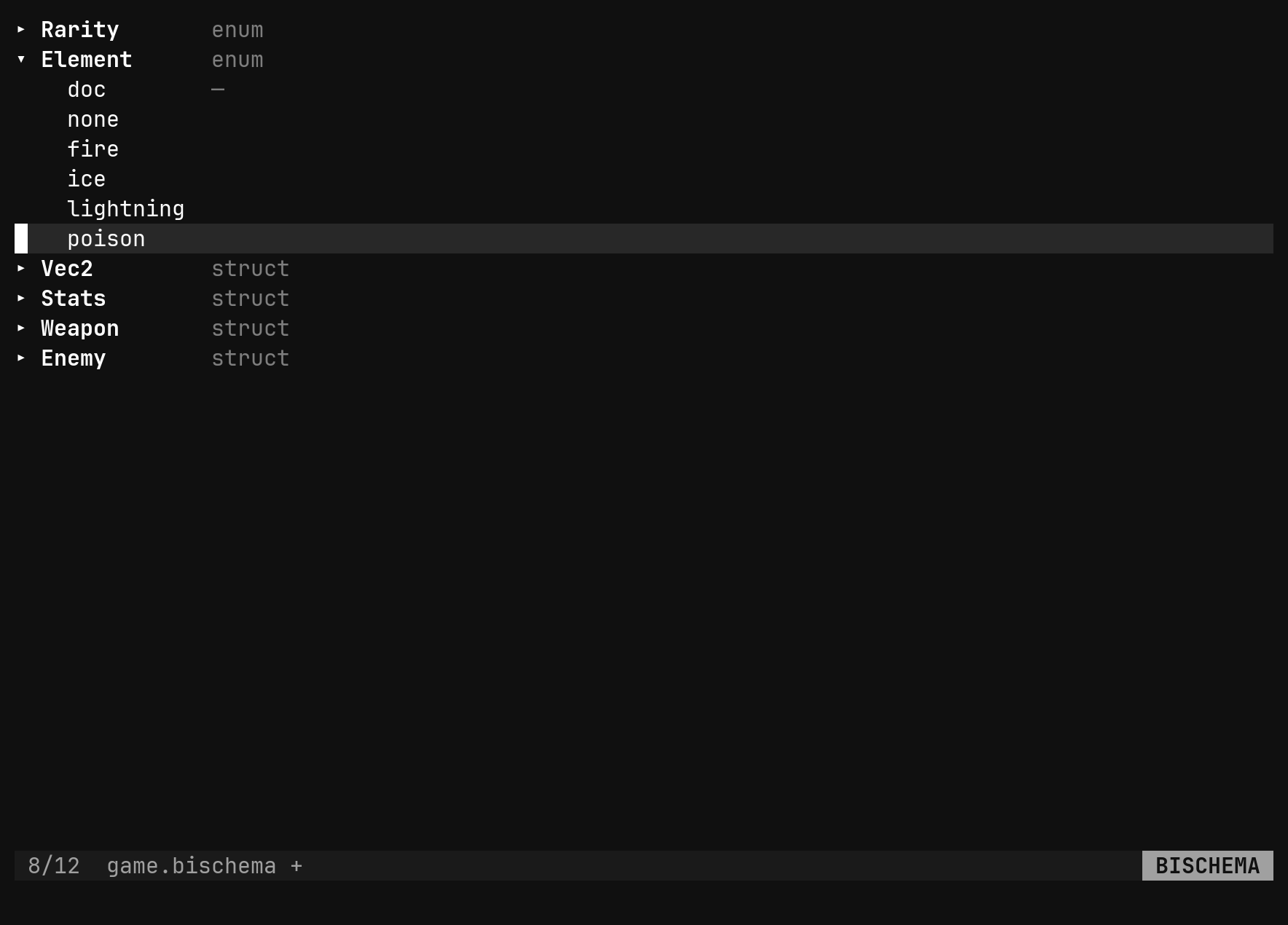
Anything just added is opened and selected, so the next key edits it. A name that is taken, or a path that does not exist, is refused with a message.
Renaming, across every file
This is the one that earns the format. A field’s name is its key in every
data file, so renaming it by hand would orphan every value. :bi rename does
both halves in one step and one undo.
| Command | Renames |
|---|---|
:bi rename <Type>.<old> <new> | a field or an enum value in a schema — every data file rewritten |
:bi rename <Type>.<old> <new> | an id, in a data file — every ref to it rewritten |
:bi rename <Type> <New> | a type: its key, every type expression, every instance’s $type |
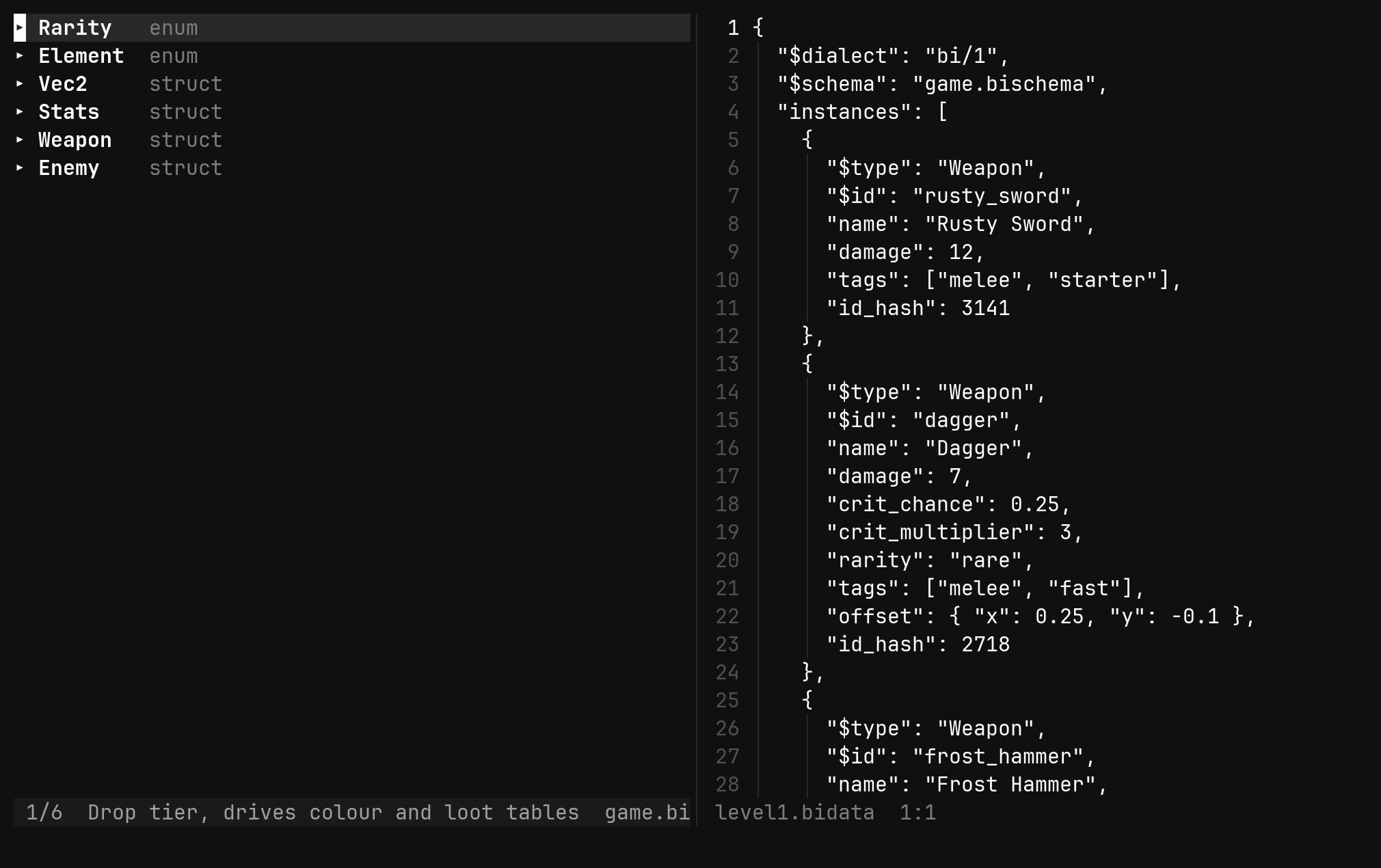
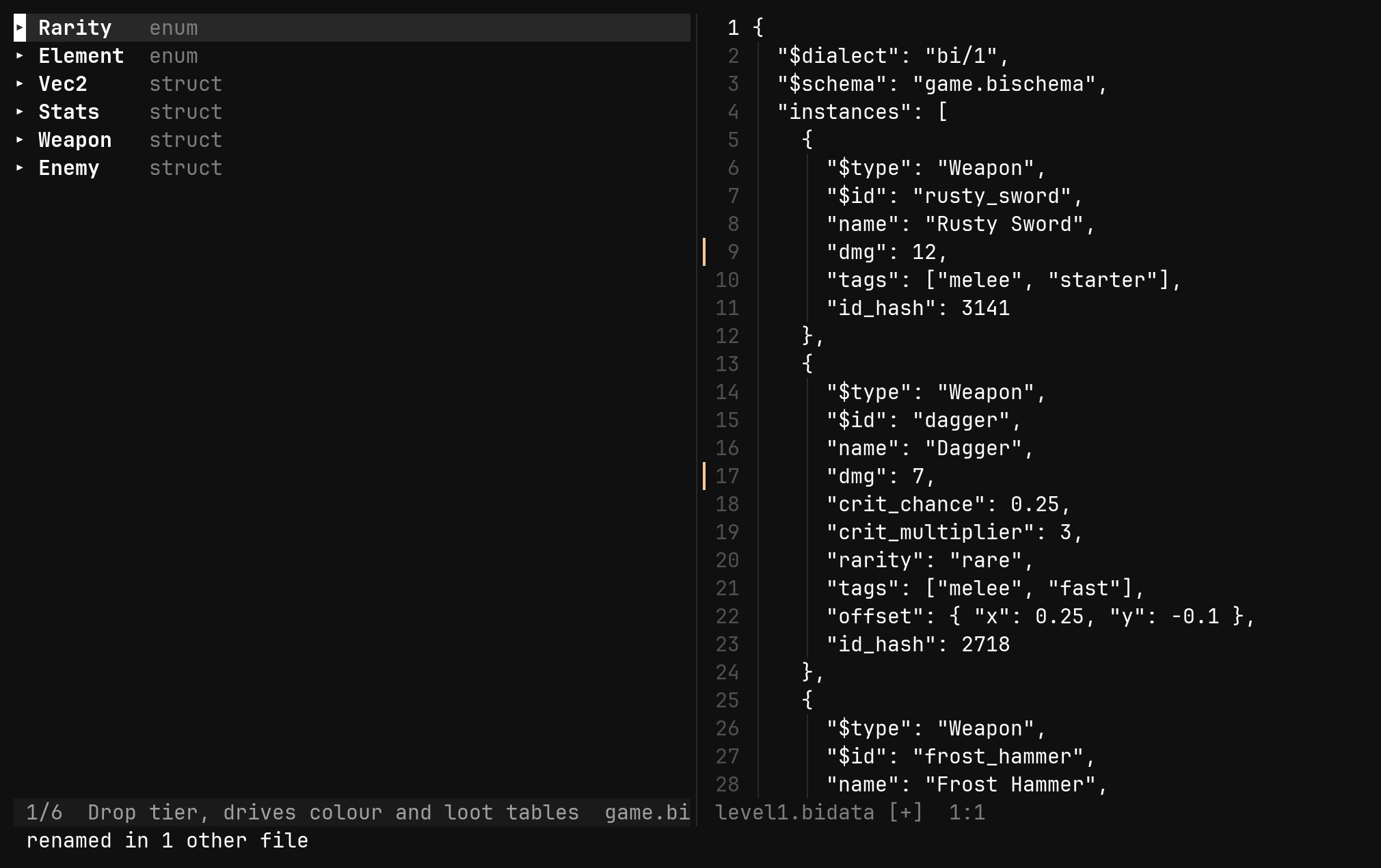
A data file that is open in a buffer is rewritten in the buffer, as one undo
step of it; one that is not is rewritten on disk. Setting goblin.$id is the
same refactoring by another spelling.
For a rename someone already made by hand — in a text editor, or a merge — the
values arrive as unknown keys. :bi remap <Type>.<old> <new> renames those
across the data files after the fact, and :bi prune drops every unknown key
in the current file when they are genuinely dead.
Mending a file
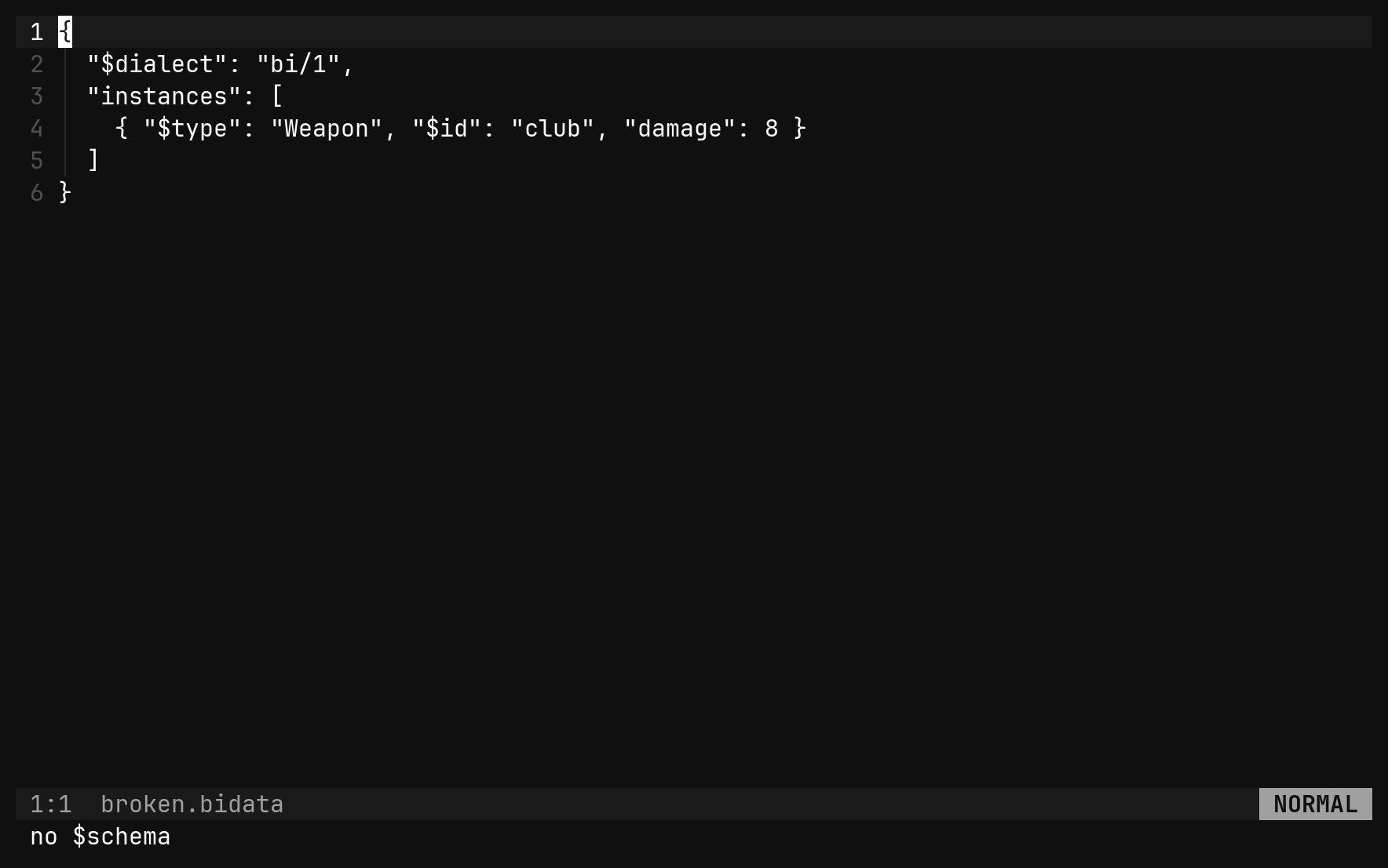
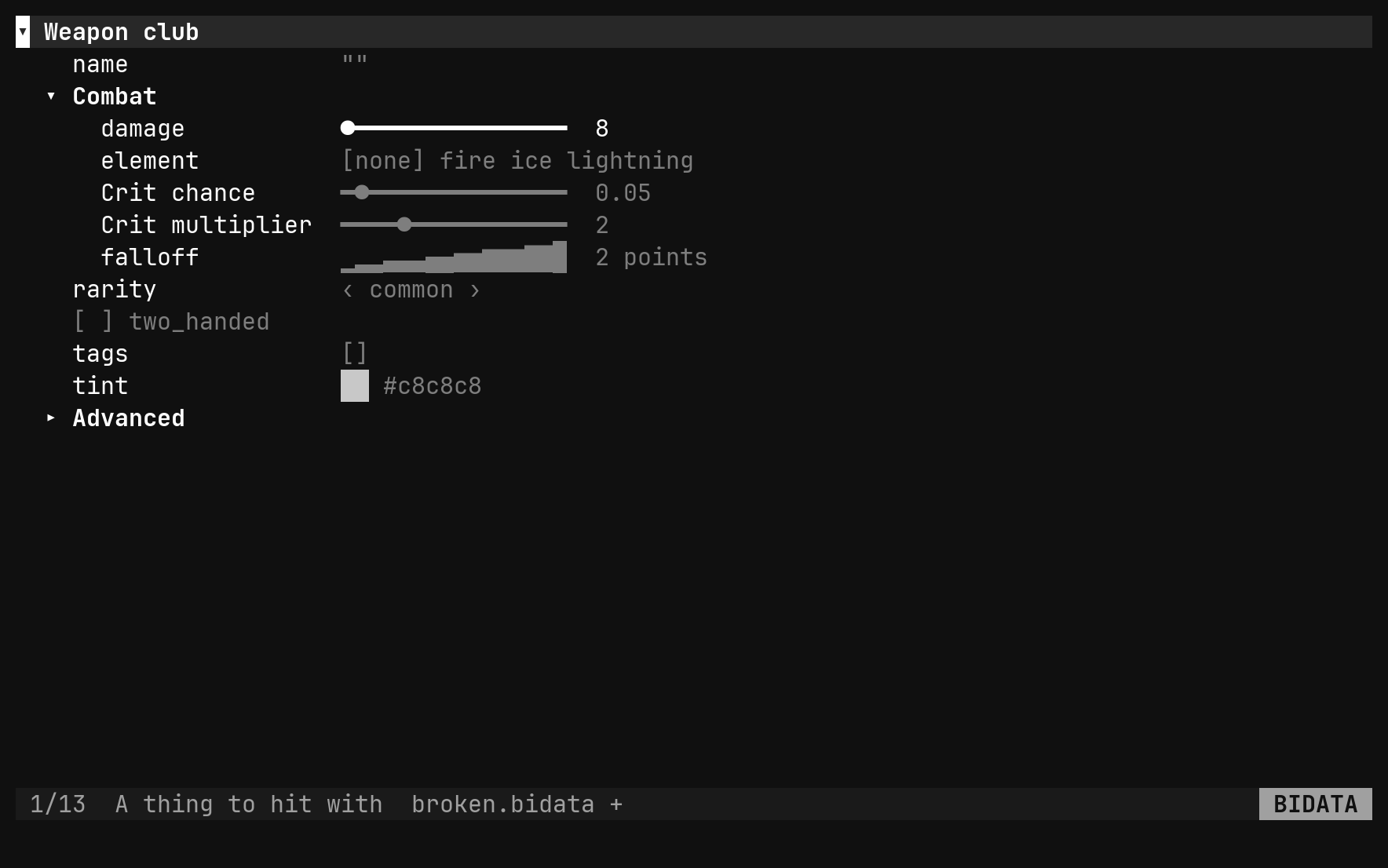
These four work on a file that does not parse, which is the point of them.
Such a file opens as text with the reason on the status line — no $schema,
or what the JSON did wrong — and these mend it from there; :set editor bidata
keeps the view up with the error as its one row while you do.
| Command | Does |
|---|---|
:bi init | writes the skeleton over the buffer, guessing $schema |
:bi sample | writes the sample of this file’s kind over the buffer |
:bi schema [path] | sets a data file’s $schema, or reports it |
:bi migrate | brings an older $dialect up to bi/1 |
:bi with no arguments lists the whole family.
Writing
:w normalises as it writes: a key equal to its default goes, keys come out in
the schema’s order with $type and $id first, unknown keys last, and the
layout is bi’s own — two-space indent, one property per line at the top and
inside each definition and instance, everything deeper inline. A hand-written
file is reformatted once, on the first edit, and never again.